Google Chat: Keep Team Messages Connected to the Work
Google recently outlined enhancements to Google Chat that make it more than a place for quick messages. The direction is clear: team conversations are becoming closer to the files, tasks, apps, and security controls that keep daily work moving.
For Blue Chip clients using Google Workspace, that matters because chat tools can either reduce confusion or create another disconnected inbox. The difference is whether Chat is planned as part of the wider Workspace environment instead of being treated as a casual side channel.
Messaging should not become another information silo
Many small and medium businesses already have too many places where work can hide: email threads, WhatsApp groups, shared folders, personal drives, spreadsheets, phone calls, and meeting notes. Adding a business chat platform without structure can make the problem worse.
A managed Google Chat rollout gives teams a better option. Spaces can be organized around departments, projects, locations, clients, or internal workflows. Drive files can be shared in context. Tasks can be assigned from the conversation. Chat can sit inside Gmail, so users do not have to jump between disconnected tools all day.
The goal is not more messaging. The goal is fewer lost decisions.
Better collaboration inside the tools staff already use
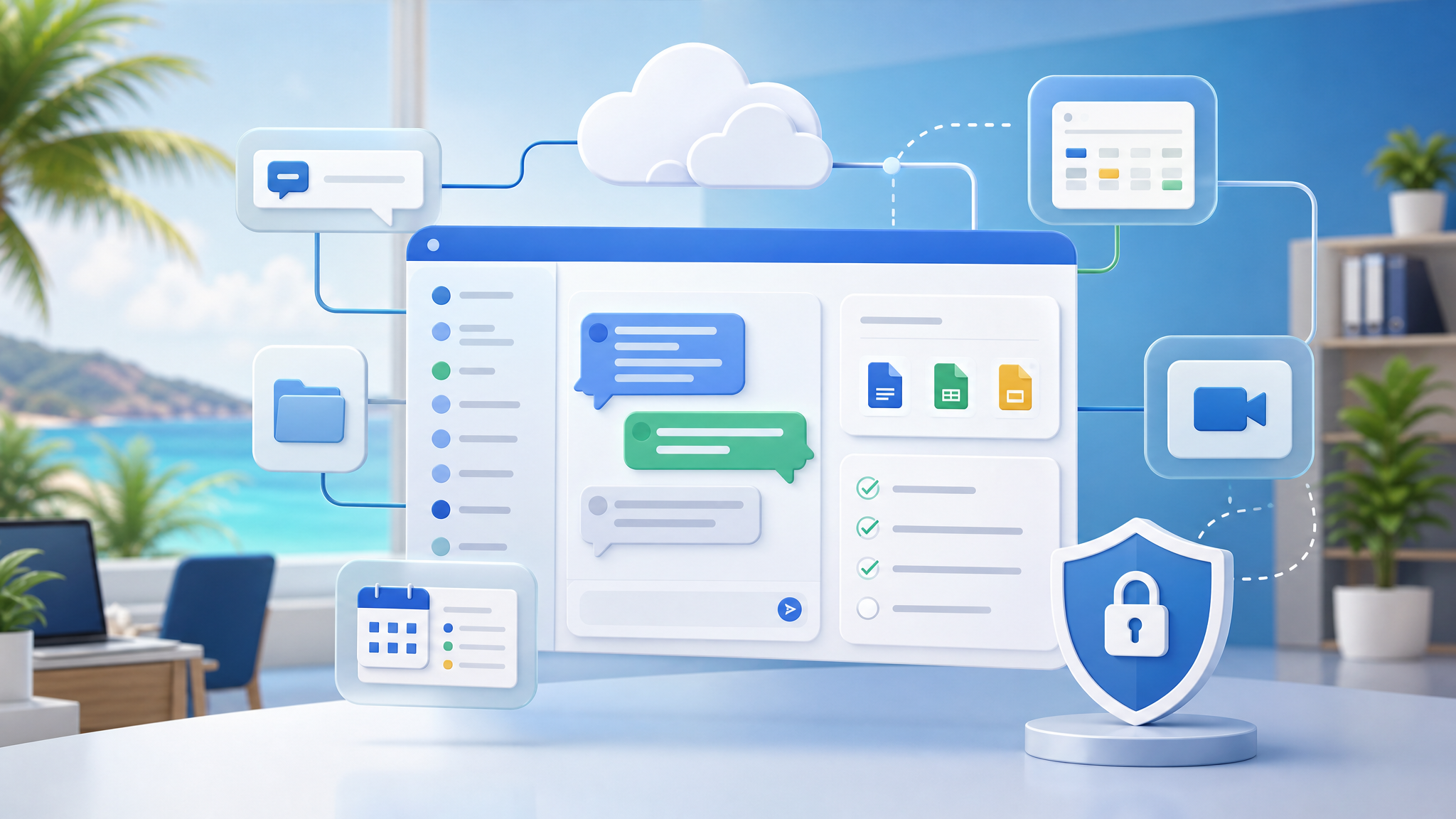
Google's article highlights tighter integration between Chat and the rest of Workspace, including Drive, Tasks, Gmail, focus time, apps, and group-based space management. For a business team, those details add up.
Practical examples include:
- a sales team keeping proposal drafts, customer questions, and follow-up tasks in one space
- an operations team sharing Drive documents without starting a new email chain each time
- managers using announcement spaces for policy updates or location-specific notices
- project teams assigning action items directly from the conversation
- staff reducing notification noise when Calendar focus time is active
- frontline or support teams using approved Chat apps instead of scattered manual updates
That kind of workflow is especially useful for Trinidad and Tobago SMBs where lean teams often handle customer service, purchasing, operations, finance, and management with limited admin time.
Security and administration matter
Business chat needs governance. Google Chat benefits from being part of the Workspace security model, including admin controls, access policies, data protection features, and integration with Google Groups for easier membership management.
That gives IT and management a clearer way to answer important questions:
- Who should be allowed into each space?
- Which spaces are official business channels?
- Can sensitive information be shared there?
- How are staff added or removed when roles change?
- Which third-party apps are approved?
- What happens to project knowledge when an employee leaves?
Without those rules, chat becomes another unmanaged archive. With the right setup, it becomes a controlled collaboration layer.
Where AI and automation fit
Google also connects Chat to AI-assisted workflows and app integrations. For clients, the useful angle is not novelty. It is reducing small repetitive tasks: finding context, drafting updates, surfacing files, routing requests, or building simple internal workflows with approved tools.
That still needs human review and business rules. AI-assisted chat should help staff move faster, not bypass approval, security, or customer-care standards.
How Blue Chip helps
Blue Chip can help clients review whether Google Chat is being used effectively as part of Google Workspace. That includes space structure, user groups, permissions, retention expectations, third-party app approvals, staff training, and licensing fit.
For some businesses, the first step may be simple: clean up existing spaces, define naming standards, and separate official channels from informal chatter. For others, it may include connecting Chat to Drive workflows, support processes, project management, or internal approval steps.
Google Chat is most valuable when it keeps conversations close to the actual work. With the right rollout, it can reduce email overload, improve follow-through, and give management a cleaner collaboration system without forcing staff into a completely separate platform.
Source: Google Workspace Blog — Announcing the launch of an enhanced Google Chat.