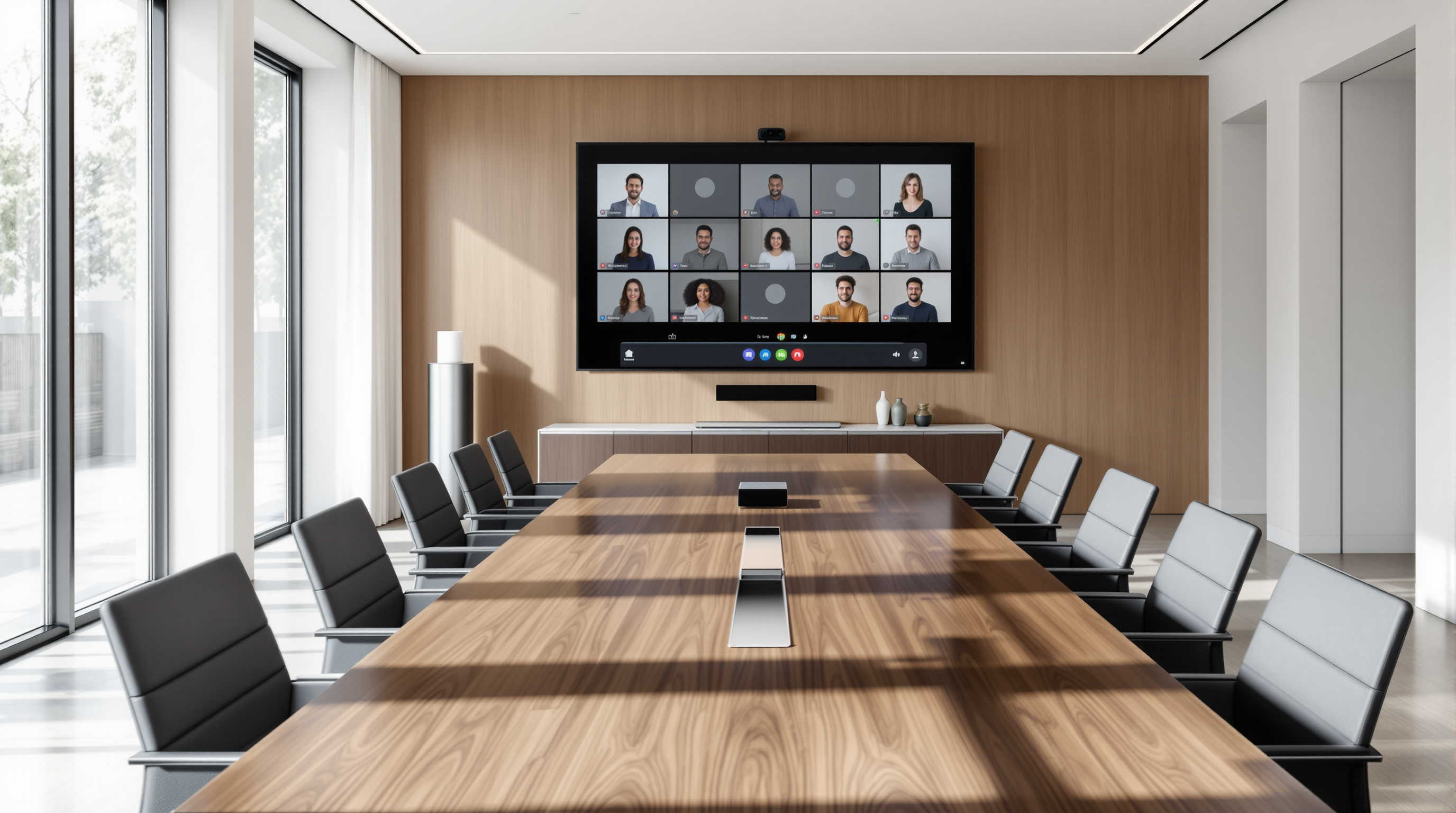
Google Meet hardware can now join Microsoft Teams meetings—and vice versa—without any third-party bridges or workarounds. If your organisation runs Google Workspace but regularly collaborates with clients or partners on Teams, this built-in interoperability means your conference room devices simply work with both platforms. No more scrambling for laptops or asking guests to dial in from their phones.
Why does meeting room interoperability matter?
Most businesses don't operate in a single-vendor bubble. Your team might live in Google Meet, but your accountants, lawyers, or biggest customer could be firmly in the Microsoft camp. Until now, joining a Teams call from a Google Meet room device meant clunky workarounds—plugging in a laptop, using a separate gateway service, or just giving up and taking the call from your desk.
This update removes that friction. Android (AOSP)-based Google Meet hardware can now connect directly to Teams meetings, and Teams Rooms devices can join Google Meet calls the same way. It's native, it's supported by Google, and it's available now.
What do you actually need?
To use this feature, you'll need:
- Google Meet hardware running Android (AOSP) – this includes devices like the Google Meet Series One range and certified partner hardware
- A Google Workspace subscription – any tier with Meet hardware support qualifies
- Admin configuration – your Workspace admin must enable the option to join third-party video conferencing services
That last point is worth highlighting. This isn't switched on by default, so someone with admin access needs to tick the right box in the Google Admin console.
How do you set it up?
- Sign in to the Google Admin console.
- Navigate to Devices > Google Meet hardware.
- Select the organisational unit containing your meeting room devices.
- Enable the setting to allow Meet hardware to join third-party video conferencing services.
- Save your changes—rollout typically takes a few minutes to an hour.
Once enabled, users can join a Teams meeting directly from the room device by entering the meeting link or using the calendar integration if the invite is on a synced calendar.
Does it work the other way around?
Yes. If your partners or clients have Microsoft Teams Rooms devices running on Android (AOSP), they can join your Google Meet calls using the same interoperability. This is genuinely two-way—handy when you're hosting rather than attending.
What about call quality and features?
Google hasn't published detailed feature-parity documentation yet, so expect some limitations compared to native Meet-to-Meet or Teams-to-Teams calls. Screen sharing, chat, and basic video/audio should work, but advanced features like breakout rooms or live captions may behave differently. We'd recommend testing with a quick internal call before your next board meeting with external stakeholders.
Frequently asked questions
Do I need to buy new hardware?
No—if your existing Google Meet room devices run Android (AOSP), they're already compatible. Check your device specs in the Admin console if you're unsure.
Is there an extra licence cost?
Google hasn't indicated any additional fees for this interoperability. It's included with your existing Workspace subscription and Meet hardware.
Can I restrict which rooms have this enabled?
Yes. You can apply the setting at the organisational unit level, so head office might have it enabled while branch offices don't—or vice versa.
When did this go live?
General availability began 1 October 2026, with full rollout over one to three days for both Rapid and Scheduled Release domains.
If you're running Google Workspace and want to make sure your meeting rooms are configured correctly—or you're considering upgrading your video conferencing setup—we can help. Blue Chip Technologies Ltd. supports businesses worldwide with Google Workspace deployment and ongoing management, including remote setup and configuration.
Get in touch: