For many small and mid-sized businesses, video is useful but hard to sustain. A team may need onboarding material, sales explainers, HR updates, training clips, product walk-throughs, or customer instructions, but recording, editing, branding, and re-recording can quickly become too much work.
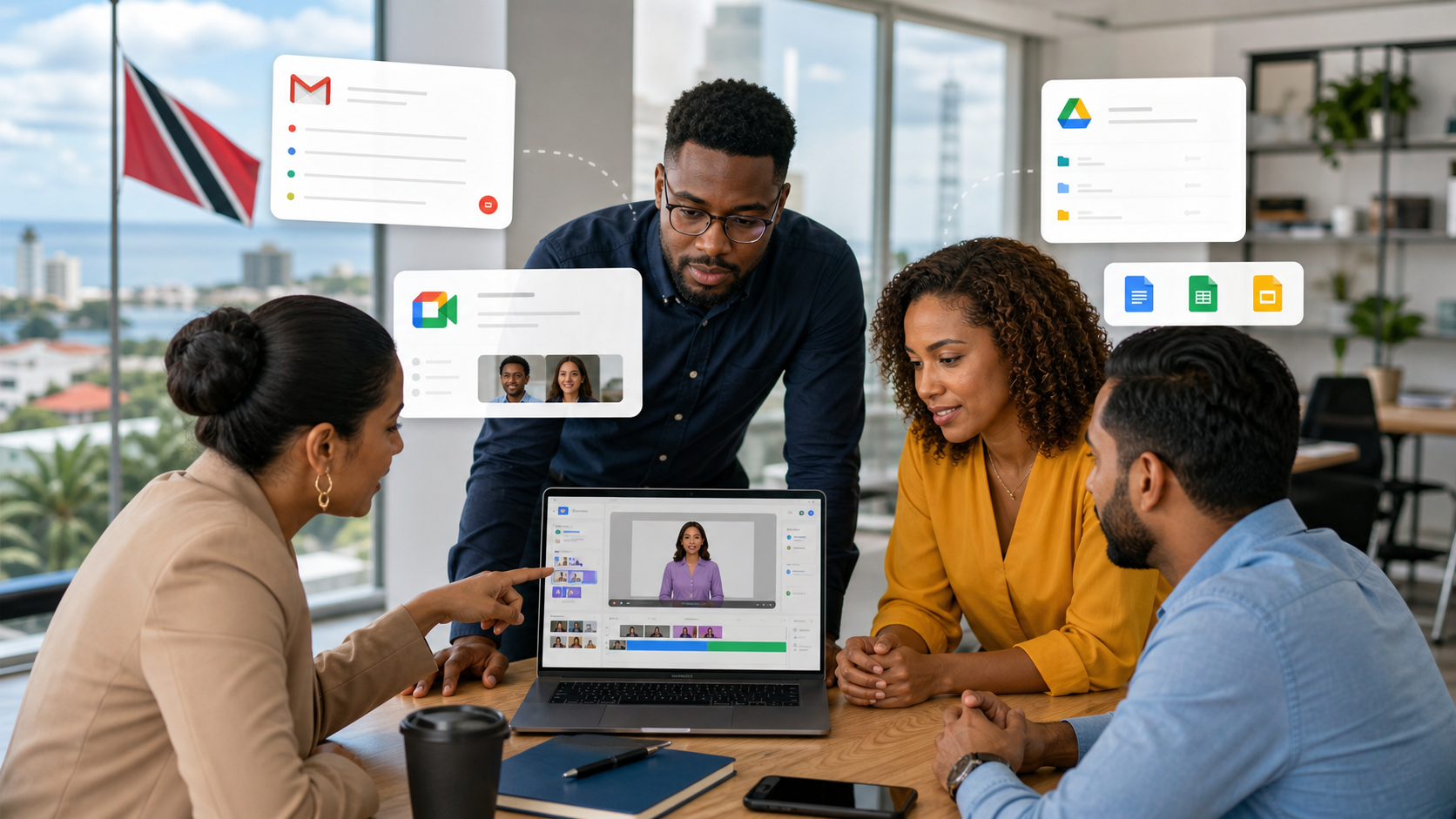
Google's latest Workspace Drop for Google Vids and Gemini is worth watching because it moves video creation closer to the everyday tools teams already use. Instead of treating video as a separate creative department, Google is making it part of the Workspace workflow alongside Gmail, Meet, Drive, Docs, and the rest of the collaboration stack.
Google Vids can reduce the friction around business video
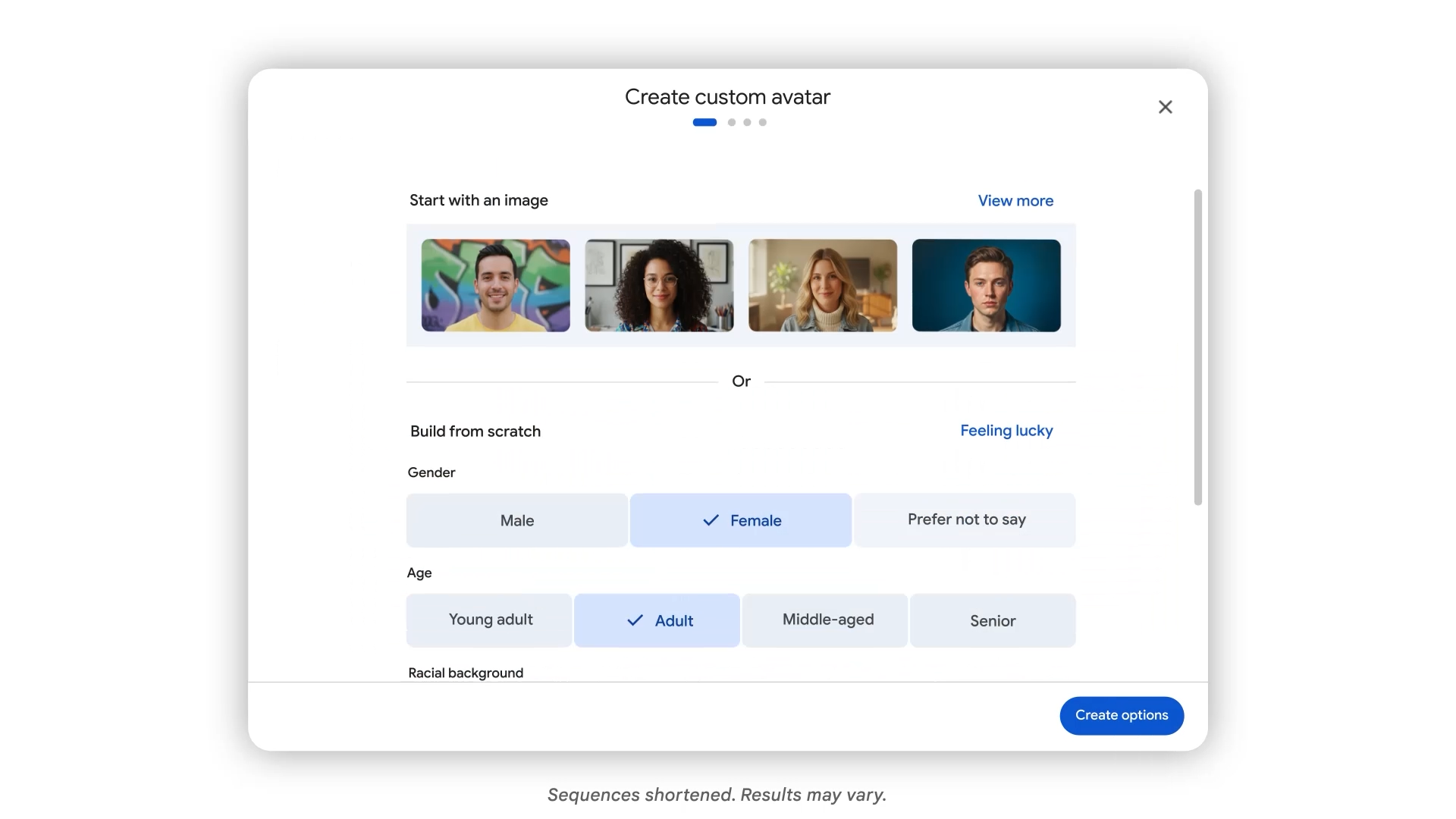
Google Vids already helps users create videos from prompts, templates, and Workspace content. The new avatar updates push that further by letting businesses create more consistent presenters for internal and customer-facing videos. That matters for companies that want a professional look but do not have time to schedule a studio session every time a process changes.
For Trinidad and Tobago SMBs, the practical use cases are straightforward:
- Short onboarding videos for new staff.
- Sales introductions for common products or services.
- Policy and compliance refreshers that are easier to watch than a long memo.
- Step-by-step operational guides for branch teams.
- Customer support explainers that reduce repeated questions.
AI avatars make repeatable communication more scalable
The interesting part is not novelty. It is repeatability. When a business can use an approved avatar, voice, scene, and message style, it can produce consistent communication without relying on one person to be available for every recording.
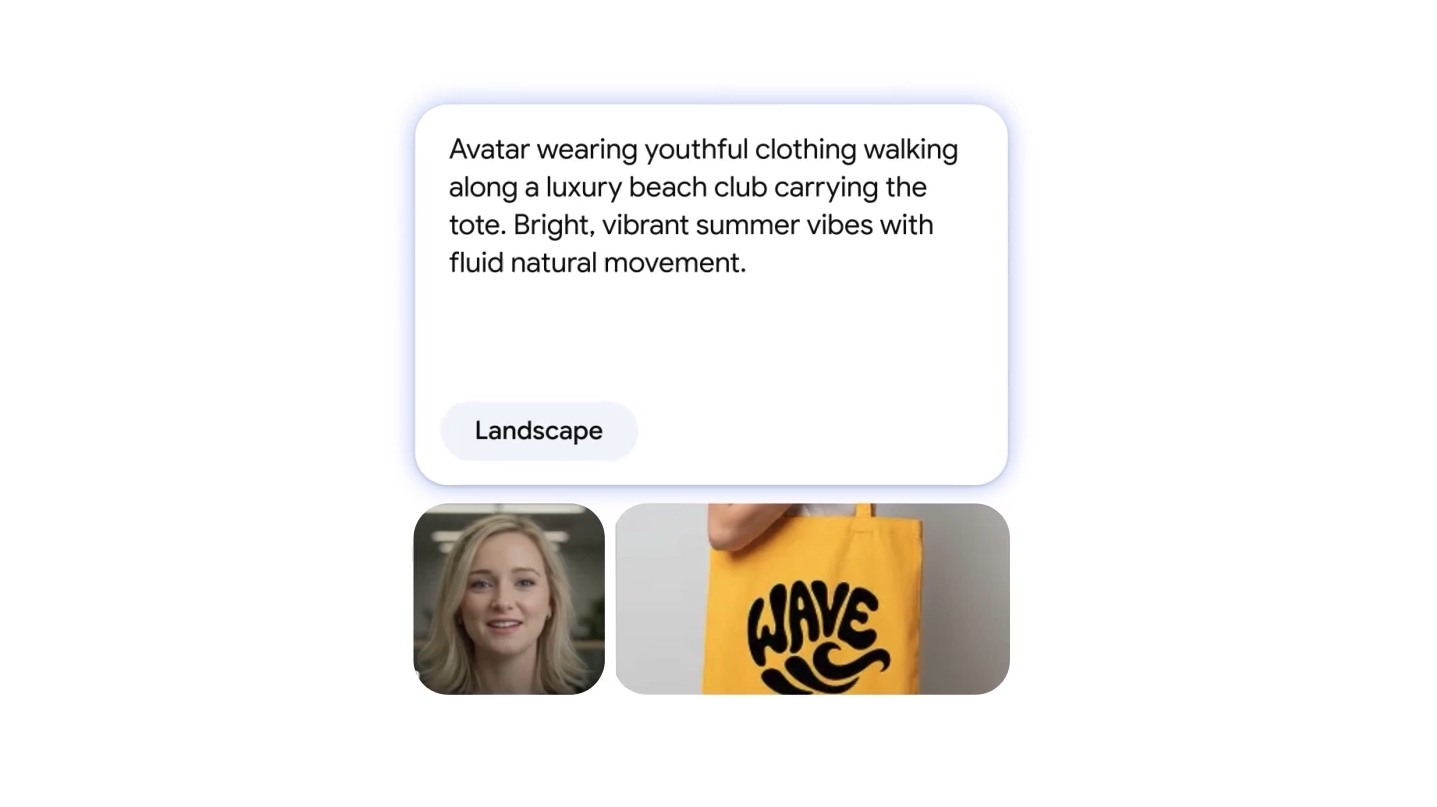
Google also highlighted more directorial control for avatars, so teams can place a presenter into relevant scenes and create more specific clips. That could help a retailer explain a product, a school share student-facing instructions, a professional services firm introduce a process, or a support team show a workflow without making every video from scratch.
Gmail and Meet improvements support the same workflow
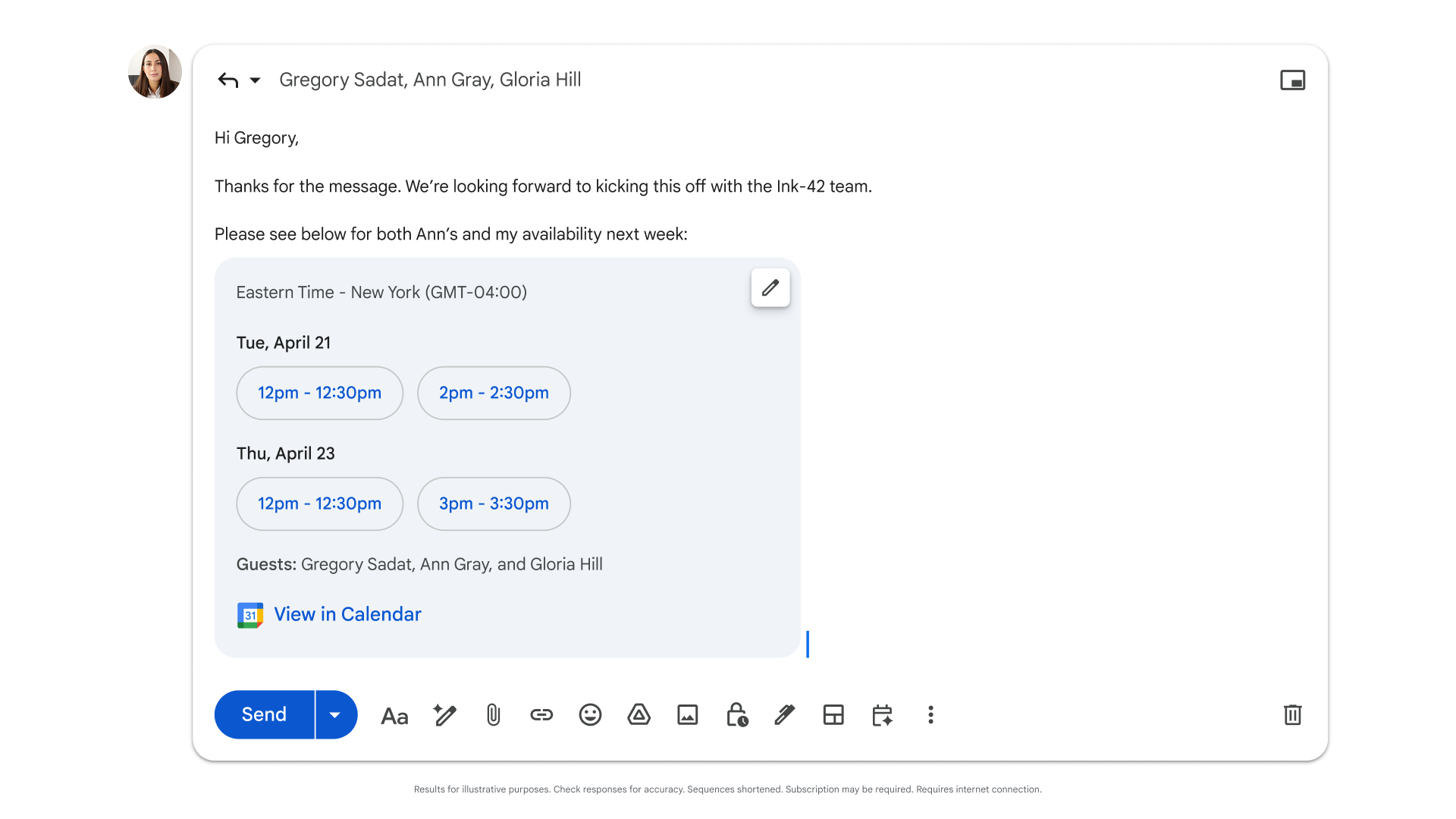
This Workspace Drop is not only about Vids. Google also described group scheduling in Gmail, more language support for Gemini in Meet, and the ability to resume past Gemini conversations inside Workspace apps.
Those details matter because the real business workflow is rarely just one app. A manager may schedule a training session in Gmail, discuss the topic in Meet, prepare the source notes in Docs, store the final asset in Drive, and then create a short video in Vids for people who missed the meeting. When those tools work together, less time is lost moving information between places.
Where licensing and governance matter
Not every Google Workspace account will have every AI capability in the same way, and some advanced generation features depend on specific Gemini or AI plan entitlements. That is the part businesses should plan carefully instead of enabling everything casually.
Blue Chip Technologies typically looks at three areas before recommending this kind of rollout:
- Licensing fit: which Workspace and Gemini plans match the users who actually need AI-assisted video and meeting workflows.
- Data governance: what type of company content can be used in prompts, videos, Drive files, and shared assets.
- Change management: templates, approval rules, training, and support so teams produce useful material instead of noisy content.
Why this matters for local businesses
For Trinidad and Tobago companies, the value is not "AI video" by itself. The value is faster communication. If your team can explain a new process once, publish it clearly, keep it on-brand, and update it when the process changes, you reduce repeated meetings and repeated support questions.
Google Workspace already gives many businesses the foundation: business email, shared calendars, Drive storage, Meet, Docs, Sheets, Slides, and admin controls. Google Vids and Gemini can extend that foundation into more practical training, sales enablement, HR, and customer education workflows when deployed with the right licensing and guardrails.
Blue Chip Technologies can help evaluate Google Workspace plans, Gemini add-ons, security settings, user training, and rollout steps so these tools support real work instead of becoming another disconnected experiment.
Source: Google Workspace Blog, Workspace Drop: New easy ways to create and share videos with AI in Google Vids, published April 2, 2026.