
Google's latest Workspace article on the agentic AI era is a useful reminder for Trinidad and Tobago SMBs: the next stage of AI is not only better prompts. It is about setting up reliable workflows where AI can use business context, follow defined instructions, call the right tools, and still leave people in control of decisions.
In Building a foundation for the agentic AI era, Google argues that organisations should prepare for agentic workflows by building in three areas: mindset, AI fluency, and ecosystem. That is a sensible way to look at Google Workspace and Gemini adoption locally. The businesses that get value first will not be the ones that buy every new licence at once. They will be the ones that choose practical workflows, clean up their data access, train users properly, and build review into the process.
What Agentic AI Means In Plain English
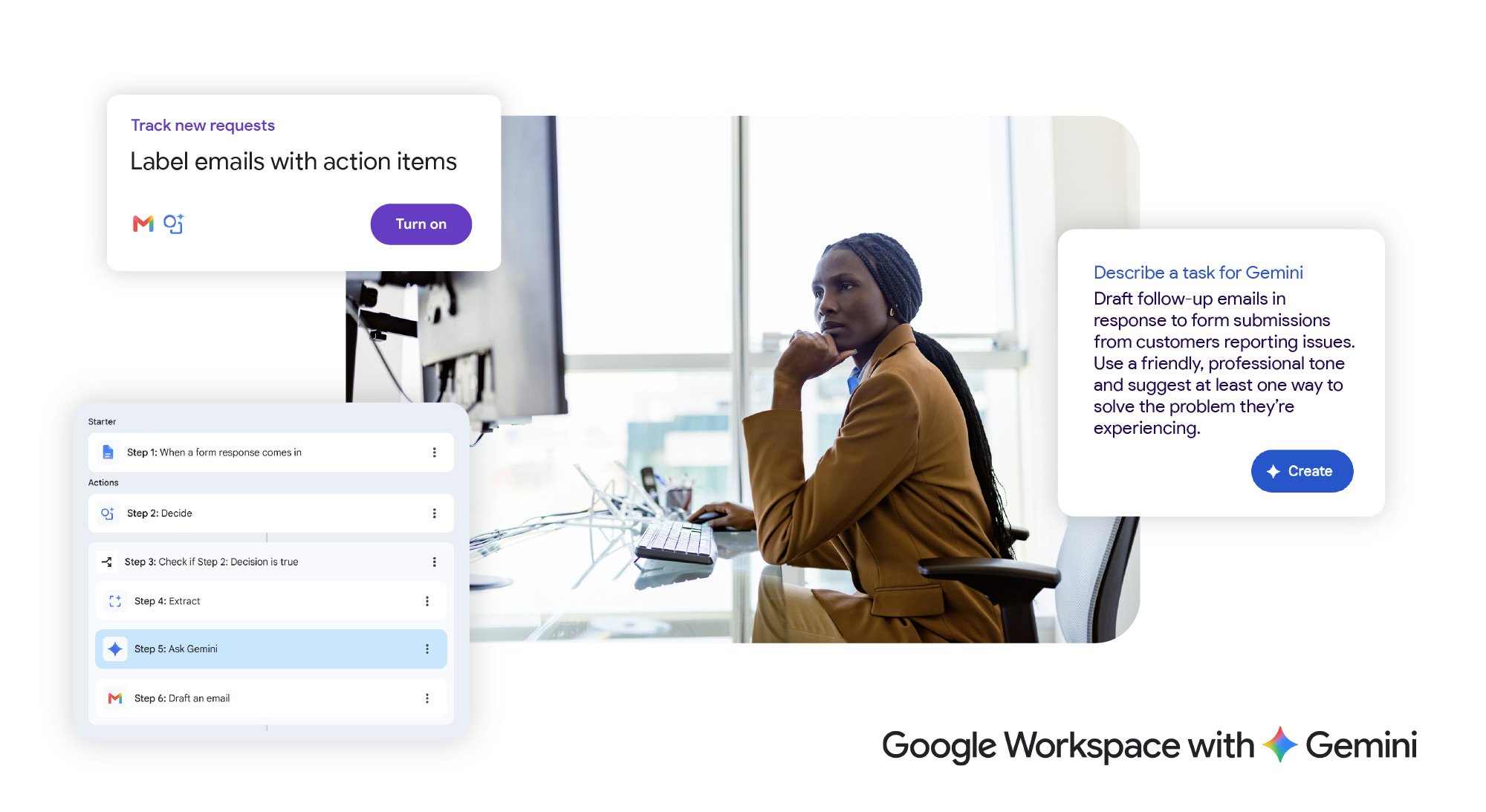
An AI assistant waits for a user to ask for a draft, a summary, or a spreadsheet formula. An agentic workflow goes a step further. It works from a goal, uses context, breaks the job into steps, and can orchestrate work across connected apps. Google describes the key ingredients as context, reasoning, and orchestration. For an SMB, that could mean an onboarding workflow that finds the right HR policy, prepares a checklist, drafts the welcome email, and flags the manager for approval.
This is why the groundwork matters. If files are scattered, permissions are too broad, old policies are mixed with current ones, and staff are not clear on what AI should or should not do, an agent can move quickly in the wrong direction. The value comes when the business has clean sources of truth, sensible access control, and clear instructions for the workflow.
Start With Real Workflow Pain
The best first use cases are usually boring, frequent, and measurable. Sales teams may need better handoffs after a quote request. Admin teams may need faster document lookup. Managers may need meeting notes turned into action lists. Operations teams may need recurring reports summarised from Sheets, Docs, Drive, Gmail, and Meet. HR may need new staff to find approved policies without interrupting the same person every week.
Google's article points to tools such as Gemini in Docs, Sheets, Meet, and Gmail, NotebookLM, Workspace Studio, and Gemini Enterprise. The practical lesson is to build from the work your team already does. If staff are already using Gemini to draft messages, summarise meetings, and analyse spreadsheet content, the next step is to identify where those tasks join together into a repeatable process.
Governance Is Not Optional
Agentic AI is most useful when it can see relevant business context. That also makes governance more important. Before rolling out advanced Gemini or agent workflows, a business should review Drive permissions, shared folders, departed-user access, sensitive HR and finance files, external sharing, and which users actually need AI licences. AI readiness is partly a licensing exercise, but it is also a security and information-management exercise.
Human review should stay part of the workflow. An agent can prepare a client follow-up, summarise a policy, or create a tracker, but a person should approve sensitive messages, final numbers, HR decisions, financial assumptions, and client-facing commitments. That balance lets the business move faster without pretending that AI removes responsibility.
How Blue Chip Technologies Helps
Blue Chip Technologies can help Trinidad and Tobago businesses assess Google Workspace and Gemini readiness, review licensing fit, clean up permissions, identify the first workflows worth automating, train users, and support the rollout after launch. The aim is not to chase hype. It is to make Workspace more useful in the places your staff already work every day.
If your team is already using Gmail, Drive, Docs, Sheets, Meet, and Chat, this is a good time to look at where Gemini and agentic workflows could reduce repeated admin work while keeping control in place. Contact Blue Chip Technologies for Google Workspace/Gemini licensing, readiness checks, rollout planning, user training, and support.