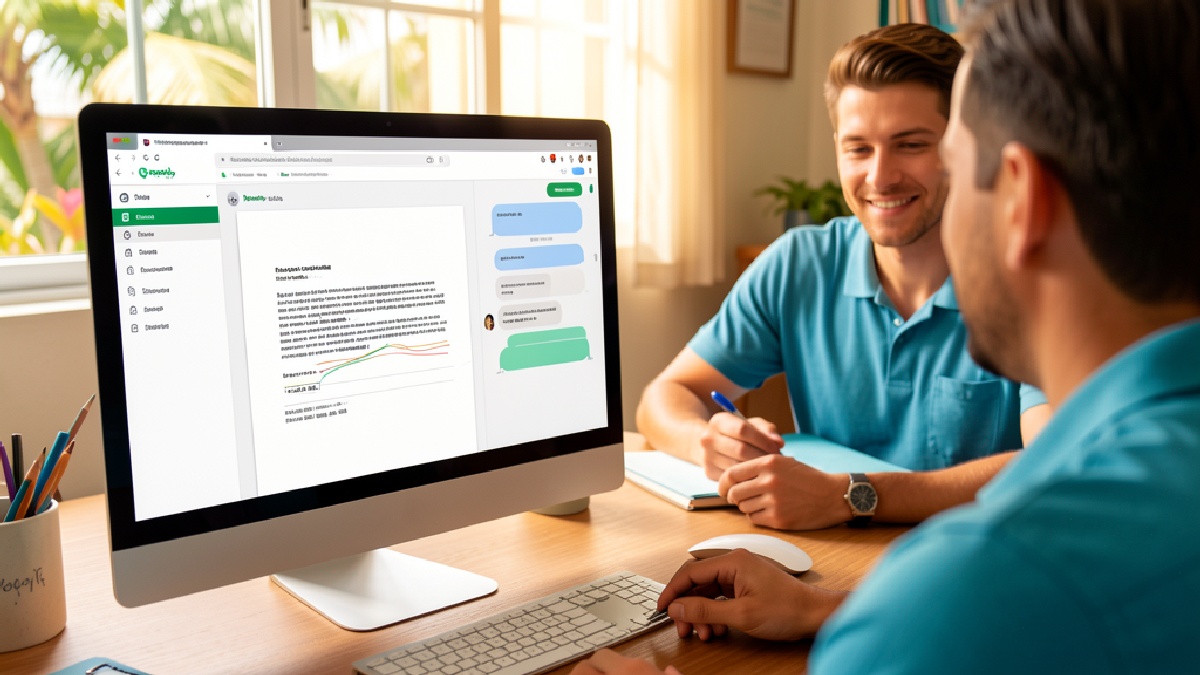
Google Workspace AI: Start With Work That Actually Saves Time
AI is easiest to justify when it removes work that people already know is painful.
Google's recent Workspace article on small businesses using AI is useful because it avoids treating AI as a novelty. The examples are practical: less paperwork, faster reporting, better content reuse, easier access to long documents, stronger meeting follow-up, and more consistent customer communication.
For Trinidad and Tobago SMBs using Google Workspace, that is the right starting point. Do not begin with the question, "How do we use AI everywhere?" Start with, "Where is the team losing time every week, and can Gemini help inside the tools they already use?"
Look For Repeated Work, Not Impressive Demos
Most SMBs have a few workflows that quietly consume hours:
- searching old email threads for an approved decision
- rebuilding the same spreadsheet report every month
- turning meeting notes into follow-up tasks
- drafting case studies, product updates, or customer emails from scattered material
- checking long supplier, school, project, or compliance documents for one specific answer
- creating internal training or marketing content from existing company knowledge
Those are better AI candidates than vague "innovation" projects. They already happen. They already cost time. They already affect service quality.
Google's article highlights small businesses using Gemini, Google Workspace, and NotebookLM to organize stock tracking, analyze meeting and financial information, create case studies, repurpose content, summarize meetings, and keep brand knowledge available to the team. The specific companies are in the United States, but the workflow lesson applies locally: AI is useful when it shortens real business processes.
Google Workspace Is A Practical Place To Start
For many local businesses, Google Workspace is already where daily work lives:
- Gmail for customer, supplier, and internal communication
- Drive for company files and shared folders
- Docs for policies, proposals, letters, and reports
- Sheets for lists, stock, jobs, billing checks, and tracking
- Slides for presentations and training material
- Meet for customer calls, internal meetings, and vendor discussions
- Chat for team coordination
Gemini becomes more useful when these tools are organized properly. If files are named clearly, shared drives are structured, permissions make sense, and staff understand where records belong, AI assistance has better context and lower risk.
If Drive is a dumping ground and sensitive folders are overshared, AI will not fix the underlying problem. It may simply make weak information management more visible.
Good First Workflows For SMBs
Blue Chip would normally recommend starting with one or two measurable workflows rather than switching every AI feature on at once.
Good pilot candidates include:
- Sales: summarize customer history from Gmail and Drive before a follow-up call.
- Operations: turn meeting notes into action items and status updates.
- Finance/admin: help analyze recurring spreadsheet reports and explain trends.
- HR: draft onboarding material from approved company documents.
- Marketing: repurpose one approved case study into web, email, and social copy.
- Management: prepare weekly briefings from project notes, email threads, and shared files.
- Service teams: draft clear customer updates from ticket notes and prior communication.
Each pilot should have a simple before-and-after measure. How long did the task take before? How many people were involved? Did the output improve? Were fewer follow-ups needed? Did users actually trust the result?
That is how AI licensing becomes a business decision instead of a guess.
Governance Comes Before Scale
AI features should not bypass normal business controls.
Before rolling Gemini out widely, businesses should review:
- MFA and account security
- admin role assignments
- Drive sharing and external access
- shared drive ownership
- user onboarding and offboarding
- retention and Google Vault requirements where needed
- acceptable-use guidance for sensitive customer, HR, legal, and finance data
- which departments should receive Gemini access first
- how staff should review AI-generated outputs before sending or publishing
This does not need to become a heavy policy project. For most SMBs, a short, practical AI usage guide and a clean Workspace configuration are enough to start responsibly.
Licensing Should Match The Workflow
Not every user needs the same level of AI access. Some staff may only need core Workspace tools. Others may benefit from Gemini because their role involves heavy writing, analysis, meetings, reporting, or customer follow-up.
A sensible licensing review should answer:
- Which teams have the clearest productivity bottleneck?
- Which Workspace edition is currently in use?
- Which Gemini features are required for the desired workflow?
- Are there security, retention, or compliance requirements?
- How will the business measure value after 30 or 60 days?
- Who will support users when they get stuck?
For Trinidad and Tobago SMBs, the goal is not to overspend on AI. The goal is to apply it where the time savings and quality improvements are visible.
Where Blue Chip Fits
Blue Chip Technologies helps businesses plan, secure, license, and support Google Workspace environments. For AI adoption, that means pairing the software with practical workflow design and managed support.
We can help with:
- Google Workspace and Gemini licensing review
- Gmail, Drive, Docs, Sheets, Slides, Meet, and Chat workflow planning
- shared drive and permission cleanup
- MFA, admin security, and account hardening
- Google Vault and retention planning where required
- practical AI usage guidance for staff
- pilot workflow design and measurement
- helpdesk support after rollout
AI should make everyday work faster and clearer. When it is introduced carefully, Google Workspace with Gemini can help local businesses reduce admin drag, reuse company knowledge, improve customer follow-up, and give managers better visibility into work already happening across the team.
The best first step is simple: choose one workflow that wastes time every week, clean up the data around it, give the right users access, and measure whether Gemini improves the result.
Source: Google Workspace Blog - How AI is giving small businesses a major advantage.