Google Workspace Intelligence Needs Governance Before It Becomes Work
Google has been moving Workspace from separate productivity apps toward a more connected AI work layer. Its Workspace Intelligence announcement is a clear example: Gemini is being positioned to understand files, email, chat, projects, collaborators, and company knowledge together instead of treating each app as a separate island.
That can be genuinely useful. It also changes the management problem.
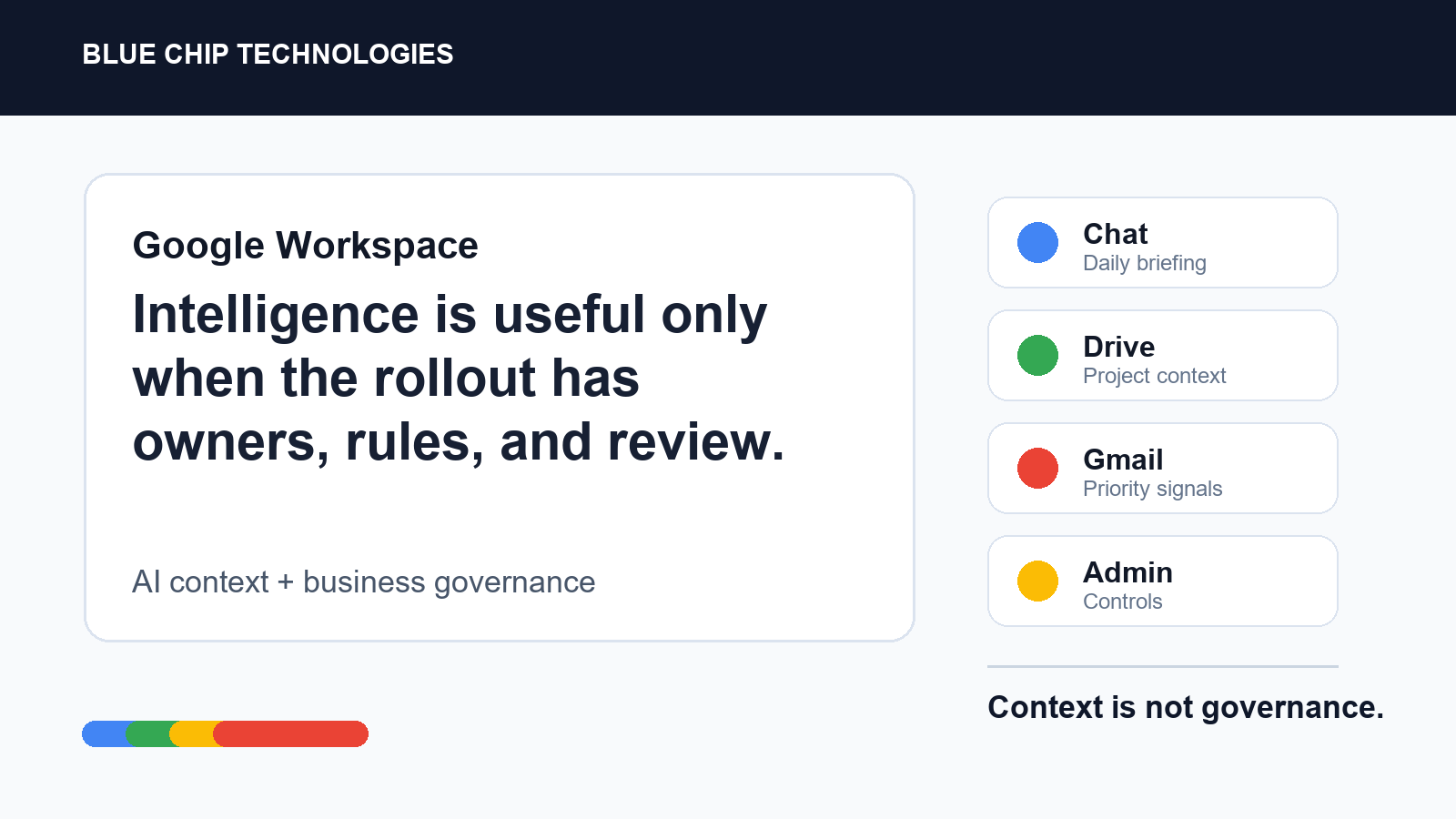
If Google Workspace starts helping users gather information, prioritize work, draft documents, search across Drive, summarize Gmail, and act from Chat, the question is no longer only "can the tool do it?" The better question is: who owns the workflow, who checks the output, and what data is allowed to shape the answer?
What changed
Google's announcement highlights several areas businesses should pay attention to:
- Ask Gemini in Chat is being positioned as a command point for work, including daily briefings, task awareness, document generation, file discovery, scheduling help, and third-party connectors.
- Gmail features such as AI Inbox and AI-powered search summaries are aimed at reducing the time spent digging through messages.
- Drive is becoming more active, with AI Overviews, Ask Gemini, and Drive Projects intended to organize files and provide context around team work.
- Docs, Sheets, and Slides are gaining more AI-assisted creation and editing features that can use Workspace context.
- Google is also emphasizing admin controls, security, compliance posture, data-region options, and client-side encryption for sensitive environments.
None of that is a small toggle. It is a workflow change.
Why SMBs should not roll this out casually
For a small or mid-sized business, the risk is not usually that staff will use AI. They already will. The risk is that AI gets quietly mixed into normal work before the company has decided the basics:
- Which teams are allowed to use AI features for customer, HR, finance, or legal material?
- Which shared drives and labels contain sensitive information?
- Who reviews AI-generated drafts before they leave the company?
- Which automations are allowed to touch third-party systems such as ticketing, CRM, or project tools?
- What happens when an AI summary misses context from a call, attachment, or older thread?
The productivity upside is real, but so is the chance of confident wrongness at business speed.
A sane rollout plan
Start with bounded use cases. Meeting summaries, internal document drafts, inbox triage, and searching company knowledge are reasonable places to begin. Avoid starting with customer commitments, legal positions, finance decisions, or unattended automation.
Then put simple controls around the rollout:
- Assign an owner for Google Workspace AI governance.
- Review admin settings before enabling broad access.
- Confirm which users, groups, and shared drives are in scope.
- Create a short internal rule for what staff can and cannot paste, summarize, or send.
- Require human review before AI-generated content goes to customers, suppliers, banks, regulators, or employees.
- Keep a record of high-value workflows that AI is helping with, so the business can improve the process instead of just adding another feature.
The practical takeaway
Workspace Intelligence is a sign of where office software is going: less app switching, more contextual assistance, and more work happening from the tools staff already live in.
That is useful, but it needs ownership. If your business uses Google Workspace, treat AI features like a managed system, not a novelty. Decide the workflow, confirm the security posture, train the users, and keep review points in the process.
The goal is not to stop people using AI. The goal is to make sure it helps the business move faster without making quiet messes that only show up later.
Source: Google Workspace Blog - Introducing Workspace Intelligence.