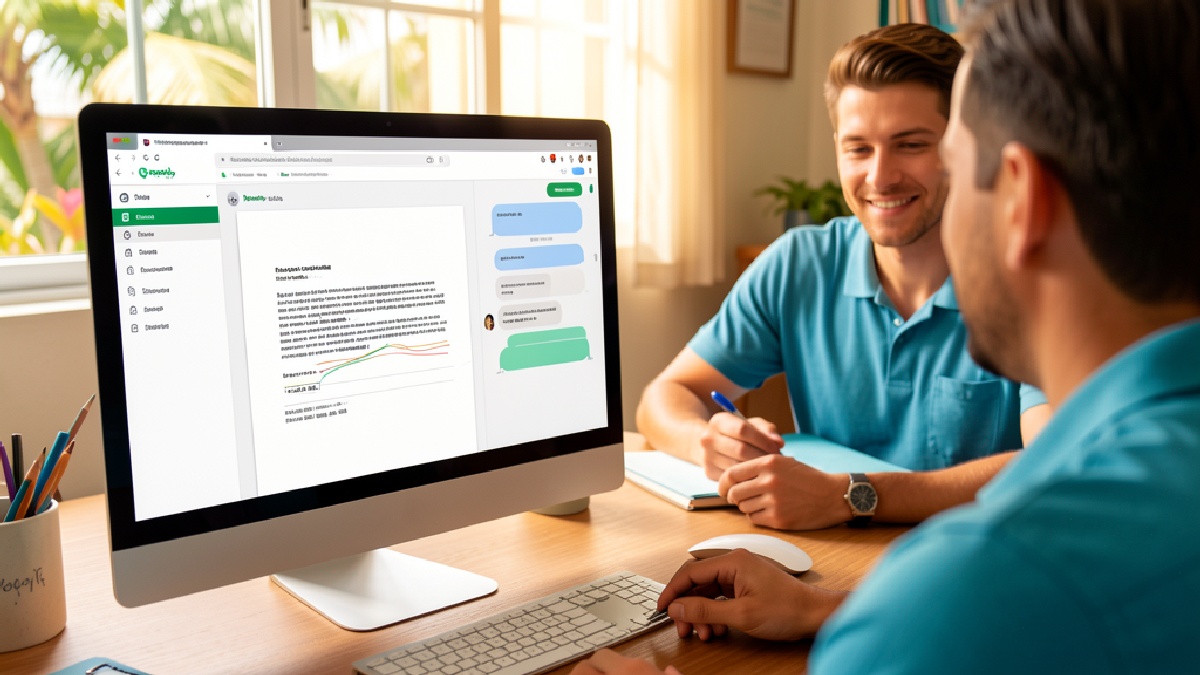
Workspace Intelligence: What T&T SMBs Should Know
Google launched Workspace Intelligence in April 2026, and it's the kind of update that changes how your team actually works. Not hype. Not another feature. A genuinely different approach to getting work done across email, documents, and files.
If your team is scattered—working from different locations, jumping between Gmail, Google Drive, and spreadsheets, losing context between apps—this matters to you.
What Workspace Intelligence Actually Does
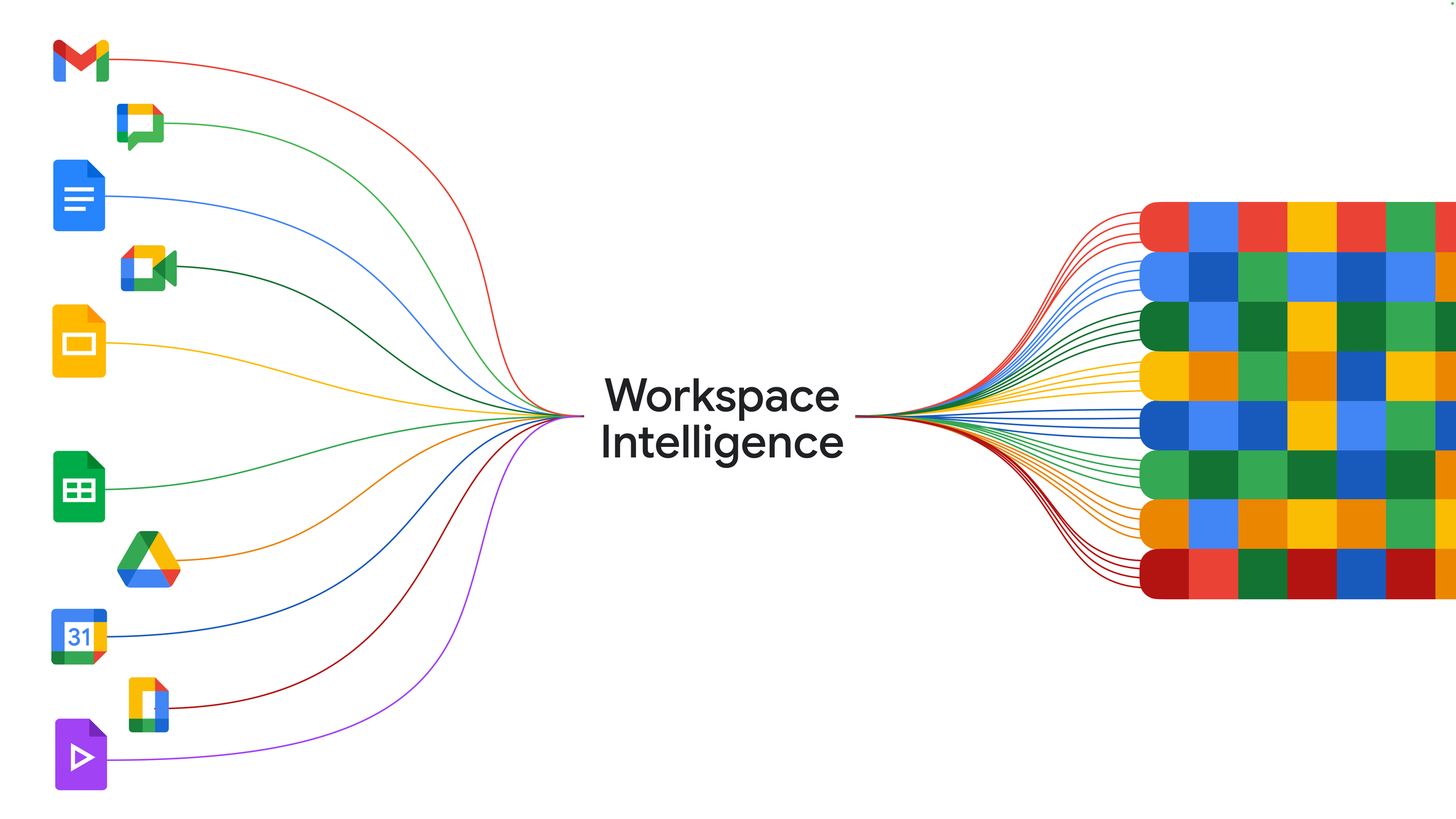
Source visual: Google Workspace Blog.
Instead of building AI into individual apps, Google built a system that understands your entire work picture. It knows your emails, your active projects, who you're collaborating with, and what's in your files. Then it acts on that knowledge.
This is different from having Gemini write you a paragraph in Docs. This is Gemini knowing what you're working on, who needs what, and what matters right now.
The Daily Briefing
Your team lead gets a daily briefing in Chat that surfaces the urgent items. Not everything. Just what matters—emails waiting on responses, deadlines creeping up, approvals needed. For a growing business juggling multiple projects, this cuts through the noise.
Find Files Without Searching
Instead of naming conventions or folder structures, you describe what you need. "Show me the Q2 budget files and emails from Finance." Workspace Intelligence finds them. This sounds small until you're in your fifth year of file sprawl.
Documents and Slides in Minutes
Generate a full, template-compliant slide deck for your investor meeting. Build a budget spreadsheet by describing what you need—revenue columns, monthly breakdowns, comparison to last year. Create infographics grounded in actual business data. These aren't generic outputs; they respect your company's formatting and style.
Connect Your Tools
If your team uses Asana, Jira, or Salesforce, Workspace Intelligence can pull information from those systems too. A CRM-based business can ask for "all overdue Salesforce deals and their attached emails" without switching apps.
How This Works for Trinidad and Tobago Businesses
Your business doesn't run on spreadsheets and email alone—you've got customer data, project timelines, vendor contracts, compliance requirements. Most teams waste time stitching information together across platforms. Workspace Intelligence handles that stitching.
Example 1: The Services Business
A consulting or engineering firm has clients, projects, timelines, and deliverables scattered across Drive, email, and Sheets. A project manager asks, "Show me all outstanding items for the Morrison contract." Instead of opening three apps and scanning emails, Workspace Intelligence pulls it together—documents, emails, action items, all in one view.
Example 2: The Retail or Hospitality Operation
A manager running multiple locations needs a daily briefing on inventory orders, staff schedules, and customer issues. Instead of checking five different channels, they get one briefing. They can ask Workspace Intelligence to generate a daily operations report using data from email, Drive, and Sheets. Templates stay consistent.
Example 3: Financial Services or Accounting
Non-bank financial institutions handle sensitive customer data across email, documents, and spreadsheets. Workspace Intelligence can synthesise data across files without moving it around unsecurely. Compliance requirements are easier to track because the system stays within your Workspace infrastructure.
Security and Governance: The Part That Matters
For a decision-maker, this is where Workspace Intelligence differs from generic AI tools.
Your data stays your data. Google doesn't review it. Doesn't use it for ads. Doesn't use it to train AI models outside Workspace—not without your permission. That matters for competitive information, client data, and financial details.
You control where it runs. Admin controls let you decide where Workspace Intelligence processes and stores data. You can lock it to US and EU regions (Germany and India coming). Some industries have compliance requirements about data residency; Workspace Intelligence respects them.
Client-side encryption is available. If your business handles sensitive data—healthcare information, financial records, personal client details—encryption means even Google employees can't access the raw data.
It's built on proven infrastructure. This isn't a separate experimental system. It runs on the same Workspace infrastructure your team relies on daily. It inherits the same security updates, compliance certifications, and audit logs.
For Trinidad and Tobago businesses with regulatory requirements or client confidentiality concerns, these controls matter more than feature lists.
What You Need to Roll This Out
Workspace Intelligence availability and licensing can vary by edition and rollout phase. If your team is already on Google Workspace, the right next step is to confirm eligibility, admin controls, data settings, and the pilot group before switching it on broadly.
The planning matters though. You'll want to:
- Decide which teams pilot it first (don't deploy across the organisation at once)
- Configure admin controls for data residency and encryption if your industry requires it
- Train teams on what Workspace Intelligence can actually do (so they use it, not just ignore it)
- Document how it integrates with third-party tools your team already uses
- Set up audit logging to understand how data flows
This is where a partner helps. Configuration, security setup, rollout planning, and team training aren't something you do casually. Getting it right saves months of confused adoption and misconfigured settings.
The Support Question
Google provides documentation and support through normal channels. But implementing Workspace Intelligence—particularly the security and governance bits—requires someone who understands your business, your data sensitivity, and your team's workflow.
Blue Chip Technologies helps with planning (what makes sense for your team), configuration (setting up controls correctly), security and governance (ensuring compliance), rollout (phased adoption without disruption), and training (so your team actually uses it).
If you're already on Workspace and comfortable with self-service rollouts, you can pilot independently. If you want it done right—integrated with your security requirements and your actual workflows—that's a conversation worth having.
The Practical Reality
Workspace Intelligence is built for the way real teams work: scattered across locations, switching between apps, losing context. It doesn't replace your brain or strategy. It handles the stitching—the information gathering, the pattern spotting, the summarising.
For a growing business in Trinidad and Tobago, that's useful. Your team's time is expensive. Context switching costs productivity. And rebuilding the same information view repeatedly across tools is wasteful.
If your team is already on Google Workspace, this is worth testing. Start small. See what actually saves time. Then decide whether to roll it out more broadly.
Next Steps
If you're managing a team on Google Workspace and want to understand how Workspace Intelligence fits your business:
Reach out to Blue Chip Technologies. We help Trinidad and Tobago businesses plan, configure, secure, and roll out Google Workspace updates—including Workspace Intelligence. We can review your current setup, identify where Workspace Intelligence creates value for your team, and manage implementation without disruption.
Or try it yourself first. Google publishes rollout details through the Workspace Updates blog. Check availability for your tenant, test with a controlled pilot, then talk to us about rolling it out properly.
Contact Blue Chip Technologies for a no-obligation conversation about Workspace Intelligence and your team's workflow.
Source: Google Workspace Blog, Introducing Workspace Intelligence.