Google Workspace just got a serious productivity boost this October. The headline features? Meeting recaps now appear directly in Google Chat, Gemini can analyse your BigQuery data using plain English in Sheets, and real-time speech translation in Meet now covers 63 languages. If your team's scattered across time zones or you're drowning in follow-up tasks after every video call, these updates are worth paying attention to.
What's this about meeting recaps in Google Chat?
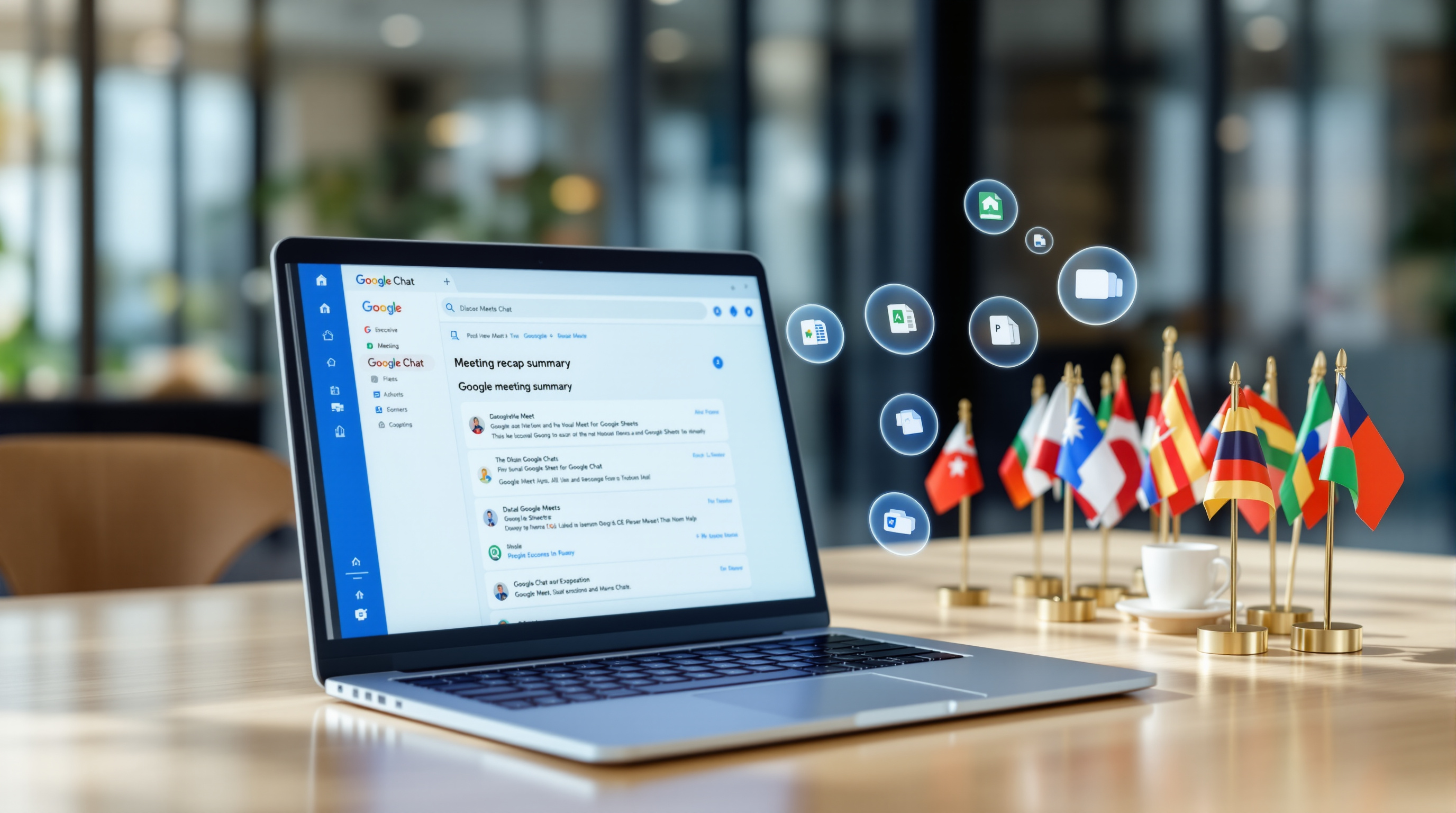
You know that feeling after a meeting where everyone agreed on next steps, but two days later nobody remembers who's doing what? Google's tackling that directly. Meeting recaps now show up in Google Chat, giving you a summary of what was discussed and the tasks that came out of it.
No more digging through your calendar or scrolling back through chat history. The recap lands where your team already works. Simple.
Can I really talk to my BigQuery data in Sheets?
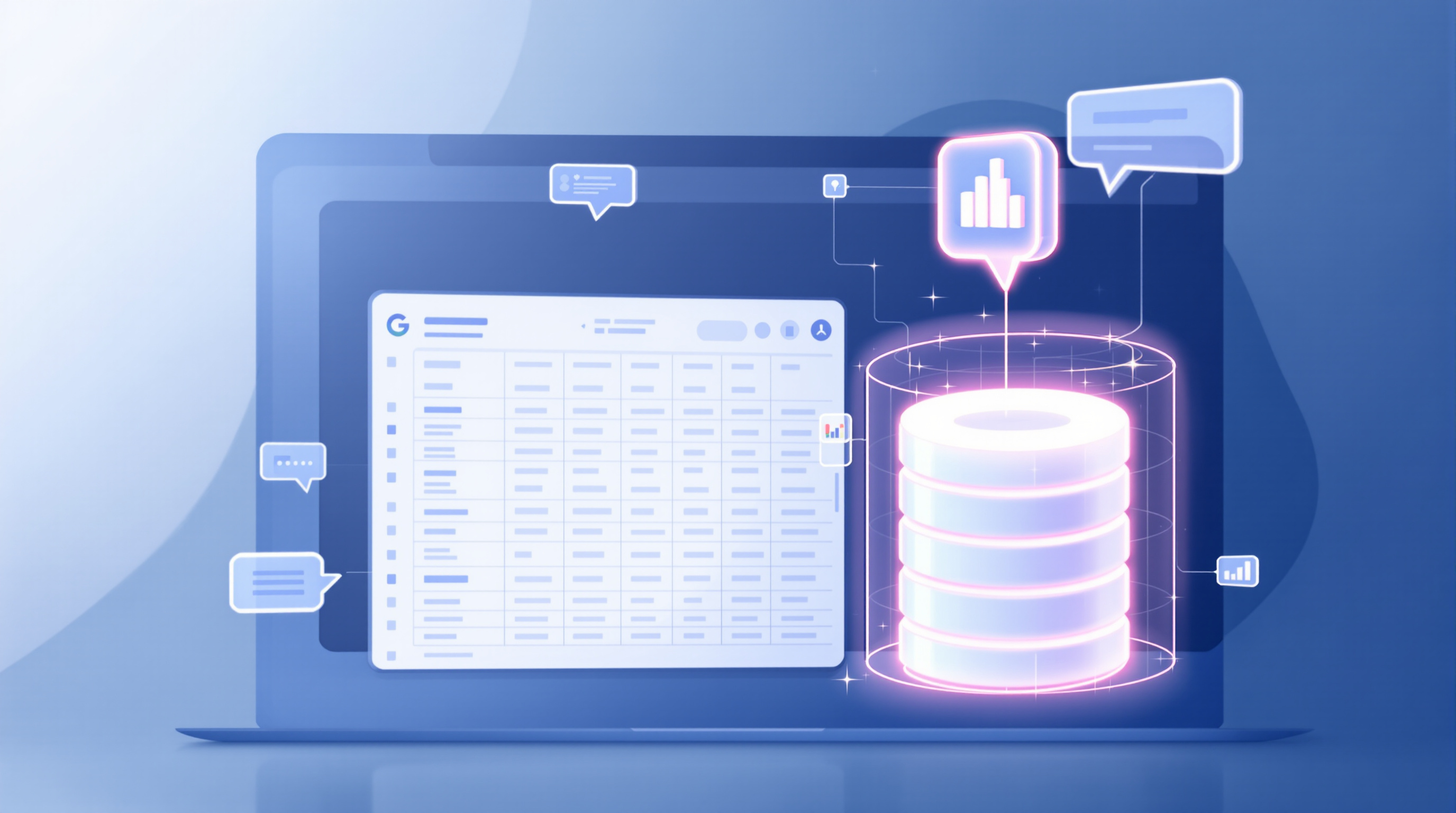
Yes, and it's genuinely useful. After you connect to BigQuery using Connected Sheets, you can ask Gemini questions about your data in natural language. "Show me sales by region for Q3" instead of writing SQL queries.
Here's the clever bit: Gemini runs queries against your full BigQuery dataset, not just the rows visible in your spreadsheet. So you're getting real answers, not partial ones.
For finance teams, operations managers, or anyone who needs insights from large datasets but doesn't want to learn SQL, this is a practical time-saver.
What about the mobile updates?
Several useful ones:
- Gemini in Sheets on iOS – Analyse data on your phone. Handy when you're travelling or need quick answers away from your desk.
- Video tile pairing in Meet mobile – Pair your video with another participant (useful for sign language interpreters or presentations). Now works on Android and iOS, not just web.
- Docs Live on mobile – Dictate structured documents using your voice. It acts as a co-writer, helping you build context-aware content hands-free.
How does the 63-language translation in Meet work?
Google Meet's speech translation now supports 63 languages with automatic language detection. Speak in English, and your colleague in São Paulo sees Portuguese captions. It works on web, mobile, and Meet hardware devices.
For organisations with international teams or clients, this removes a genuine barrier. No more awkward pauses while someone translates, no expensive interpreter bookings for routine calls.
What's new for IT admins and compliance?
Google Vault now exports Gemini conversations. If your organisation needs to retain or produce AI interactions for compliance, legal holds, or audits, Vault can now filter and export Gemini conversations across Gmail, Drive, Docs, Sheets, Slides, and Meet.
This matters for regulated industries—financial services, healthcare, legal—where you can't just adopt AI tools without audit trails.
Any updates for video creation in Google Vids?
Two practical ones:
- Adjust playback speed for individual video clips directly in Vids. Speed up a screen recording, slow down a key moment.
- Extract audio tracks from video clips. Separate the voiceover from background noise, sync audio across scenes, or repurpose narration.
Both features mean less reliance on separate editing software for straightforward business videos.
What about Gemini Notebook?
Notebook's getting more flexible. You can now:
- Export interactive apps built in Gemini directly to Google Sites with one click
- Control the creative process for Slide Decks and Video Overviews step-by-step, rather than accepting whatever Gemini generates first
- Access Notebook as a Connected App in the Gemini app, managing notebooks through natural language
For educators using Google Classroom, there's also insight summaries showing how students interact with assigned notebooks—helpful for adjusting lesson plans.
Frequently asked questions
Do I need a specific Google Workspace plan to access these features?
Most features roll out to Business Standard, Business Plus, Enterprise, and Education plans, but availability varies. Check your admin console or contact your Workspace partner to confirm what's included in your subscription.
Is the BigQuery integration in Sheets available now?
It's rolling out progressively. If you already use Connected Sheets, you should see the Gemini option appearing in your interface over the coming weeks.
How does Google Vault handle Gemini data for compliance?
Vault treats Gemini conversations as a new data source. Admins can apply the same retention rules, legal holds, and filtered exports they use for email and documents.
Can I use Docs Live on both Android and iOS?
Yes. The voice-powered document creation feature is rolling out to eligible Workspace users on both mobile platforms.
Ready to get more from Google Workspace?
If you're not sure which features apply to your current plan—or you want help rolling out these updates across your organisation—Blue Chip Technologies Ltd. can help. We set up, migrate, and support Google Workspace for businesses worldwide, with remote delivery and on-site assistance available in Trinidad & Tobago.
Get in touch:
- Contact us online
- Call: 1 (868) 609-2288
- Email: [email protected]
You can also explore our Google Workspace solutions to see how we support organisations like yours.