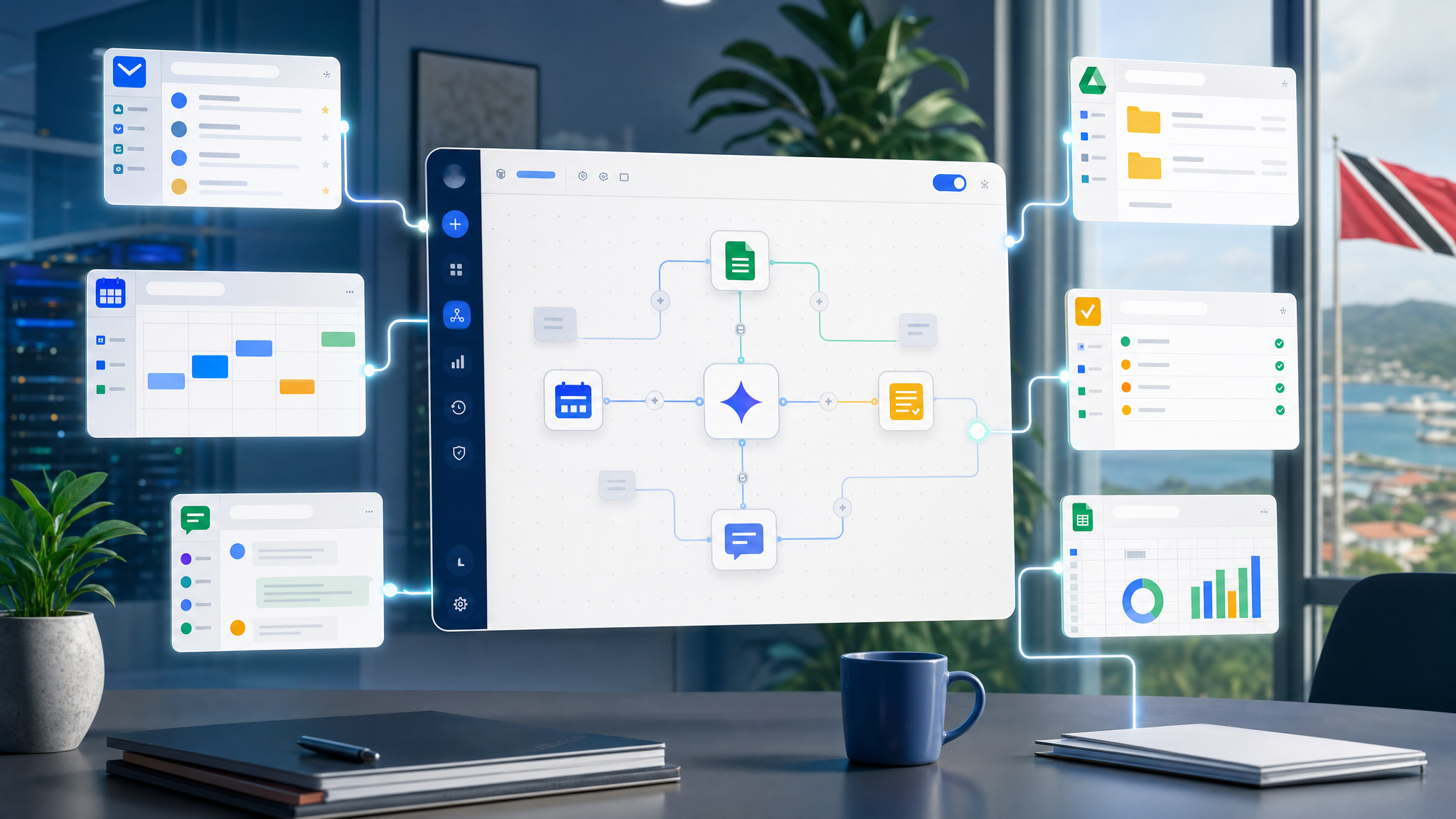
Google Workspace Studio Turns Repetitive Work Into Managed AI Agents
Most businesses have a long list of small, repetitive tasks that never quite justify a custom software project. Staff sort email, chase approvals, update trackers, prepare status notes, route requests, check invoices, and remind people about follow-ups.
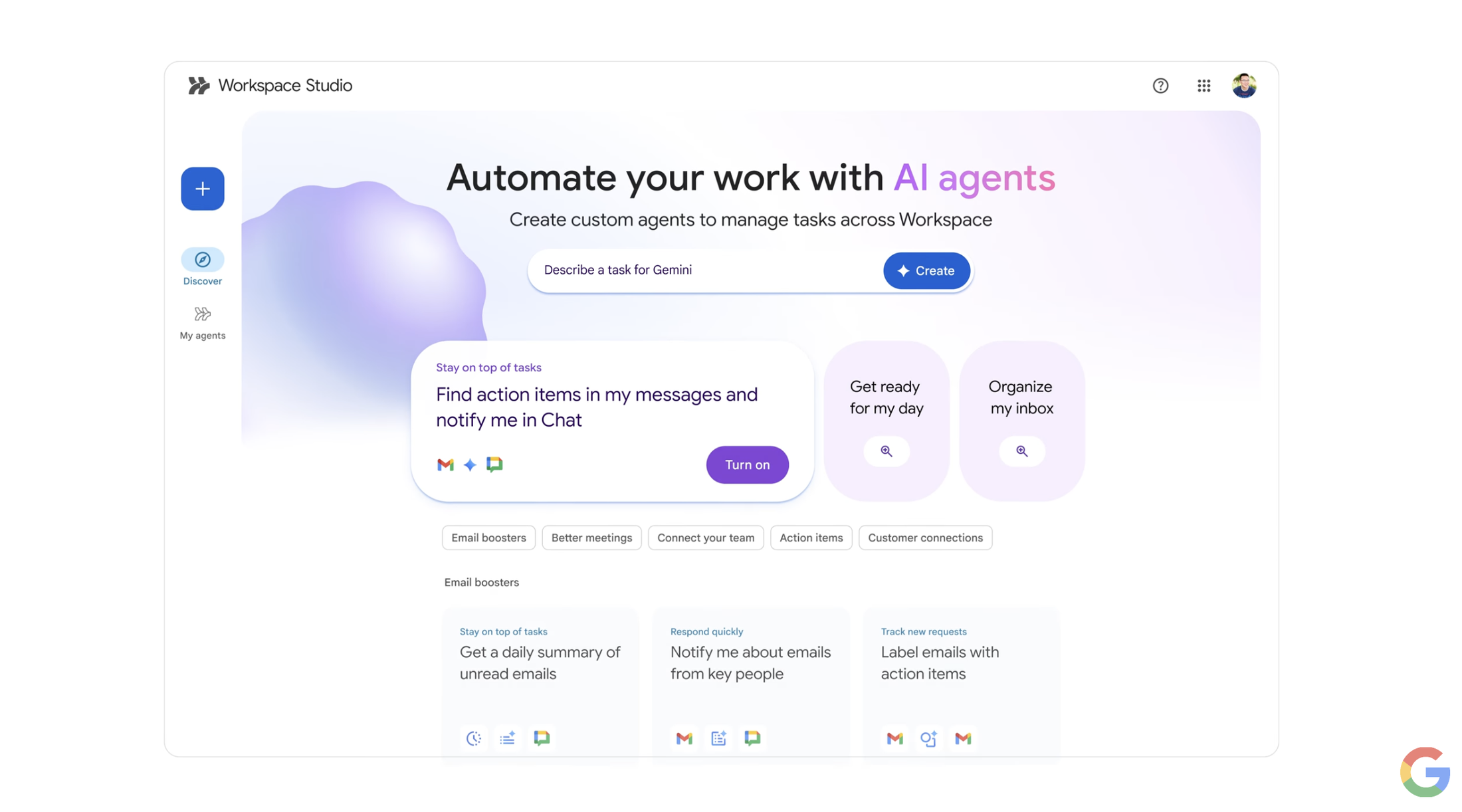
Google's Workspace Studio announcement is useful because it brings no-code AI agent creation directly into Google Workspace. Instead of asking every department to wait for a developer or live with manual work, Workspace Studio is designed to let teams create, manage, and share Gemini-powered agents that operate across everyday Workspace apps.
For Blue Chip clients, the business value is clear: automate routine work inside the same environment where staff already use Gmail, Drive, Chat, Calendar, Docs, Sheets, and Slides, while keeping licensing, access, and governance under proper control.
Why AI Agents Matter For SMB Workflows
Traditional automation is powerful, but it often depends on rigid rules, technical setup, and careful maintenance. That works well for stable processes, but many SMB workflows are messier. A customer request may arrive by email. A manager may ask for a quick summary in Chat. An invoice may include different wording each month. A project update may need information from several files.
AI agents are meant to handle more flexible work. With Gemini in Workspace Studio, a user can describe what they want automated in plain language, start from templates, and build agents that can reason through context rather than only follow a simple if-this-then-that rule.
That opens practical use cases for local businesses:
- flagging customer emails that need a response
- extracting invoice numbers or action items from messages
- preparing weekly project updates from Drive and Chat activity
- routing internal requests to the right person
- reminding teams about overdue approvals
- summarizing feedback from forms, emails, or shared documents
- creating draft content for review before sending
- coordinating handoffs between sales, operations, and finance
This is not about replacing people. It is about removing the avoidable admin work that slows them down.
Where Workspace Studio Fits
Workspace Studio is most interesting because it lives close to the work. Agents can use Workspace context from apps such as Gmail, Drive, and Chat, and Google says agents can also connect with external tools such as Asana, Jira, Mailchimp, and Salesforce through pre-built steps and actions.
That matters for SMBs because work rarely stays in one app. A sales inquiry may become a task, a proposal, a meeting, a quote, and a follow-up campaign. If an agent can help move context between those steps, staff spend less time copying information and more time serving customers.
Good Automation Still Needs Governance
The main risk with no-code agents is not that staff will automate too little. It is that they may automate work without thinking through access, approvals, privacy, and ownership.
Before rolling out Workspace Studio broadly, businesses should define:
- who can create and share agents
- which departments should pilot agents first
- what company or customer data agents may process
- when human approval is required before an action is taken
- how agent outputs will be reviewed
- how shared Drive permissions affect agent access
- how offboarding affects agent ownership
- what logs or admin controls will be reviewed
This is especially important for finance, HR, legal, customer service, and management workflows. AI agents can be useful, but they should operate inside the company's security and approval model.
A Practical Rollout Plan
Blue Chip recommends starting with a small set of measurable workflows rather than trying to automate everything at once.
A good first phase could include:
- Pick two or three departments with repetitive admin work.
- Document the current manual process in plain language.
- Confirm which data sources and permissions are involved.
- Build a limited Workspace Studio agent for one workflow.
- Require human review before any customer-facing or financial action.
- Measure time saved, errors reduced, and support tickets created.
- Expand only when the workflow is stable and staff understand the controls.
This keeps the project grounded. The goal is not to show that AI can do something clever. The goal is to make a real business process faster, cleaner, and easier to support.
Licensing And Support Fit
Workspace Studio and Gemini capabilities should be matched to real roles. Not every user needs agent-building access immediately. A manager, operations lead, finance supervisor, or sales coordinator may benefit first because they understand the process and can judge whether the automation is helpful.
For Trinidad and Tobago SMBs, the right plan should consider:
- current Google Workspace edition
- Gemini availability and licensing
- user roles and admin controls
- shared drive structure
- data retention and Vault needs
- device and account security
- training for safe AI use
- support ownership when an agent behaves unexpectedly
Buying the feature is the easy part. Making it reliable inside the business is the managed work.
How Blue Chip Can Help
Blue Chip Technologies helps clients turn Google Workspace from a collection of apps into a managed productivity platform.
For Workspace Studio and Gemini agent workflows, we can help with licensing review, admin configuration, pilot workflow selection, shared Drive cleanup, security controls, staff training, and ongoing support. We can also help identify where a no-code agent is appropriate and where a more formal integration, approval workflow, or line-of-business system is the better answer.
Google Workspace Studio is a strong signal of where productivity software is going. Everyday business workflows are becoming easier to automate, but the winners will be the companies that pair automation with clean permissions, clear ownership, and practical staff training.
For SMBs in Trinidad and Tobago, that means starting with the repetitive work that wastes time today, then building AI agents carefully enough that the business can trust them tomorrow.
Source: Google Workspace Blog - Introducing Google Workspace Studio: Automate everyday work with AI agents.