
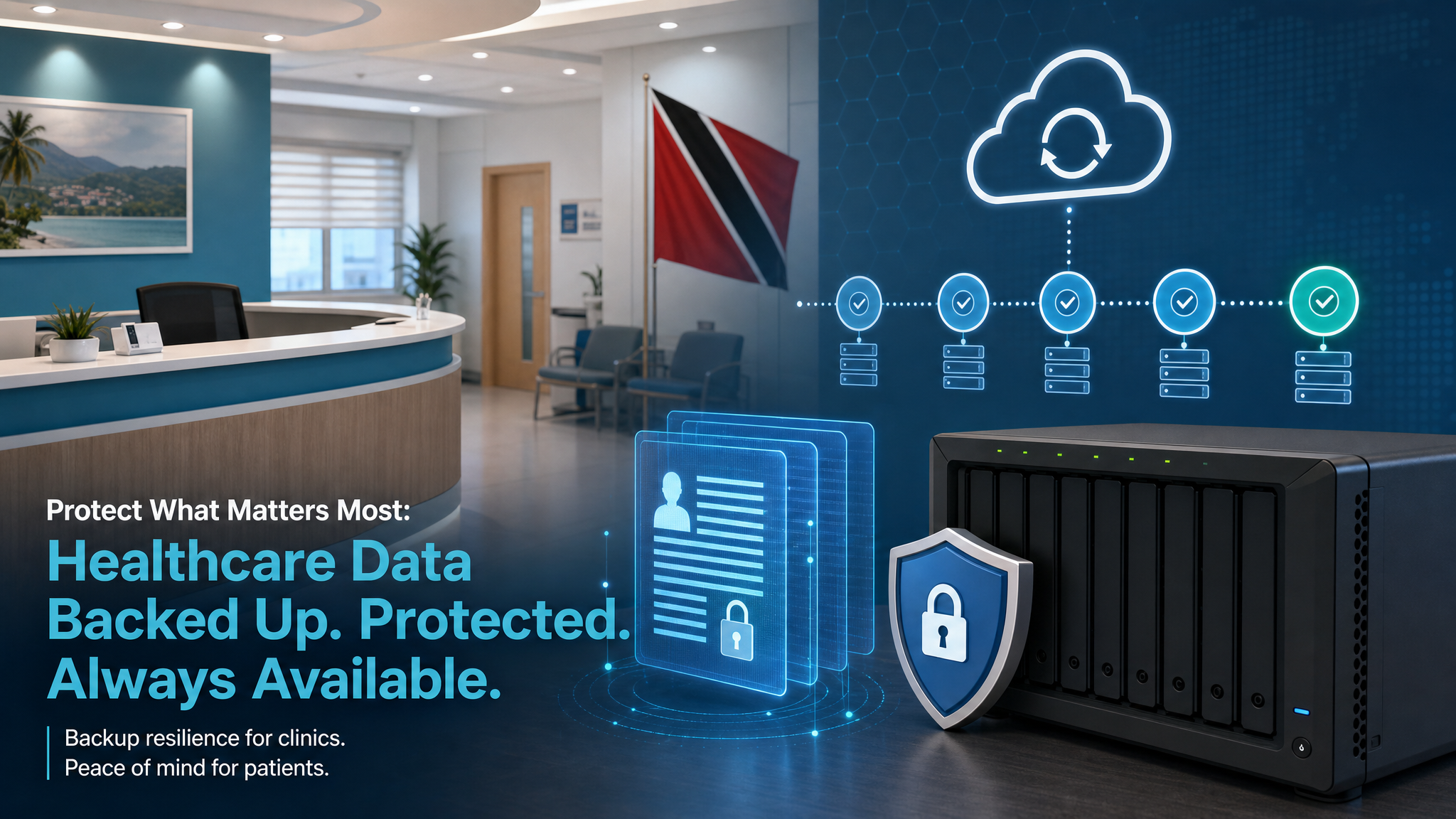
Healthcare Data Backups: Patient Trust Depends on Recoverable Records
Clinics, dental offices, laboratories, pharmacies, and other healthcare teams run on records. Appointment histories, prescriptions, scans, billing documents, referral letters, and patient notes all need to be available when staff are trying to help someone in front of them.
That makes backup and recovery more than an IT housekeeping task. If healthcare data is lost, encrypted, or unavailable, the impact is immediate: delayed care, frustrated patients, compliance pressure, and reputational damage.
Synology recently highlighted healthcare data protection requirements through the lens of HIPAA and ActiveProtect. Trinidad and Tobago businesses may not be governed by HIPAA in the same way as U.S. healthcare providers, but the operational lesson still applies: sensitive health records need controlled access, reliable retention, tamper-resistant backups, and a recovery plan that has been tested before an incident.
Healthcare data is different from ordinary office files
A missing spreadsheet is inconvenient. Missing patient records can stop work across the whole practice.
Healthcare environments usually have several data sources that must be protected together:
- practice management and billing systems
- scanned documents and referrals
- imaging exports and lab reports
- Microsoft 365 or Google Workspace mailboxes
- shared folders used by reception, clinical, and accounts teams
- endpoint data on desktops or laptops
- server or virtual machine workloads
The risk is not only deletion. Ransomware, accidental overwrites, failed updates, hardware faults, and account compromise can all affect healthcare operations. A proper backup plan has to account for each of those scenarios.
Access control matters inside the backup system too
It is common to focus on who can access the live application. The backup platform deserves the same discipline.
A healthcare backup environment should support role-based administration, least-privilege access, audit logs, and strong authentication. Not every user who can check backup status should be able to delete backups, change retention, or restore confidential records to another location.
For managed IT environments, this is where platforms such as Synology ActiveProtect are useful. Centralised management, delegated permissions, activity reporting, and integration with existing identity controls help make backup administration more accountable.
Immutability and isolation reduce ransomware damage
Modern ransomware often tries to damage backups before encrypting production data. If backup copies can be changed or deleted by the same compromised account, the business may discover too late that recovery options are gone.
Healthcare teams should ask three practical questions:
- Can a backup be protected from tampering for a defined period?
- Is at least one copy isolated from day-to-day user access?
- Can IT prove that a restore point is usable?
Synology ActiveProtect includes capabilities such as immutability, air-gapped or remote copies, backup verification, and disaster-recovery testing. Those controls help turn backup from a simple copy of data into a resilience layer.
Retention must match business and regulatory needs
Healthcare records usually need longer retention than ordinary office documents. The exact requirements depend on the business type, jurisdiction, insurers, contracts, and professional obligations.
That means retention should not be guessed. It should be documented.
Blue Chip normally recommends separating retention planning into three layers:
- short-term operational recovery for mistakes and quick restores
- medium-term ransomware and incident recovery
- long-term archive retention for legal, compliance, or business continuity needs
The backup platform should then enforce those rules consistently, instead of relying on someone remembering to copy files manually.
Verification is the part many businesses skip
The most dangerous backup assumption is, "The job says successful, so we are safe."
A better standard is to verify recovery on a schedule. That can include restoring a sample patient file, testing an application database restore, confirming a server can boot in a recovery environment, and checking that staff know who to call during an incident.
For a healthcare office, the goal is simple: if the main system fails today, how quickly can the team see appointments, access records, and continue treating patients?
How Blue Chip can help
Blue Chip Technologies helps SMBs design and manage backup systems that fit real operating risk, not just storage capacity. For healthcare-adjacent businesses, that includes:
- backup scope review across servers, NAS devices, PCs, and cloud mailboxes
- Synology NAS and ActiveProtect planning
- immutable and remote backup strategy
- backup monitoring and failure response
- restore testing and recovery documentation
- endpoint security and ransomware protection
- access-control and audit-log review
- business continuity planning for critical systems
The right backup plan should give management confidence that sensitive records are protected, recoverable, and governed.
Healthcare teams do not need more guesswork when something breaks. They need clean backups, clear ownership, and a tested recovery path.
Source: Synology Blog — Safeguard your healthcare data with Synology ActiveProtect.


