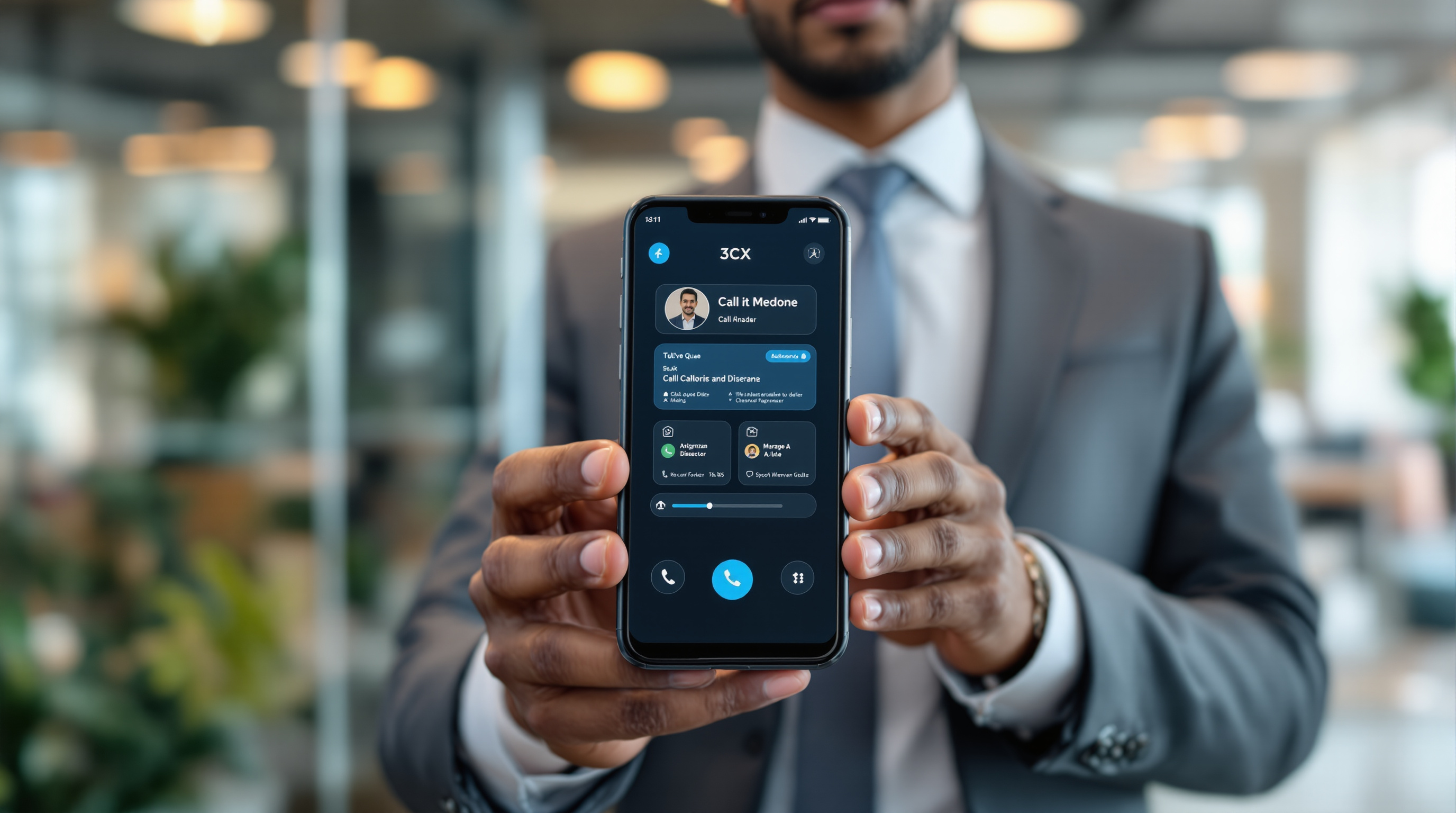
The 3CX MCP Server lets you connect your business phone system data directly to AI tools, so you can build custom reports that go far beyond what's available out of the box. Instead of being stuck with pre-set call logs and basic summaries, you can ask questions in plain language and get specific answers about your communication patterns—think "show me all missed calls from Port of Spain clients last month" or "which sales rep had the longest average call time this quarter."
What exactly is the 3CX MCP Server?
MCP stands for Model Context Protocol—it's essentially a bridge between your 3CX phone system and AI assistants like Claude or ChatGPT. Once connected, your AI tool can access your PBX data and help you analyse it in ways that would otherwise require exporting spreadsheets and doing manual work.
For a business in Trinidad & Tobago running 3CX, this means you're not limited to the standard reports anymore. You can query your call data conversationally and get insights tailored to how your organisation actually operates.
Why would a T&T business care about custom reporting?
Here's a practical scenario: you run a distribution company with a customer service team taking orders over the phone. Your standard 3CX reports tell you total calls and average duration. Useful, but not the full picture.
With MCP connected to an AI assistant, you could ask things like:
- "Which customers called more than three times this week without reaching anyone?"
- "Compare call volumes between our San Fernando and Chaguanas branches for June"
- "Flag any calls over 15 minutes that came from new numbers"
That's the kind of detail that helps you spot problems before they cost you business.
How does setting it up work?
The setup involves connecting your 3CX system to an AI tool that supports MCP. You'll need:
- A working 3CX installation (V20 or later recommended)
- Access to an AI assistant that supports MCP connections
- Proper API credentials configured in your 3CX management console
- Someone comfortable with the initial configuration—or a 3CX partner like Blue Chip Technologies Ltd. to handle it for you
Once connected, the AI can pull data from your PBX and respond to natural language queries about your communications.
Is this secure?
Your call data stays within your control. The MCP connection allows the AI to read data you authorise—it doesn't give blanket access to everything, and you're not uploading recordings or sensitive information unless you specifically configure that. Still, like any integration involving business data, it's worth having your IT team or partner review the setup before going live.
Frequently asked questions
Do I need technical skills to use 3CX MCP?
The initial setup requires some technical knowledge, but once configured, querying your data is as simple as typing questions to your AI assistant. Most business users can start getting insights without touching any code.
Will this work with my current 3CX system?
MCP support is available in recent 3CX versions. If you're running an older installation, an upgrade may be needed. Contact your 3CX partner to check compatibility.
Can I use this with any AI tool?
You'll need an AI assistant that supports the Model Context Protocol. Popular options like Claude support MCP connections, but not every AI tool does.
Is there additional cost for MCP?
The MCP Server feature is part of 3CX—check with your partner about any licensing considerations for your specific setup.
Ready to get more from your 3CX data?
If you're already running 3CX and want to explore what MCP can do for your organisation, Blue Chip Technologies Ltd. can help you assess whether it's a good fit and handle the setup. We support businesses across Trinidad & Tobago with 3CX installations, upgrades, and ongoing management.
Get in touch:
- 📞 Call us: 1 (868) 609-2288
- 💬 WhatsApp: Send a message
- ✉️ Email: [email protected]
- 🌐 Contact form: bluechiptt.com/contact