
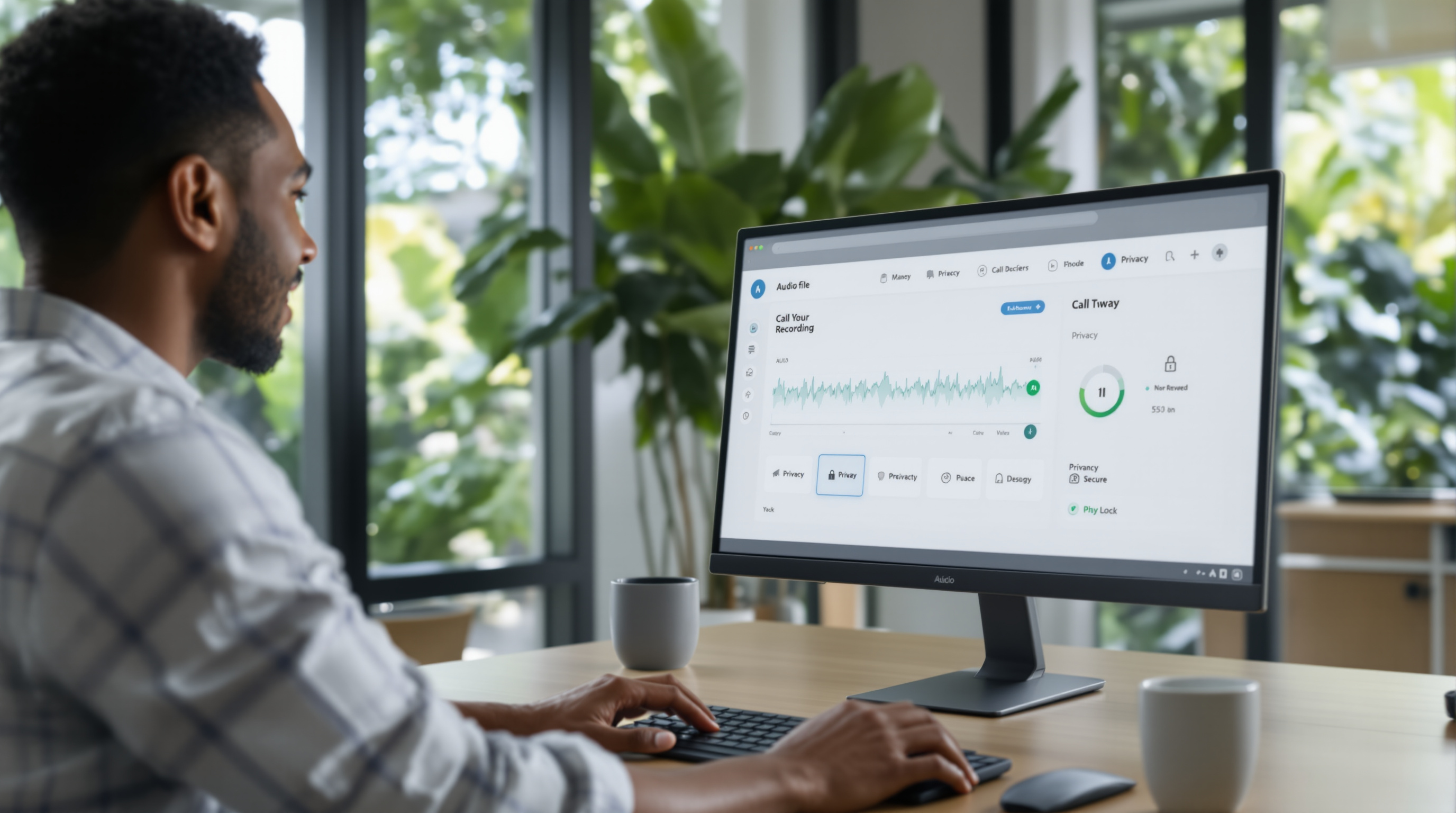
The latest 3CX V20 Update 10 lets you delegate call recording review to team leads and managers—so they can access their own department's recordings without needing full admin rights. It also adds controls to protect sensitive calls from being recorded at all. For T&T businesses handling confidential client conversations (think legal firms, medical practices, or HR departments), this means better compliance and more practical day-to-day management of your phone system.
Why does delegating call recording review matter for your business?
Before this update, reviewing call recordings typically required admin-level access. That's fine for small operations, but once you've got multiple departments—sales, support, accounts—it becomes a bottleneck. Your IT person or system admin ends up fielding requests every time a manager needs to pull a call.
Now, you can give a sales supervisor access to only sales recordings, or let your customer service lead review only support calls. They get what they need, you keep everything else locked down. It's practical, and it respects the principle of least privilege that any security-conscious organisation should follow.
How does the sensitive call protection work?
Some calls simply shouldn't be recorded. A client discussing a legal matter, an employee raising a personal issue with HR, a patient sharing medical information—you don't want those sitting on a server somewhere.
3CX V20 Update 10 introduces controls to mark certain extensions, ring groups, or call types as "do not record." This helps T&T businesses stay on the right side of privacy expectations and data protection best practices, without having to manually intervene on every sensitive call.
What are the real benefits for Trinidad & Tobago businesses?
- Faster quality assurance: Managers can review calls themselves, same day, without waiting on IT.
- Reduced admin burden: Your technical staff aren't playing gatekeeper for routine recording requests.
- Better compliance posture: Sensitive calls stay off the record, which matters if you're in healthcare, legal, or financial services.
- Clearer accountability: Each department owns its own recordings—useful for training, dispute resolution, or performance reviews.
If you've ever had a client dispute what was said on a call, you know how valuable quick access to that recording can be. Now your team leads can handle it directly.
How do you set this up?
If you're already running 3CX V20, Update 10 adds these features to your management console. The exact steps depend on your deployment, but generally:
- Update your 3CX system to V20 Update 10.
- Navigate to the user or group permissions in the admin console.
- Assign recording review rights to specific users (e.g., department managers).
- Configure which extensions or call types should be excluded from recording.
Not sure where to start? Our team can walk you through it. We support 3CX deployments across Trinidad & Tobago and can help you configure these settings properly—check out our 3CX solutions page for more on what we offer.
Frequently asked questions
Can I limit a manager to only see their own team's recordings?
Yes. Update 10 allows granular delegation, so a manager only accesses recordings for extensions or groups you specify—not the entire organisation.
Does this work with hosted and on-premise 3CX?
Both deployment types support these features in V20 Update 10.
Will sensitive calls still show in call logs?
Call logs typically still record that a call happened (date, time, duration), but the audio itself won't be captured if you've configured the extension or call type as protected.
Do I need a specific 3CX licence for this?
Recording features depend on your 3CX licence tier. Contact us if you're unsure what's included in your current setup.
Ready to get more from your 3CX system?
If you're running 3CX and want help setting up delegated recording review or protecting sensitive calls, Blue Chip Technologies Ltd. is here. We're an authorised 3CX partner based right here in Trinidad & Tobago, and we know what local businesses actually need from their phone systems.
Give us a call at 1 (868) 609-2288, message us on WhatsApp, or drop an email to [email protected]. You can also reach out through our contact page.
Let's sort out your call recording setup—properly.