Dead zones in your warehouse or retail space aren't just annoying—they cost you money. When your staff can't scan inventory because the WiFi drops out near the loading dock, or your POS system freezes mid-transaction because coverage is patchy at the far end of the store, that's real productivity walking out the door.
We've seen it plenty times with T&T businesses. A warehouse in Chaguanas with steel racking that blocks signals. A retail store in Trincity Mall where the back stockroom might as well be another country. The usual "solution" is to keep adding consumer-grade routers and hope for the best—which usually makes things worse.
Why Standard WiFi Falls Apart in Large Spaces
Here's the thing about warehouses and retail floors: they're hostile environments for wireless signals. You've got:
- Metal shelving and racking that reflects and blocks signals
- Concrete walls and pillars creating shadow zones
- High ceilings that let signals dissipate before reaching devices
- Constant movement of people, forklifts, and stock disrupting coverage
- Distance that consumer access points simply can't handle
Throwing more routers at the problem creates overlapping networks that fight each other. Your devices jump between access points constantly, dropping connections each time.
How UniFi Handles Large Commercial Spaces
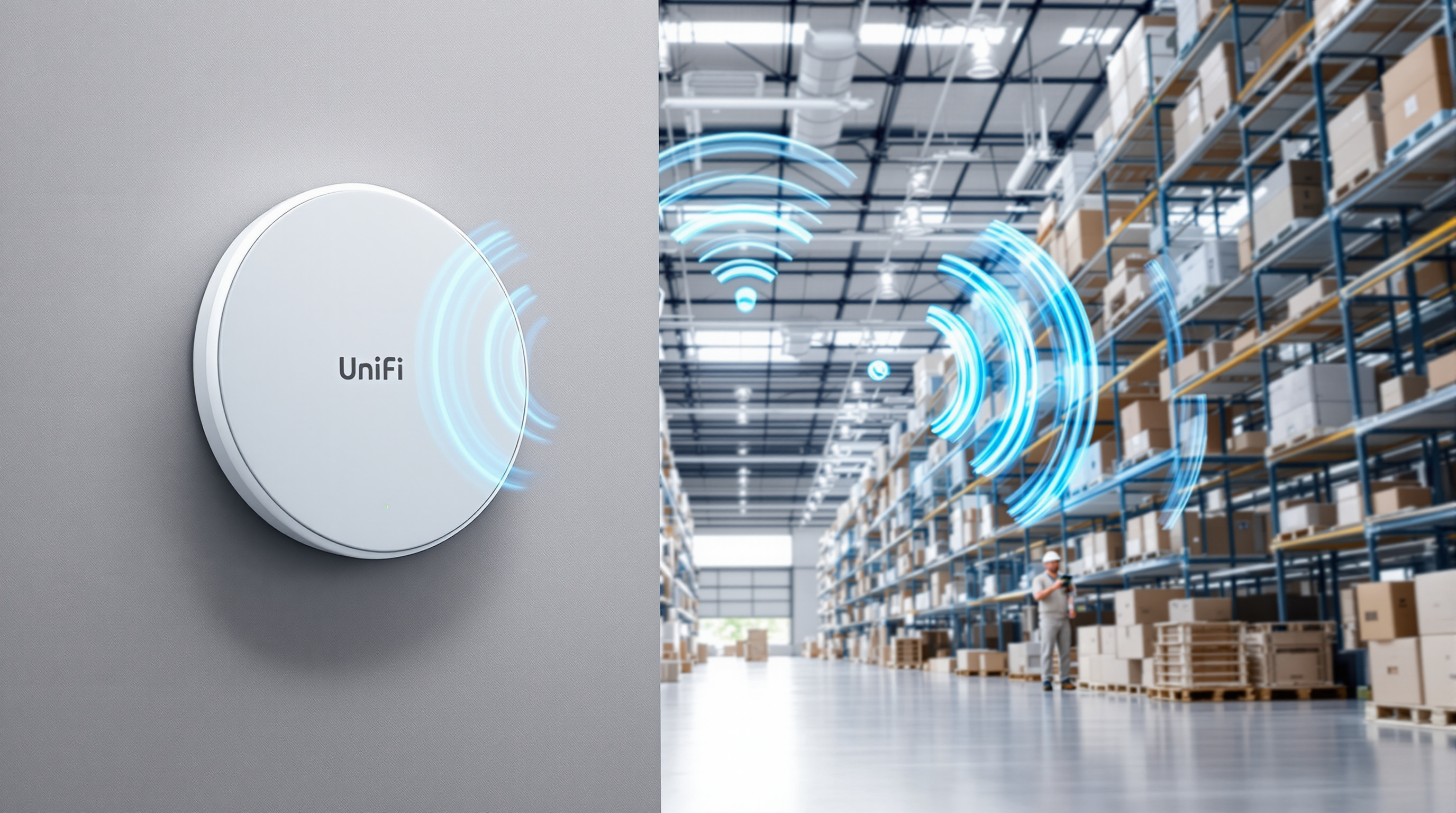
UniFi access points are built for exactly this scenario. Instead of isolated routers doing their own thing, you get a coordinated system where every access point works together under one controller.
Single Network, Multiple Access Points
Your devices connect to one network name. As staff move through the space—from the receiving area to the sales floor to the office—their handhelds, tablets, and laptops hand off smoothly between access points. No reconnecting, no dropped sessions.
Purpose-Built Hardware Options
UniFi makes access points designed for different environments:
- Indoor ceiling-mount units for retail floors and office areas
- In-wall models that replace existing outlets in tight spaces
- Long-range outdoor units for yard coverage and external areas
- High-density models for spaces with lots of simultaneous devices
Visual Planning and Real Monitoring
The UniFi controller shows you exactly what's happening on your network. You can see coverage maps, identify weak spots, and know which devices are connected where. When something goes wrong, you're not guessing—you can see it.
No Per-Device Licensing Fees
This one matters for budget-conscious businesses. With UniFi, you buy the hardware and that's it. No annual subscriptions per access point, no "premium features" locked behind recurring fees. The controller software is free. Your five-access-point warehouse network costs the same to manage as a single unit.
What a Proper Installation Looks Like
When we set up UniFi for a warehouse or retail client, we don't just mount access points and hope. We survey the space, identify the problem areas, and plan placement based on your actual layout—where the racking is, where staff need coverage, where your devices will be used.
Then we configure the network properly: appropriate channel selection, power levels tuned to avoid interference, and guest networks separated from your business traffic if needed.
Ready to Fix Your Coverage Problems?
If your team is working around dead zones or you're planning a new location and want to get WiFi right from the start, let's talk. We design, install, and support UniFi networks across Trinidad and Tobago—from small retail shops to large distribution centres.
Get in touch:
- 📞 Call us: 1 (868) 609-2288
- 💬 WhatsApp: Send us a message
- 📧 Email: [email protected]
- 🌐 Contact form: bluechiptt.com/contact