You know the drill. A customer walks in, asks for the WiFi password, and you give them the same one your staff uses. Maybe it's written on a little sign by the register. Maybe it hasn't changed in two years.
Here's the problem: that customer is now on the same network as your POS system, your accounting software, and that shared folder with all your invoices. It's not that they're malicious—most aren't—but it only takes one compromised phone or one curious person poking around to cause real headaches.
Why One WiFi Network Isn't Enough
When everyone shares the same network, there's no separation between:
- Your staff computers and business systems
- Customer devices (phones, laptops, who knows what else)
- IoT devices like printers, security cameras, or smart TVs
A guest device with malware can scan your network. A bored teenager can stumble onto your shared drives. And if something goes wrong, figuring out what happened becomes a nightmare.
For any business with foot traffic—whether you're running a restaurant in Chaguanas, a medical office in San Fernando, or a boutique hotel in Tobago—this is a real risk that's easy to fix.
How UniFi Handles Guest and Staff Networks
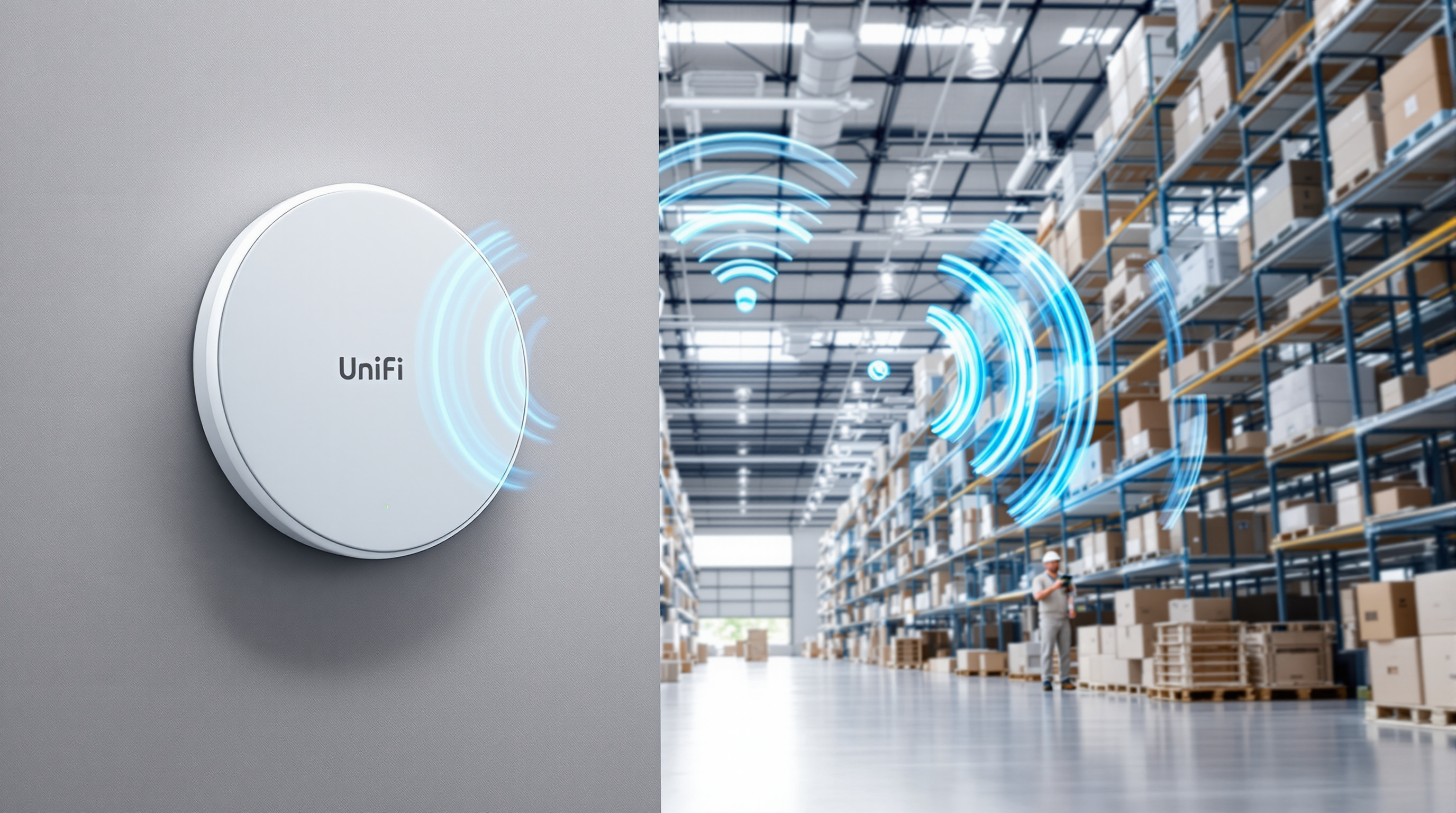
Ubiquiti's UniFi system makes it straightforward to run multiple WiFi networks from the same access points, each completely isolated from the others.
Your staff network connects to internal resources—file servers, printers, your business applications. It's password-protected, and only devices you trust get access.
Your guest network gives visitors internet access and nothing else. They can browse, check email, scroll Instagram—but they can't see or reach anything on your internal network.
What This Actually Looks Like
From the UniFi controller (one dashboard for your whole network), you can:
- Create separate SSIDs for staff and guests
- Apply VLAN isolation so guest traffic stays in its own lane
- Set bandwidth limits so guests don't hog your connection
- Enable a captive portal with your logo, terms of use, or even a simple "click to connect" page
- Schedule guest access (maybe you don't need WiFi running after hours)
No extra hardware needed. No per-device licensing fees. Just proper network design.
The Small Details That Matter
A few things T&T businesses appreciate about this setup:
- Easy password rotation. Change the guest password weekly without touching your staff network.
- Visibility. See exactly how many devices are connected and what they're doing.
- Professional appearance. A branded guest portal looks better than scribbling a password on a napkin.
- Peace of mind. Your accountant's laptop isn't sharing a network with fifty strangers' phones.
We Set This Up Properly
Blue Chip designs and installs UniFi networks across Trinidad and Tobago. We handle the planning, the VLANs, the access point placement, and the ongoing management if you want it. Whether you've got one location or ten, we'll make sure your guest WiFi works the way it should—giving visitors what they need without putting your business at risk.
Ready to separate your guest and staff networks?
Give us a call at 1 (868) 609-2288, send a WhatsApp message at wa.me/18686092288, or email [email protected]. You can also reach us through our contact page.
Let's get your network sorted.