ISO 27001 and Backups: Turning Compliance Into Real Recovery
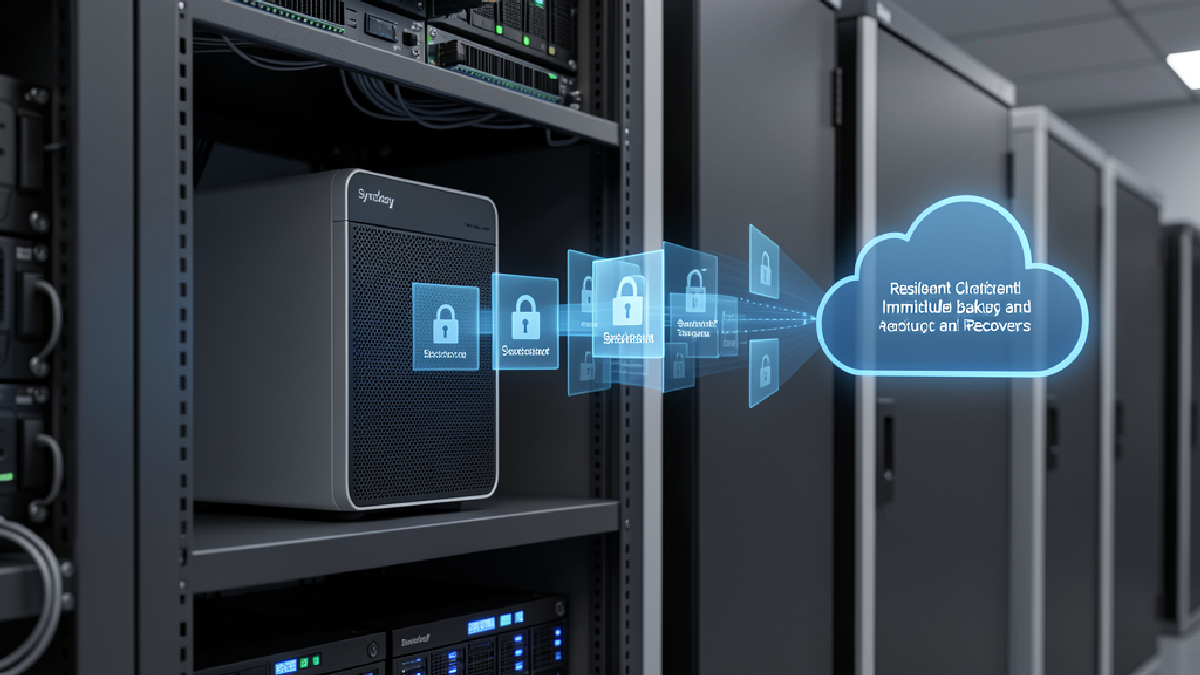
Synology recently explained how Synology ActiveProtect can support organisations working toward ISO 27001-style data protection controls. The article is written around compliance, but the lesson for small and mid-sized businesses is practical: backup systems must protect confidentiality, integrity, and availability — not just store copies of files.
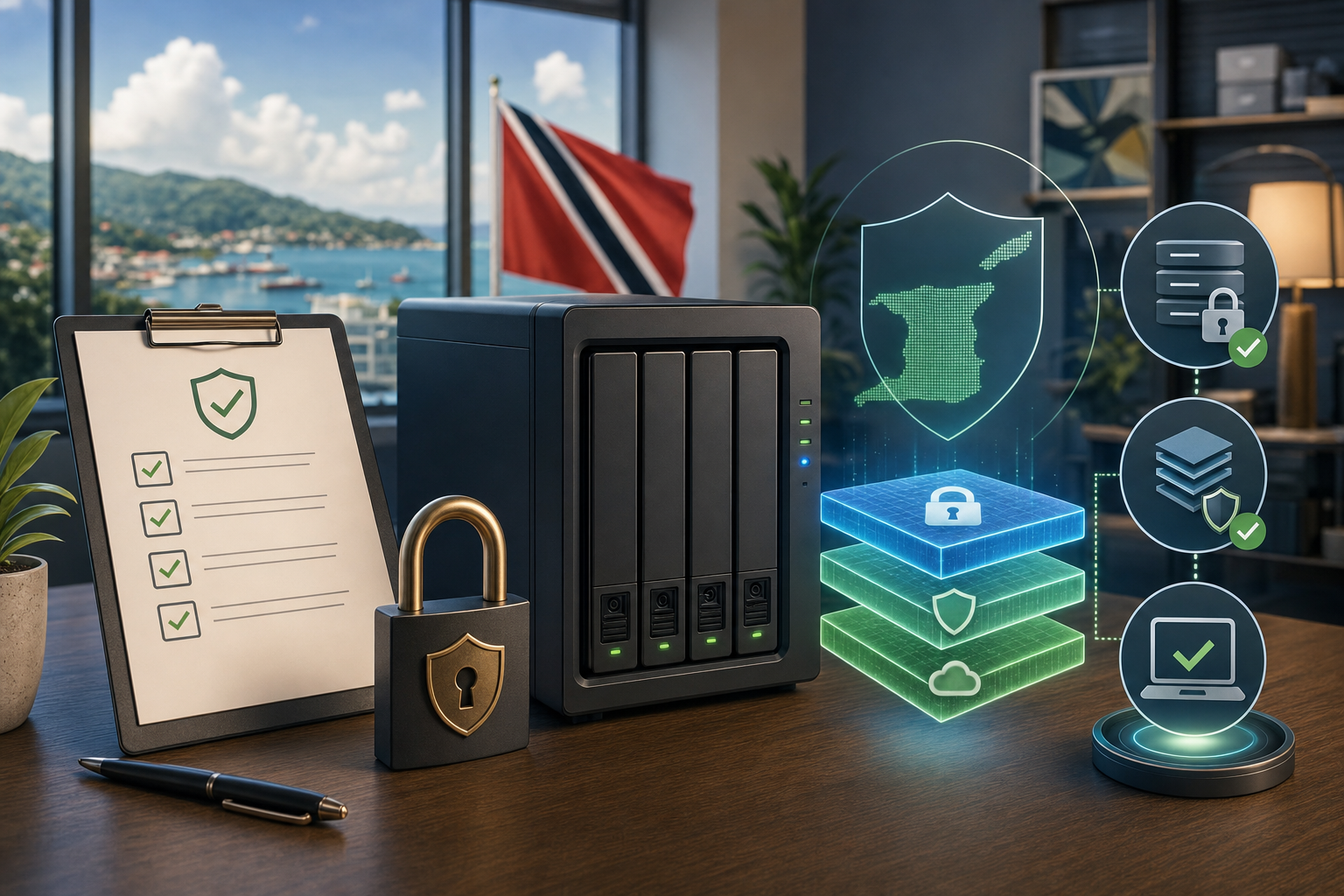
For Trinidad and Tobago SMBs, ISO 27001 may not always be a formal certification project. Still, its principles are useful for any company that handles customer records, accounting data, HR files, legal documents, medical information, or operational systems that cannot be unavailable for days.
Compliance starts with knowing what must be protected
A backup plan should begin with a data inventory. Before choosing retention periods or appliances, the business needs to know which systems matter most.
That includes:
- file shares and user folders
- accounting and payroll systems
- email and Microsoft 365 data
- line-of-business databases
- virtual machines and application servers
- HR, legal, and customer records
- endpoint data that is not already stored centrally
Once the important data is identified, the organisation can decide who should access it, how long it must be retained, and how quickly it must be recovered.
Access control matters inside the backup platform
Backups often contain the most complete copy of a company’s sensitive information. That makes backup administration a security issue, not just an IT maintenance task.
Synology’s article highlights controls such as role-based access, user authentication, Windows AD/LDAP integration, SSO support, and MFA through existing identity providers. Those ideas matter in any backup environment.
A good design avoids shared administrator accounts, limits who can restore data, and separates day-to-day monitoring from high-risk actions such as deleting backup sets or changing retention policies.
Integrity means the backup can actually be trusted
ISO 27001 places strong emphasis on being able to restore data after loss, corruption, or deletion. In the real world, that means backups need verification.
A backup job that completed successfully may still be unusable if the application was inconsistent, the storage was corrupted, or the recovery process was never tested. Synology ActiveProtect includes features such as automatic backup verification, self-healing capabilities, immutability, air-gapped backup options, and sandboxed disaster recovery testing using its built-in hypervisor.
The business value is straightforward: when ransomware, hardware failure, or human error happens, the company needs confidence that clean recovery points are available.
Availability requires redundancy and retention planning
Availability is not only about keeping the main server online. It also means keeping enough protected recovery points in enough places.
A practical backup design should include local recovery for speed, off-site or cloud copies for site-level incidents, and retention rules that match business and legal requirements. Synology ActiveProtect supports remote storage options, immutable copies, and retention policies that help organisations keep redundant backup data without relying on one location.
For local companies, this is especially important during hurricane season, power events, theft, ransomware incidents, or building-level outages.
Audit logs turn backup into accountable operations
If a company is serious about compliance, it needs evidence. Backup reports, restore logs, user activity, alert history, and change records help show whether controls are working.
Synology notes that ActiveProtect can provide logs, audit reports, email summaries, and log forwarding. Blue Chip looks for the same operational discipline across backup platforms: failures should be visible, restores should be recorded, and important changes should be traceable.
Without that evidence, management is relying on assumptions.
The Blue Chip view
ISO 27001 is often discussed as a formal standard, but its backup lessons are useful even for businesses that are not pursuing certification. Know your data. Restrict access. Protect backup integrity. Keep redundant copies. Test recovery. Keep logs.
Synology ActiveProtect is one platform that packages several of those controls into a purpose-built backup appliance. The broader message is that backup should be managed as part of risk reduction and business continuity, not treated as a once-a-year technical checkbox.
Blue Chip can help review existing Synology NAS, server, Microsoft 365, endpoint, and cloud backup setups; map them against practical security and continuity requirements; and build a managed recovery plan that gives owners and managers real confidence.
Source: Synology Blog — Meet ISO 27001 with Synology ActiveProtect.