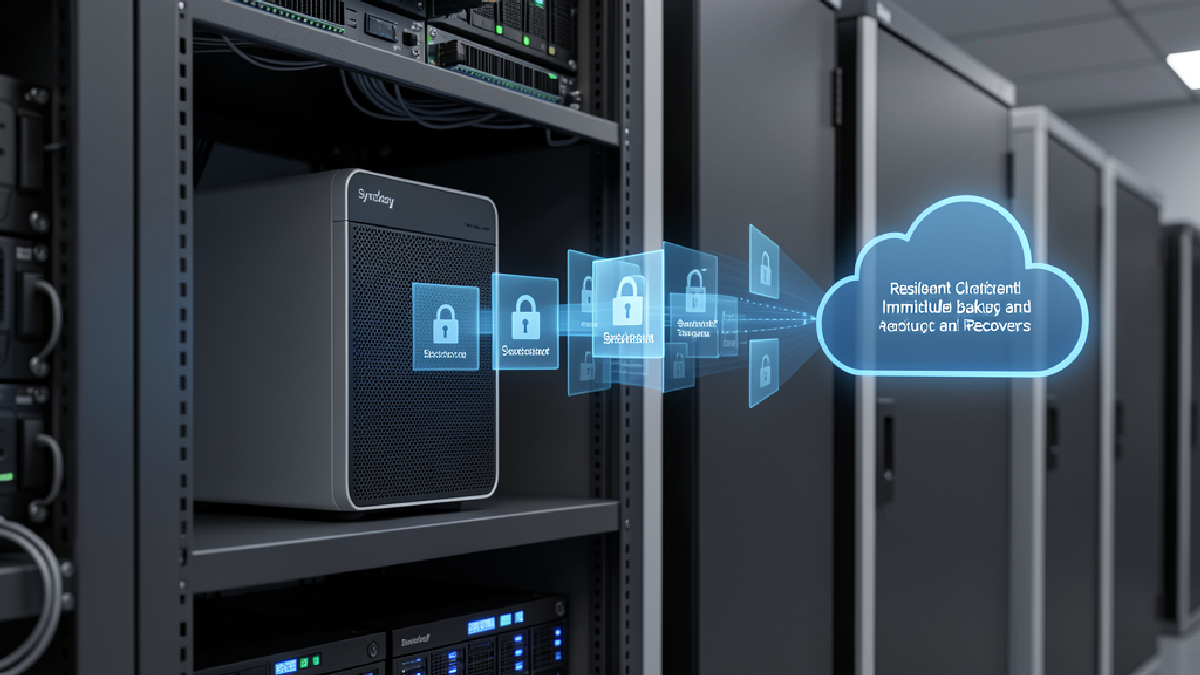
Synology recently published a useful MSP-focused article on why flexible ActiveProtect deployment helps service providers support more customer environments without running separate backup platforms for every scenario. For Trinidad and Tobago businesses, the practical lesson is simple: backup design should match the site, the workload, and the recovery requirement.
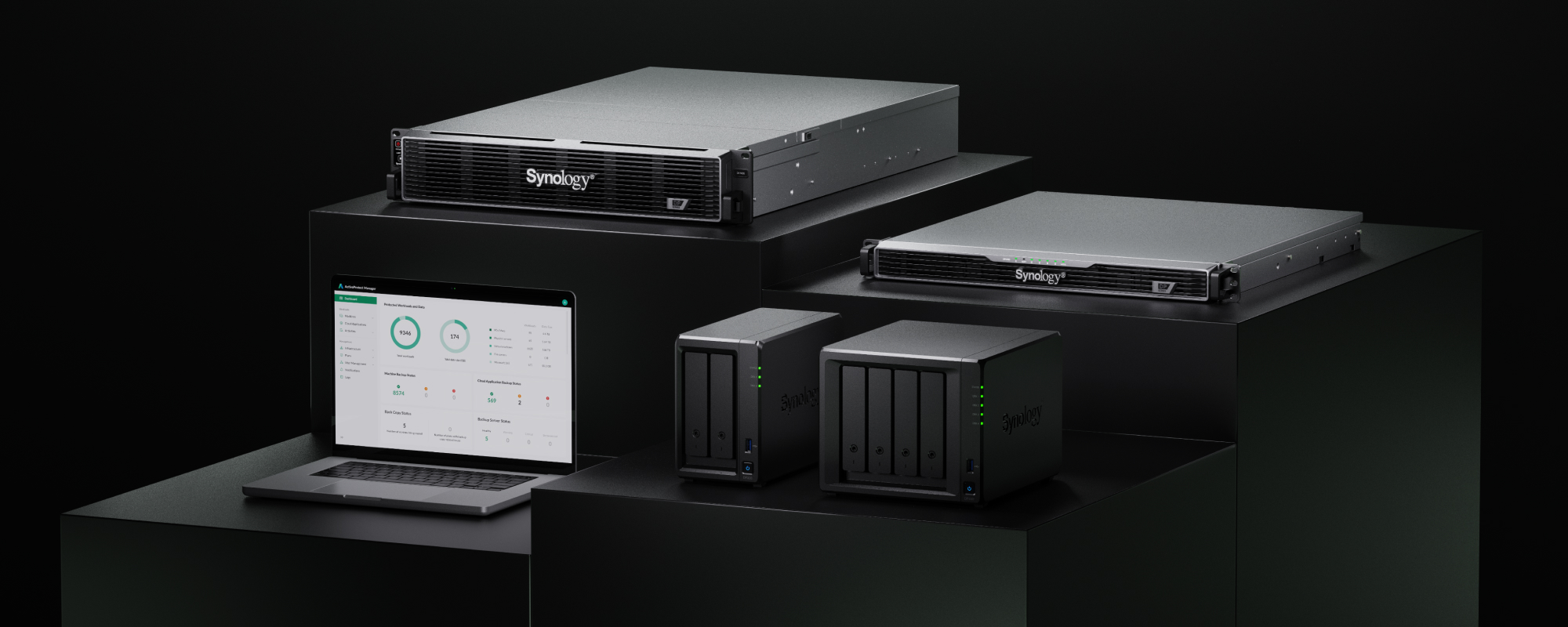
Synology's source article frames ActiveProtect deployment flexibility around edge, customer-site, and central service-provider backup needs.
A small branch office, a retail outlet, a professional services firm, a warehouse, and a head office do not all need the same backup appliance. They also should not be protected by a messy collection of disconnected tools that no one can monitor properly. The stronger approach is to standardise the management and recovery process while sizing the hardware and deployment model to the location.
Why One-Size Backup Creates Problems
Many SMB backup environments grow by accident. A NAS is added at one office. A USB drive is rotated somewhere else. Cloud sync is mistaken for backup. A server gets protected by one tool, Microsoft 365 by another, and a remote site by something different again. Each piece may solve a short-term problem, but the overall design becomes hard to check, hard to test, and hard to explain during an outage.
That matters because recovery is now a business continuity issue, not just an IT task. When ransomware, hardware failure, accidental deletion, theft, or storm damage hits, management needs clear answers: what is protected, where the backup copy lives, how fast it can be restored, whether it is protected from tampering, and who is responsible for the restore.
What Synology's Flexible ActiveProtect Lineup Means
Synology's source article positions ActiveProtect as an all-in-one backup appliance family for cyber resilience, with tightly integrated hardware and software. The article highlights three deployment tiers: DP300 Series desktop units, the compact 1U DP5000 Series, and the high-capacity 2U DP7000 Series.
The DP300 Series is described as a lightweight edge and customer-side backup option for branch offices, remote locations, and SMB environments. That type of design is useful where a business needs local backup and fast recovery, but does not have a rack, server room, or large IT footprint.
The DP5000 Series is positioned for larger data volumes, higher performance requirements, customer-site deployments, and entry-level Backup-as-a-Service or Disaster-Recovery-as-a-Service offerings. In practical terms, it can suit businesses that have outgrown ad hoc backup but still need a cost-conscious path to stronger recovery.
The DP7000 Series is aimed at higher-capacity environments and multi-tenant service-provider models. That matters for managed service providers because it gives them a way to support centralised services and larger backup workloads while keeping the platform consistent.
The MSP Advantage Is Consistency
The important point is not just the hardware list. The value is operational consistency. Synology argues that a single data protection platform helps MSPs support varied customer requirements without maintaining separate backup stacks for every client. That is exactly where a managed provider can add value for local businesses.
Blue Chip Technologies can design the backup architecture around the business reality: branch office, main office, cloud workload, server workload, data volume, budget, recovery objective, and compliance concern. The appliance may differ by site, but the backup discipline should remain consistent: monitoring, retention, immutability where appropriate, off-site copies, recovery testing, and clear ownership.
What Local Businesses Should Ask
If you are reviewing backup readiness, do not start with the model number. Start with the business questions. Which systems must be back first? How much downtime is acceptable? How much data can the company afford to lose? Which locations need local recovery? Which backups need off-site protection? Who checks the dashboard? When was the last restore test?
Once those answers are clear, technology selection becomes more grounded. A smaller site may need a compact local appliance. A busier office may need more performance and capacity. A multi-site business may need centralised visibility and replication. The design should be boring in the best possible way: clear, monitored, repeatable, and testable.
Blue Chip's View
For Trinidad and Tobago SMBs, managed backup should not feel like buying a box and hoping it saves the day. It should be a service design. The right Synology ActiveProtect deployment can help standardise how backups are protected and recovered, while still fitting the size and risk profile of each site.
Blue Chip Technologies helps businesses review current backup gaps, design practical Synology NAS and ActiveProtect environments, add off-site and ransomware-resilient recovery layers, and run restore checks before the business is under pressure. The goal is not backup for its own sake. The goal is fast, clean recovery when the business needs it.
Source: Synology, How Flexible Deployment Helps MSPs Win More Business.