Microsoft 365 Copilot Workflows Need Business Owners
Microsoft is pushing Copilot deeper into daily work. Its May 2026 Microsoft 365 Copilot update talks about human agency, Frontier Firms, connectors, plugins, Copilot, and Cowork working across business context.
That direction makes sense. The value of AI at work is not just answering questions. It is helping move work forward.
But the more Copilot touches workflows, apps, files, meetings, and business data, the more important ownership becomes.
The trap
Many companies treat Copilot as a licence rollout:
- assign users
- show a few prompts
- hope productivity improves
- review usage later
That is weak. It turns a workflow tool into a novelty.
The better question is not "who gets Copilot?" It is "which business process are we improving, and who owns the result?"
Start with workflows, not prompts
Good Copilot use cases usually have a clear job:
- prepare a meeting brief from approved sources
- summarize action items from Teams and Outlook
- draft a customer follow-up from CRM notes and email history
- turn a policy into a staff checklist
- compare project updates across Teams, Planner, and documents
- create a first draft of a report from known business data
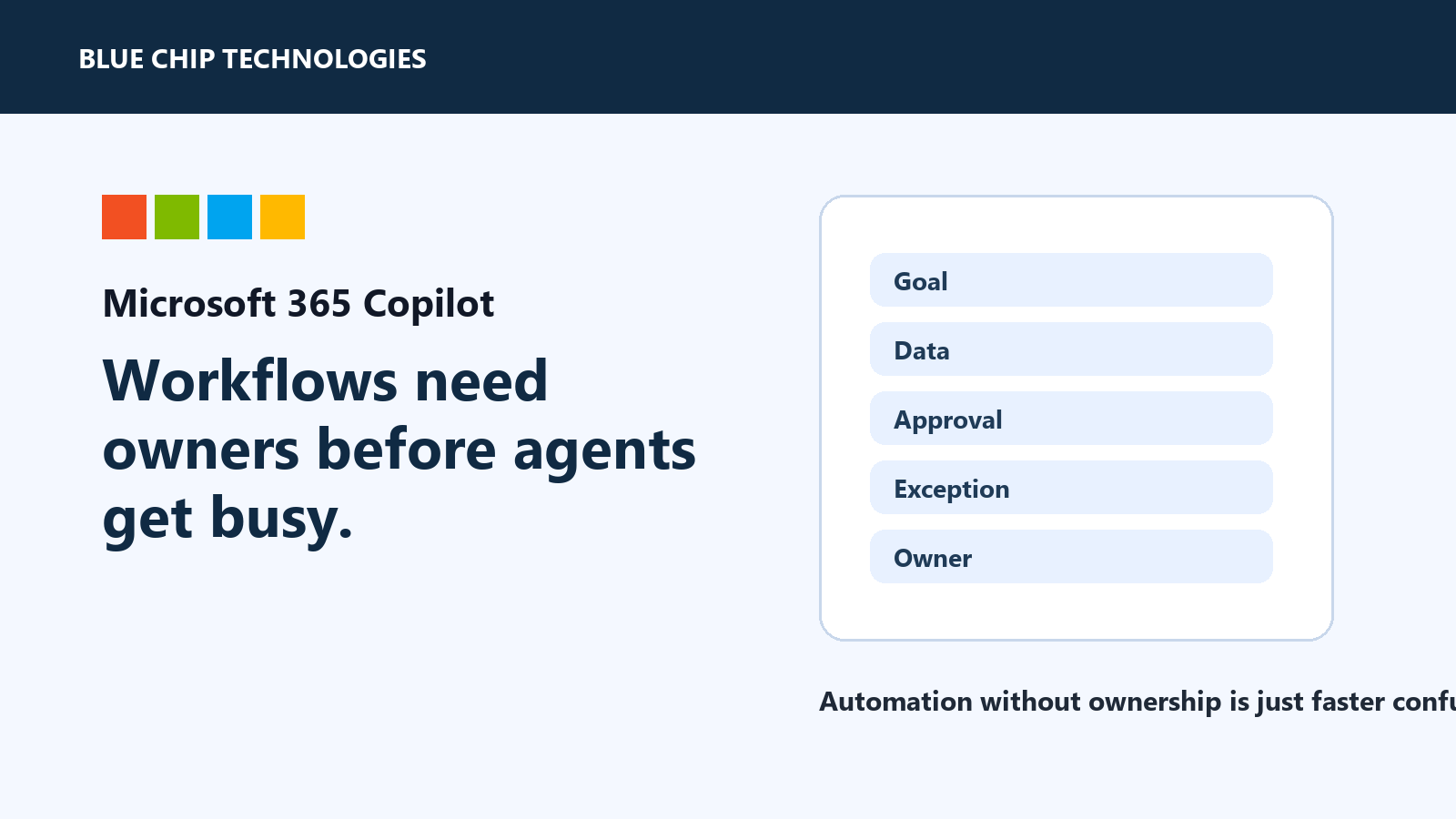
These workflows should have named owners. Someone must decide what good looks like, what data is allowed, what needs review, and what happens when Copilot gets something wrong.
What to define before scaling
Before expanding Copilot workflows, define:
- the business outcome
- the source systems Copilot can use
- who checks the output
- which actions require human approval
- what data should be excluded
- how exceptions are handled
- how success will be measured
If that sounds like process work, it is. That is the point.
AI does not remove the need for process. It exposes weak process faster.
The managed rollout
A practical rollout starts small. Pick one department, one workflow, and one owner. Build the habit, measure the value, fix the rough edges, then expand.
For most small and mid-sized businesses, that is better than lighting up every feature for everyone and calling it transformation.
The practical takeaway
Microsoft 365 Copilot can help teams reduce busywork and make better use of business context. But once it moves from chat into workflow execution, ownership is not optional.
Give every Copilot workflow a business owner, a review point, and a clear boundary. Otherwise, you are not automating work. You are just making unclear work move faster.
Source: Microsoft 365 Blog - Microsoft 365 Copilot, human agency, and the opportunity for every organization.