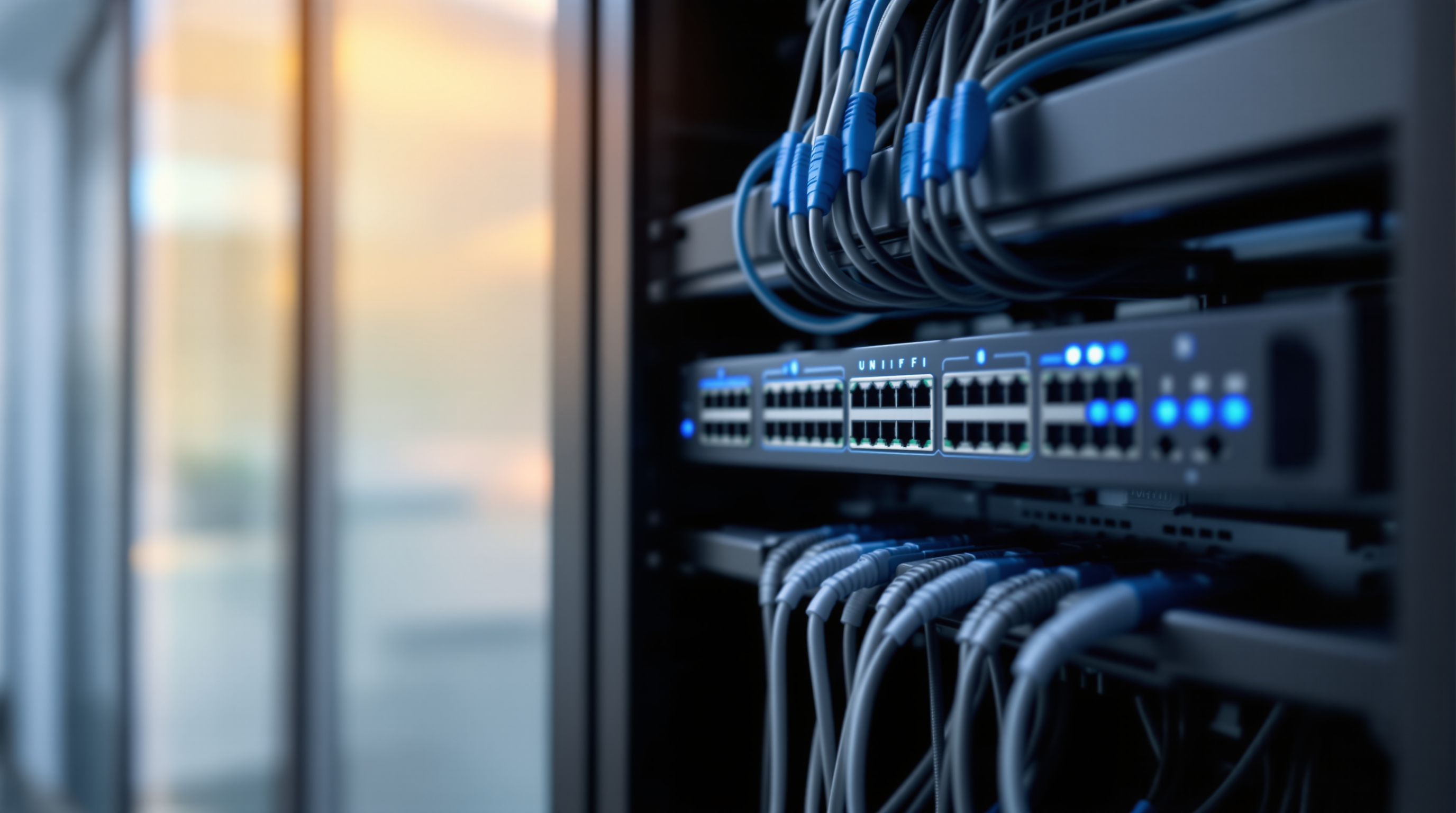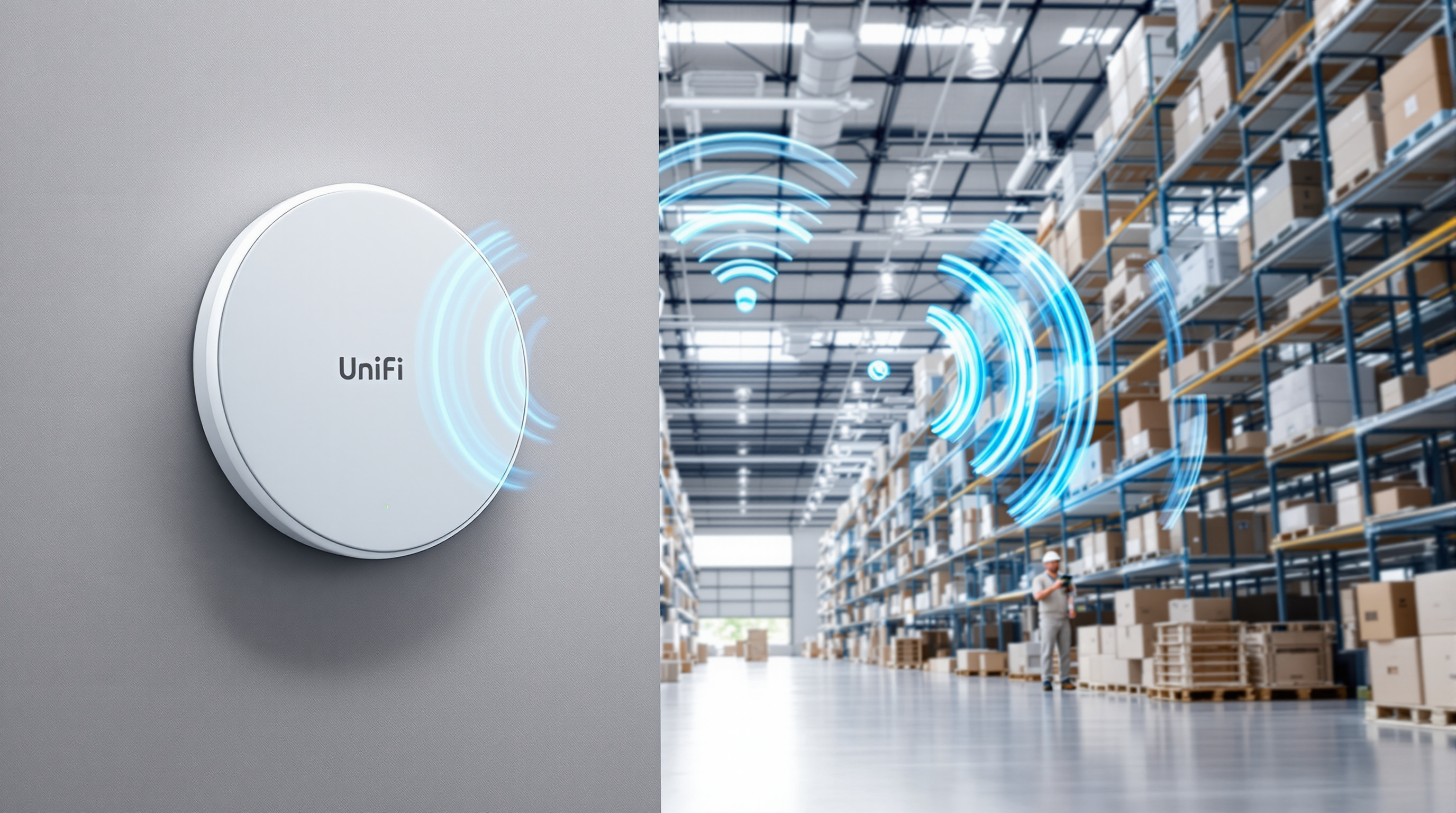
Rugged Networks Need More Than Office Gear
Most business networks are designed around clean offices, controlled server rooms, and predictable power. That is not the reality for every site in Trinidad and Tobago.
Warehouses, yards, workshops, remote buildings, construction offices, production spaces, and edge locations often need connectivity in places where heat, dust, vibration, limited cabling, and backup links all matter. In those environments, the right answer is not always another office-grade router on a shelf.
Ubiquiti's recent article on the UniFi Industrial initiative is useful because it highlights a practical point: some networks need hardware, power, mounting, and management planned around the physical environment, not just the internet speed.
Why industrial and edge sites are different
A normal office network usually starts with a secure cabinet, a firewall or gateway, switches, access points, and structured cabling. That still matters, but industrial and remote sites add extra questions:
- Will the equipment sit in heat, dust, vibration, or a non-air-conditioned area?
- Does the site need Wi-Fi close to equipment, vehicles, work areas, or outdoor spaces?
- Are there cameras, access points, downstream switches, or other PoE devices that need reliable power?
- Is fibre or copper cabling available, or will part of the site depend on wireless bridge, cellular, or satellite backup?
- Can the site be monitored centrally, or will issues only be noticed when staff complain?
- Is the installation temporary, expanding, or likely to move from desk to wall to rack later?
Those questions affect the gateway, PoE budget, mounting accessories, backup connectivity, monitoring, and documentation.
What UniFi Industrial brings into the conversation
Ubiquiti's Cloud Gateway Industrial is positioned for tougher environments, with a hardened fanless design, integrated Wi-Fi 7, flexible antenna options, high-performance gateway capability, and high-power PoE output for equipment such as downstream switches or satellite terminals.
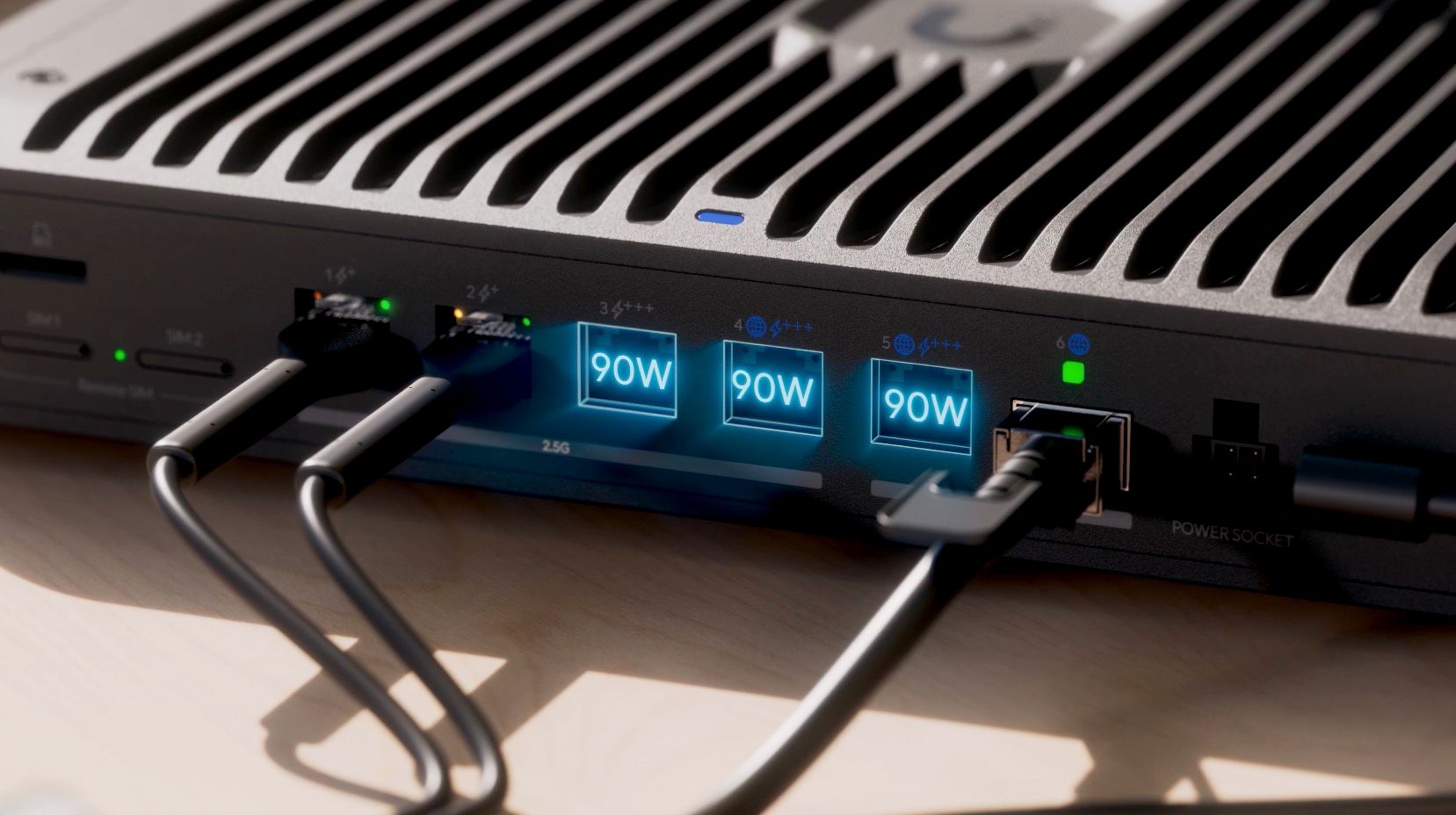
The specific product matters, but the bigger lesson for businesses is the design approach. A rugged site should not be treated as an afterthought. The network core should be selected for the location, expected uptime, power needs, and management model.
For a Blue Chip client, that planning may include:
- a UniFi Cloud Gateway or industrial gateway sized for routing, VPN, and security inspection needs
- PoE switching with enough budget for access points, cameras, phones, and edge devices
- Wi-Fi coverage planned around real work areas, not just office desks
- backup internet through cellular, satellite, or another provider where downtime is costly
- remote monitoring so device health, WAN status, and performance issues are visible early
- clean labelling, diagrams, and documentation so support does not depend on memory
Central management matters when sites spread out
The Ubiquiti article also ties industrial deployments back to UniFi Site Manager. That matters for businesses with more than one location, remote storage areas, warehouse offices, branch offices, or temporary project sites.
Centralized management helps an MSP see whether the issue is a failed ISP link, overloaded Wi-Fi, a down access point, a PoE problem, or a site-wide outage. Without that visibility, staff often lose time describing symptoms while the root cause remains unclear.
A managed UniFi environment gives the support team better context before they arrive onsite. That can shorten troubleshooting time and make maintenance more predictable.
A practical rollout path
For most SMBs, rugged networking should start with an assessment, not a shopping list.
Blue Chip would typically look at:
- the site layout and environmental conditions
- current internet options and backup connectivity needs
- existing cabling, cabinet, rack, and power quality
- required wired ports and PoE devices
- Wi-Fi coverage needs for staff, handhelds, tablets, scanners, cameras, or guest access
- security requirements such as VLANs, VPN, firewall rules, and admin access
- monitoring, alerting, documentation, and support ownership
From there, we can recommend the right mix of UniFi gateway, switches, Wi-Fi access points, bridge links, accessories, and monitoring setup.
Where Blue Chip helps
Blue Chip designs, deploys, documents, and manages business networks for SMBs that need practical reliability without turning network support into a full-time internal job.
For UniFi environments, that can include gateway and switch selection, Wi-Fi planning, VLAN and firewall design, secure remote access, site documentation, monitoring, backup internet planning, firmware lifecycle management, and helpdesk support. Where surveillance, access control, phones, or cloud services are involved, we make sure those systems are considered as part of the full network design instead of bolted on later.
Our goal is simple: the network should fit the business site, be visible to support, and keep working when conditions are less than perfect.
The takeaway
Industrial and edge sites need more than office gear in a difficult location. They need a network plan that accounts for environment, power, connectivity, Wi-Fi, monitoring, and support from day one.
If your warehouse, workshop, remote office, or multi-site business depends on reliable connectivity, Blue Chip can help assess the site and design a managed UniFi network that is built for the way the location actually works.
Source: Ubiquiti Blog — All-New UniFi Industrial Initiative.