Let's be honest — nobody thinks about email signatures until something goes wrong. Maybe a client points out your sales rep is still using a logo from 2019. Or your legal team realises half the company isn't including the required disclaimer. Or worse, someone's signature says they're still the "Marketing Coordinator" when they've been promoted twice since.
If you're managing a team of any size in Trinidad & Tobago, you've probably dealt with this headache. And if you're using Microsoft 365, you might have assumed the built-in signature tool would handle it. It doesn't — at least not the way growing businesses need it to.
The Problem with "Just Let Everyone Do Their Own Signature"
Here's what typically happens. IT sends out a template. Some people use it correctly. Others tweak the font. A few forget to update their phone number when they move offices. Someone in accounts is still using a signature they copied from their last job.
Before you know it, your company emails look like they're coming from five different organisations.
This isn't just an aesthetic issue. It's a brand problem. And in regulated industries — finance, legal, healthcare — missing disclaimers can actually land you in trouble.
Microsoft 365's native signature feature works fine for one person on one device. But it falls apart when you need:
- Consistency across desktop, mobile, and webmail
- Central control so IT or Marketing can push updates to everyone
- Automatic syncing with your directory when someone changes roles
- Tracking to see if anyone actually clicks that banner you added
The native tool simply wasn't built for this.
What Modern Signature Management Actually Looks Like
Think about how many emails your company sends daily. Fifty? Five hundred? Each one is a small touchpoint with a client, vendor, or partner. That's free real estate for your brand — if you're using it properly.
Modern email signature management means:
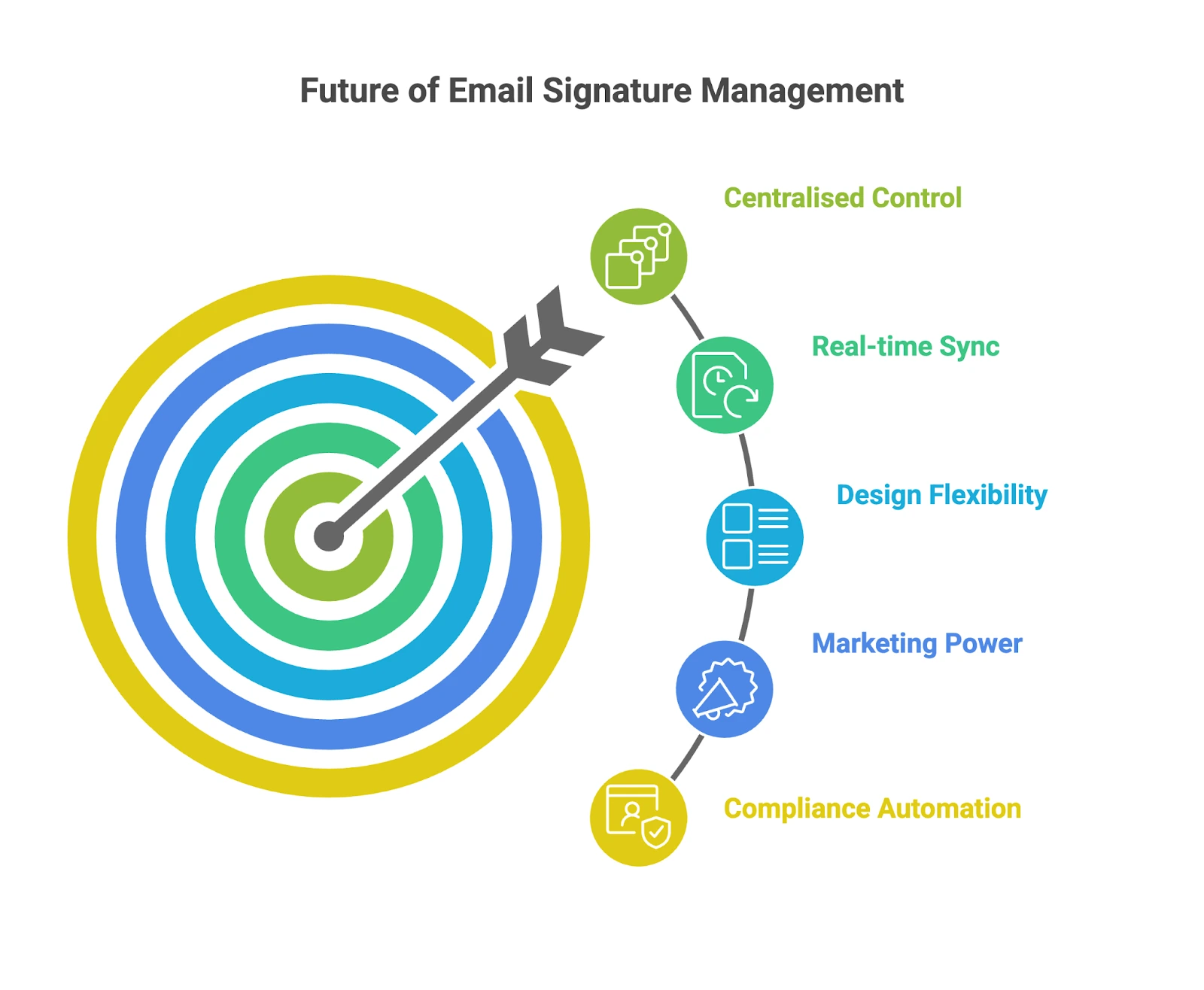
- One dashboard where Marketing, IT, or HR can control everything
- Azure AD sync — when someone's title changes in your directory, their signature updates automatically
- Device-agnostic deployment — laptop, phone, Outlook, webmail, it all matches
- Dynamic banners you can swap out for campaigns, events, or seasonal promotions
- Built-in compliance — legal footers apply to every message without relying on staff to remember
And yes, you can actually track clicks on those banners to see what's working.
How Rocketseed Solves This for Microsoft 365 Users

Rocketseed was built specifically for this. It plugs into your Microsoft 365 environment and gives you centralised control over every signature across your organisation.
What you get:
- Azure AD integration — job title changes, new hires, department transfers all sync automatically
- Cross-device consistency — whether your team emails from a desktop in Port of Spain or a phone in San Fernando, the signature looks the same
- Marketing-ready templates — clean HTML designs that display properly everywhere
- Campaign banners — promote your latest service, event, or offer right in the signature
- Analytics — see which banners get clicks and adjust accordingly
For IT, it means no more chasing people to update their signatures manually. For Marketing, it means every email becomes a mini billboard. For Compliance, it means the right disclaimers appear every single time.
Why This Matters for T&T Businesses
If you're running a business here, you know the value of looking professional. Whether you're pitching to a government ministry, following up with a client in the energy sector, or sending quotes to a retail partner, your email is often the first impression.
A polished, consistent signature says you have your act together. An outdated, mismatched one says... well, the opposite.
Plus, if you're already using Microsoft 365, Rocketseed slots right in. No complicated migration, no switching platforms.