The Real Cost of Poor Planning
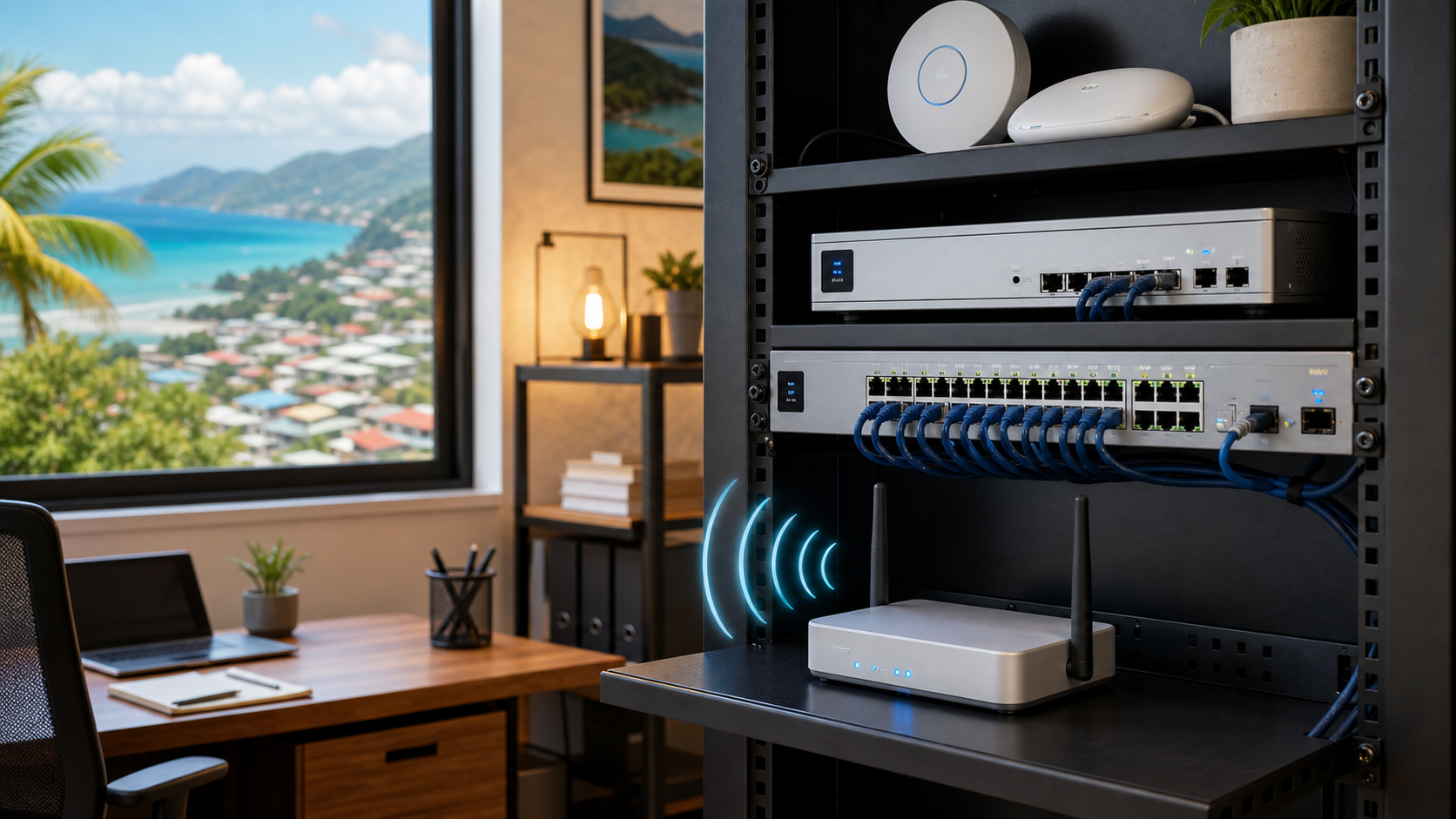
Dead zones in a warehouse. A blind spot at a clinic entrance. A retail store where the POS drops connection during peak hours. For small and mid-sized businesses across Trinidad and Tobago, these are not minor inconveniences. They are lost revenue, security gaps, and frustrated staff.
The root cause is usually the same: the network and security layout was never properly planned before installation began. Devices get mounted where they are convenient, not where they are effective. Cables are run without a rack map. Handover documentation is a photo on a phone. When something breaks, no one knows how anything connects.
Plan the Full System Before You Buy a Single Cable
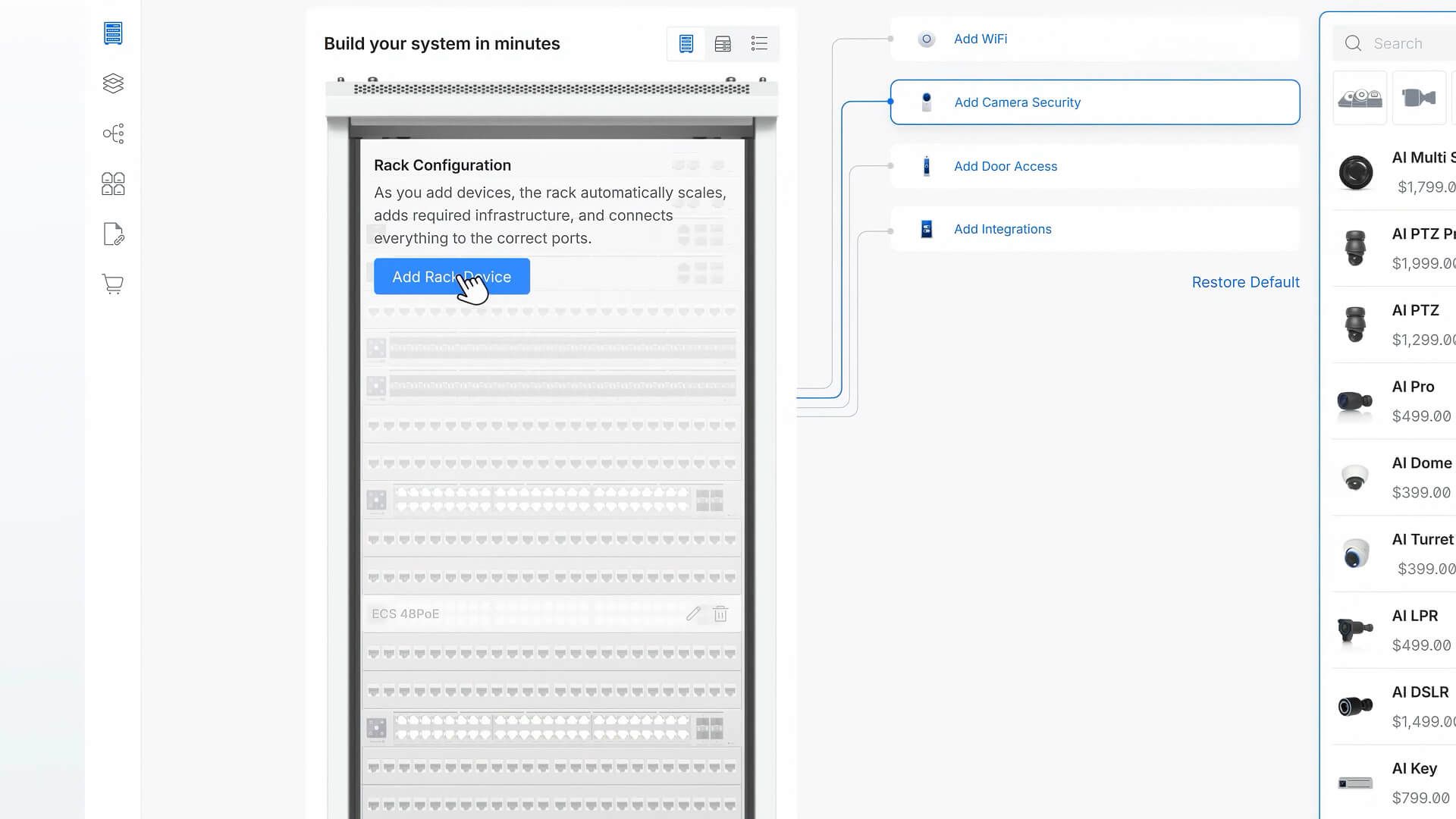
Ubiquiti's UniFi Design Center, released in April 2026, is a browser-based, license-free tool that lets you build a complete digital model of your network and security environment. You can import an existing floor plan or draw one from scratch. From there, you place access points and cameras in real time and immediately see simulated coverage, signal strength, and blind spots.
For a school in Port of Spain, that means knowing exactly how many access points cover every classroom before the electrician shows up. For a multi-site retail chain, it means replicating a proven layout across new locations without starting from zero each time.
See It in 3D, Not Just on Paper
Flat floor plans only tell part of the story. UniFi Design Center converts 2D layouts into interactive 3D environments. If you are working with an irregular warehouse space or a hospitality venue with multiple levels, you can even use mobile LiDAR scanning to walk the site and capture the real-world structure directly into the model.
This matters for businesses where walls, shelving, or outdoor areas affect signal propagation. You are no longer estimating. You are simulating.
Camera Placement with Real Performance Data
Security camera planning goes beyond drawing circles on a map. The tool simulates field of view, effective distance, low-light performance, audio coverage, and detection zones. It also highlights blind spots before they become liabilities.
For clinics, warehouses, and retail stores in Trinidad and Tobago, this translates to fewer cameras doing more work. You buy what you need, place it where it counts, and avoid the expensive mistake of discovering a blind spot after an incident.
Collaboration and Documentation That Survives Staff Changes
UniFi Design Center supports invited-user collaboration, so your IT contact, facilities manager, and installer can all work from the same model. It maps rack and floorplan connectivity, showing exactly which port feeds which device.
When the project moves to deployment, the tool generates installer-ready documentation and supports zero-touch provisioning through Site Manager integration. The result is a clean handover with no mystery cables and no hidden configuration debt.
Field Tools and On-Site Confidence
A companion mobile app extends the platform into the field. You can pull up your project on-site, use augmented reality to preview exactly where a camera or access point will sit, and connect with certified installers when you need boots on the ground. A built-in assistant, trained specifically on UniFi systems, can answer questions without sending you down a generic support rabbit hole.
What This Means for Your Business
At Blue Chip Technologies, we use disciplined planning, visibility, and documentation to eliminate the common failure points in network and security deployments:
- Wi-Fi dead zones that frustrate employees and customers
- Camera blind spots that leave property and people unprotected
- Port confusion that turns a 30-minute fix into a half-day investigation
- Surprise costs from buying the wrong equipment or running extra cable
- Messy handovers where no one knows what was installed or how it connects
UniFi Design Center gives us the platform to do this work precisely and transparently. You see the plan before we install. You get documentation when we finish. You own the layout, not just the hardware.
Ready to Plan Your Next Deployment?
Whether you are opening a new office, upgrading a warehouse, or standardising network and security across multiple sites, start with a plan that eliminates guesswork. Contact Blue Chip Technologies today for UniFi network planning, design, and managed deployment across Trinidad and Tobago.
Source: Based on the Ubiquiti official blog article "All-New UniFi Design Center" by Tom Hildebrand, published 2 April 2026. Read the original article here.