
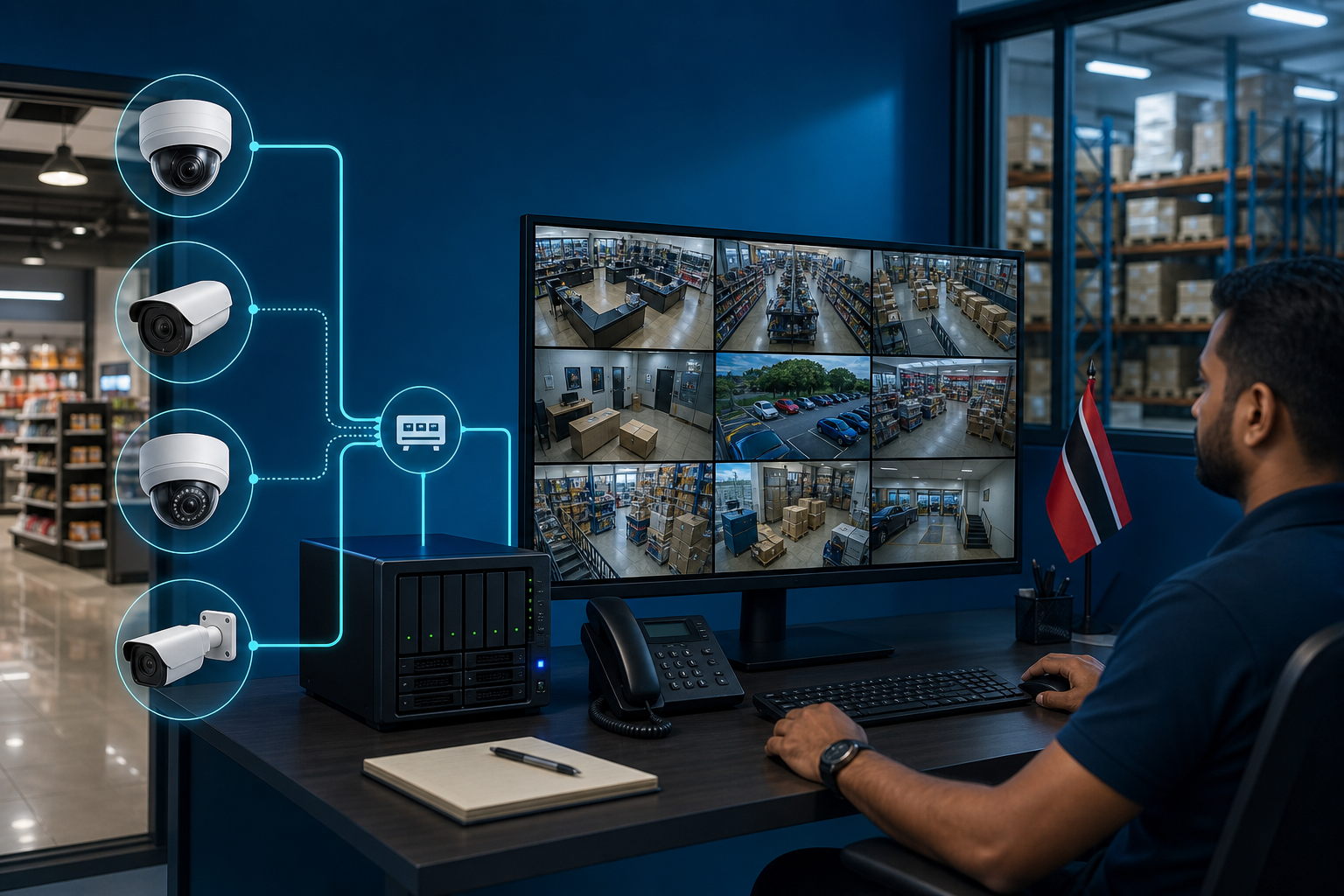
Surveillance Upgrades Should Not Force a Camera Rip-and-Replace
Many businesses already have cameras in the right places. A retail store may have cameras covering the cashier, entrance, stock room, and parking area. A warehouse may have units mounted high on walls, already cabled, labelled, and aimed correctly. A school, clinic, office, or manufacturing site may have years of investment in cameras, switches, storage, and cabling.
So when the surveillance system starts to feel old, the answer should not automatically be “replace everything.”
Synology recently highlighted that Surveillance Station 9.2.5 now supports more than 17,000 camera models, including many third-party and ONVIF-compatible devices. That matters because many surveillance projects fail on cost and disruption before they fail on features.
For Trinidad and Tobago SMBs, the practical question is simple: can we modernize the recording and management platform while keeping the cameras that still work?

Modern surveillance projects should preserve useful camera investments while improving recording, monitoring, retention, and management.
The camera is not always the weak point
When a surveillance setup becomes frustrating, the visible camera often gets blamed first. But the real issue may be elsewhere:
- the recorder is too old
- storage is unreliable or too small
- playback is slow
- remote access is awkward or insecure
- alerts are not configured properly
- cameras from different brands are managed in separate systems
- footage retention is too short
- there is no health monitoring for failed cameras or disks
- multiple sites cannot be viewed centrally
Replacing every camera can turn a manageable upgrade into a major capital project. Before doing that, it is worth checking whether the existing camera fleet can be supported by a better video management platform.
Compatibility protects prior investment
Camera compatibility is not just a technical detail. It protects money the business has already spent.
Existing cameras may already have:
- correct viewing angles
- weatherproof mounting
- network cabling in place
- PoE switch ports allocated
- staff familiarity
- compliance or insurance coverage expectations
- known blind spots documented
If those cameras are still suitable, a rip-and-replace project may create unnecessary downtime, installation labour, and disruption. A compatible video management system can allow the business to improve recording, retention, search, monitoring, and multi-site visibility without starting from zero.
Where Synology Surveillance Station fits
Synology Surveillance Station is designed to run as a central video management platform on Synology infrastructure. With broad camera compatibility, businesses can often combine existing supported cameras with new cameras where needed.
That gives owners and managers a more practical upgrade path:
- keep useful existing cameras
- add new cameras only where coverage is weak
- standardize recording and retention
- centralize management across sites
- improve remote viewing with proper access control
- monitor camera and storage health
- plan storage based on real retention needs
- pair surveillance storage with backup and maintenance processes
The value is not only the camera feed. It is the reliability of the whole surveillance workflow.
Surveillance is part of managed infrastructure
A camera system should not be treated as a one-time installation that nobody reviews until footage is missing. It is part of the business infrastructure.
Blue Chip recommends that SMBs review surveillance systems the same way they review servers, networks, backups, and cybersecurity controls:
- Which cameras are critical?
- How long should footage be retained?
- Who can view live and recorded video?
- Are admin accounts secured with strong passwords and MFA where available?
- Are firmware and application updates managed?
- Is remote access exposed safely?
- Are camera outages and disk issues monitored?
- Can footage be exported quickly when needed?
- Is there enough storage for the required quality and retention?
These questions matter for retail theft, workplace incidents, health and safety, insurance, access control, and after-hours security.
Avoid unmanaged camera sprawl
It is common for businesses to add cameras gradually: one at the front door, two in the warehouse, another at a remote branch, then a different brand at a second site. Over time, the environment becomes messy.
That sprawl creates risk. Nobody is sure which cameras are recording, which passwords are still default, which recorder has enough storage, or whether remote viewing is secure.
A modernization project is a chance to clean that up. The goal is not just sharper video. The goal is a managed surveillance platform with documented devices, secure access, storage planning, alerts, and support.
Blue Chip's recommendation
Before replacing a working camera fleet, assess the full surveillance environment. Identify what should stay, what should be retired, and what can be improved at the management layer.
For many SMBs, the best outcome is a phased upgrade: preserve useful cameras, replace weak points, centralize recording, secure access, and put monitoring around the system so failures are noticed before footage is needed.
A good surveillance upgrade should reduce risk without creating unnecessary disruption.
Source: Synology Blog — A major leap in camera compatibility.


