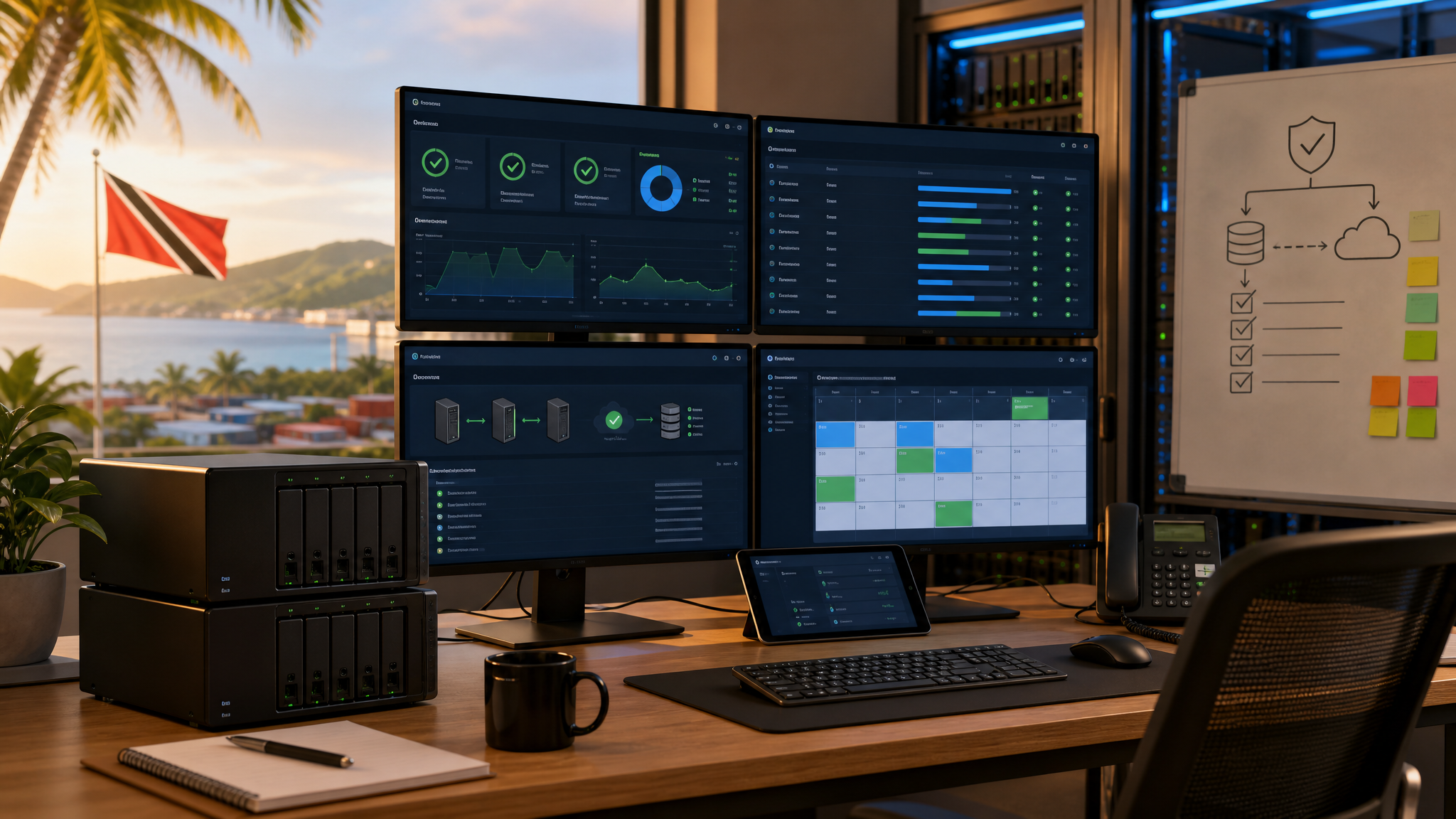
NAS Updates Should Be Managed Like Business Infrastructure
Most small businesses understand that laptops and servers need updates. NAS and storage systems are sometimes treated differently, even though they often hold the most important data in the company: shared files, backup repositories, surveillance footage, accounting exports, project archives, and user folders.
Synology recently published a useful look at how it tests software releases across millions of deployed systems. The technical story is interesting, but the business lesson is simple: storage updates should be managed deliberately, not clicked through casually and not ignored forever.
For Trinidad and Tobago SMBs, a Synology NAS may be the quiet system everything depends on. If it is unavailable, slow, full, exposed, or running outdated software, the impact can reach far beyond file sharing.

Reliability testing matters because NAS updates often protect business-critical data, backup jobs, surveillance archives, and shared files.
Updates protect more than features
NAS updates are not only about new screens or extra capabilities. They may include security fixes, package improvements, hardware compatibility updates, performance changes, and reliability improvements for services such as Synology Drive, Active Backup for Business, Hyper Backup, Snapshot Replication, Surveillance Station, and shared folders.
That means a missed update can become a business risk. A rushed update can also create trouble if the storage device supports active users or scheduled backup jobs.
The answer is not fear. The answer is process.
Treat the NAS like production infrastructure
If a NAS stores production data or backups, it deserves the same update discipline as a server or firewall.
A practical maintenance process should confirm:
- what model and DSM version are currently running
- which packages are installed and business-critical
- whether the device is healthy before the update
- whether storage pools, volumes, and drives show warnings
- whether recent backups are complete
- whether users or scheduled jobs will be affected
- whether there is a maintenance window
- what rollback or recovery option exists if the update fails
For a small office, this may be a short checklist. For a larger site, it may be part of a formal change window. Either way, the point is to update with visibility.
Staged rollouts matter
Synology describes a release approach that includes internal testing, public beta feedback, and staged global rollout. Businesses can apply the same idea at a smaller scale.
If you manage multiple NAS units across offices, branches, or client sites, avoid updating everything at once. Start with a lower-risk system, monitor it, then continue to the next group. That gives the IT team time to spot compatibility issues before they affect every location.
For Blue Chip clients, this is especially relevant where Synology systems support backup, surveillance, file access, or archive workloads across more than one site.

Storage infrastructure should be updated with the same discipline used for servers, firewalls, and other core business systems.
Maintenance should include health checks
An update is a good time to check the basics that often get missed:
- drive health and SMART warnings
- storage pool status
- available capacity
- snapshot and retention settings
- backup job results
- UPS status and shutdown settings
- admin account hygiene and MFA
- firewall and remote access exposure
- alert email delivery
- package versions and unused services
These checks matter because many NAS incidents are not dramatic failures. They start as ignored alerts, low free space, old packages, failed backup jobs, or remote access left too open.
The Blue Chip view
Synology does serious work behind the scenes to make updates reliable. Businesses still need to manage when and how those updates land in their own environment.
Our recommendation is straightforward: do not let NAS maintenance become either panic patching or permanent deferral. Keep the system current, but do it with a health check, a maintenance window, recent backups, and clear ownership.
Blue Chip Technologies can help review Synology NAS environments, plan DSM and package updates, check backup and snapshot health, secure access, and document a practical maintenance routine for business-critical storage.
Quiet infrastructure still needs active management. The NAS may sit in the corner, but the business depends on it.
Source: Synology Blog - The machine that keeps millions of systems reliably up-to-date.