Synology has introduced the ActiveProtect DP5200, a new 1U backup appliance aimed at mid-sized and growing businesses. The original Synology announcement is here: https://blog.synology.com/introducing-the-new-synology-activeprotect-5000-series-for-mid-sized-businesses.
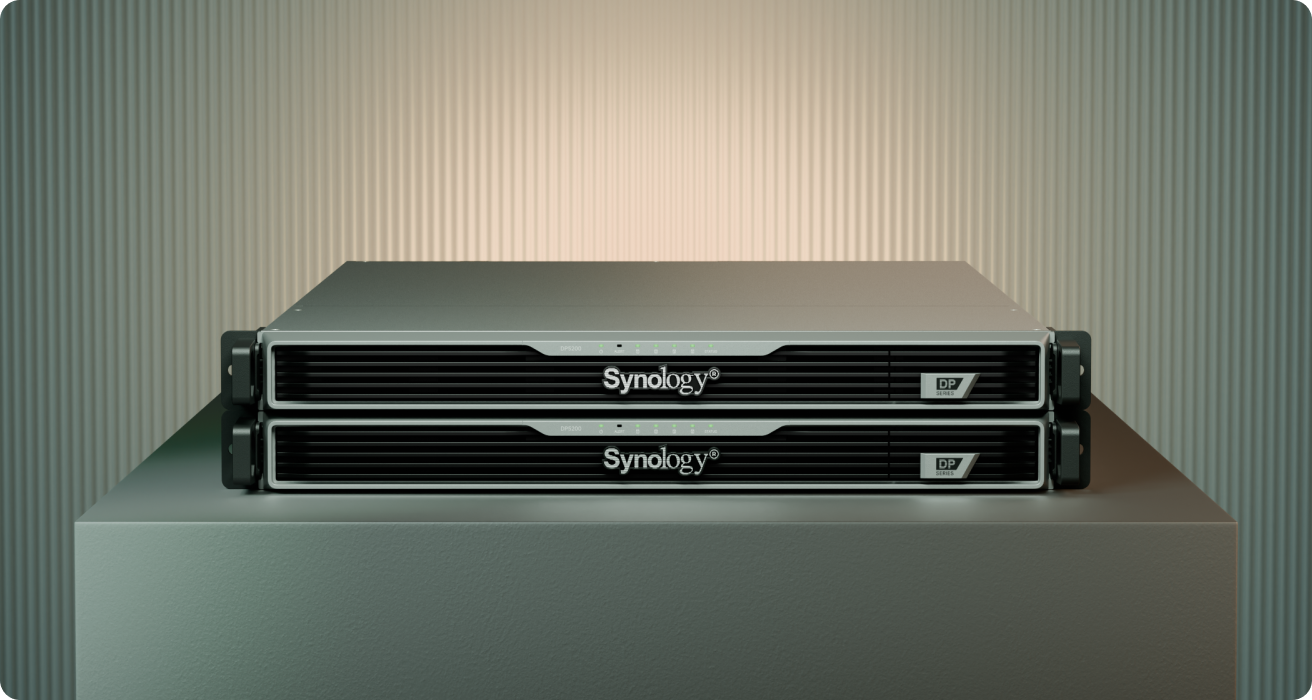
Synology introduced the ActiveProtect DP5200 as a compact 1U backup appliance for mid-sized and growing businesses.
Why This Matters for Growing Businesses
Most Trinidad and Tobago businesses do not wake up one morning with a clean enterprise backup architecture. They grow into complexity: more users, more virtual machines, more cloud services, more branches, more finance data, and more pressure to recover quickly after an outage.
That is where backup planning often gets uncomfortable. Lightweight tools can be easy to buy but weak on recovery discipline. Large enterprise platforms can be powerful but heavy on licensing, hardware, rack space, and administration. Synology is positioning the new DP5200 in the middle of that gap.
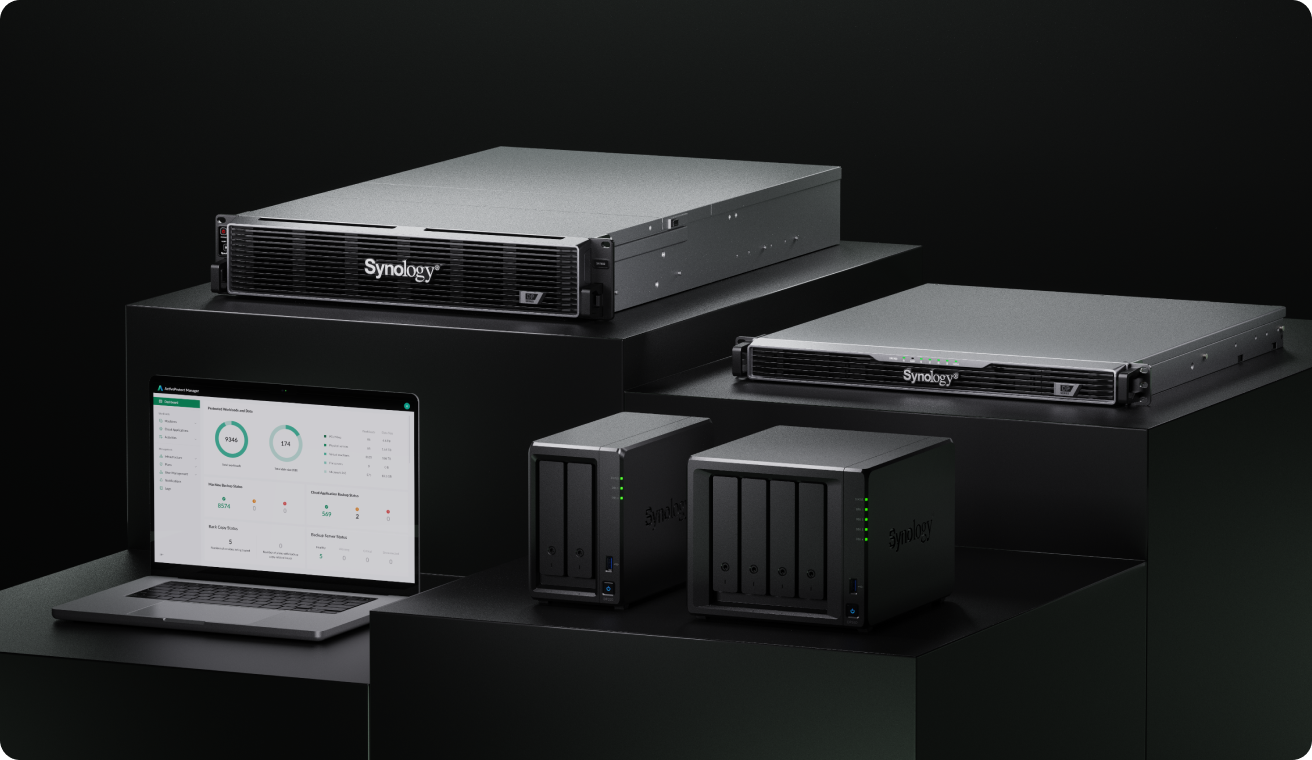
The ActiveProtect family now spans compact branch-office units, the new DP5000 Series, and larger DP7000 Series appliances.
What Synology Announced
The DP5200 joins Synology's ActiveProtect lineup as part of the new DP5000 Series. Synology describes it as a compact 1U rackmount backup appliance for mid-sized data centres and shared rack environments.
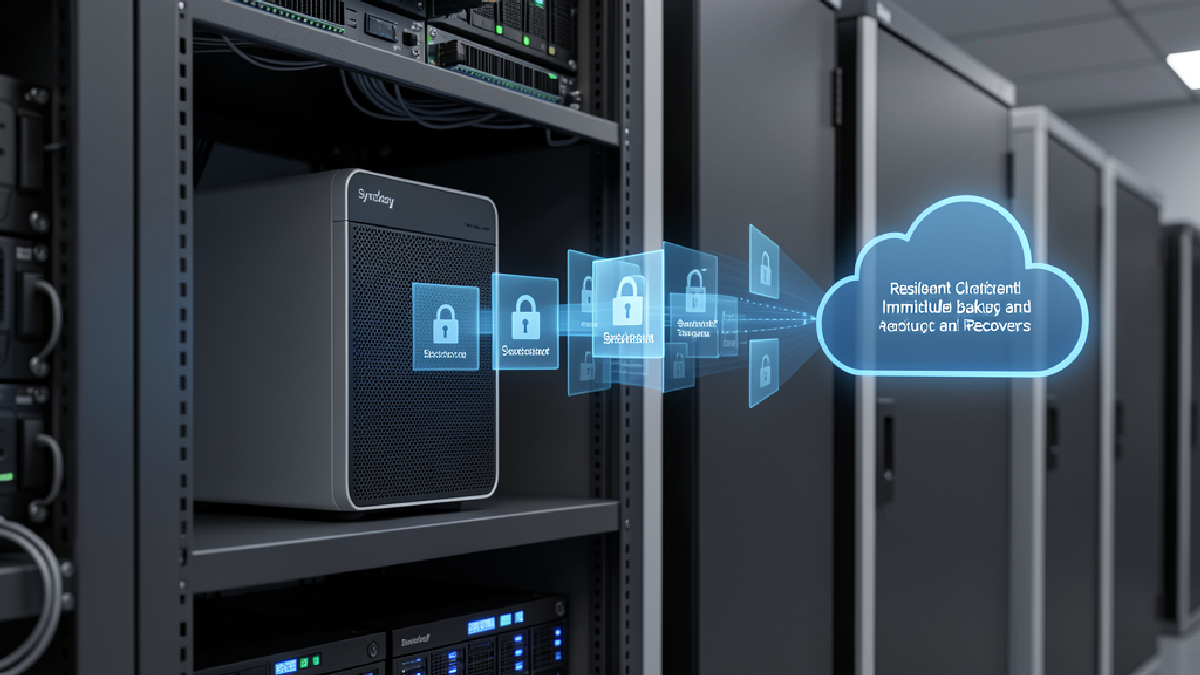
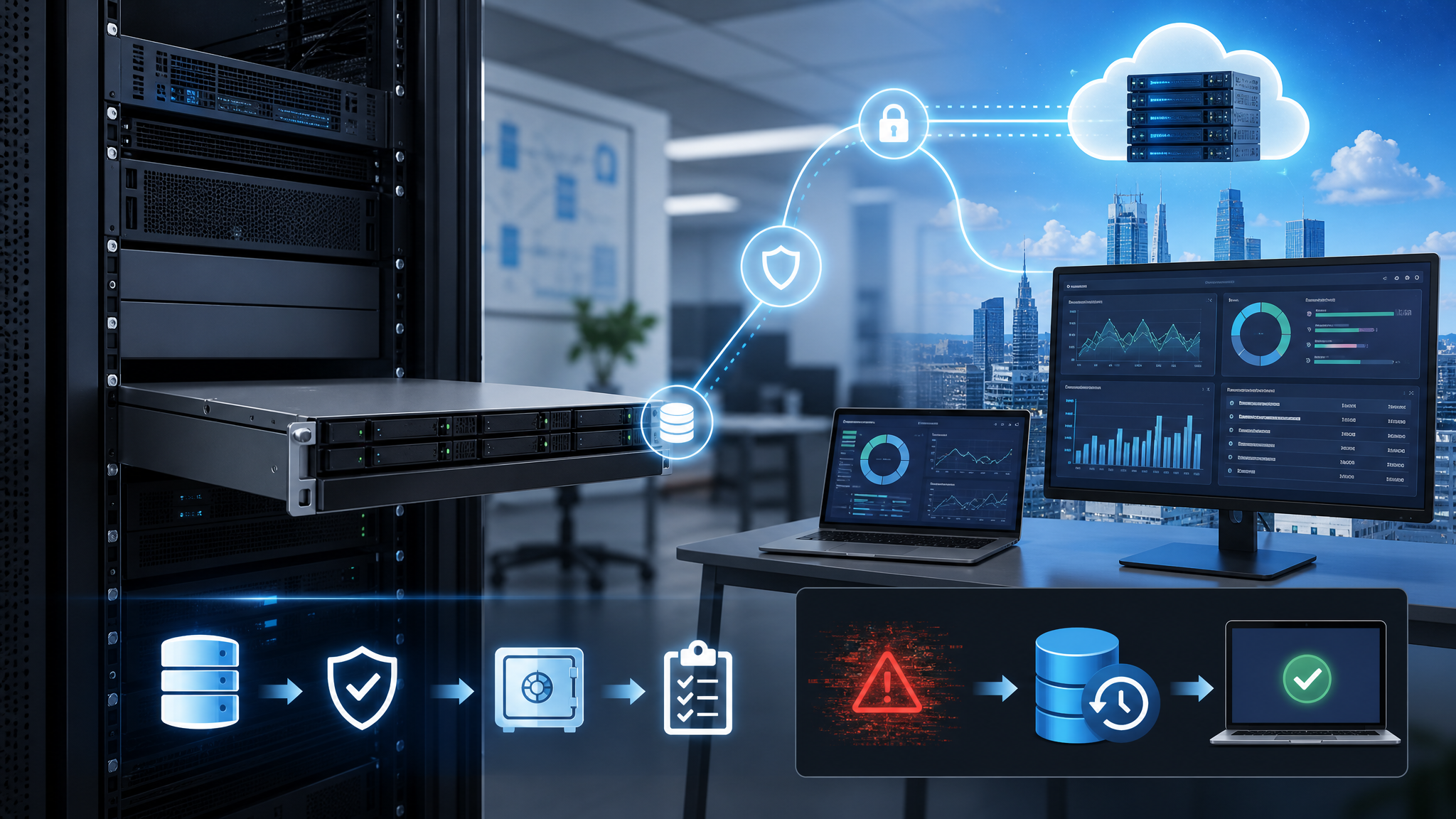
The broader ActiveProtect platform combines hardware and software into a dedicated backup appliance, with backup, recovery, deduplication, replication, centralised management, immutable storage using WORM, logical air-gapped protection, granular access controls, and recovery testing through a built-in hypervisor.
In plain terms, it is designed to help a business protect more workloads without stitching together separate backup software, storage, and recovery infrastructure by hand.
The Practical Client View
The most useful point is not the model number. It is the operating model.
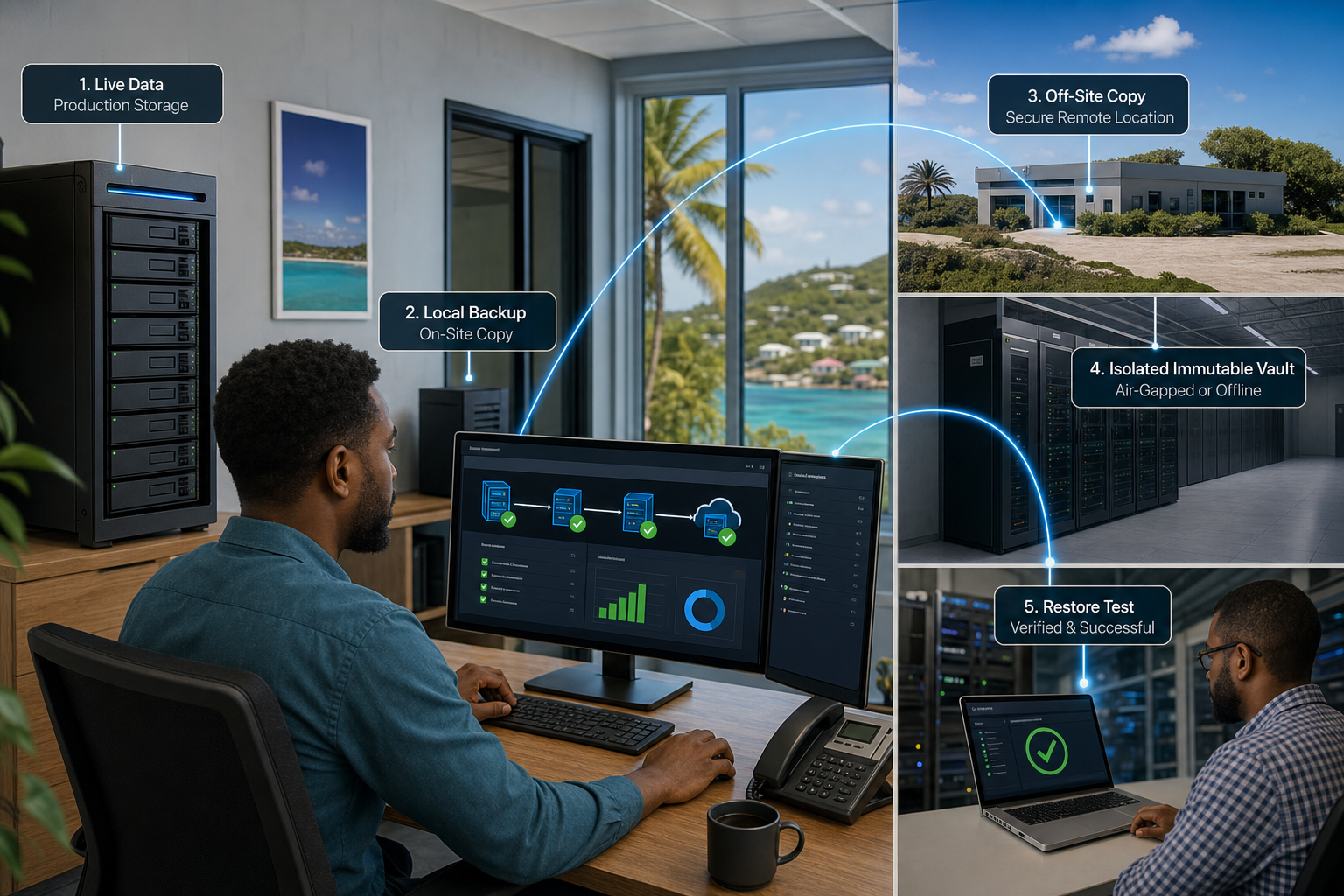
A growing business needs backup infrastructure that can be explained, monitored, tested, and expanded. It needs local recovery for speed, off-site replication for site-level risk, retention rules that match business obligations, and reporting that tells management whether the recovery plan is real.
Synology's lineup now gives different deployment roles: DP300 Series units for edge and branch locations, DP5200 for compact rack environments, and DP7000 Series appliances for larger headquarters, data centres, virtual machine workloads, and central backup consolidation.
That matters for organisations with several sites. A retail, medical, professional services, or distribution business may not need the same appliance everywhere. Branches may need compact local protection, while head office needs central visibility, replication, and recovery testing.
Watch the Recovery Details
Ransomware resilience is more than having another copy of data. Synology highlights immutable protection, air-gapping capabilities, and isolated disaster recovery testing. Those are the features Blue Chip Technologies looks for when reviewing whether a backup plan can survive a real incident.
The business question is simple: if production systems are encrypted, deleted, damaged, or unavailable, can we recover clean data, in the right order, within a tolerable time?
The answer should not depend on guesswork. Recovery testing, retention policy checks, off-site copy health, and restore documentation should be part of the service.
Where Blue Chip Technologies Fits
Blue Chip Technologies helps businesses design and manage Synology NAS and ActiveProtect environments, including branch-office backup, head-office consolidation, off-site replication, monitoring, recovery testing, and practical documentation for management.
If your backup environment has grown messy, or if recovery has never been tested properly, this is a good time to review it. The aim is not to buy another box. The aim is to know what is protected, how fast it can return, and what happens when the bad day arrives.