Synology recently published an article on flexible ActiveProtect deployments for MSPs. The MSP angle is useful, but the customer lesson is even more important: a serious backup plan should not be forced into one fixed shape.
Different Sites Need Different Backup Designs
A small office, a branch location, a busy accounting department, and a central operations site do not all have the same recovery problem. Some businesses need fast local restores because downtime stops sales immediately. Others need strong off-site protection because a fire, flood, theft, or ransomware incident at one location could take out the whole operation.
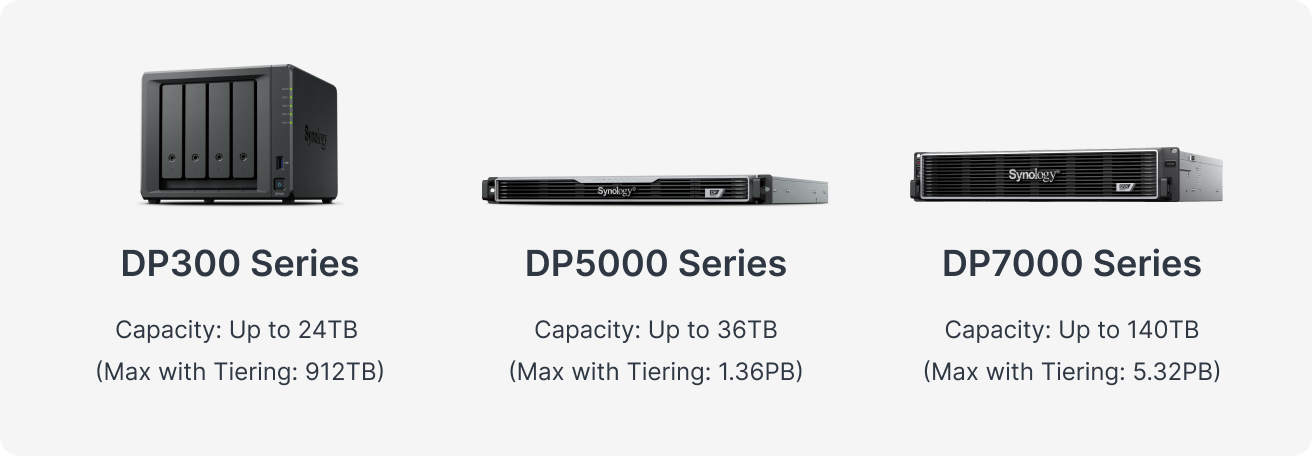
That is where flexible deployment matters. Synology describes ActiveProtect as an all-in-one backup appliance family with DP300 desktop units, DP5000 1U appliances, and DP7000 2U appliances. In practical terms, that gives an IT partner room to design around the business instead of selling the same box to everyone.
Local Recovery and Off-Site Protection Work Together
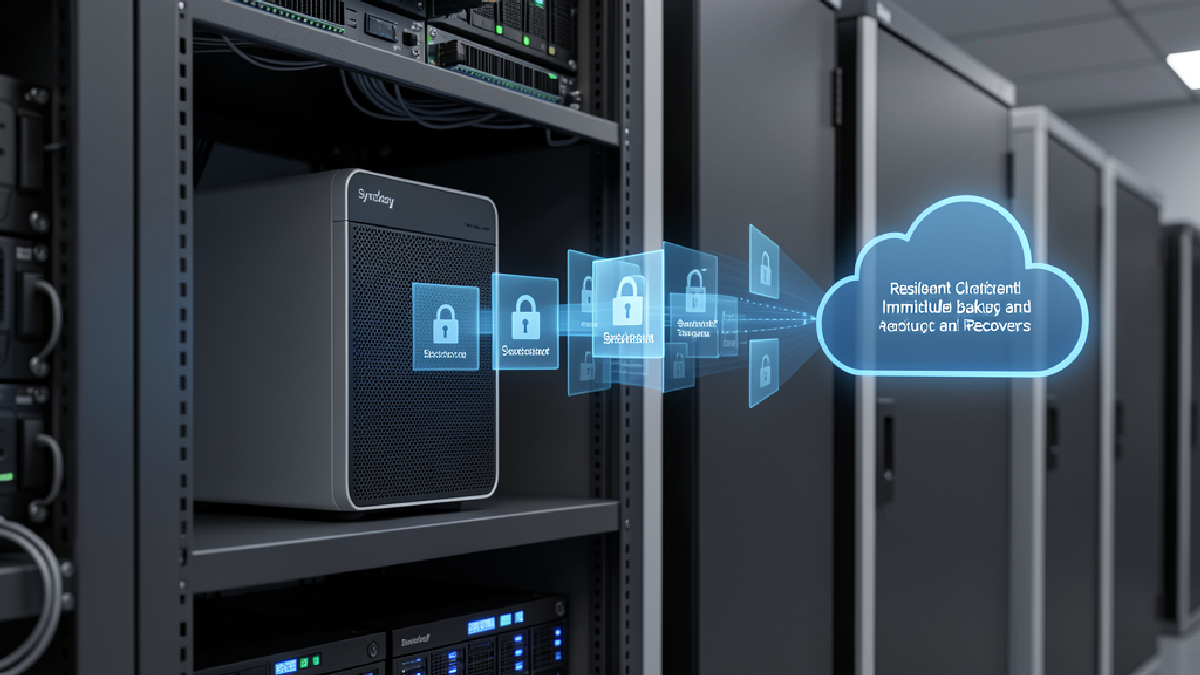
For many Trinidad and Tobago SMBs, the best design is not only cloud backup and not only a device in the server room. It is usually a layered plan: recover quickly from a local appliance when a server or laptop fails, then keep a separate off-site copy for the larger incident you hope never happens.
Synology's article describes both MSP-hosted central deployment and client-hosted deployment with off-site replication. Backup copies can be sent to another ActiveProtect appliance, Synology NAS, Synology C2, S3-compatible storage, or Wasabi. The exact mix depends on recovery time, Internet reliability, data volume, compliance pressure, and cost.
Proof Matters More Than Promises
The weak point in many backup setups is not that nobody bought a backup product. It is that nobody regularly proves the data can be restored. Synology highlights built-in backup verification, sandboxed disaster recovery testing, recorded proof, immutability, SNMP monitoring, redundancy on larger appliances, deduplication, and tiering.
Those details matter because they turn backup from a quiet background job into an auditable service. A business owner should be able to ask when the last restore test passed, which systems are covered, where the off-site copy lives, how long a restore would take, and who is alerted when something fails.
How Blue Chip Technologies Helps
Blue Chip Technologies can help design, implement, monitor, and support Synology backup infrastructure around real business risk. That may mean a compact appliance at a client site, a larger appliance for heavier workloads, off-site replication to managed infrastructure, or a hybrid design that uses Synology NAS or cloud object storage for secondary copies.
The goal is not to make the backup stack more complicated. The goal is to match the protection model to the business: fast local recovery where speed matters, off-site resilience where risk demands it, clear monitoring, documented restore tests, and a support team that treats backup as a live service rather than a checkbox.