This article draws on Synology's source article, Synology's February 2026 publication on backup appliances and cloud storage integration. We've adapted those findings for Trinidad and Tobago businesses.
The uncomfortable question nobody wants to answer
If your office NAS is stolen, encrypted by ransomware, or simply fails, where is your clean, recoverable copy? Is it on another device in the same building? Then a fire or flood takes both. Is it on a external hard drive someone occasionally plugs in? Then nobody remembers when it was last tested. Is it nowhere at all?
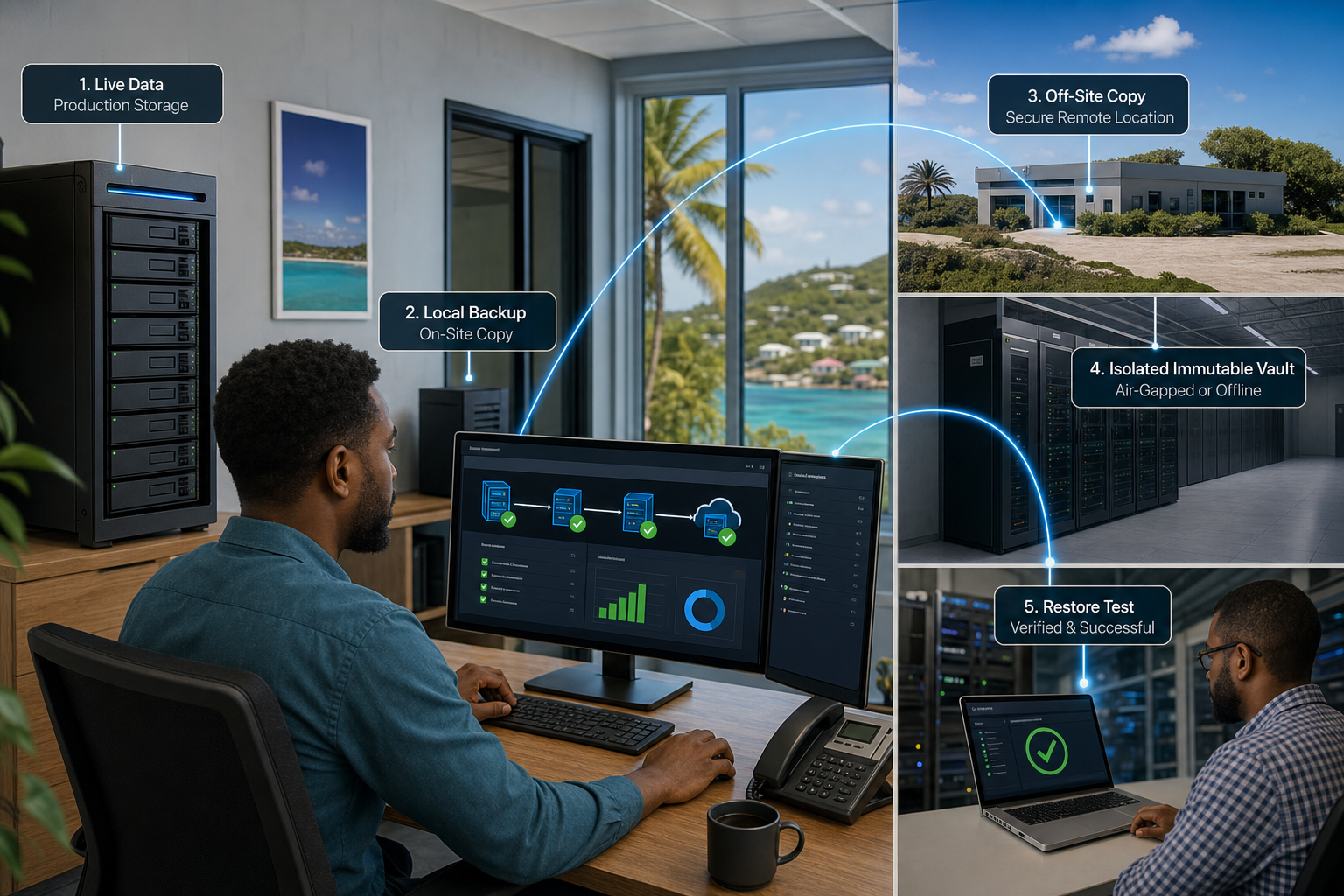
Most small and medium-sized businesses in Trinidad and Tobago have a backup appliance—a dedicated NAS or backup server that takes copies of files and databases. The problem is that appliance lives in your office. If the office loses power, connectivity, or suffers physical damage, you can't restore from it. And if ransomware locks your backup appliance, your entire recovery plan collapses.
You need a second copy. Off-site. Not just for compliance, but for survival.
Why cloud storage is the practical answer
Cloud object storage solves the most obvious problems:
- It's not in your building. Fire, flood, power failure, theft—none of these affect your off-site copy.
- It's scalable. Your data grows. You shouldn't have to buy and store physical hardware to match it.
- It's managed. Someone else handles the infrastructure. You pay for what you use.
- It's in a different region. If something disrupts your local infrastructure, your data is safe across geographical boundaries.
But cloud storage alone is not a backup strategy. It's a place to store data. To make it part of your resilience plan, you need three things: immutability, monitoring, and a clear process for restoration.
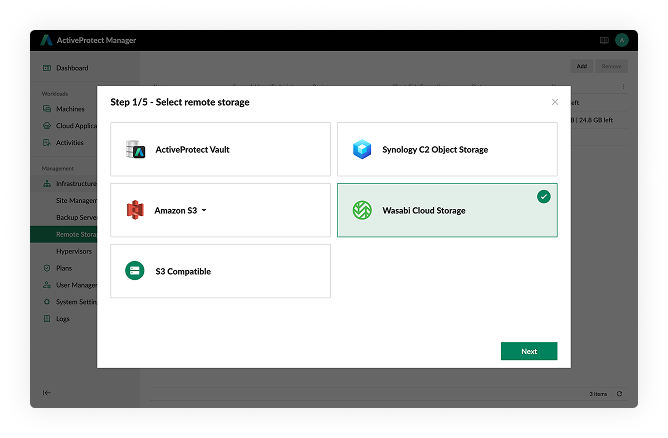
Three things your cloud backup integration must do
Immutability.
Cloud storage should support immutable copies. Once written, the data cannot be modified or deleted for a set retention period. This matters because ransomware doesn't just encrypt files in real time—it can corrupt backup copies too if it gains access to your backup appliance credentials. If your cloud copy is immutable, an attacker cannot delete or alter it, even if they compromise your on-site systems.
Encryption and security.
Encryption should happen on your appliance before data leaves your network, and the cloud provider should also encrypt at rest. This means the cloud provider themselves cannot access your data without your keys. For businesses handling customer information or sensitive records, this matters both practically and for compliance.
Unified monitoring.
You need one central dashboard that shows you the state of backups on both your on-site appliance and your cloud copies. If a backup fails, you should be alerted immediately. If a cloud restore takes longer than expected, you should see that too. Monitoring is not optional; it is how you know your plan actually works.
How this works in practice for Trinidad and Tobago businesses
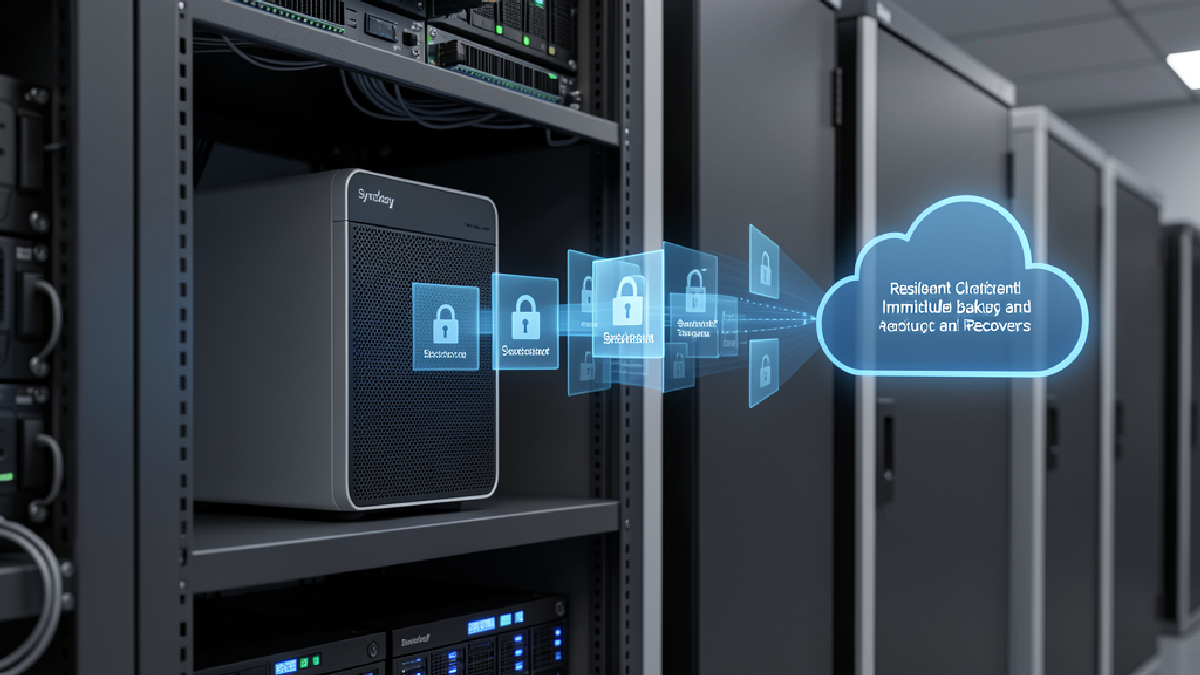
Your backup appliance (for example, a Synology NAS running ActiveProtect) sends copies of your business data to cloud object storage (such as Wasabi Hot Cloud Storage). The appliance encrypts the data before it leaves your network. The cloud provider stores it immutably—unchanged and unalterable for your chosen retention period. Your backup appliance displays the status of both the local copy and the remote copy on a single screen. When you need to restore, you pull from whichever copy is available and fastest.
This design answers the core question: if your office is cut off, your appliance is locked, or your local copy is corrupted, you have a clean, monitored, recoverable copy somewhere else.
Data residency is worth a mention. Some businesses prefer their data to remain within the Caribbean region, or at least in a jurisdiction where data protection rules are clear. Cloud storage providers increasingly offer regional storage options—choose one that aligns with where your business operates.
Cloud backup is not a substitute for backup discipline
Adding cloud storage is not the end of the conversation. You still need:
- A retention policy. How long should backups be kept? Is it weeks, months, or years? This varies by data type and compliance needs. Cloud storage often makes longer retention affordable, but you still need to decide what that period is.
- Regular restore testing. A backup you have never successfully restored from is not a backup. Test at least quarterly. Involve different team members so the process is not lost knowledge.
- Clear responsibility. Who owns the backup appliance? Who monitors the dashboards? Who initiates a restore if disaster strikes? If no one person is accountable, nothing gets done.
- A disaster recovery plan. The cloud copy is part of the plan, not the whole plan. You also need to know how to reconnect to your systems, validate the restored data, and resume operations. Write this down. Review it annually.
The next step
If you run a business in Trinidad and Tobago, your backup readiness is worth reviewing now—not when you are already recovering from an incident. Common gaps we see include appliances with no off-site copies, off-site copies that have never been tested, no alerting when backups fail, and no one person assigned to monitor recovery. None of these are technical problems. They are process problems, and they are fixable.
If you would like us to review your current backup design and suggest how to strengthen your off-site recovery capability, get in touch. We help Trinidad and Tobago businesses build backup strategies that actually work when they are needed most.