If you've ever walked into a meeting room, spent five minutes trying to get the screen to connect, and another ten apologising to the client on the call while someone runs for an HDMI cable — you know exactly why proper video conferencing hardware matters.
Microsoft Teams has become the default meeting tool for a lot of T&T businesses. But running Teams on a laptop propped up at the end of a boardroom table? That's not a great look when you're pitching to a client in Miami or coordinating with your branch in Tobago.
That's where Teams-certified Yealink devices come in.
What "Teams-Certified" Actually Means
It's not just a sticker. When a device is certified for Microsoft Teams, it means Microsoft has tested and approved it to work natively with the platform. You get:
- One-touch join for scheduled meetings (no fumbling with links)
- Native Teams interface on the device itself
- Automatic firmware updates pushed through Teams Admin Center
- Proper integration with your Microsoft 365 calendar and contacts
In other words, it just works — the way you expected it to when you first signed up for Teams.
Yealink's Meeting Room Options
Yealink makes a range of Teams-certified gear, from small huddle room setups to full boardroom systems. Here's what's relevant for most T&T businesses:
MeetingBar Series
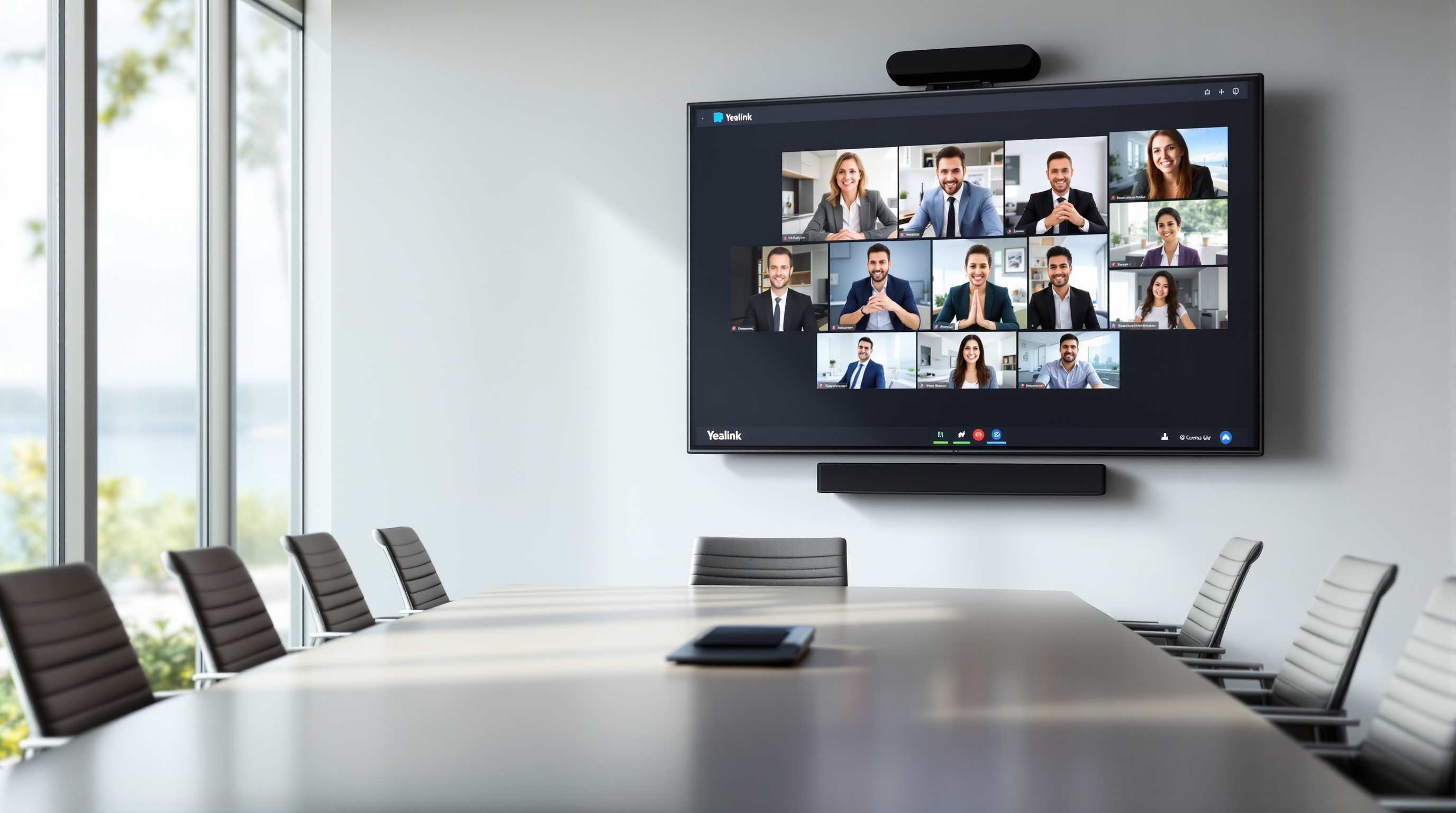
These are all-in-one video bars — camera, speakers, and microphones in a single unit. Mount it under your screen, plug it in, and you've got a working Teams Room. Perfect for conference rooms that seat 4-10 people. No separate PC required for the smaller models.
MVC Series (Modular Video Conferencing)
For larger boardrooms or executive spaces, Yealink's MVC kits give you more flexibility. You get a separate touch console, a high-quality PTZ camera, and expansion microphones if you need them. These systems run on a mini-PC with the full Teams Rooms experience.
CTP18 Touch Panel
A dedicated touch screen for controlling your Teams Room — start meetings, adjust volume, share content. Much cleaner than passing around a keyboard.
Why This Matters for Your Office
Here's the real benefit: your team actually uses the meeting room properly.
When joining a Teams call takes one tap instead of a 10-minute IT support call, people stop avoiding the conference room. Remote participants can actually see and hear everyone. Presentations look professional instead of pixelated.
And for your IT team (or whoever ends up being "the tech person"), certified devices are far easier to manage remotely through the Teams Admin Center. You can monitor room status, push updates, and troubleshoot without walking across the building.
We Supply, Configure, and Support
Blue Chip is an authorised Yealink partner here in Trinidad. We don't just sell you a box — we help you figure out what actually fits your room size and budget, configure the devices to work with your Microsoft 365 tenant, and provide local support when you need it.
Already have 3CX? Yealink plays nicely there too. We can help you plan a setup that works across both platforms if needed.