UniFi 5G Backup: Keep the Business Online When the Main Internet Drops
Internet outages are not rare enough for businesses to ignore. In Trinidad and Tobago, one fibre cut, ISP issue, construction accident, power event, or last-mile fault can interrupt card machines, cloud accounting, email, WhatsApp, VoIP calls, security cameras, remote access, and staff productivity at the same time.
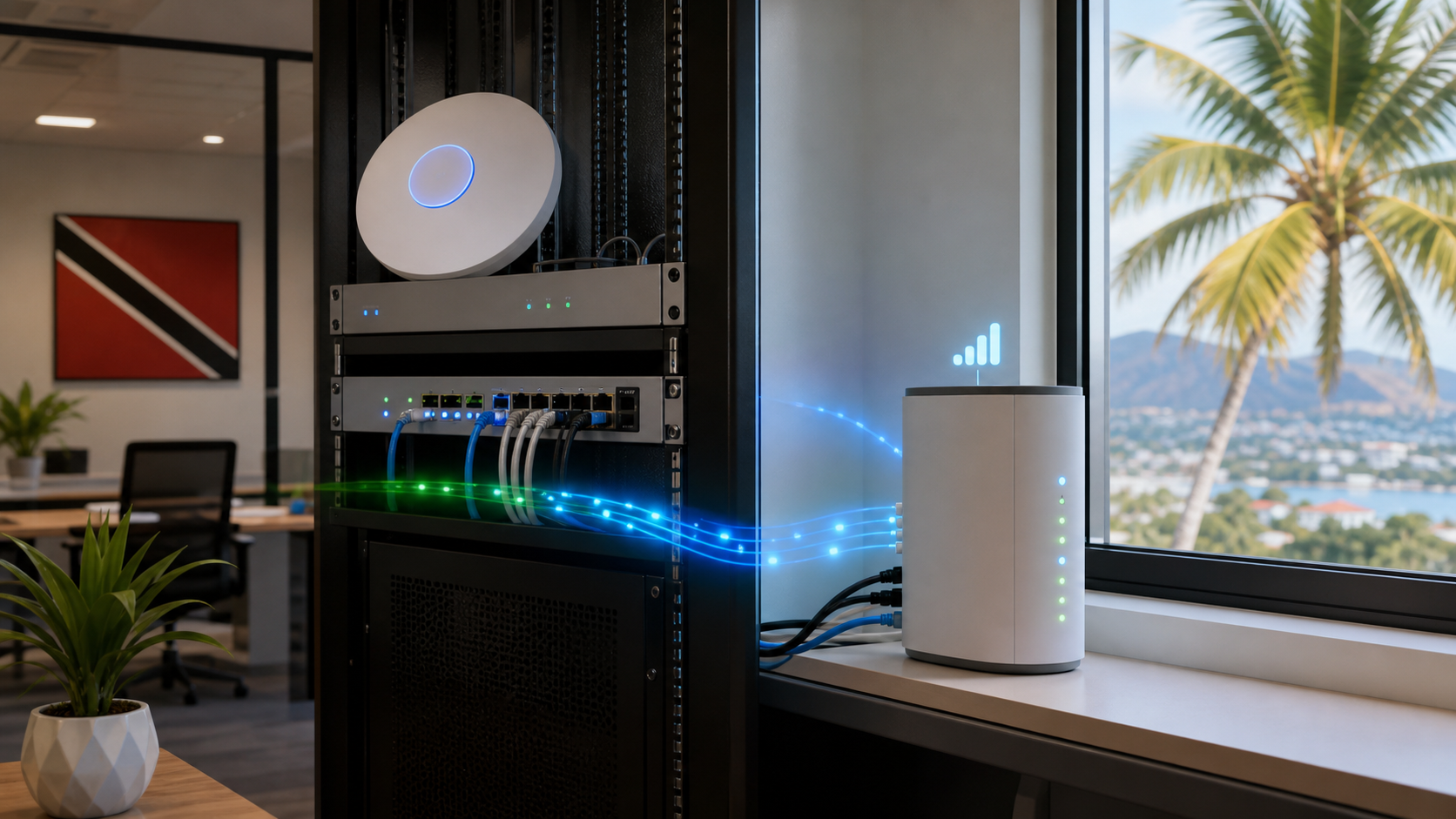
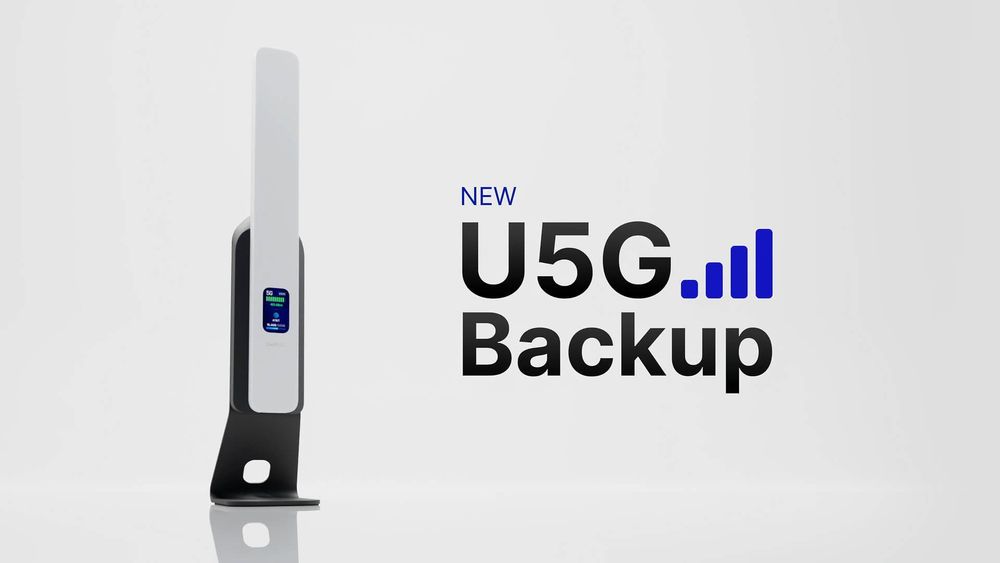
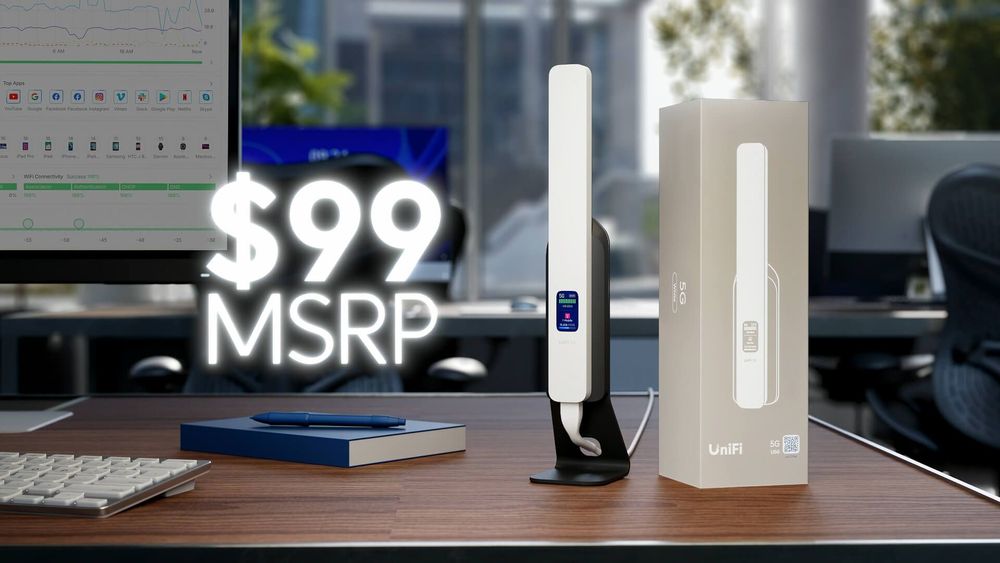
Ubiquiti's new UniFi 5G Backup is useful because it makes cellular failover a normal part of the UniFi network stack instead of a special project. The device connects by PoE, adopts into an existing UniFi environment, and is designed to provide 5G backup connectivity for UniFi gateways without replacing the main router.
For small and mid-sized businesses, the point is not the gadget by itself. The point is continuity. A managed network should have a plan for what happens when the primary internet circuit fails.
Why 5G Backup Matters
Many businesses already have a second internet option in theory. In practice, it may be a consumer router sitting on a shelf, a mobile hotspot someone has to remember, or a manual cable swap that only one person knows how to do.
That is not a business continuity plan.
UniFi 5G Backup is more interesting because it sits inside the same management environment as the gateway, switches, access points, VPNs, VLANs, and policies. When the main connection fails, the backup path can be governed instead of improvised.
For Blue Chip clients, that can help protect everyday workflows:
- payment terminals and POS access
- cloud accounting and ERP systems
- Microsoft 365 or Google Workspace access
- VoIP and 3CX phone service
- site-to-site VPN or remote support
- UniFi Protect camera viewing
- manager and administrator access during an outage
The best backup connection is the one that activates before staff start calling IT.
Placement Is Part of the Design
Cellular backup is only as good as the signal it can hold. A 5G device buried in a comms cabinet may be tidy, but it may also sit in the worst possible spot for reception.
Ubiquiti positions this model as a PoE-connected device, which gives installers more flexibility. It can be placed where cellular signal is stronger while still being powered and managed from the network. That is important in concrete buildings, warehouses, retail spaces, and offices where the rack is nowhere near the best signal area.
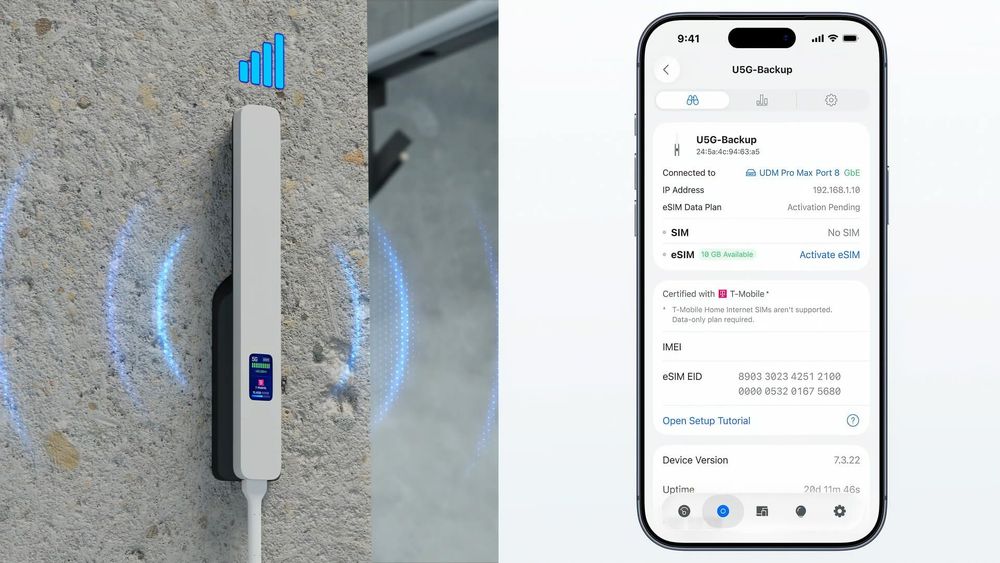
Before deploying any 5G backup, the business should test signal quality, carrier coverage, upload performance, latency, data caps, and failback behaviour. A backup link that technically connects but cannot handle the required traffic is still a weak point.
Carrier Choice Needs Local Testing
The Ubiquiti article notes that UniFi 5G Backup is unlocked, with SIM and eSIM support for compatible carriers. That flexibility matters because coverage is local. The best provider for one branch, warehouse, or office may not be the best provider for another.
In Trinidad and Tobago, businesses should treat cellular backup as a site-by-site design decision:
- test more than one carrier where practical
- confirm indoor signal before final mounting
- choose a data plan that matches expected failover use
- decide which services should work during backup mode
- document who receives alerts when failover happens
A backup plan should not only answer "does it connect?" It should answer "what keeps working, for how long, and who is watching?"
UniFi Network Control Makes The Difference
The strongest use case is not simply adding another WAN. It is managing when that WAN is used.
UniFi Network 10 gives administrators more control over WAN behaviour, routing, and which networks or clients should use backup connectivity. That matters because 5G backup capacity and data plans may be more limited than fibre. During an outage, the business may want to keep payment systems, management laptops, phones, and critical cloud apps online while restricting guest Wi-Fi, streaming, large downloads, and non-essential traffic.
This is where managed IT makes a real difference. A backup circuit should be tied into:
- WAN health monitoring
- alerting and escalation
- firewall and VLAN rules
- traffic shaping policies
- VPN and remote access requirements
- documentation of carrier, SIM, plan, and renewal details
- periodic failover testing
Without those controls, a backup connection can become another unmanaged device nobody checks until the next outage.
What Businesses Should Ask Before Buying
UniFi 5G Backup looks like a practical addition for UniFi environments, but the right deployment still depends on the business.
Before installing, ask:
- Which systems must stay online during an ISP outage?
- Which staff or devices should be allowed to use the backup link?
- How much data could the business consume during a four-hour outage?
- Which carrier performs best at this exact location?
- Will VoIP, VPN, cameras, and cloud apps work acceptably over the backup path?
- Who gets alerted when the primary WAN fails and when it recovers?
- How often will failover be tested?
Those questions turn a product purchase into a resilience plan.
How Blue Chip Can Help
Blue Chip designs, installs, and manages business networks across UniFi gateways, switches, Wi-Fi, cameras, access control, VPNs, monitoring, and helpdesk operations. For clients already using UniFi, 5G backup can be evaluated as part of a wider network reliability plan rather than a one-off add-on.
That means checking the site, carrier coverage, critical applications, firewall policies, VLANs, alerts, and support process before the outage happens.
The goal is simple: when the main internet drops, the business should still have a controlled path for the work that matters most.
Source: Ubiquiti Blog, Introducing UniFi 5G Backup. Product visuals in this article are from Ubiquiti and were rehosted for readability; the featured image is an original Blue Chip graphic.