Most small and medium-sized businesses do not need a massive enterprise firewall. They do need a network edge that remains dependable as internet use, cloud applications, remote access, cameras, Wi-Fi, and branch connectivity all grow at the same time.
Ubiquiti's Enterprise Firewall Core is aimed at the other end of that spectrum: organisations with unusually high traffic, many locations, or demanding security and VPN workloads. Its announcement is still useful for every business owner because it makes the planning question clearer: does your gateway have enough headroom for the work it is already doing?
Security performance is not the same as internet speed
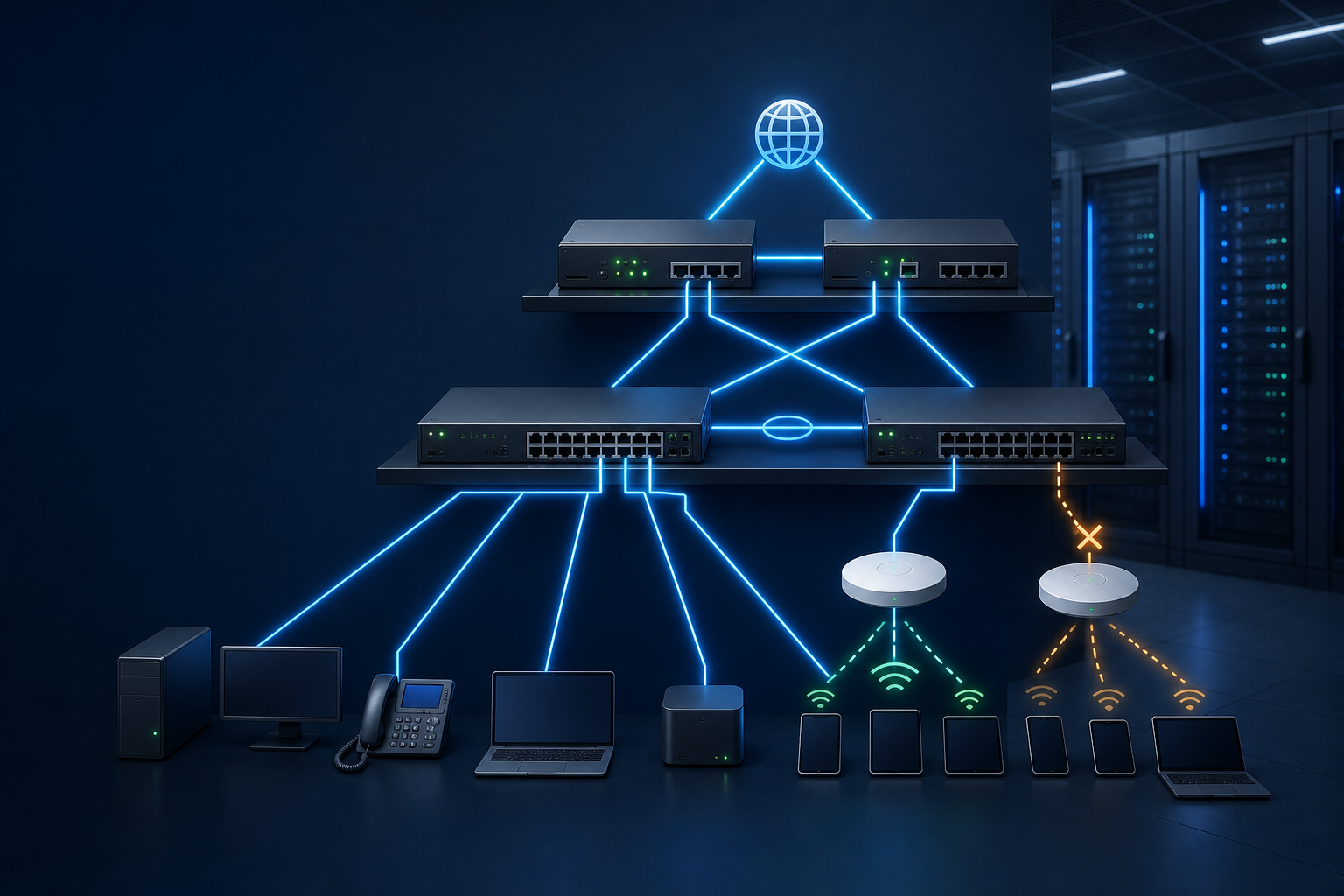
A fast ISP connection is only one part of a reliable network. The gateway may also be handling firewall policies, encrypted remote access, site-to-site VPNs, traffic inspection, routing between VLANs, and failover decisions. If that equipment is undersized, adding security controls can become a compromise between protection and performance.
According to Ubiquiti, the Enterprise Firewall Core is designed for large-scale workloads, with 24 Neoverse N2 processing cores, high session capacity, large VPN deployments, and simultaneous security services. Ubiquiti quotes threat detection performance of up to 79 Gbps and full SSL inspection of up to 61 Gbps. Those figures describe a specialised enterprise platform, not a requirement for a typical office. They do, however, underline why firewall sizing should be based on enabled services and growth plans rather than a single headline speed test.
What this means for a growing business
For a business with one office, a sensible gateway may simply need enough capacity for secure internet access, segmented staff and guest Wi-Fi, cameras, VoIP, and dependable remote support. For a business with multiple sites, more questions appear:
- Can the gateway keep security services enabled during peak use?
- Can it support encrypted links between branches without affecting cloud applications or voice calls?
- Is there a safe failover design when the primary internet service fails?
- Can administrators see which traffic, policy, or location is causing a problem?
These are operational questions. The best answer is rarely to buy the biggest appliance on a specification sheet. It is to assess the real network: users, applications, WAN links, devices, sites, exposure to outages, and the security controls that should remain on.
Plan for resilience before the network becomes urgent
Gateway changes affect every connected service. A careful managed-network approach starts with an inventory, clear network segmentation, monitored internet connections, documented recovery steps, and a change process that avoids turning a routine upgrade into an outage.
For larger organisations, Ubiquiti also positions the Enterprise Firewall Core as an SD-WAN anchor capable of supporting large numbers of encrypted tunnels. That is particularly relevant where several offices, remote workers, cloud systems, and third-party services must work together. The technology should make those connections easier to operate—not create another opaque box that only gets attention when something fails.
The practical next step
Before planning a gateway refresh, review what the current edge device is actually carrying. Include security inspection, VPN use, voice and video traffic, cameras, guest Wi-Fi, and possible internet failover—not just the number of employees in the office.
Blue Chip Technologies can help Trinidad and Tobago businesses assess UniFi gateways, switching, Wi-Fi, network segmentation, monitoring, and managed support so the network matches the organisation's real risk and growth profile.