UniFi Network 10.2: Better Visibility Before the Network Breaks
When a business network slows down, drops a device, or starts behaving strangely, the hardest part is often not the fix. It is finding out what changed.
Ubiquiti's UniFi Network 10.2 update is useful because it focuses on practical operations: switch history, topology visibility, safer guest Wi-Fi, device recovery, edge protection, and easier rollback. Those are the things that help an IT team move from guessing to proving.
For Trinidad and Tobago SMBs, that matters. A network outage can stop card machines, Wi-Fi, cameras, VoIP phones, accounting systems, and staff productivity at the same time.
Switch History Helps Find Intermittent Faults
Intermittent network faults are frustrating. A port may drop for a few seconds. A cable may fail only when moved. A device may negotiate at the wrong speed. By the time someone checks, everything may look normal again.
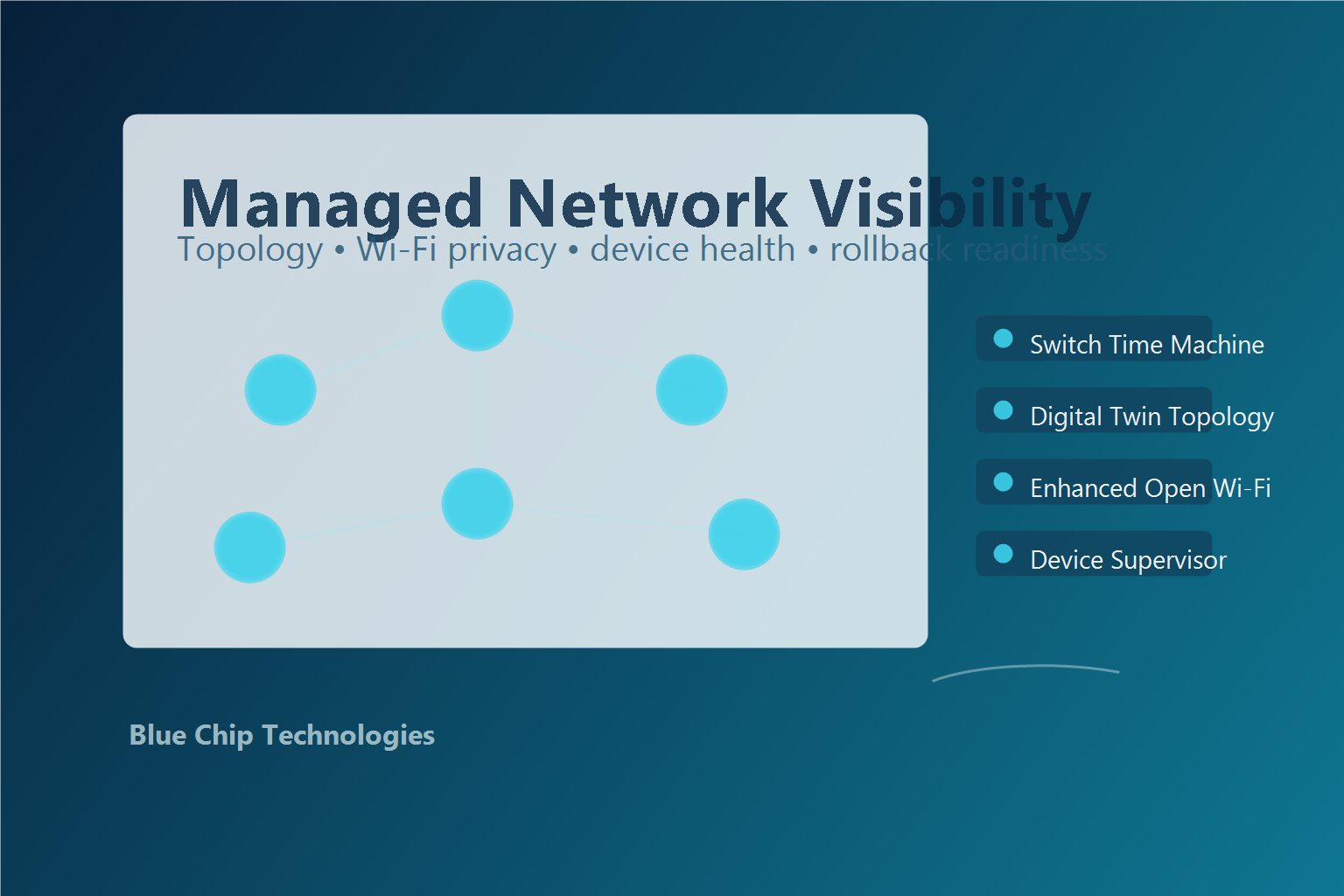
UniFi Network 10.2 introduces a Time Machine-style view for switches, showing historical port state and events. That gives technicians a timeline instead of a memory test.
This can help answer questions such as:
- When did the port go down?
- Did the link change after a configuration update?
- Is one device repeatedly disconnecting?
- Did a switch uplink flap before users complained?
That kind of history is valuable for offices, warehouses, retail branches, schools, clinics, and any business where network issues are hard to reproduce on demand.
Topology Makes the Rack Easier to Understand
Many business networks grow gradually. One extra switch becomes two. A camera VLAN is added. A Wi-Fi upgrade adds more PoE load. A branch link changes. After a few years, the rack may no longer match the diagram.
UniFi Network 10.2 highlights a stronger infrastructure topology view, giving teams a clearer digital view of critical devices and connections.
For managed networks, this supports better troubleshooting and planning. If a core switch, uplink, gateway, or PoE device has a problem, the team can quickly understand what services may be affected and where to start.
Guest Wi-Fi Can Be Easier and Safer
Public and guest Wi-Fi usually creates a tradeoff. Password-free access is convenient, but traditional open Wi-Fi does not give users strong privacy. Password-protected guest Wi-Fi is better, but it adds friction for visitors, customers, contractors, and event attendees.
UniFi Network 10.2 adds support for Enhanced Open, also known as OWE, which brings encrypted connectivity to compatible devices without requiring a shared password.
This is not a replacement for proper staff Wi-Fi security, VLAN separation, content filtering, and firewall rules. But for guest access, it can improve privacy while keeping the user experience simple.
Device Supervisor Can Reduce Site Visits
Remote sites create a practical support problem: sometimes a device needs a power cycle before deeper troubleshooting can continue.
UniFi's Device Supervisor capability is aimed at detecting unresponsive equipment and recovering it through managed power where supported, including PoE-powered devices and PDU-controlled equipment.
For multi-site businesses, this can reduce avoidable truck rolls. It does not remove the need for good cabling, UPS protection, firmware discipline, and monitoring, but it gives the support team one more safe recovery option before dispatching someone to site.
Edge Protection Matters More Than People Think
Network edges are where messy devices live: printers, cameras, access points, POS terminals, unmanaged switches, IoT equipment, and temporary contractor devices.
UniFi Network 10.2 includes improvements around STP Edge mode, BPDU Guarding, and safer rollback for updates. In plain language, this helps protect the network from devices or connections that could accidentally disrupt switching stability.
That is especially important in real-world SMB environments where someone may move a cable, add a small switch, reconnect old equipment, or plug in something without understanding the wider impact.
What Blue Chip Recommends Before Upgrading
A software update is most valuable when the environment is already documented and managed. Before rolling out UniFi Network 10.2 features, Blue Chip recommends reviewing:
- Gateway, switch, and access point firmware levels
- Switch topology and uplink design
- PoE capacity and UPS protection
- Guest Wi-Fi security and VLAN separation
- Critical ports for cameras, VoIP, servers, and POS systems
- Remote recovery options for branches
- Backup configuration and rollback plan
- Admin access, MFA, and user permissions
- Monitoring alerts and support escalation process
UniFi Network 10.2 is a good reminder that business networks should not be treated as a collection of boxes. They should be managed as one system with visibility, documentation, security controls, and a recovery plan.
Blue Chip Technologies designs, deploys, monitors, and supports UniFi environments for businesses across Trinidad and Tobago. If your network is important to daily operations, we can help make it easier to understand, harder to break, and faster to recover.
Source: Ubiquiti — Introducing UniFi Network 10.2, published 12 March 2026.