UniFi Protect 7.0: Smarter Video Security for Busy Business Sites
Security cameras are no longer just a recorder in a back room. For many businesses, video security is part of daily operations: checking entrances, reviewing incidents, protecting stock, supporting staff safety, and proving what happened when there is a dispute.
Ubiquiti has announced UniFi Protect 7.0, a major update to its video security platform. The release brings a redesigned monitoring experience, smarter event review, private AI-powered image search, better storage controls, alarm integration, and large-site scalability.
For Trinidad and Tobago SMBs, the practical point is simple: cameras are useful only when the footage can be found quickly, protected properly, and managed consistently.
A Camera Dashboard That Matches the Site
Every business watches different things. A retail store may care about entrances, cash points, stock rooms, and parking. A school may care about gates, corridors, common areas, and after-hours movement. A warehouse may need dock doors, loading bays, and perimeter views.
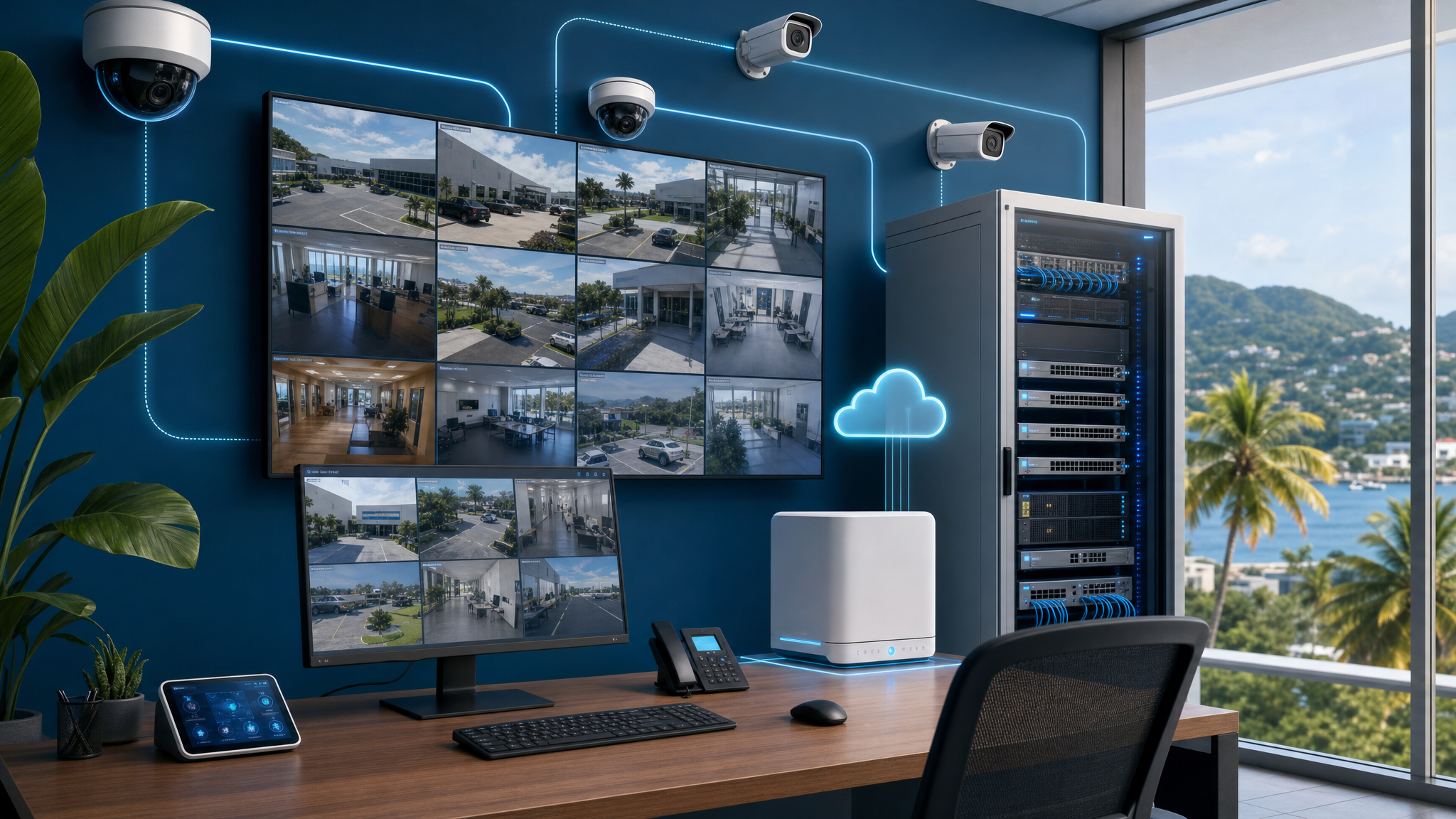
Protect 7.0 introduces a more customizable live-view dashboard so operators can resize, reposition, and prioritize camera streams based on how the site actually works.
That matters because the best camera system is not just the one with the most cameras. It is the one that lets the right person see the right view quickly.
Less Noise When Reviewing Motion
Many camera systems create too much noise. A person walking through a scene may create repeated motion clips. A busy entrance can fill a timeline with events that all look similar. Staff then spend too much time scrubbing footage and too little time acting on what matters.
Protect 7.0 improves context tracking and motion previews so users can understand the path of activity before opening playback. For managers and security teams, this can shorten investigation time after incidents such as unauthorized access, missing items, gate activity, or after-hours movement.
Private AI Search Without Sending Footage to the Cloud
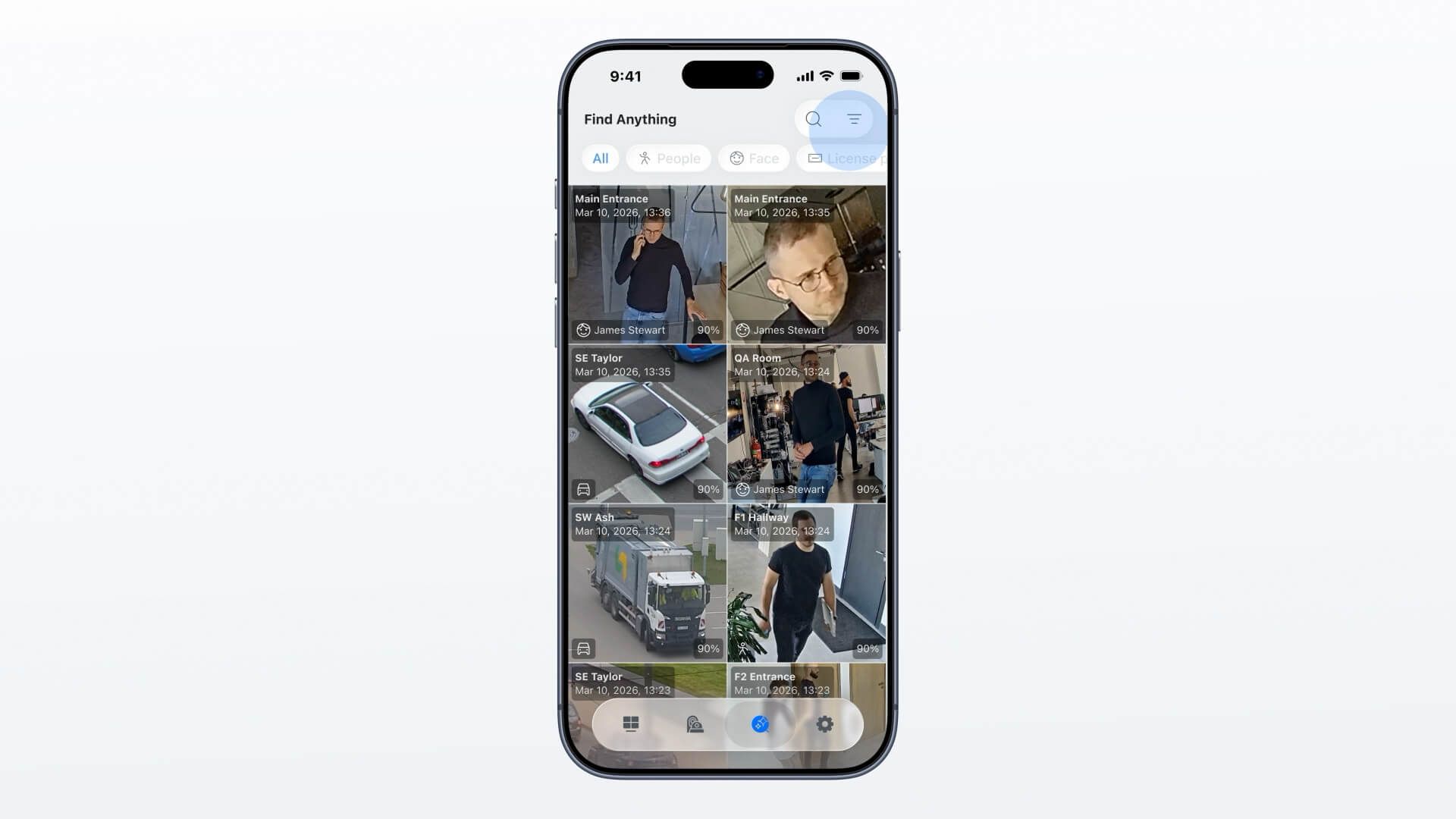
One of the more important additions is image-based search powered locally by the UniFi AI Key. Instead of depending on cloud inference, the system can process searches on-site.
In practical terms, that could help a business search for a person, object, or visual match across its cameras more quickly while keeping the analysis local. For environments with privacy concerns, customer footage, school grounds, clinics, or sensitive facilities, local processing is a meaningful design choice.
Blue Chip still recommends setting clear internal rules around who can search footage, who can export clips, and how long recordings should be retained.
Better Case Handling for Real Incidents
When something happens, the camera system needs to support a workflow, not just playback.
Protect 7.0 includes improvements around timeline review, recordings management, camera tagging, and case collaboration. This helps when more than one person needs to investigate an event or when footage must be organized for management, HR, police reports, insurance, or customer follow-up.
For larger sites, tagging cameras properly also becomes important. Names like Front Door, Warehouse Bay 2, or POS Counter 1 are much more useful than generic camera labels when time matters.
Storage and Offsite Copies Need Planning
Video storage is often underestimated. Businesses may add cameras over time without reviewing retention, disk capacity, camera resolution, or whether critical clips are protected if equipment is damaged or stolen.
Protect 7.0 introduces smarter storage budgeting and improved offsite archiving for detection copies. That is useful, but it still needs planning:
- How many days of recording should be retained?
- Which cameras need higher resolution or longer history?
- Which events should be copied offsite?
- Who is responsible for checking storage health?
- What happens if the NVR, gateway, or internet connection fails?
A managed setup should answer those questions before an incident happens.
Alarm Integration for New and Existing Sites
Ubiquiti also highlights the new Alarm Hub, with wired alarm inputs, programmable relays, tamper detection, and battery backup. This is relevant because many local businesses already have some form of wired alarm, door contact, motion sensor, or legacy intrusion system.
The ability to bridge physical sensors into a modern management platform can reduce fragmentation. Cameras, alarms, sensors, and network visibility should not feel like separate worlds when the business is trying to secure one location.
Multi-Site Security Needs Central Visibility
A single office can often be managed manually. Multiple branches are different.
Protect 7.0 ties into UniFi's broader Site Manager and Fabric direction, giving businesses a clearer path for multi-location security operations. That is important for retailers, distribution businesses, schools, professional offices, hospitality sites, property managers, and organizations with branches across Trinidad and Tobago.
The goal is not just more cameras. The goal is consistent visibility, permissions, retention, and response across every location.
What Blue Chip Recommends
Before upgrading or expanding a UniFi Protect deployment, review the whole environment:
- Camera placement and blind spots
- Network switches, PoE budget, cabling, and UPS protection
- NVR capacity and disk health
- User roles and export permissions
- Remote access and MFA
- Retention requirements
- Offsite archive needs
- Internet failover for critical alerts
- Documentation and support handoff
Blue Chip Technologies designs, deploys, documents, and supports UniFi networks and video security environments for businesses across Trinidad and Tobago.
If your cameras are important to operations, they should be treated like a managed business system — monitored, maintained, secured, and tested before you need the footage.
Source: Ubiquiti — Introducing Protect 7.0, published 17 March 2026.