Every email your team sends is a chance to make an impression. Think about it—your staff probably sends dozens, maybe hundreds of emails a day. That's hundreds of opportunities to look professional, stay compliant, and even promote your latest service or event. Or it's hundreds of chances to look inconsistent, outdated, or just... forgettable.
Most T&T businesses don't think much about email signatures until something goes wrong. Maybe a client points out that your sales rep's signature still shows the old logo. Or HR notices half the team doesn't even have a disclaimer attached. Sound familiar?
What Actually Belongs in a Business Email Signature?
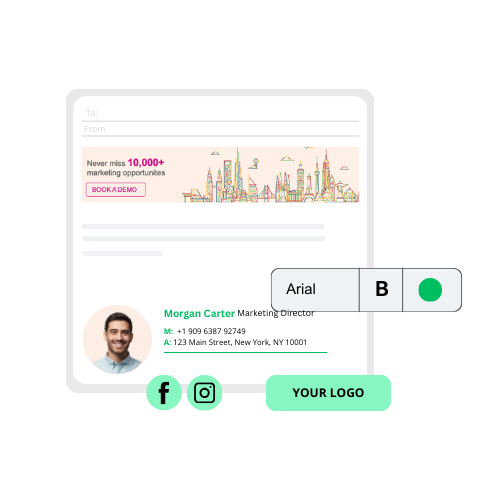
Let's keep this practical. Here's what every professional email signature should include:
- Full name – First and last, no nicknames
- Job title – So recipients know who they're dealing with
- Company name – Reinforces your brand every single time
- Phone number and email – Make it easy to reach you
- Company website – A clickable link, not just text
- Company logo – Visual recognition matters
- Legal disclaimer – Required for many industries in T&T, especially finance and legal
Optional but useful: LinkedIn profile, a professional headshot, or even your working hours (helpful when you're coordinating with clients across time zones).
The Real Problem: Consistency Across Your Team
Here's where things get tricky. Getting one signature right is easy. Getting 20, 50, or 200 employees to use the same format, same logo, same disclaimer? That's a different story.
We've seen it plenty times—companies where the Accounts team has one style, Sales has another, and the CEO's signature hasn't been updated since 2019. It looks unprofessional, and it creates real compliance risks.

Turn Every Email Into a Marketing Opportunity
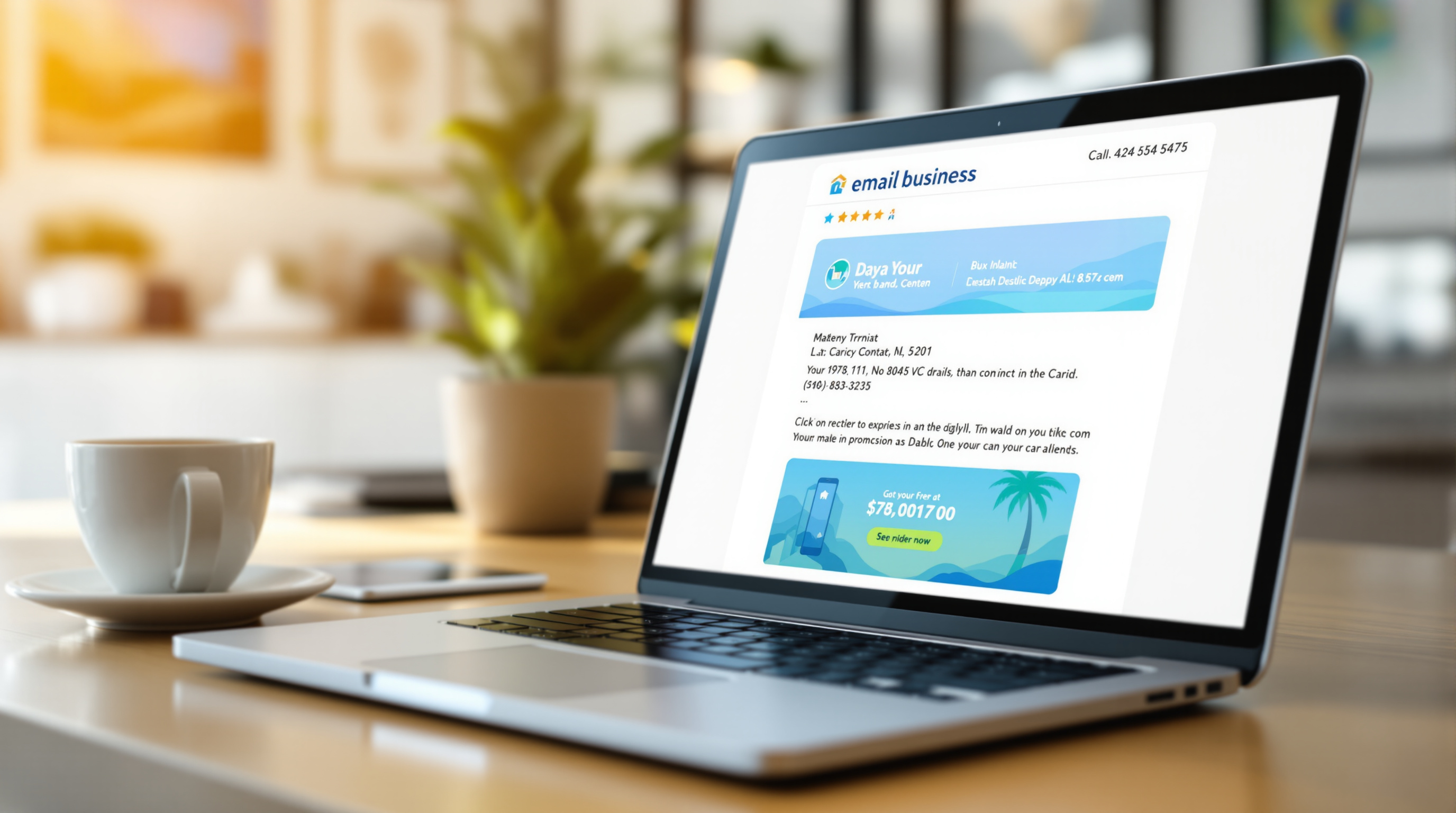
This is where Rocketseed gets interesting. Beyond just managing signatures centrally, it lets you add clickable banners to employee emails—promoting events, new services, job openings, whatever you need.
Imagine your entire team's emails carrying a banner for your upcoming product launch or your Carnival specials. No extra effort from staff, no chasing people to update their signatures manually. You control it all from one dashboard.

Quick Design Tips That Actually Matter
- Keep it to 3-4 lines of text max—nobody reads a paragraph in a signature
- Use web-safe fonts (Arial, Calibri, Verdana) so it displays properly everywhere
- Optimize images for mobile—most people check email on their phones
- Test in dark mode—transparent PNG logos work best
- Make sure it renders correctly in Microsoft 365, Google Workspace, and Outlook
Ready to Get Your Email Signatures Sorted?
If you're tired of chasing staff to update their signatures, or you want to start using email as an actual marketing channel, we can help. Blue Chip is your local partner for Rocketseed—we'll get you set up and show you how to make every email count.
Give us a call at 1 (868) 609-2288, send a message on WhatsApp, or email us at [email protected]. You can also reach out through our contact page.
Let's make your email work harder for your business.