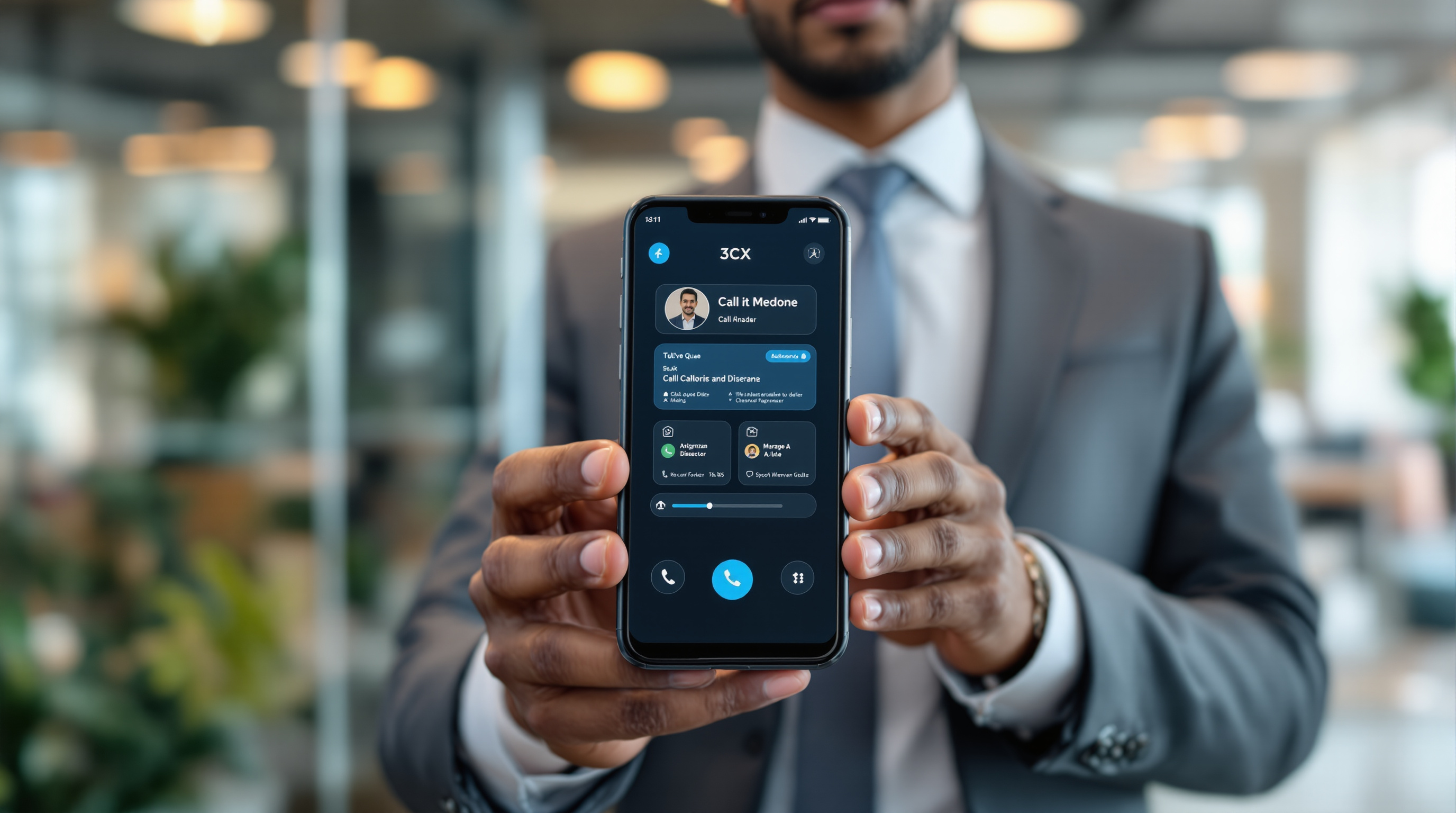
The latest 3CX Android app (V5.8) now lets you manage call queues directly from your phone—logging in and out of queues, viewing missed calls, and calling back customers without needing to be at your desk. For T&T businesses with sales or support teams, this means your staff can stay responsive whether they're in the office, working from home, or out meeting clients.
Why does managing queues from your phone matter?
If you've ever had a customer slip through the cracks because your team couldn't get to a missed call in time, you know the frustration. Maybe your receptionist stepped out, or your sales rep was stuck in traffic on the Priority Bus Route. With 3CX V5.8 on Android, queue agents can now:
- Log in or out of queues right from their mobile device
- See missed queue calls and who hasn't been contacted yet
- Call back customers directly from the missed call list
- Stay connected even when away from the office landline or desktop
This isn't about working 24/7—it's about giving your team flexibility without dropping the ball on customer calls.
How does this help a typical T&T business?
Picture this: you run a small distribution company in Chaguanas. Your warehouse manager handles customer queries, but he's often walking the floor or out supervising deliveries. Before, if a call came in while he was away from his desk, it sat in the queue until someone else picked it up—or worse, got missed entirely.
Now he can glance at his phone, see there's a missed call from a regular customer, and ring them back before the competition does. That's practical value, not marketing fluff.
For businesses with multiple branches or remote workers—common enough in Trinidad and Tobago—this update keeps everyone on the same page without expensive hardware or complicated workarounds.
What do you need to get started?
If you're already using 3CX through Blue Chip Technologies Ltd., updating to V5.8 on Android is straightforward:
- Open the Google Play Store on your Android device
- Search for the 3CX app
- Tap "Update" if a new version is available
- Log in with your existing credentials
Your queue settings carry over from your admin configuration, so agents should see their assigned queues immediately.
Frequently asked questions
Do I need a new licence for this feature?
No. Queue management on mobile is included with your existing 3CX setup—no additional licence required.
Does this work on iPhone too?
This particular update is for Android. iOS users should check for updates separately, as 3CX often rolls out features across platforms in stages.
Can managers see who's logged into queues remotely?
Yes. Supervisors can still monitor queue status from the 3CX web client or desktop app, regardless of where agents are working from.
Will this drain my phone battery?
The 3CX app is designed to run efficiently in the background. Most users report minimal impact on battery life during normal use.
Ready to put your queues in your pocket?
If you're not yet using 3CX, or you'd like help configuring queue management for your team, Blue Chip Technologies Ltd. is here to assist. We support businesses across Trinidad and Tobago with setup, training, and ongoing support.
Get in touch:
- 📞 Call us: 1 (868) 609-2288
- 💬 WhatsApp: Send a message
- ✉️ Email: [email protected]
- 🌐 Contact form: bluechiptt.com/contact