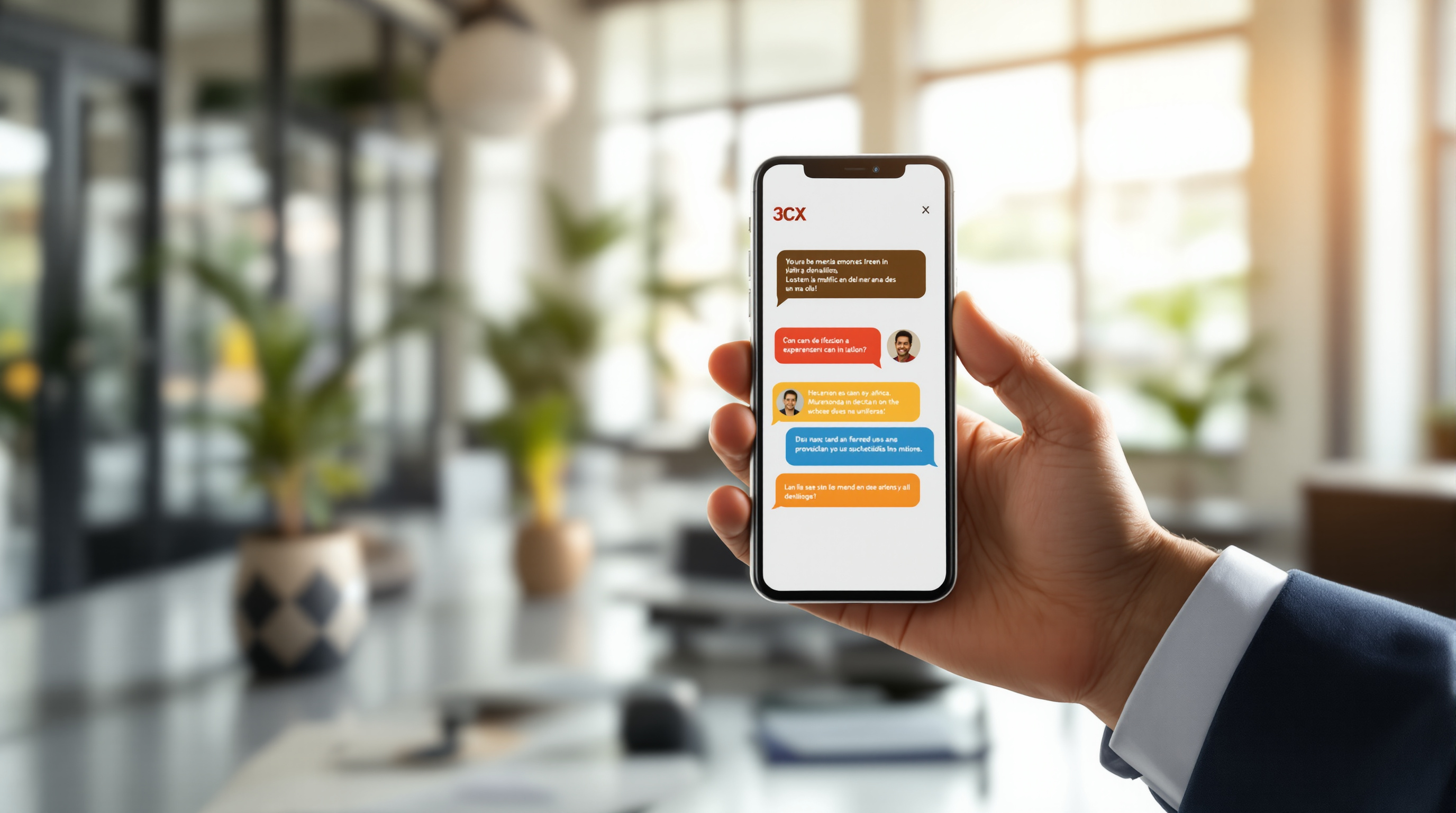
The upcoming 3CX iOS V5.8 beta introduces live call translation powered by Apple Intelligence, letting you speak in English while your caller hears the conversation in their preferred language—and vice versa. For Trinidad & Tobago businesses dealing with Spanish-speaking suppliers in Venezuela, French-speaking contacts in the Caribbean, or international clients across the globe, this feature removes a real barrier without hiring translators or fumbling through awkward pauses.
What does live translation on 3CX actually do?
When you're on a call through the 3CX iOS app (version 5.8 beta), Apple Intelligence can translate the conversation in real time. You speak normally in English, and your words get converted to the other person's language. When they respond, you hear or see the translation back into English.
This runs locally on supported iPhones using Apple's on-device AI—so your conversation data isn't being sent off to some third-party server for processing. That's a meaningful privacy consideration, especially for sensitive business discussions.
Which T&T businesses would actually use this?
Think about a few scenarios that happen all the time here:
- Import/export companies coordinating with suppliers in Latin America who prefer Spanish
- Tourism operators fielding enquiries from visitors who don't speak English fluently
- Professional services firms with clients in Martinique, Guadeloupe, or Haiti
- Manufacturing businesses working with equipment vendors across different regions
Instead of relying on a team member who "kind of speaks Spanish" or waiting to schedule a call when your bilingual colleague is available, you can handle the conversation directly.
What do you need to make it work?
The feature requires:
- A compatible iPhone running iOS 18.1 or later with Apple Intelligence enabled
- The 3CX iOS app updated to version 5.8 (currently in beta)
- Your organisation's 3CX system properly configured
Not every iPhone supports Apple Intelligence—you'll need an iPhone 15 Pro or later, or one of the newer models. If your team is still on older devices, this particular feature won't be available to them yet.
Is it ready for everyday use?
This is a beta release, which means 3CX is still testing and refining the feature. We'd recommend trying it out on less critical calls first to see how well the translation handles your specific use cases. Machine translation has improved dramatically, but it's not perfect—especially with technical terminology or strong accents.
That said, beta access means you can start exploring the capability now and provide feedback that shapes the final release.
How Blue Chip Technologies Ltd. can help
As an authorised 3CX partner in Trinidad & Tobago, we handle the setup, configuration, and ongoing support for local businesses. If you're interested in testing the iOS beta or want to discuss whether 3CX makes sense for your organisation's communication needs, we're here to talk it through—no pressure.
Frequently asked questions
Does live translation work on Android phones?
Not yet. This feature specifically uses Apple Intelligence, which is only available on supported iPhones. Android users will need to wait for 3CX to develop an equivalent solution.
Will my calls be recorded or stored by Apple for translation?
Apple Intelligence processes translations on-device, meaning your conversation data stays on your phone rather than being uploaded to external servers.
Can I use this feature on the 3CX desktop app?
No, live translation in this release is exclusive to the iOS mobile app. Desktop users would need to take calls on their iPhone to access the feature.
Want to see how 3CX fits your business? Give us a call at 1 (868) 609-2288, send a WhatsApp message at wa.me/18686092288, or email [email protected]. You can also reach out through our contact page—we'll get back to you promptly.