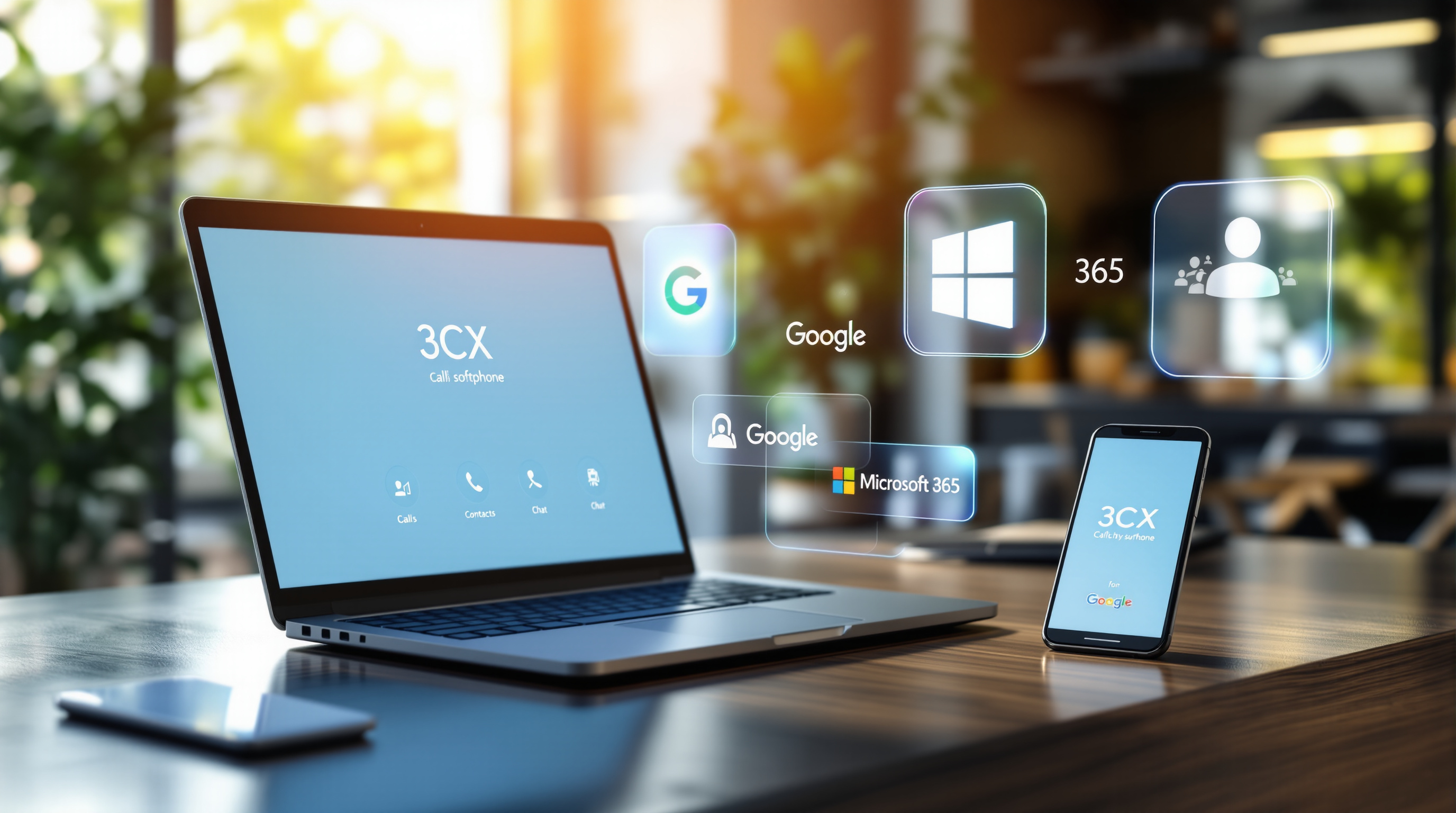
The latest 3CX Softphone update (V5.8) makes life easier for your team with three practical improvements: single sign-on using Google or Microsoft 365, the ability to choose which number appears when making outbound calls, and quicker call transfers using BLF (Busy Lamp Field) keys. If your business runs 3CX, these features mean less password hassle, more professional flexibility, and faster call handling—all things that matter when you're managing customer relationships across Trinidad and Tobago.
What's actually new in 3CX Softphone V5.8?
Let's break down what this update delivers and why it matters for your daily operations.
Single sign-on with Google or Microsoft 365
Your staff can now log into the 3CX softphone using their existing Google Workspace or Microsoft 365 credentials. No more separate passwords to remember (or forget). If you've ever had to reset a team member's 3CX login because they couldn't get into their softphone, you'll appreciate this one.
For IT administrators, it also means tighter security. When someone leaves the company and you disable their Microsoft or Google account, their 3CX access goes with it. One less thing to chase.
Choose your outbound number before calling
This is particularly useful if your business uses multiple phone lines—maybe a main office number, a sales line, and a support line. With V5.8, users can select which number displays to the person they're calling.
Think about it: your sales rep calling a Port of Spain client might want to show the local office number, not their direct extension. Or your accounts team might need to call from the main company line for credibility. It's a small thing that makes a real difference in how professional your business appears.
Transfer calls faster with BLF keys
BLF (Busy Lamp Field) keys show you at a glance who's available, who's on a call, and who's away. The update lets you transfer calls directly by clicking a BLF key—no need to type in an extension or navigate through menus.
If you've got a receptionist handling high call volumes, this shaves seconds off every transfer. Those seconds add up, especially during busy periods.
How do I get these features?
If you're already running 3CX, the softphone update should be available through your usual update process. Your 3CX administrator can push the update to all users, or individual team members can update their desktop or mobile apps directly.
Not sure if your system is configured to take advantage of SSO or BLF transfers? That's where we come in. As an authorised 3CX partner in Trinidad and Tobago, Blue Chip Technologies Ltd. can review your setup and make sure you're getting the most from your phone system.
Frequently asked questions
Do I need a specific 3CX licence for these features?
The softphone updates are included with your existing 3CX installation. However, SSO configuration requires your Google Workspace or Microsoft 365 to be properly integrated with 3CX—something your administrator (or our team) can set up.
Will this work on both desktop and mobile?
Yes. The V5.8 update applies to Windows, macOS, iOS, and Android versions of the 3CX softphone.
Can I restrict which numbers staff can use for outbound calls?
Yes. Administrators can control which outbound caller IDs are available to each user or group, so you maintain control over how your business presents itself.
Ready to get your 3CX system working harder?
If you're running 3CX and want help configuring SSO, setting up BLF keys properly, or just making sure your phone system is optimised for how your team actually works—give us a call.
Blue Chip Technologies Ltd.
📞 1 (868) 609-2288
💬 WhatsApp us
✉️ [email protected]
🌐 Get in touch