Let's be honest—most of us have used a free PDF tool at some point. You need to combine two documents quickly, or maybe convert a Word file to PDF before a meeting. You Google "free PDF editor," click the first result, upload your file, and hope for the best.
And sometimes that works fine. But if you're running a business in Trinidad and Tobago, "fine" has a way of becoming a problem when you least expect it.
The Real Cost of "Free"
Free PDF tools aren't actually free. You're paying in other ways:
- Time – Waiting for uploads, dealing with file size limits, re-doing work when formatting breaks
- Security risks – Your confidential contracts and financial documents sitting on some random server overseas
- Inconsistent results – Fonts change, layouts shift, images disappear
- No support – When something goes wrong before a deadline, you're on your own
That proposal you're sending to a government ministry? The contract going to your client in Port of Spain? You probably don't want those passing through a free online converter with questionable data handling.
What Acrobat Pro Actually Does Differently
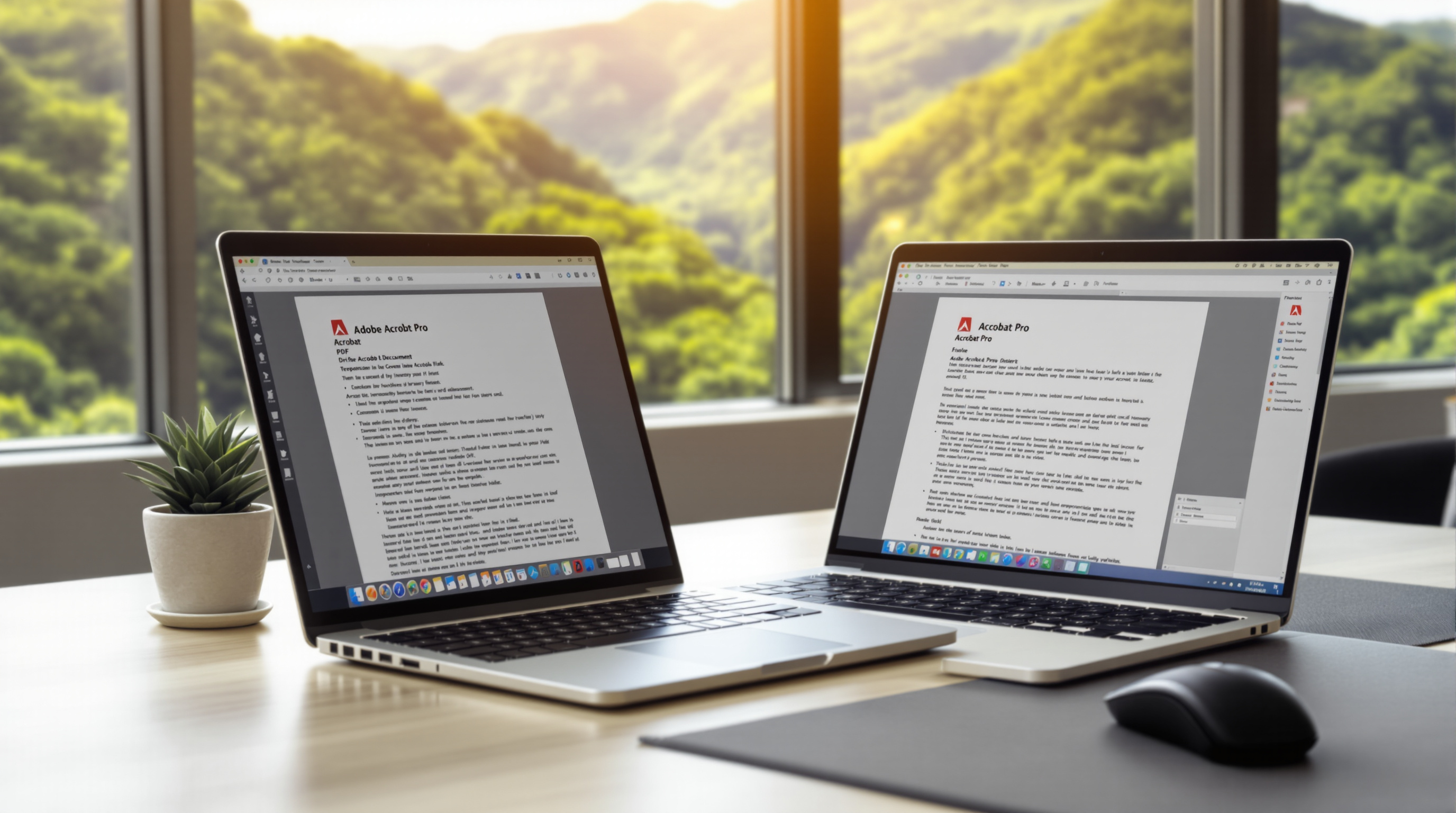
Adobe Acrobat Pro isn't just a fancier PDF viewer. It's built for how businesses actually work with documents.
Edit PDFs Like They're Word Documents
You can change text, swap images, update headers—without starting over. Got a quote from last year that needs updated pricing? Open it, edit it, done. No hunting for the original file.
Combine and Organize Documents Properly
Merging multiple files into one PDF that actually looks professional, with proper page numbering and bookmarks. Useful when you're putting together tender submissions or project documentation.
Secure Sensitive Information
Password protection, redaction that actually removes data (not just a black box over it), and permission controls. You can send a contract that can be viewed but not edited, or restrict printing entirely.
E-Signatures Built In
Acrobat Pro includes e-signature capabilities. Send a document, get it signed, track the whole process. No printing, scanning, or chasing people down. For businesses dealing with clients across Trinidad, Tobago, or internationally, this alone saves hours every week.
Works Offline
Unlike browser-based tools, Acrobat Pro runs on your computer. Your documents stay on your machine. You can work during an internet outage (and we all know how that goes sometimes).
Who Actually Needs This?
If your business regularly handles contracts, proposals, reports, or any documents that need to look professional and stay secure, Acrobat Pro pays for itself quickly.
Think about:
- Law firms and legal departments managing case files
- Accounting practices handling sensitive financial documents
- Construction and engineering companies submitting tender packages
- HR teams processing employment contracts and onboarding paperwork
- Any business tired of the "can you resend that, the formatting was weird" conversation
Getting Set Up the Right Way
Blue Chip handles Adobe licensing for businesses across T&T through Adobe's VIP program. That means proper business licensing, volume discounts when applicable, and local support when you need help.
We'll get you sorted with the right number of licenses, help with deployment, and actually answer the phone when you call.