You've got QuickBooks Online handling your invoices and expenses. Great. But what about your POS system? Your CRM? That project management tool your team swears by? If you're manually copying data between systems—or worse, keeping separate spreadsheets—you're burning hours every week that you don't need to burn.
The real power of QuickBooks Online isn't just the software itself. It's how easily it connects to the other tools your business already uses.
Why Integrations Actually Matter
Here's a scenario plenty of T&T business owners know too well: a customer pays through your online store, you record it in one place, then you have to manually enter it into your accounting system, then update your inventory spreadsheet. Three entries for one sale. Multiply that by dozens of transactions daily, and you've got a recipe for errors, late nights, and that nagging feeling you're always behind.
When your systems talk to each other automatically, that sale flows straight into QuickBooks. Your books stay current. Your inventory updates. You spend less time on data entry and more time actually running your business.
What Can You Connect?
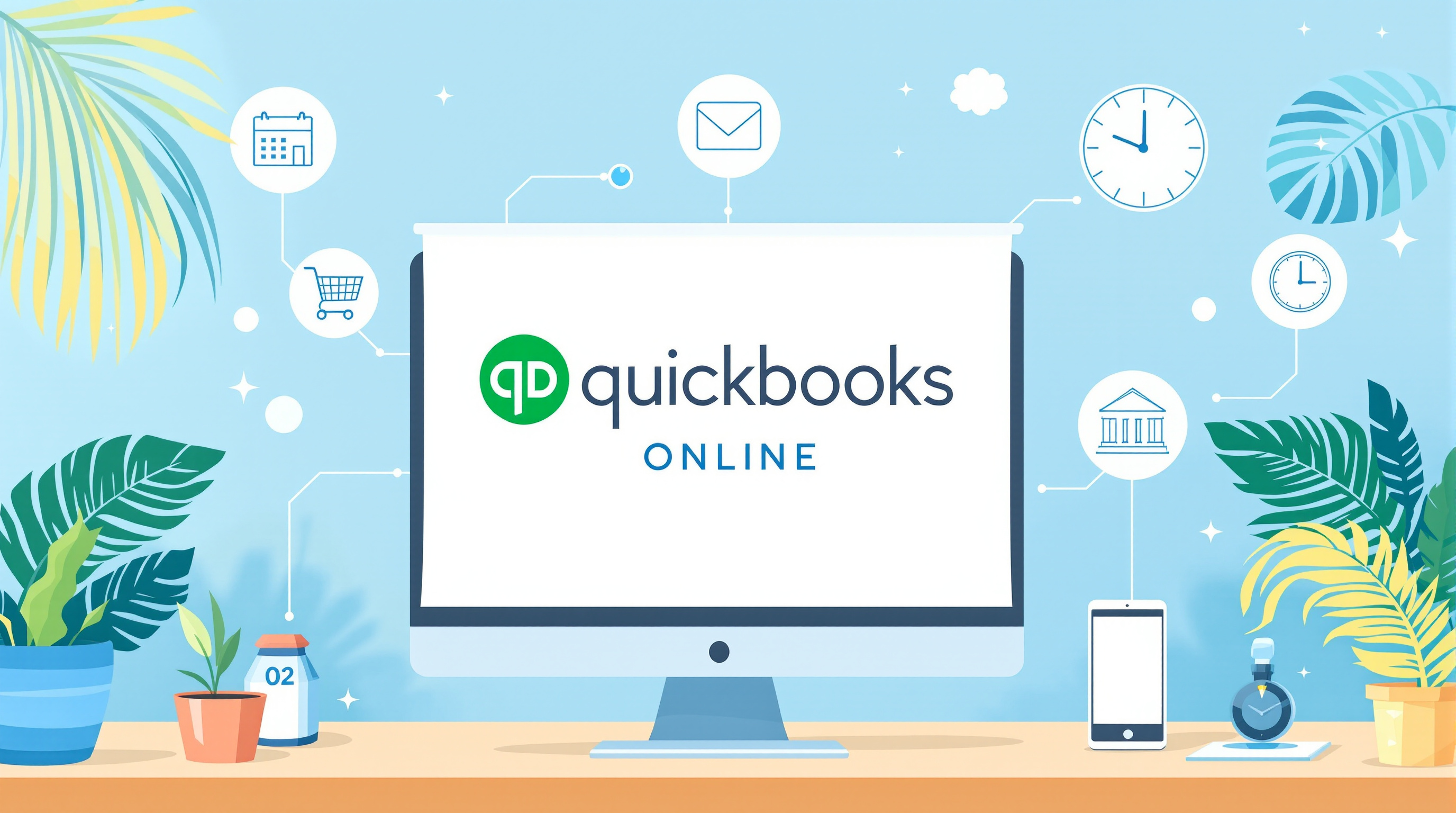
QuickBooks Online plays nicely with hundreds of apps. Here are the categories that matter most to local businesses:
Payment & POS Systems
- Square, Stripe, PayPal – Payments sync automatically, so you're not reconciling manually
- Shopify, WooCommerce – Online sales flow directly into your accounts
Banking
- Most major banks (including local ones) can connect for automatic transaction imports. This makes reconciliation something you actually do, instead of something you dread.
Time Tracking & Payroll
- TSheets (now QuickBooks Time) – Employee hours go straight to payroll
- Contractor billing becomes much simpler when hours are already logged
CRM & Sales Tools
- HubSpot, Salesforce, Zoho CRM – Customer info and invoices stay in sync
- No more "wait, did we invoice them for that?"
Project Management
- Asana, Trello, Monday.com – Track project costs against budgets in real-time
Inventory
- If you're managing stock, apps like DEAR Inventory or SOS Inventory can keep product levels accurate across your sales channels
Setting It Up (Without the Headache)
Some integrations are one-click simple. Others need a bit of configuration to match how your business actually works—mapping your chart of accounts correctly, setting up the right sync frequency, making sure tax codes transfer properly for VAT purposes.
This is where things can get tricky. A bad integration setup doesn't just fail to help—it can create duplicate entries, mismatched records, and a mess that takes hours to untangle.
How Blue Chip Helps
We don't just sell you QuickBooks Online and wish you luck. We sit down with you, look at the tools you're already using, and figure out the best way to connect everything. That includes:
- Identifying which integrations make sense for your workflow
- Configuring connections so data flows correctly
- Testing everything before you go live
- Training your team so they understand what's happening behind the scenes
- Ongoing support when you add new tools or need adjustments
Whether you're a retailer in Trincity trying to sync your POS, or a service company in San Fernando tracking billable hours, we've helped businesses across T&T get their systems working together properly.
Ready to Stop the Copy-Paste Cycle?
If you're tired of being the human bridge between your business apps, let's talk. We'll help you connect QuickBooks Online to the tools you already rely on—so your data moves automatically and your books stay accurate.
Get in touch with Blue Chip Technologies:
- 📞 Call us: 1 (868) 609-2288
- 💬 WhatsApp: Send us a message
- 📧 Email: [email protected]
- 🌐 Contact form: bluechiptt.com/contact