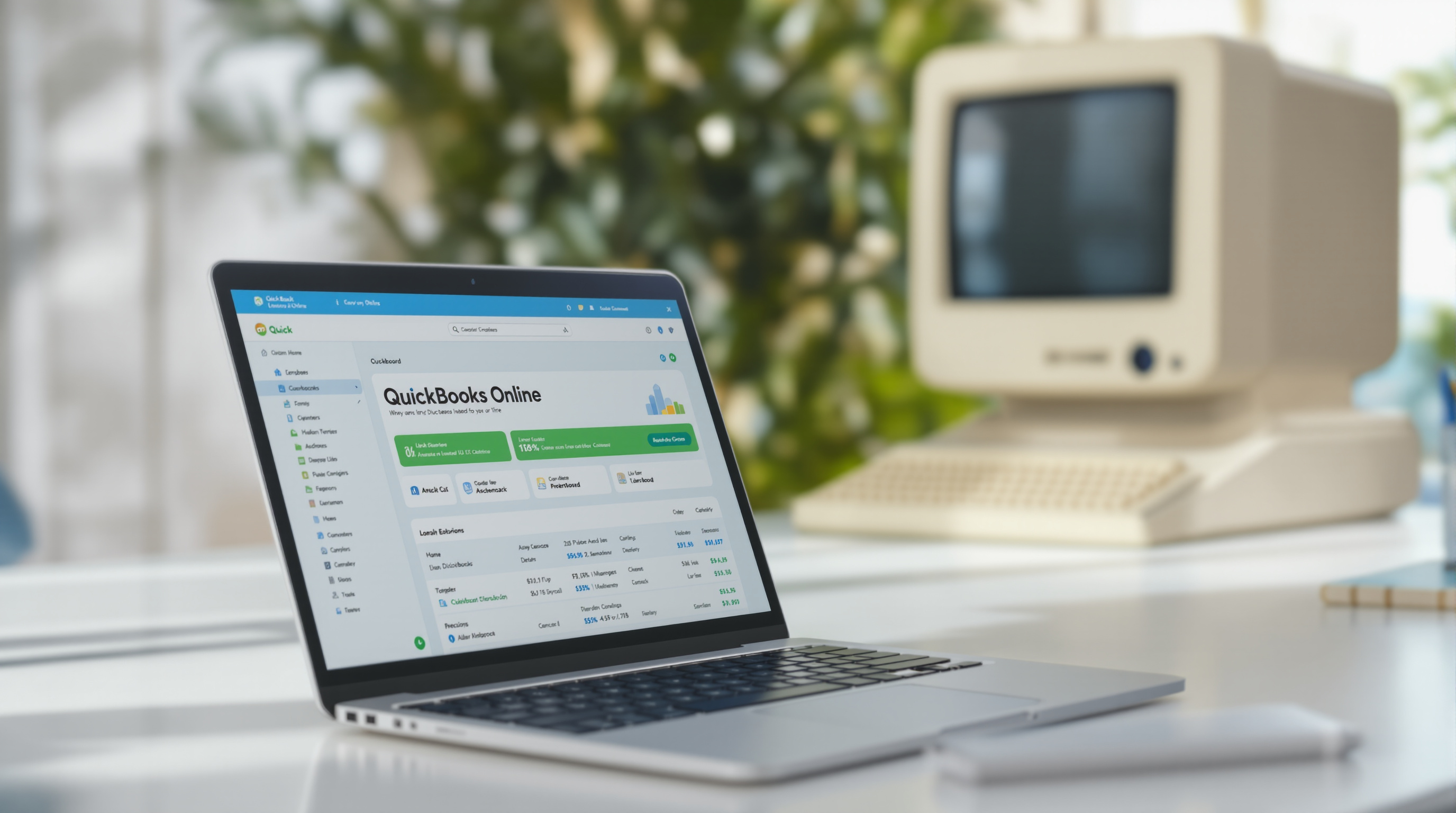
Still running QuickBooks Desktop on that one computer in the corner of the office? You know the one—the machine nobody's allowed to touch, that gets backed up to an external drive every Friday (when someone remembers)?
You're not alone. Plenty of T&T businesses have been running Desktop for years. It works. But there's a reason more companies are making the jump to QuickBooks Online, and it's not just about being "modern." It's about actually being able to check your books from your phone when you're stuck in traffic on the highway, or letting your accountant pull reports without you having to email files back and forth.
If you're thinking about making the switch, here's what the process actually looks like—no surprises.
What You're Gaining (and Why It Matters)
Let's start with the practical stuff:
- Access from anywhere. Your data lives in the cloud. Log in from your laptop at home, your tablet at a client site, or your phone while waiting at the bank. No more "I'll check when I get back to the office."
- Automatic backups. No more external drives or panicked calls when a hard drive fails. Intuit handles it.
- Real-time bank feeds. Your transactions pull in automatically from your bank. Reconciliation becomes a 10-minute task instead of a half-day exercise.
- Multi-user without the headaches. Your bookkeeper and accountant can work in the system at the same time. No more passing files around.
- Updates just happen. No installing patches or worrying about version compatibility.
What the Migration Actually Involves
Moving from Desktop to Online isn't just clicking "upload." Here's the honest breakdown:
Your Data Comes Over (Mostly)
QuickBooks has a built-in conversion tool that brings over your chart of accounts, customer and vendor lists, products and services, and historical transactions. It works well for most businesses.
That said, some things don't transfer perfectly—certain custom reports, memorized transactions, or very old historical data might need manual attention. We review everything before and after to catch gaps.
You'll Need to Reconnect a Few Things
Bank feeds need to be set up fresh. Any integrations you were using (payroll services, point-of-sale systems) may need reconnecting or replacing with cloud-compatible versions. We walk you through this.
There's a Learning Curve (But It's Short)
The interface is different. If you've been using Desktop for 10 years, Online will feel unfamiliar for a week or two. But most people find it more intuitive once they adjust. The mobile app especially—you'll wonder how you managed without it.
What About My Historical Data?
This is the question everyone asks. Your historical data does come over, but there are limits depending on how far back your records go and the size of your file. For most small businesses, it's not an issue. For larger companies with decades of history, we sometimes recommend keeping a read-only Desktop file for reference while starting fresh in Online for day-to-day work.
Is Online Right for Every Business?
Honestly? For most T&T SMBs, yes. But there are cases where Desktop still makes sense—certain manufacturing or inventory-heavy operations, or businesses with very specific customisation needs. We'll tell you straight if Online isn't the right fit.
How Blue Chip Handles the Switch
We don't just hand you login credentials and wish you luck. Here's our approach:
- Review your current setup to understand your chart of accounts, workflows, and any integrations
- Run the conversion and verify the data came over correctly
- Set up bank feeds and reconnect integrations
- Train your team on the new interface (yes, actual training—not just a PDF)
- Provide ongoing support when questions come up
The whole process typically takes a few days to a couple weeks, depending on complexity.
Ready to Move Off That Desktop?
If you've been putting off the switch because it seemed complicated, let's talk. We've helped plenty of local businesses make the move without losing data or losing their minds.
Get in touch with Blue Chip:
- 📞 Call us: 1 (868) 609-2288
- 💬 WhatsApp: Send us a message
- 📧 Email: [email protected]
- 🌐 Contact form: bluechiptt.com/contact
We'll assess your current setup and give you a clear picture of what the migration involves—no pressure, no jargon.