Backup Power Should Protect Your Internet First
When people think about backup power, they often think about lights first.
For a business, internet should be near the top of the list.
If the router is down, the office is down. Email stops. WhatsApp Web stops. Cloud apps stop. VoIP phones stop. Card payments may stop. Remote support stops. Staff can have fully charged laptops and still be unable to work because the network equipment has no power.
That is why a practical backup power plan starts with the small boxes in the corner.
Disclosure: Blue Chip may earn a commission if you buy Bluetti products using our referral link. We are a Bluetti customer, not a Bluetti installer. Always confirm product compatibility, electrical requirements, and safe setup with Bluetti documentation and qualified electrical professionals where needed.
See current Bluetti options here: Shop Bluetti using Blue Chip's referral link
The Office Network Is a Small Load With a Big Impact
A router, modem, fiber ONT, switch, Wi-Fi access point, and VoIP phone system usually consume far less power than air conditioning or large appliances.
That makes them ideal candidates for battery backup.
Keeping those devices alive can allow staff to:
- Continue using cloud software
- Keep VoIP phones reachable
- Process online work
- Use laptops on battery while the network stays online
- Keep remote support tools connected
- Maintain security camera visibility where applicable
Bluetti portable power stations are built for exactly this kind of multi-device use. Bluetti describes them as rechargeable battery-powered generators with AC outlets, USB-A/C, DC ports, and other outputs depending on model. That means one station can support several different device types without turning the office into a mess of adapters.
Why a Bigger UPS Is Not Always the Answer
Traditional UPS units are useful. Blue Chip still believes in using UPS protection where it fits.
But many office UPS units are designed for short runtime: enough time to ride through dips or shut down equipment safely. They are not always built for hours of internet continuity.
A Bluetti power station can be a different layer: more like a quiet, rechargeable power source for the devices you choose to keep alive. Bluetti's home backup pages focus on keeping essentials running during outages, with scalable capacity depending on need.
For many small offices, that is the right goal.
Not "power everything."
Power the things that keep the business reachable.
What to Plug Into Backup Power First
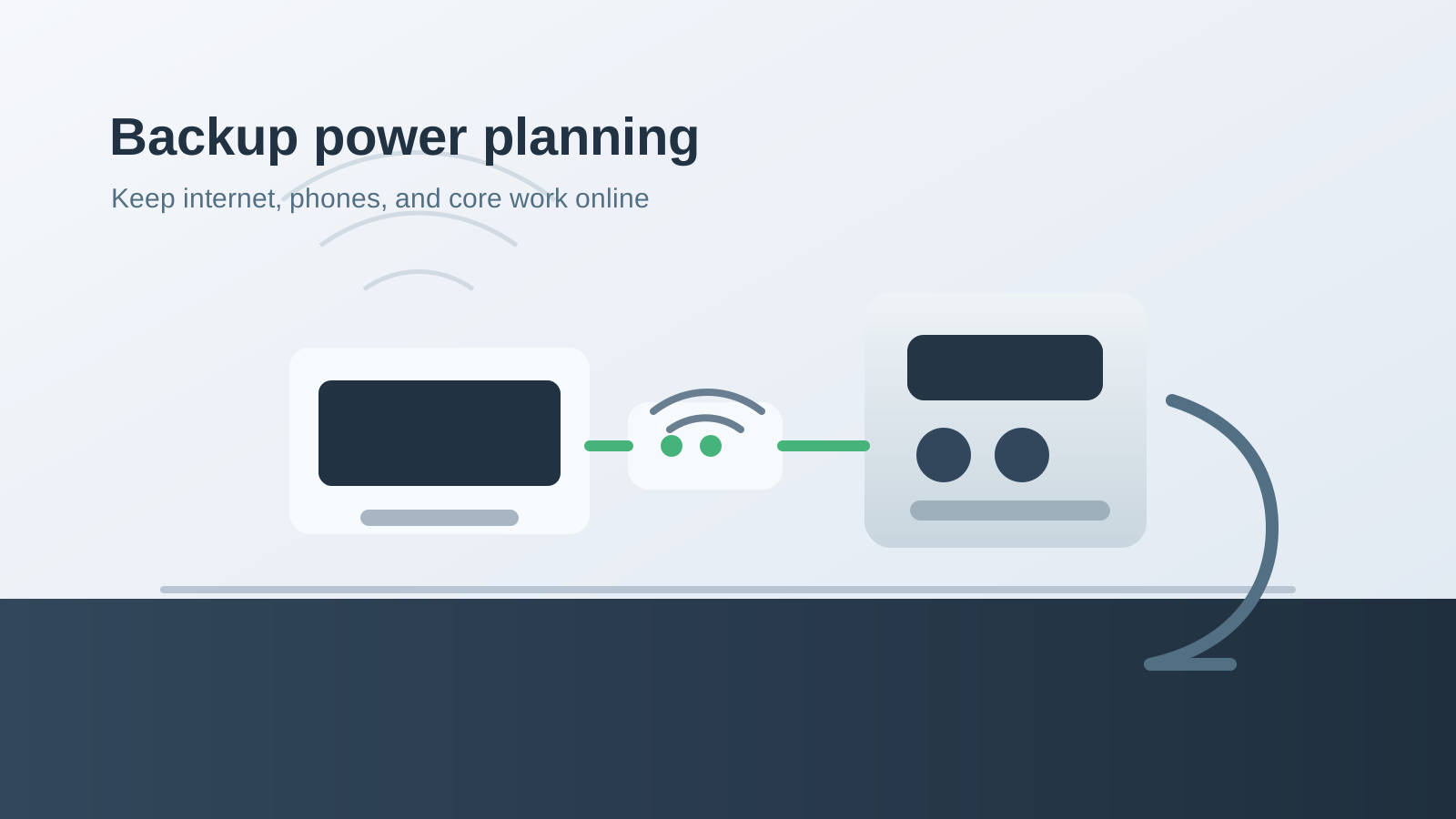
Start with the network:
- ISP modem or fiber ONT
- Router/firewall
- Network switch
- Wi-Fi access point
- VoIP PBX or desk phone base station
Then add critical work devices:
- One admin laptop
- Payment terminal charger
- Mobile phones
- Small NAS or backup drive if safe and appropriate
Avoid guessing. List the devices, check their wattage, and choose a Bluetti model with enough output and battery capacity for the runtime you want.
A Better Outage Experience
When backup power is planned properly, an outage does not have to feel like chaos.
Staff know what stays on. Customers can still reach you. Remote tools still work. Important devices stay powered while you decide whether the outage is short, whether to start a generator, or whether to close for the day.
That first hour matters.
Bluetti gives businesses a practical way to protect that first hour and much more, depending on the model and load.
Our Take
If your business depends on internet, your backup plan should start there.
Blue Chip uses Bluetti as part of our own office power strategy because uptime is not just a technical preference. It affects service, response time, and customer confidence.
Review the current Bluetti options and choose based on the equipment you need to keep online: Shop Bluetti using Blue Chip's referral link