What Solar Battery Storage Cost Analysis & ROI Calculator for 2026: Is It Your Best Investment? Means for Backup Power Planning
Bluetti recently published a power-solution article titled Solar Battery Storage Cost Analysis & ROI Calculator for 2026: Is It Your Best Investment?. For Blue Chip Technologies, the useful angle is practical business continuity: how small offices, home offices, and customer-facing teams can keep essential IT running when power is unstable.
Blue Chip uses Bluetti equipment as part of our own backup power plan to keep our office powered 24/7. We are a Bluetti customer, not a Bluetti installer, electrical contractor, or certified Bluetti service provider. Our role is IT continuity planning: helping clients decide what needs to remain online, how long it should run, and where qualified electrical professionals are required.
Affiliate disclosure: Blue Chip may earn a commission if you purchase through our Bluetti referral link. That does not change the guidance below: size backup power around real loads, follow official Bluetti documentation, and use qualified electrical professionals for electrical integration.
The Source Article
Source: Solar Battery Storage Cost Analysis & ROI Calculator for 2026: Is It Your Best Investment?
The Bluetti article is useful because it points business owners back to a simple question: what must keep working when grid power fails?
Key ideas from the source article:
- Solar Battery Storage Cost Analysis & ROI Calculator for 2026: Is It Your Best Investment?
- 09/05/2026 facebook twitter pinterest Table of Article If you're considering adding a solar battery to your home or business, it's wise to run the numbers first.
- A clear cost and ROI analysis can show you the realistic payback period and long-term savings.
- In this article, we'll examine solar battery storage costs in 2026 and how battery technology affects both upfront expenses and long-term efficiency.
Rather than treating backup power as a gadget purchase, use the article as a planning prompt. The goal is not to power everything. The goal is to keep the right things online.
Start With Communications
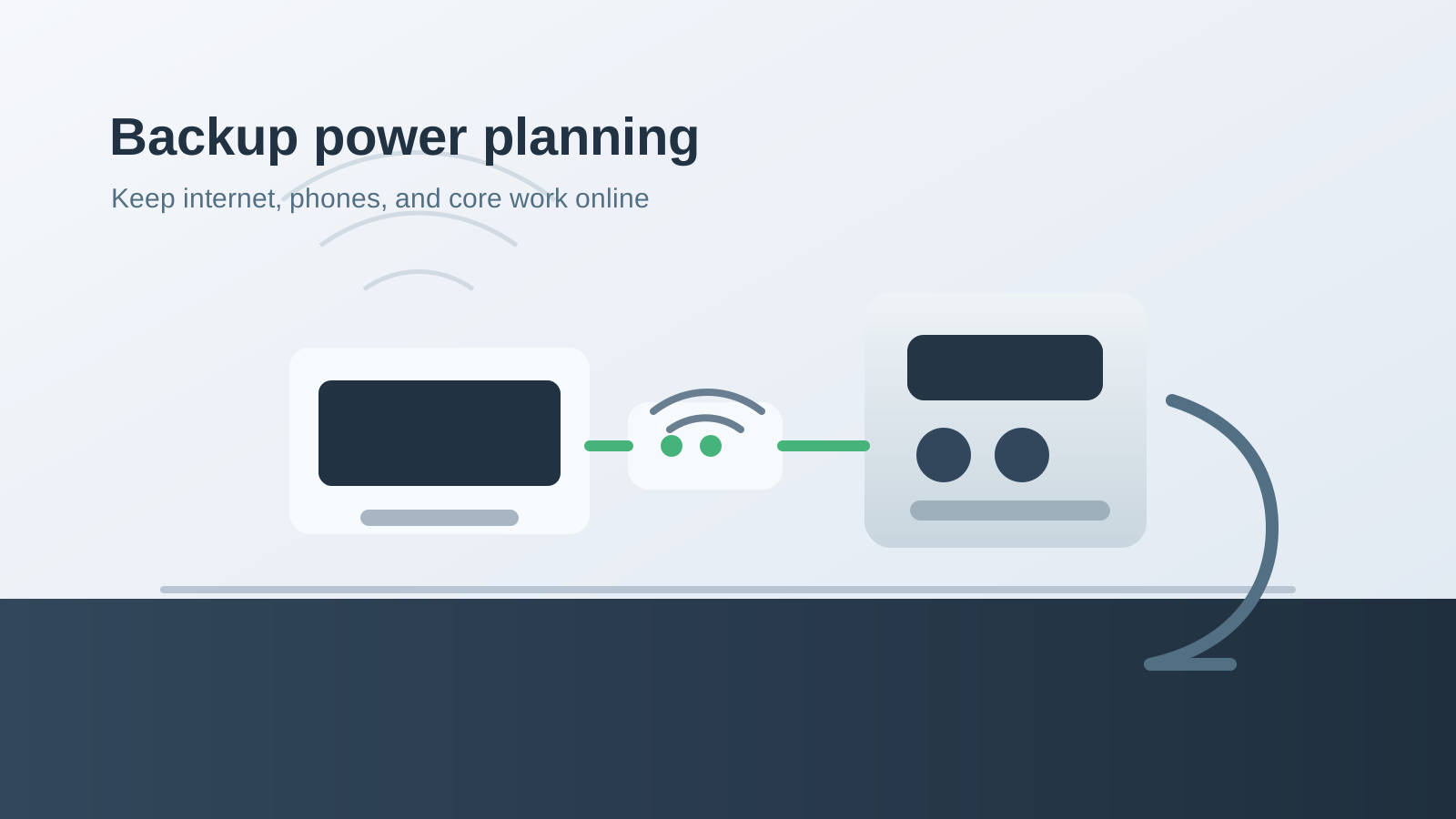
For most Trinidad and Tobago small businesses, the first backup-power target should be the communications stack:
- Internet modem or ONT.
- Router or firewall.
- Network switch.
- Wi-Fi access point.
- VoIP phone equipment.
- Laptops and mobile phones needed for customer communication.
- Optional security recorder, alarm communicator, or camera bridge.
This is a much smaller and cleaner problem than powering the whole building. It is also easier to test. If the internet and phones stay online, staff can keep communicating with customers, suppliers, and each other while heavier loads are handled separately.
Convert The Article Into A Site Plan
Use the Bluetti article as a starting point, then map it to your real office:
- List every device that must stay online.
- Check the wattage on each adapter or measure it with a plug-in power meter.
- Add the running watts together.
- Decide whether you need 1 hour, 4 hours, 8 hours, or overnight runtime.
- Compare the requirement against official Bluetti specifications.
- Test the actual equipment before you depend on it.
Do not guess the load. A small router and modem may be easy to support, but a PoE switch, security recorder, NAS, or desktop PC can change the calculation quickly.
Keep Heavy Loads Out Of The Plan
Backup power for IT works best when staff know exactly what belongs on the battery. Kettles, microwaves, large printers, power tools, air conditioning, pumps, and other heavy loads should not be casually plugged into the same unit that is keeping the router and phones alive.
That separation matters. The battery is there to preserve essential workflow, not to make an outage feel normal.
Where Electrical Professionals Come In
Portable power stations are useful, but permanent electrical integration is not casual IT work. Transfer switches, solar panels, generator tie-ins, sub-panels, high-output circuits, and any building wiring should be handled by qualified electrical professionals using the manufacturer's documentation.
Blue Chip can help on the IT side: identifying critical devices, documenting the network cabinet, planning phone and cloud-app continuity, and writing the outage workflow staff should follow.
Ready To Price A Bluetti Setup?
If backup power would protect revenue, support response, or customer confidence, start with the official Bluetti article and compare products against your real load.
Shop Bluetti through Blue Chip's referral link
Blue Chip may earn a commission if you purchase through that link. If you want help translating the source article into an IT continuity plan for your office, we can help document the equipment, runtime target, and outage workflow.