
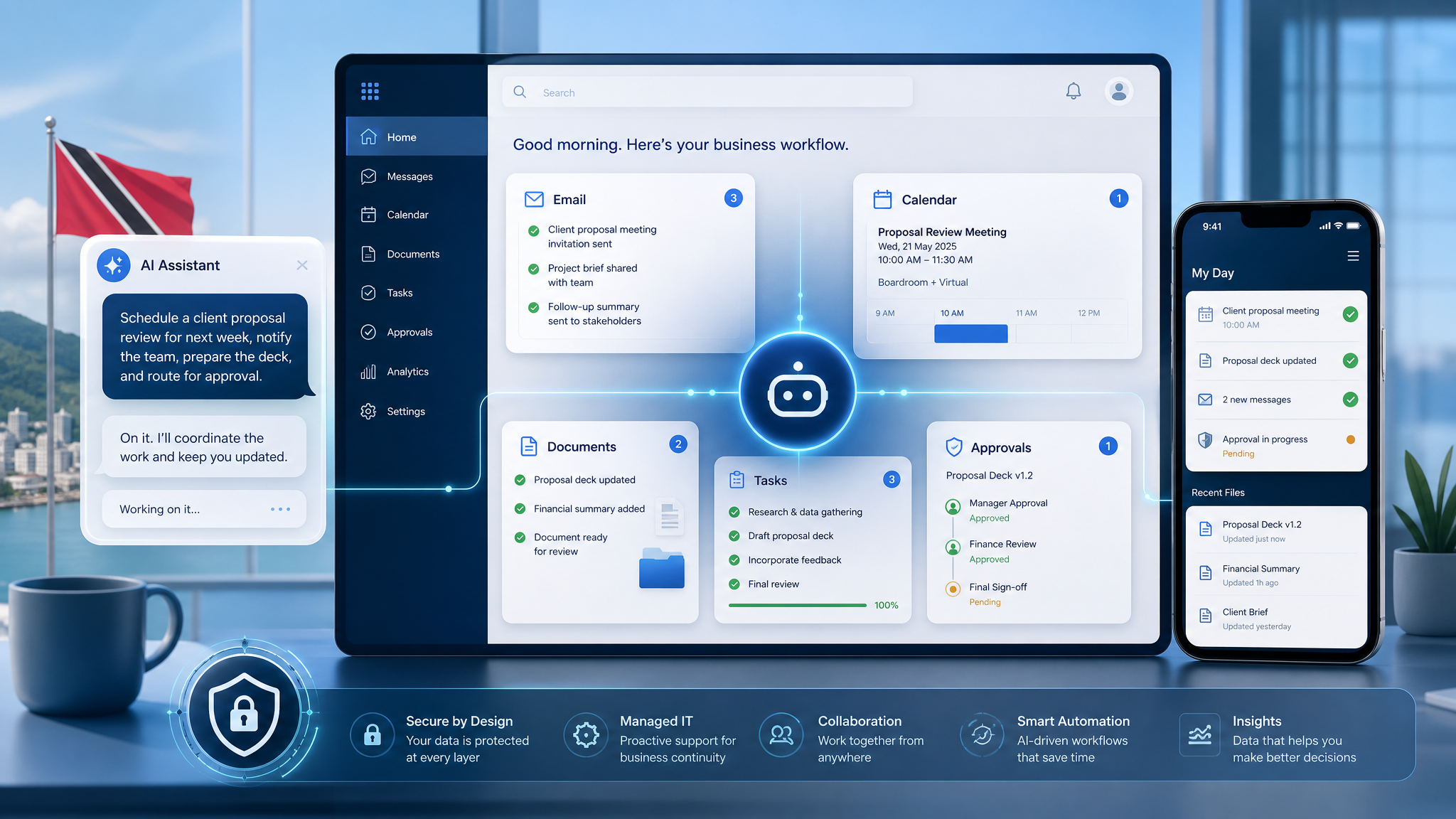
Copilot Cowork: AI Tasks Need Clear Business Rules
AI in Microsoft 365 is moving from answering questions to helping complete work. Microsoft's latest Copilot Cowork update points in that direction, with mobile access, reusable skills, and plugins that can connect Copilot activity to business systems.
For small and medium-sized businesses in Trinidad and Tobago, the message is practical: AI delegation can save time, but it should not be treated like magic. If staff are going to ask an AI assistant to prepare documents, summarize information, coordinate meetings, research a topic, or help with a workflow, the business needs clear rules for how that work is done.
From chat to action
Many teams already use AI tools to draft text, summarize emails, or clean up notes. Copilot Cowork is aimed at a more active style of work: giving the assistant a task, letting it use Microsoft 365 context, and returning with a completed result.
That could matter for everyday workflows such as:
- preparing a meeting brief from emails, files, and previous notes
- creating a first draft of a customer follow-up document
- researching a topic and organizing the findings into a structured report
- helping coordinate tasks after a Teams discussion
- turning a repeat process into a reusable instruction set
- connecting information from Power BI, Dynamics 365, or other approved tools
The productivity upside is obvious. The control requirements are just as important.
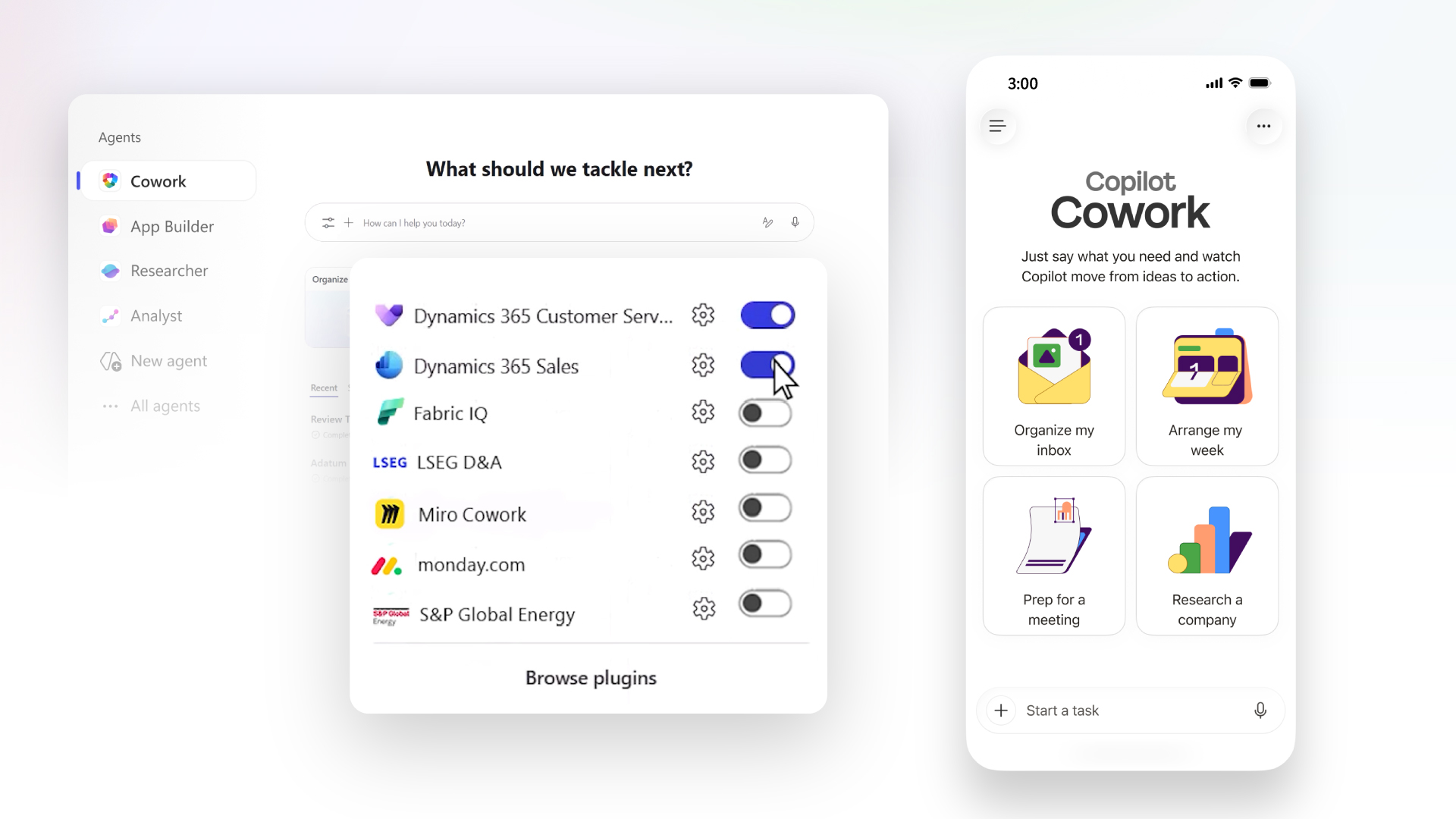
Microsoft is positioning Copilot Cowork as a way to delegate structured work across Microsoft 365 and connected business systems.
Skills should match how the business actually works
One of the more useful ideas in the Microsoft update is Cowork Skills. A skill is a reusable set of instructions for how a task should be completed.
That is important because businesses do not just need faster output. They need consistent output.
A sales team may want quote follow-ups written in a certain tone. A service team may need incident summaries to include affected users, systems, timeline, action taken, and next steps. Management may want reports arranged by risk, cost, owner, and deadline.
If every user gives their own casual prompt, results will vary. If the business defines approved skills, the AI assistant can follow a more reliable pattern.
Mobile AI delegation needs guardrails
Microsoft also highlighted Cowork on iOS and Android. That can be useful for owners, managers, and field staff who think of tasks while away from the desk.
But mobile convenience increases the need for discipline. A quick instruction from a phone should not accidentally expose customer data, send unfinished work, or act on stale information.
Before encouraging mobile AI workflows, businesses should decide:
- what information staff may and may not include in AI requests
- whether customer, finance, HR, or legal information needs extra approval
- which Microsoft 365 accounts and devices are allowed
- whether mobile devices are protected with MFA, device compliance, and remote wipe
- who reviews AI-generated customer-facing documents before they are sent
- what actions AI tools are allowed to prepare versus complete
The goal is not to block productivity. The goal is to make sure convenience does not bypass normal business controls.
Plugins and integrations must be approved, not random
Cowork plugins are another area SMBs should watch carefully. Integrations can make AI much more useful because work often spans documents, reports, CRM records, project tools, and operational systems.
They can also create risk if every department connects tools without review.
Blue Chip recommends treating AI plugins the same way you would treat any business integration. Check what data the plugin can access, who can use it, whether it respects existing permissions, what logs are available, and whether the vendor fits your security and support requirements.
For many local businesses, the first safe step is not a complex custom plugin. It is cleaning up Microsoft 365 basics: Teams structure, SharePoint document locations, OneDrive sharing, Outlook security, user permissions, and device management.
What Blue Chip would put in place first
Before rolling out advanced Copilot workflows, an SMB should have a simple operating model.
That includes:
- Microsoft 365 accounts protected by MFA and conditional access
- managed devices for staff handling sensitive business data
- clear SharePoint and Teams ownership
- approved document locations instead of scattered file copies
- rules for AI use with customer, HR, finance, and supplier information
- a review process for AI-generated external communication
- an approved list of Copilot plugins and connected apps
- basic staff training on safe prompts, verification, and escalation
AI task delegation works best when the underlying business process is already understood. If the process is messy, AI may simply make the mess faster.
A sensible way to start
Pick one repeatable workflow where staff already lose time: meeting preparation, weekly reporting, customer follow-up drafts, internal research, or service handover notes.
Document the expected format, data sources, approval step, and final owner. Then test whether Copilot can help produce the first draft or organize the work without exposing sensitive information or skipping human judgment.
That approach gives the business a useful win without pretending AI should run everything on day one.
Microsoft 365 Copilot and Cowork-style capabilities are becoming more powerful. For SMBs, the best results will come from pairing those tools with clear process, secure Microsoft 365 management, and sensible human review.
Source: Microsoft 365 Blog — Copilot Cowork: From conversation to action across skills, integrations, and devices.


