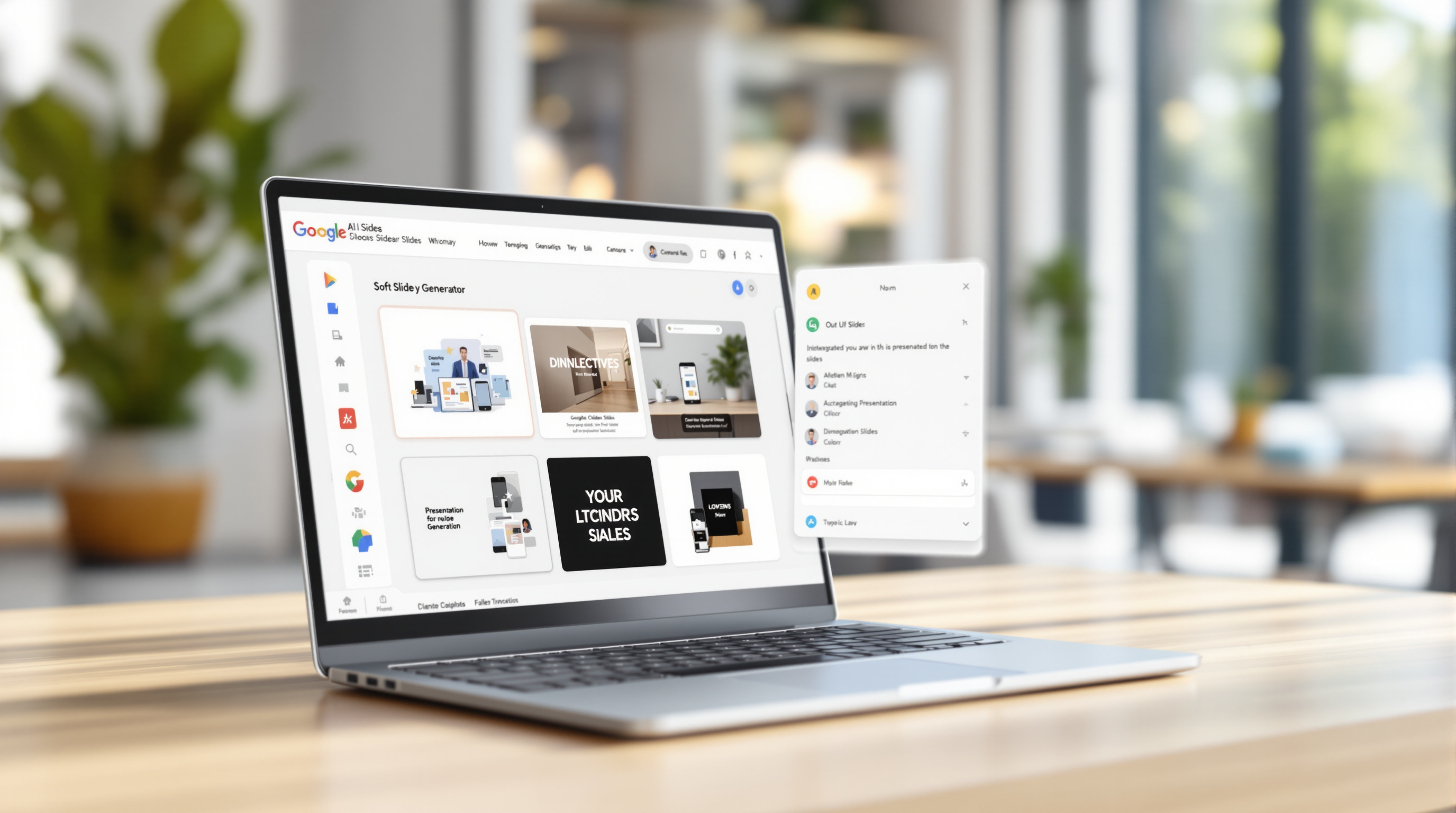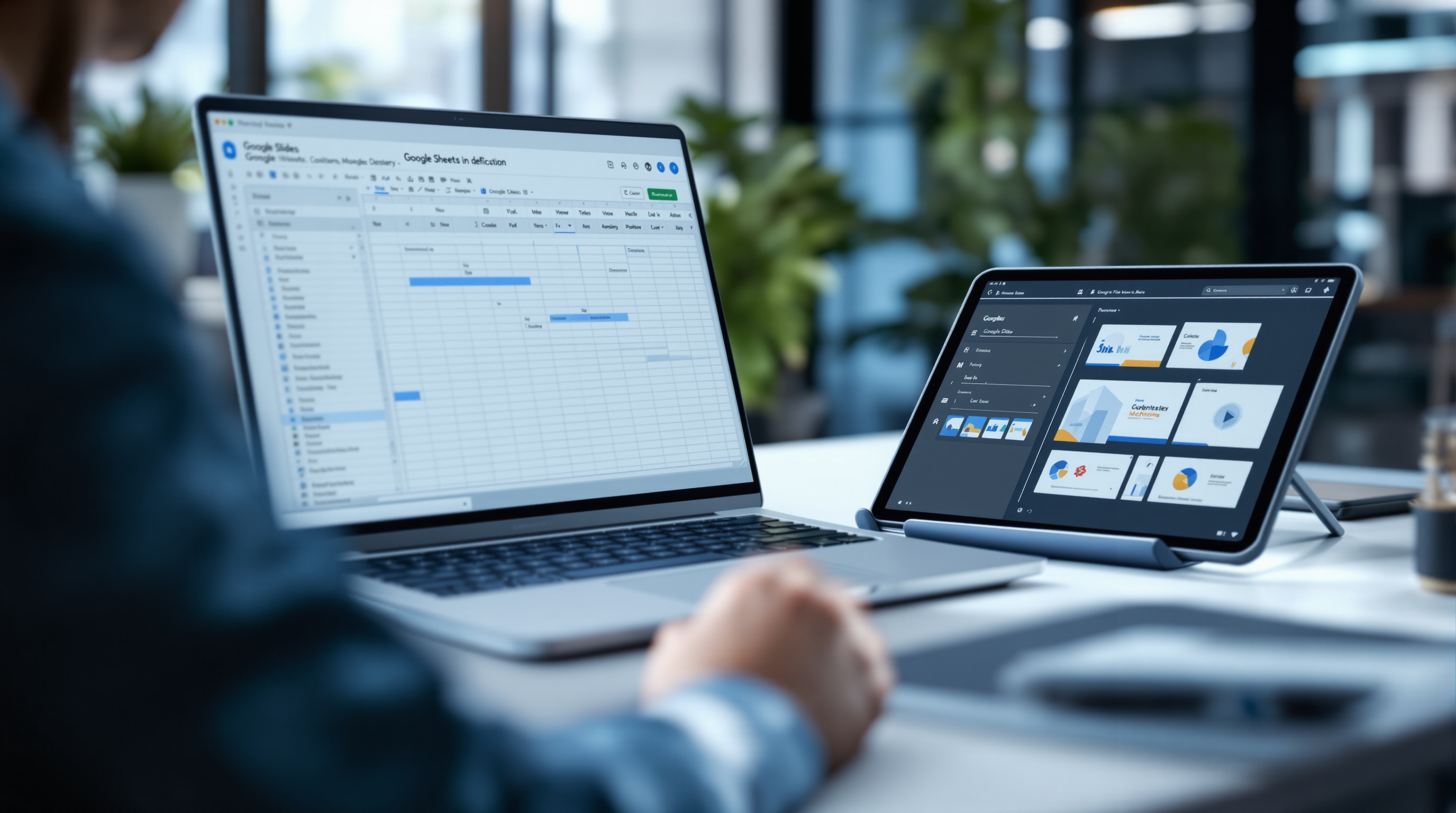
Microsoft's Copilot Cowork is now generally available, giving your team an AI assistant that works alongside them in Microsoft 365 apps—think of it as a colleague who can draft documents, summarise meetings, and handle repetitive tasks while your staff focus on higher-value work. If you've been waiting for AI in Microsoft 365 to mature beyond preview, this is the moment.
What exactly is Copilot Cowork?
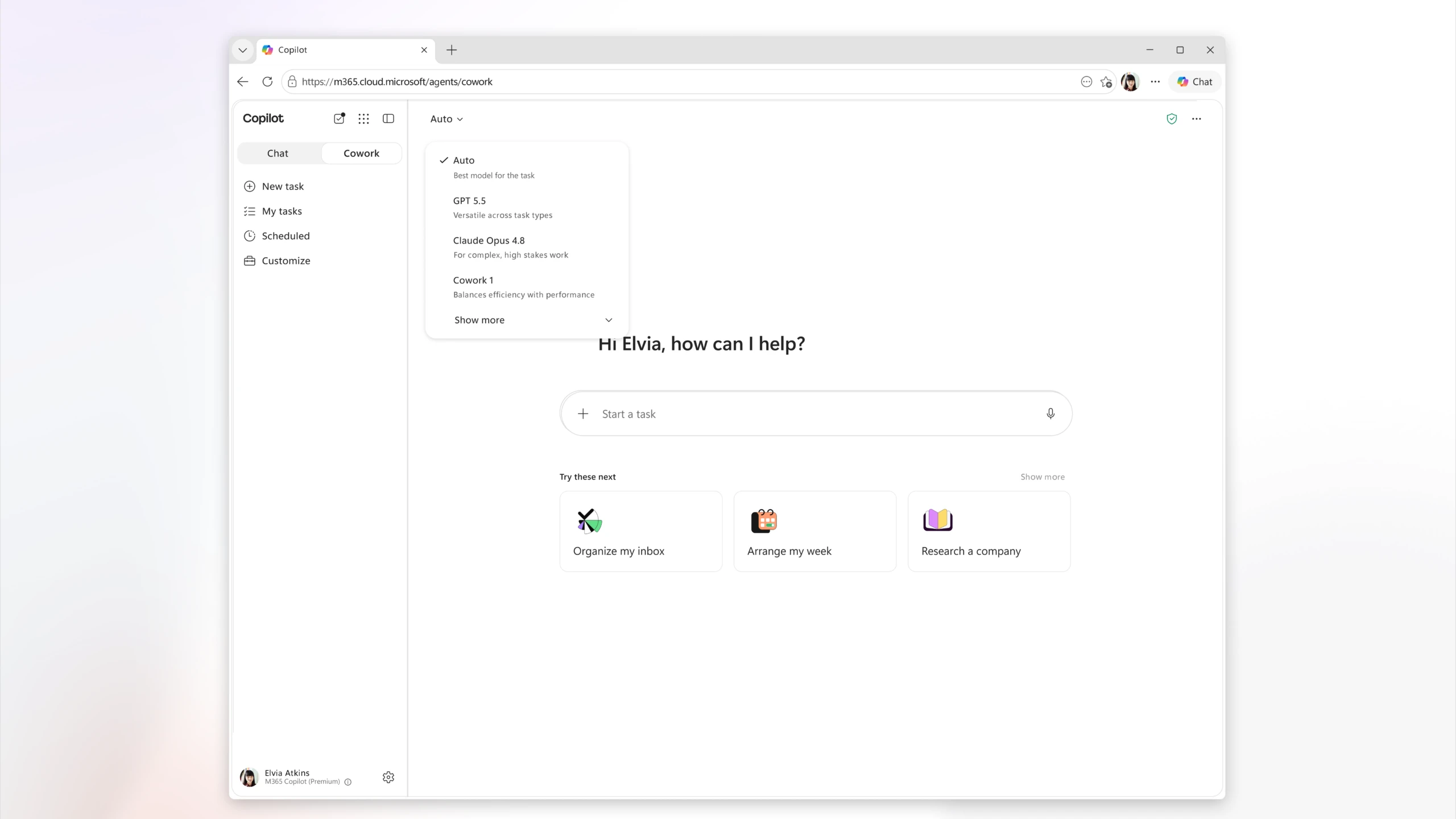
Copilot Cowork is Microsoft's latest evolution of its AI assistant, designed to feel less like a chatbot and more like a working partner embedded in your daily tools. It sits inside the Microsoft 365 apps your team already uses—Outlook, Word, Excel, Teams, PowerPoint—and helps with tasks like drafting emails, pulling data into reports, or catching you up on a meeting you missed.
The "Cowork" name reflects the shift: instead of asking the AI one question at a time, you can assign it ongoing tasks and let it work in the background. It's closer to delegating to a junior team member than typing prompts into a search box.
Why does this matter for your business?
Here's the practical bit. Your staff probably spend hours each week on tasks that feel productive but aren't—formatting slides, chasing down information buried in email threads, writing meeting recaps nobody reads. Cowork handles those jobs.
A few examples:
- Before a client meeting: Cowork can pull together a briefing from your recent emails, past proposals, and shared files—without you opening five different apps.
- After a Teams call: It generates a summary and action items, then drafts follow-up emails for your review.
- Monthly reporting: Point it at your Excel data and it builds the first draft of your analysis, charts included.
None of this replaces your team's judgement. It just removes the drudgery so they can spend time on work that actually needs a human brain.
How do you get access?
Copilot Cowork is available now to organisations with eligible Microsoft 365 licences that include Copilot. If you're already paying for Microsoft 365 Copilot, you should see Cowork appearing in your apps over the coming weeks as Microsoft rolls it out globally.
If you're not sure whether your current plan qualifies—or you're still on a basic Microsoft 365 subscription—it's worth reviewing your licensing. We help businesses assess and configure their Microsoft 365 setup; you can learn more about our Microsoft solutions here.
Is there a learning curve?
Honestly, less than you'd expect. Because Cowork lives inside apps your team already knows, adoption tends to happen naturally. The interface uses plain language—you tell it what you need, and it asks clarifying questions if necessary. Microsoft designed it so you don't need to learn prompt engineering or AI jargon.
That said, getting the most from it does take some adjustment. Teams that set aside an hour to experiment—testing it on real tasks, not just demo scenarios—tend to see faster results.
Frequently asked questions
Do I need a special licence for Copilot Cowork?
Cowork is part of the Microsoft 365 Copilot add-on. If your organisation already has Copilot licences, you'll get Cowork as part of the rollout. If not, you'll need to add Copilot to your subscription.
Will Copilot see confidential data?
Copilot respects your existing Microsoft 365 permissions. It can only access files and emails that the user already has rights to view. Your data stays within your tenant and isn't used to train Microsoft's public models.
Can I turn Cowork off for certain users?
Yes. Admins can control Copilot access at the user or group level through the Microsoft 365 admin centre.
Ready to put Copilot Cowork to work?
If you'd like help assessing whether your current Microsoft 365 setup supports Cowork—or you want guidance on rolling it out to your team—Blue Chip Technologies Ltd. can help. We supply, configure, and support Microsoft 365 for businesses globally, with remote delivery worldwide and on-site support available in Trinidad & Tobago.
Get in touch: