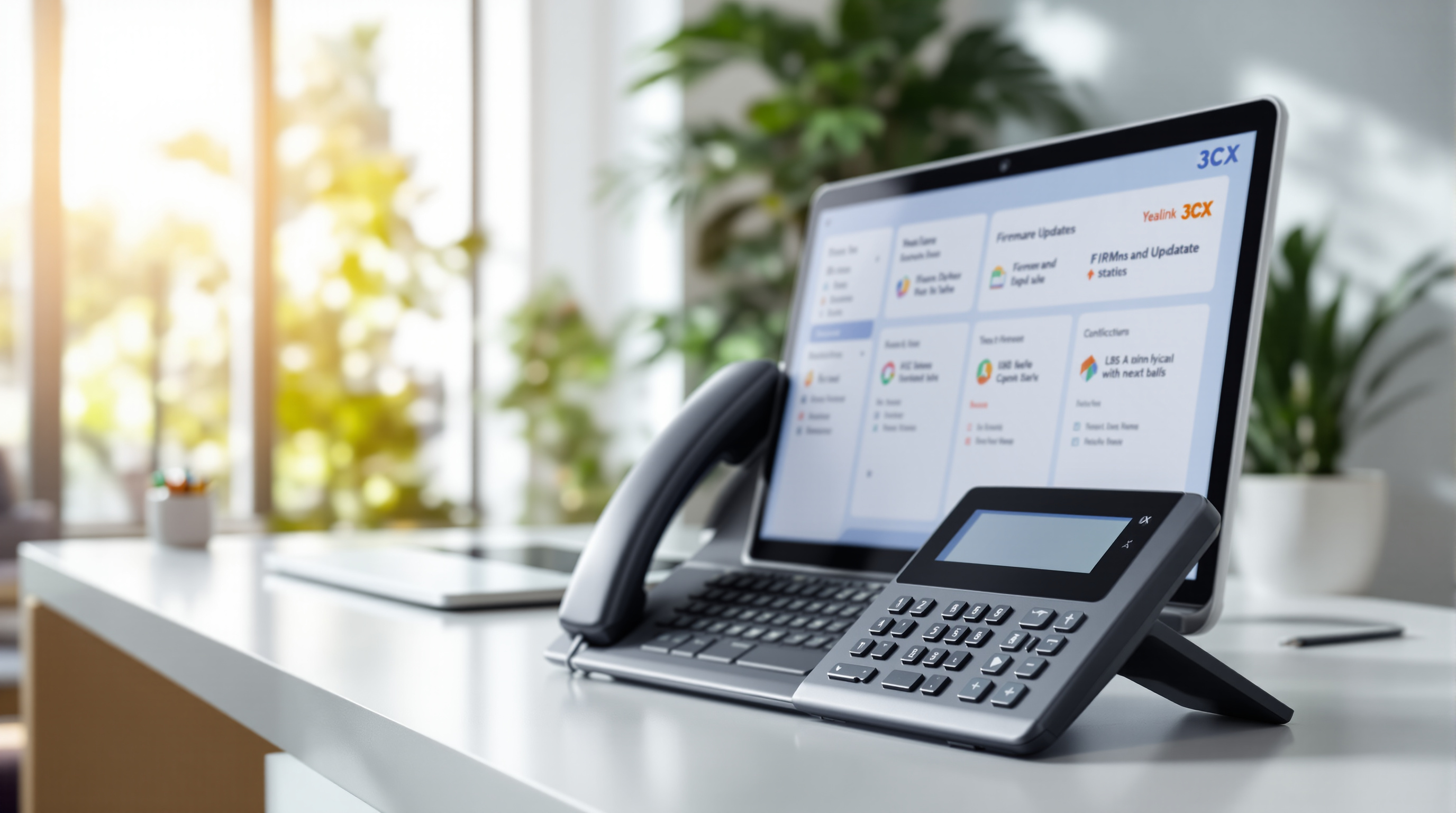
Managing IP phone firmware just got simpler for Trinidad & Tobago businesses using 3CX. You can now deploy manufacturer firmware directly from your 3CX management console—no separate downloads, no hunting through vendor websites, no manual updates phone by phone. If you've got a fleet of desk phones across multiple offices or branches, this means less admin time and more consistent device performance.
Why does firmware management matter for your business?
Here's the thing: outdated phone firmware is one of those quiet problems. It doesn't announce itself until you're dealing with audio issues during an important client call, or a security vulnerability you didn't know existed. Most IT teams in T&T are already stretched thin—nobody has time to manually check Yealink or Fanvil websites for the latest firmware versions, download files, and push them to individual handsets.
With this 3CX update, your phone system handles it. You select the firmware version you want, choose whether to apply it per model or to specific phones, and 3CX does the rest.
How does deploying vendor firmware from 3CX actually work?
The process is straightforward:
- Log into your 3CX management console
- Navigate to your phone provisioning settings
- Select the manufacturer firmware you want to deploy
- Choose whether to apply it to all phones of a particular model or to individual devices
- Confirm and let 3CX push the update
That's it. No downloading ZIP files to your desktop. No FTP transfers. The firmware comes directly from the manufacturer, so you're always getting official, supported versions.
What are the practical benefits for T&T organisations?
Consistency across locations. If you've got phones at your Port of Spain head office and a branch in San Fernando, they can all run the same firmware version without someone physically visiting each site.
Security updates applied faster. When manufacturers release patches, you can deploy them across your entire phone estate the same day—not whenever someone remembers to check.
Less vendor website hunting. Anyone who's tried to find the right firmware file on a manufacturer's support portal knows the frustration. Wrong model, wrong region, wrong version. This eliminates that entirely.
Granular control when you need it. Testing a new firmware version? Roll it out to a few phones first before applying it organisation-wide.
For businesses working with Blue Chip Technologies Ltd.'s 3CX solutions, this feature is available now and something our team can help you configure.
Frequently asked questions
Which phone brands support this feature?
Major 3CX-supported manufacturers like Yealink, Fanvil, and Snom are included. The specific models available depend on what 3CX has certified for direct firmware deployment.
Will this interrupt active calls?
Firmware updates typically require a phone reboot. You can schedule deployments for after-hours or apply them during low-traffic periods to minimise disruption.
Do I need a specific 3CX licence for this?
This feature is part of the standard 3CX management console. However, your phones must be properly provisioned through 3CX to use it.
Can Blue Chip help us set this up?
Absolutely. Our team handles 3CX deployments across Trinidad & Tobago and can configure firmware management as part of your system setup or ongoing support.
Ready to simplify your phone system management?
If you're running 3CX—or considering it for your business—Blue Chip Technologies Ltd. can help you get the most from features like this. We're based right here in San Fernando and support organisations across T&T.
Get in touch:
- 📞 Call us: 1 (868) 609-2288
- 💬 WhatsApp: Send a message
- ✉️ Email: [email protected]
- 🌐 Contact form: bluechiptt.com/contact