
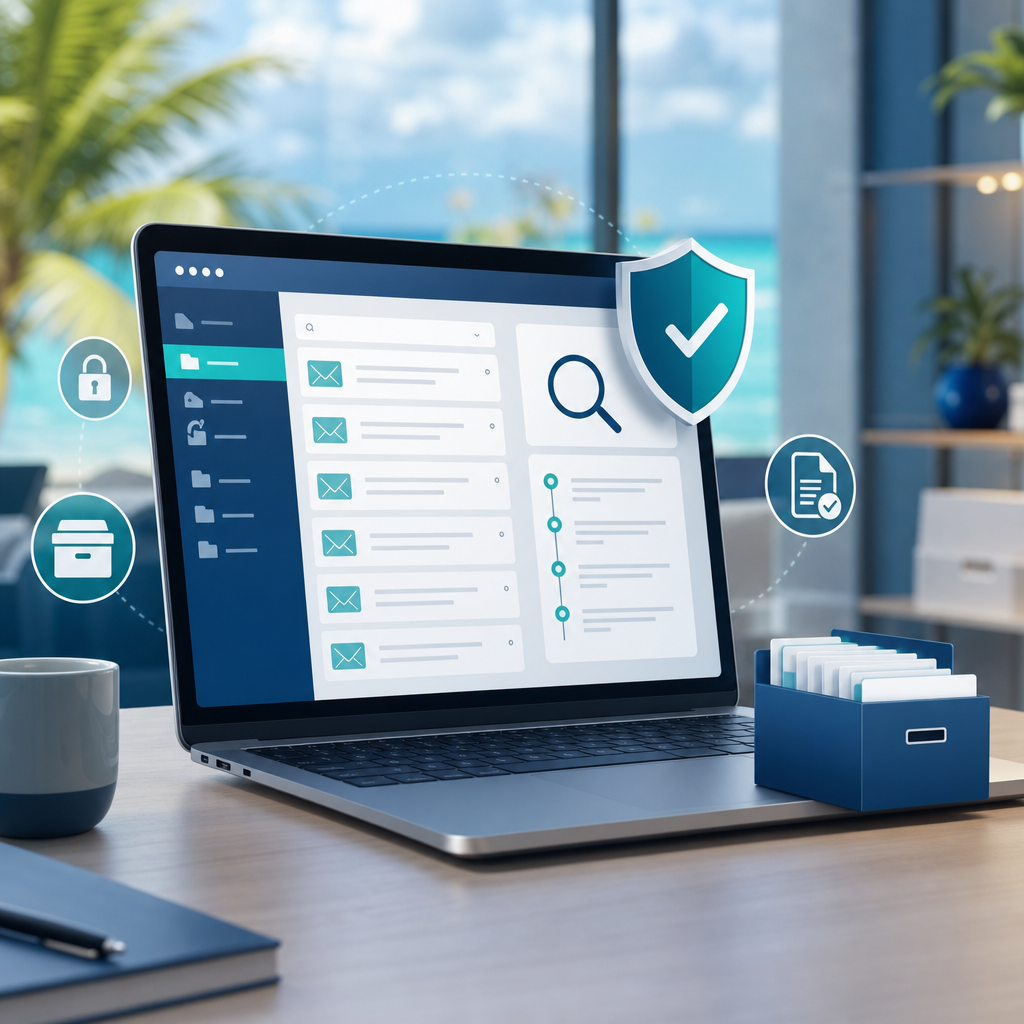
Email Archives Need Searchable Compliance, Not Mailbox Guesswork
Most businesses keep important decisions in email long after the conversation is over. A customer approval, supplier dispute, HR note, quotation change, payment query, legal instruction, or service complaint may all live in someone's mailbox.
That works until the business needs to prove what happened.
A GFI Software article on email security and data compliance highlights a common problem: staff are often not fully aware of email compliance and security best practices, which can leave sensitive information exposed and make audits harder. GFI points to GFI Archiver as a way to archive and manage email, calendars, faxes, and files in one place.
For Trinidad and Tobago SMBs, the practical lesson is clear: email should not be treated as a private filing cabinet on each user's laptop or phone. It should be part of a managed information system.
Email is a business record
Many companies only think about email when something breaks: a mailbox is full, a user leaves, a message is missing, or a customer says, “But we already approved that.”
By then, the question becomes urgent:
- Who received the message?
- Was the attachment changed?
- Did anyone reply?
- Was the message deleted?
- Can the company retrieve it after the employee leaves?
- Is there a copy that can be searched without giving broad access to the user's mailbox?
If the answer depends on one person's Outlook search, the business has a control gap.
Email archiving helps separate business memory from individual mailboxes. The goal is not to monitor staff unnecessarily. The goal is to preserve legitimate business records so the company can respond to audits, disputes, continuity events, and internal investigations with confidence.
Compliance is not only for large companies
Some local SMBs assume compliance is only an issue for banks, listed companies, or multinational firms. In practice, many ordinary businesses handle sensitive data every day.
A clinic may handle patient details. A school may handle parent and student records. A contractor may handle site documents and payment instructions. A professional services firm may handle contracts, tax records, payroll data, or confidential client instructions. A retailer may handle supplier pricing, warranty claims, and customer communications.
Even if a formal regulation does not apply in the same way it would overseas, customers and partners still expect the business to protect records properly.
Good email governance supports:
- audit readiness
- customer dispute handling
- internal accountability
- legal hold and retention needs
- onboarding and offboarding control
- faster search across historic messages
- reduced risk from accidental deletion
Where GFI Archiver fits
GFI Archiver is designed to centralize archived communication and make it easier to manage and search business records. The source article specifically notes that it can help archive and manage email, calendars, faxes, and files in one place.
For an SMB, that can reduce several common pain points:
- users keeping years of mail in oversized mailboxes
- managers asking IT to recover old messages one mailbox at a time
- former employee mailboxes being left active “just in case”
- business records being scattered across PST files, phones, and local machines
- uncertainty around who can find historical communication when needed
Used properly, archiving becomes part of the company's operating discipline. It supports security, continuity, and compliance instead of being a last-minute scramble.
Archiving does not replace email security
Email archiving is not the same as email protection.
A strong email environment still needs spam filtering, phishing protection, attachment scanning, MFA, access reviews, secure mobile policies, backups, and user training. Archiving helps preserve and retrieve records, but it should sit alongside preventive controls.
Blue Chip typically looks at email as a full lifecycle:
- Protect the mailbox from spam, malware, phishing, and impersonation.
- Control who can access accounts and shared mailboxes.
- Back up critical email data.
- Archive business records where retention and search matter.
- Train users on attachments, payment changes, AI data sharing, and suspicious links.
- Document what happens when users join, move roles, or leave.
That lifecycle is what keeps email useful without letting it become an unmanaged risk.
Start with a practical review
A business does not need to solve every compliance problem in one project. The right first step is usually a practical email review:
- Which mailboxes contain business-critical records?
- Are shared mailboxes documented and owned?
- How long should different types of email be retained?
- Are old user mailboxes being kept active unnecessarily?
- Can management retrieve key records without disrupting users?
- Are Microsoft 365, Google Workspace, or on-premises mail settings aligned with the policy?
- Does the business need archiving, backup, or both?
Once those answers are clear, tools like GFI Archiver can be evaluated against a real business need instead of being treated as another generic IT product.
The Blue Chip view
Email is too important to leave to guesswork. If your team cannot quickly find an approval, prove what was sent, recover messages after a staff change, or explain how long records are retained, the business is carrying avoidable risk.
Blue Chip can help review your email environment, clean up access, plan retention, assess where GFI Archiver fits, and build a managed email-security approach that suits the size and risk profile of your business.
The goal is simple: make email safer, searchable, and easier to govern before a dispute, audit, or staff change forces the issue.
Source: GFI Software — Email security and data compliance.


