
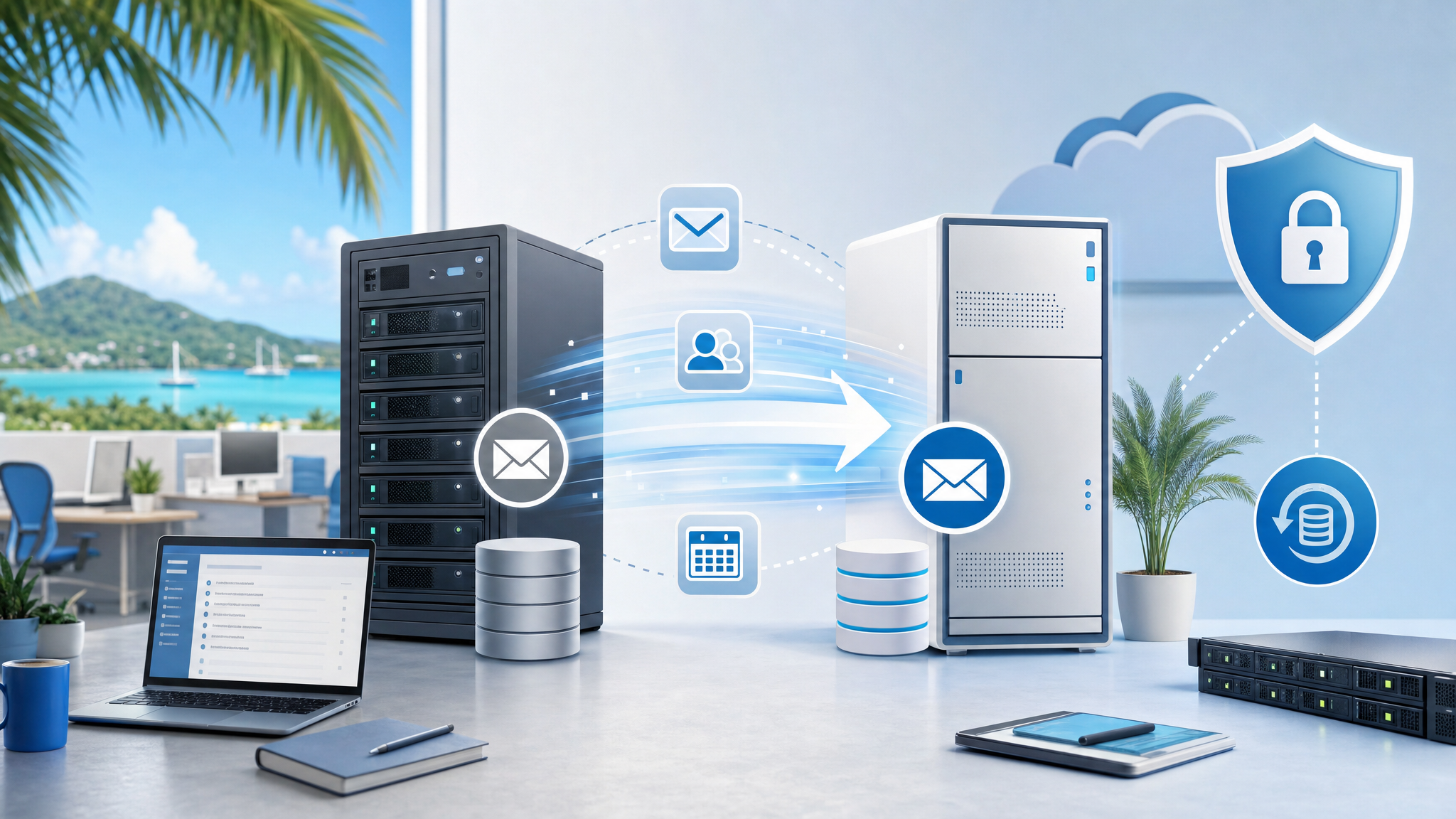
Exchange End of Life: Treat Email Migration as a Business Continuity Project
Microsoft Exchange 2016 and Exchange 2019 reaching end of support should not be treated as a last-minute technical chore. For many small and medium-sized businesses, email is tied to quotes, customer approvals, supplier instructions, invoices, HR records, management decisions, and daily operations.
When an email platform reaches end of life, the risk is bigger than an old server. The business has to think about security updates, backup and restore, mailbox access, mobile devices, archiving, compliance, uptime, licensing, and staff disruption.
A recent GFI Software article positions the Exchange 2016/2019 deadline as a chance to review alternatives such as GFI KerioConnect. Blue Chip's practical view is simple: use the deadline to make a planned email decision instead of waiting for an emergency migration.
End of life changes the risk calculation
An unsupported mail server eventually becomes harder to defend and harder to justify. Security patches stop. Compatibility becomes more uncertain. Recovery planning becomes more important. If the server also hosts years of business records, a failure can affect more than email delivery.
For Trinidad and Tobago SMBs, the operational risk often shows up in ordinary ways:
- staff cannot send or receive customer messages
- managers cannot find older approvals or attachments
- mobile mail stops syncing reliably
- former employee mailboxes are not handled cleanly
- backup status is unclear until a restore is needed
- anti-spam or antivirus filtering is inconsistent
- compliance or legal discovery requests become painful
- licensing and support costs become harder to forecast
That is why email migration should be handled as a business continuity project, not just a server upgrade.
KerioConnect may fit some businesses better than another complex Exchange project
GFI's article highlights GFI KerioConnect as an alternative for organisations that want business email, calendars, contacts, mobile sync, archiving options, backup features, Outlook integration, and centralised administration without rebuilding the same level of Exchange complexity.
The important point is not that every business should choose the same platform. The point is that the Exchange deadline creates a good moment to compare realistic options:
- move to Microsoft 365 where cloud-first collaboration is the best fit
- use Google Workspace where the business already works heavily in Google tools
- deploy GFI KerioConnect where predictable licensing, on-premises or hosted control, and simpler administration are preferred
- combine email hosting with stronger filtering, archiving, backup, and helpdesk workflows
A good decision should consider cost, control, security, staff habits, data location, recovery requirements, and long-term support.
The migration plan matters more than the product brochure
Email migrations fail when they are rushed or treated as copy-and-paste work. Before moving, the business should know what it has.
Blue Chip normally looks at:
- number of active users, shared mailboxes, aliases, and distribution lists
- mailbox sizes and historical data requirements
- Outlook, mobile, and webmail usage
- DNS records including SPF, DKIM, and DMARC
- third-party systems that send email, such as scanners, accounting software, CRM, websites, and alerts
- retention, archiving, and legal hold needs
- backup and restore expectations
- user training and cutover timing
- rollback plan if something does not behave as expected
This discovery step reduces surprises. It also helps identify whether the business is paying for features it does not use, missing controls it actually needs, or carrying old mailboxes that should be archived or removed.
Security should be improved during the move
A migration is a good time to raise the baseline.
That means enabling MFA where supported, reviewing administrator accounts, disabling stale users, documenting shared mailbox ownership, improving spam and malware filtering, checking domain authentication records, and confirming that backups can be restored.
It is also the right time to train users on payment-change fraud, phishing, suspicious attachments, QR-code scams, and urgent email requests. Email remains one of the main paths into a business, so the platform decision and the security process should be planned together.
For some businesses, GFI KerioConnect can be paired with other GFI capabilities such as MailEssentials or Archiver. For others, the right design may involve Microsoft 365, Google Workspace, third-party email security, endpoint protection, and managed backup. The best answer depends on the environment.
Do not wait for the deadline to become downtime
The worst time to plan an email migration is after mail has stopped flowing or a security incident has already happened.
If your business still depends on Exchange 2016 or Exchange 2019, now is the time to review the environment, compare options, estimate costs, and schedule a controlled migration window. A calm plan gives users time to prepare and gives IT time to test mail flow, mobile access, archives, backups, and business applications that send email.
Blue Chip can help assess your current email environment, compare Microsoft 365, Google Workspace, GFI KerioConnect, and related security options, then manage the migration with documentation, support, and post-cutover checks.
Source: GFI Software — Exchange 2016/2019 End of Life: Your Migration Opportunity.


