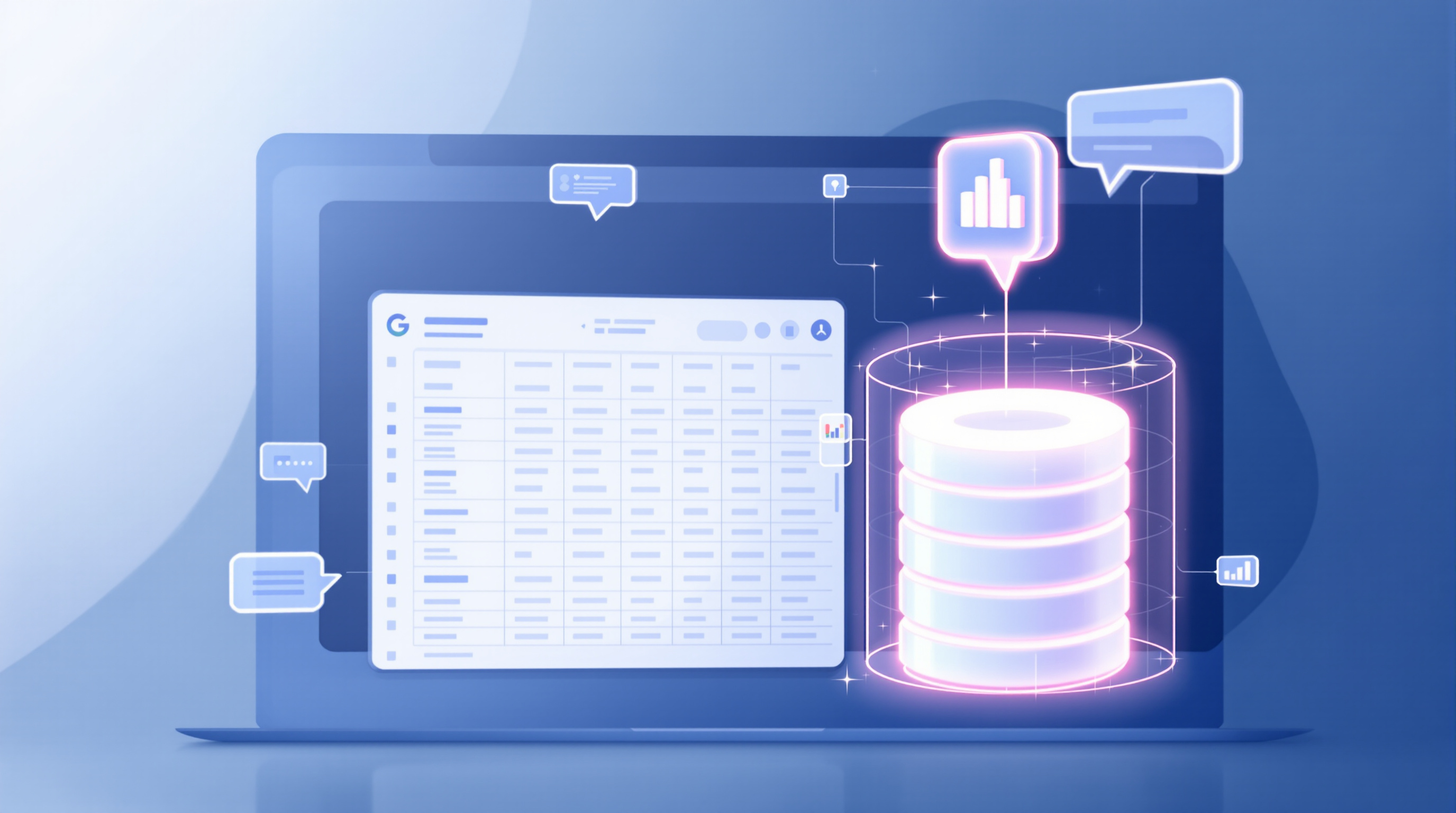
Google Workspace users with Android devices can now ask Gemini questions about their spreadsheet data directly from their phone. Tap the Gemini icon in Google Sheets, type a question like "What were our top-selling products last quarter?" and get instant analysis, summaries, or charts—no laptop required. This update means your sales team can pull insights during a client meeting, or your operations manager can check inventory trends from the warehouse floor.
What can Gemini actually do in Sheets on Android?
The mobile version focuses on data analysis and insights. You can:
- Ask plain-English questions about your spreadsheet data
- Get automatic summaries of tables
- Generate charts based on your data
- Request analytical insights (trends, patterns, outliers)

There's a catch, though. Complex edits, formatting, and formula generation still require the web version. So you won't be building pivot tables from your phone—but you can absolutely check whether last month's figures are tracking where they should be.
Which Google Workspace plans include this?
Not every Workspace subscription gets Gemini features. Here's the breakdown:
| Plan Type | Eligible Editions |
|---|---|
| Business | Standard and Plus |
| Enterprise | Standard and Plus |
| Education | Google AI Pro for Education |
| Consumer | Google AI Pro and Ultra |
If your organisation already has Gemini enabled at the domain level, this mobile feature works automatically. No extra admin setup needed.
How do I start using it?
- Open Google Sheets on your Android device
- Open any spreadsheet with data you want to analyse
- Tap the Ask Gemini icon (the sparkle)
- Type your question or select a suggested prompt like "Summarise this table"

The feature started rolling out in September 2026, so if you don't see it yet, give it a few days.
Why does mobile data analysis matter for business?
Picture this: you're meeting a potential client and they ask about delivery timeframes. Instead of saying "I'll get back to you," you pull up your logistics spreadsheet, ask Gemini "What's our average delivery time by region?" and have your answer in seconds.
Or your finance director is travelling and needs to review quarterly figures before a board call. Quick summaries and trend analysis, right from their phone.
It's not about replacing proper analysis at your desk. It's about getting answers when you need them, wherever you are.
Frequently asked questions
Do I need to enable anything as an admin?
No separate control exists for this mobile feature. If Gemini for Google Workspace is already enabled at your domain or organisational unit level, users with eligible plans will have access automatically.
Does this work on iPhone?
This announcement covers Android devices. iOS availability may follow, but Google hasn't confirmed timing.
Can I create formulas with Gemini on mobile?
Not yet. Formula generation, complex edits, and formatting actions require the web version of Google Sheets.
Is my spreadsheet data used to train AI models?
Google's Workspace AI features operate under your organisation's data processing agreements. Check your admin console settings or contact your Google partner for specifics on your setup.
Ready to get Gemini working for your team?
If you're not sure whether your current Workspace plan includes Gemini, or you'd like help rolling out AI features across your organisation, Blue Chip Technologies Ltd. can help. We're a Google Workspace partner supporting businesses worldwide with setup, training, and ongoing support.
Get in touch: