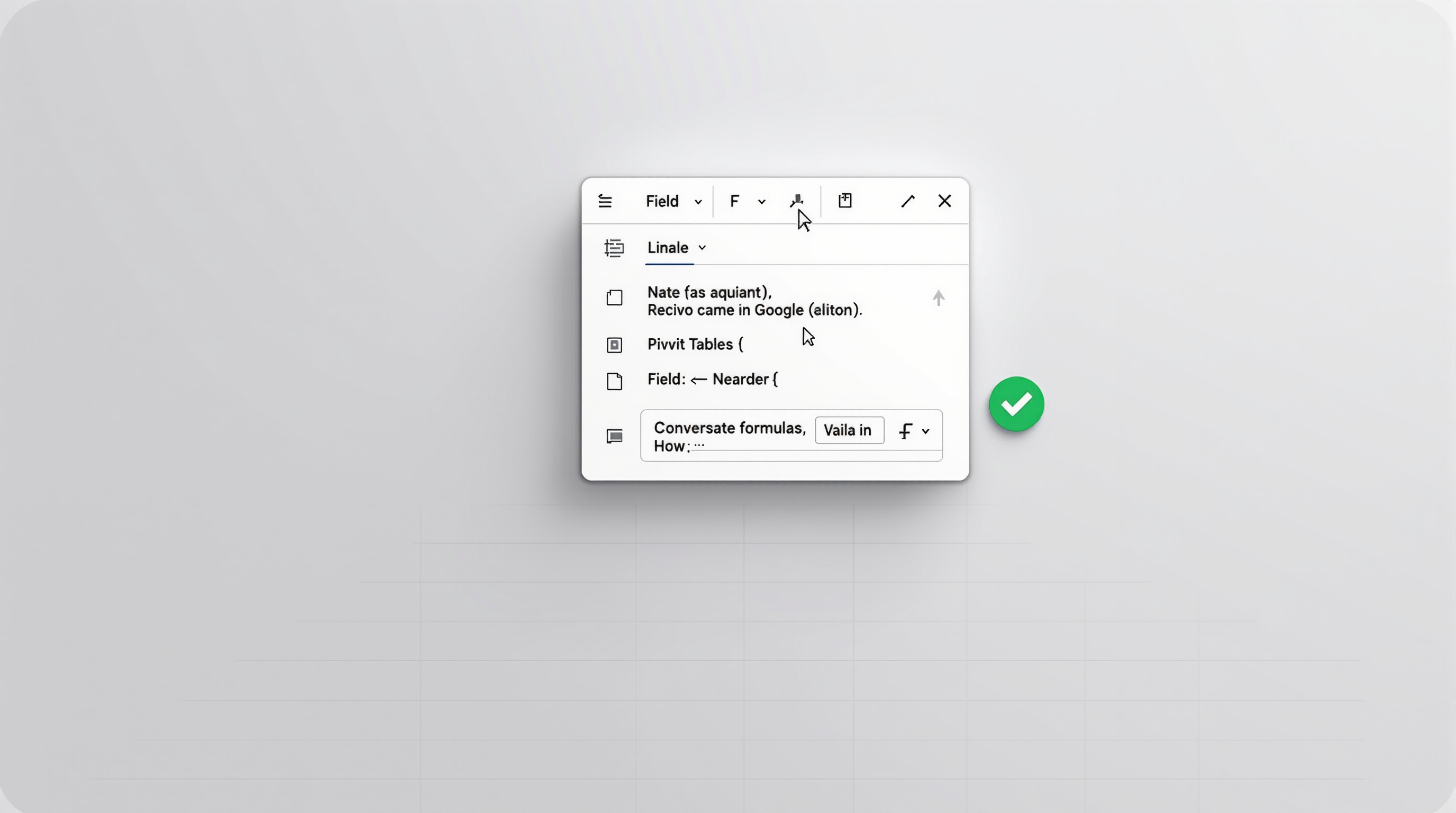
Google Sheets now makes it much easier to create calculated fields in pivot tables. A new dedicated formula editor replaces the old inline sidebar approach, giving you dropdown menus to select field names and real-time error checking before you apply anything. If your team spends time building reports or analysing data in Sheets, this update removes friction and reduces formula mistakes.
What's actually changed with calculated fields?
Previously, adding a calculated field to a pivot table meant typing formulas into a cramped sidebar card. You had to remember exact field names and spell them correctly. There was no error checking until you tried to apply the formula—so you'd often discover typos only after things broke.
The new editor is a proper dialog box with:
- Field selection menus – Click to insert column names instead of typing them manually
- Live syntax validation – See errors highlighted as you build the formula, not after
- A cleaner workspace – More room to construct complex calculations without squinting at a narrow sidebar
It's a small change that saves real time, especially when you're building reports with multiple derived metrics.
How does this help day-to-day reporting?
Think about monthly sales reports or project tracking dashboards. You might need calculated fields for profit margins, year-on-year growth, or weighted averages. With the old method, a single misspelled field name meant starting over. Now you pick from a list and the formula validates as you go.
For teams that share spreadsheets across departments, consistency matters. When formulas are easier to build correctly the first time, you spend less time debugging someone else's calculation six months later.
If your organisation already uses Google Workspace for collaboration, this update applies automatically—no admin action needed. It started rolling out in September 2026 and should be available to all Workspace accounts within a few weeks.
For more on how Google Workspace fits into your business operations, see our Google Workspace solutions page.
Frequently asked questions
Do I need to do anything to enable the new calculated field editor?
No. This rolls out automatically to all Google Workspace accounts and personal Google accounts. There's no admin toggle.
Will my existing calculated fields still work?
Yes. Existing pivot tables and calculated fields remain unchanged. The new editor simply gives you a better interface when you create or edit them going forward.
Is this available on mobile?
The update applies to Google Sheets on the web. Mobile functionality may differ—check the Google Docs Editors Help Centre for current details.
Ready to get more from Google Workspace?
If you're not yet on Google Workspace, or you'd like help training your team to use features like pivot tables and calculated fields effectively, Blue Chip Technologies Ltd. can help. We support clients worldwide with setup, migration, and ongoing support—remotely or on-site for those in Trinidad & Tobago.
Get in touch: