
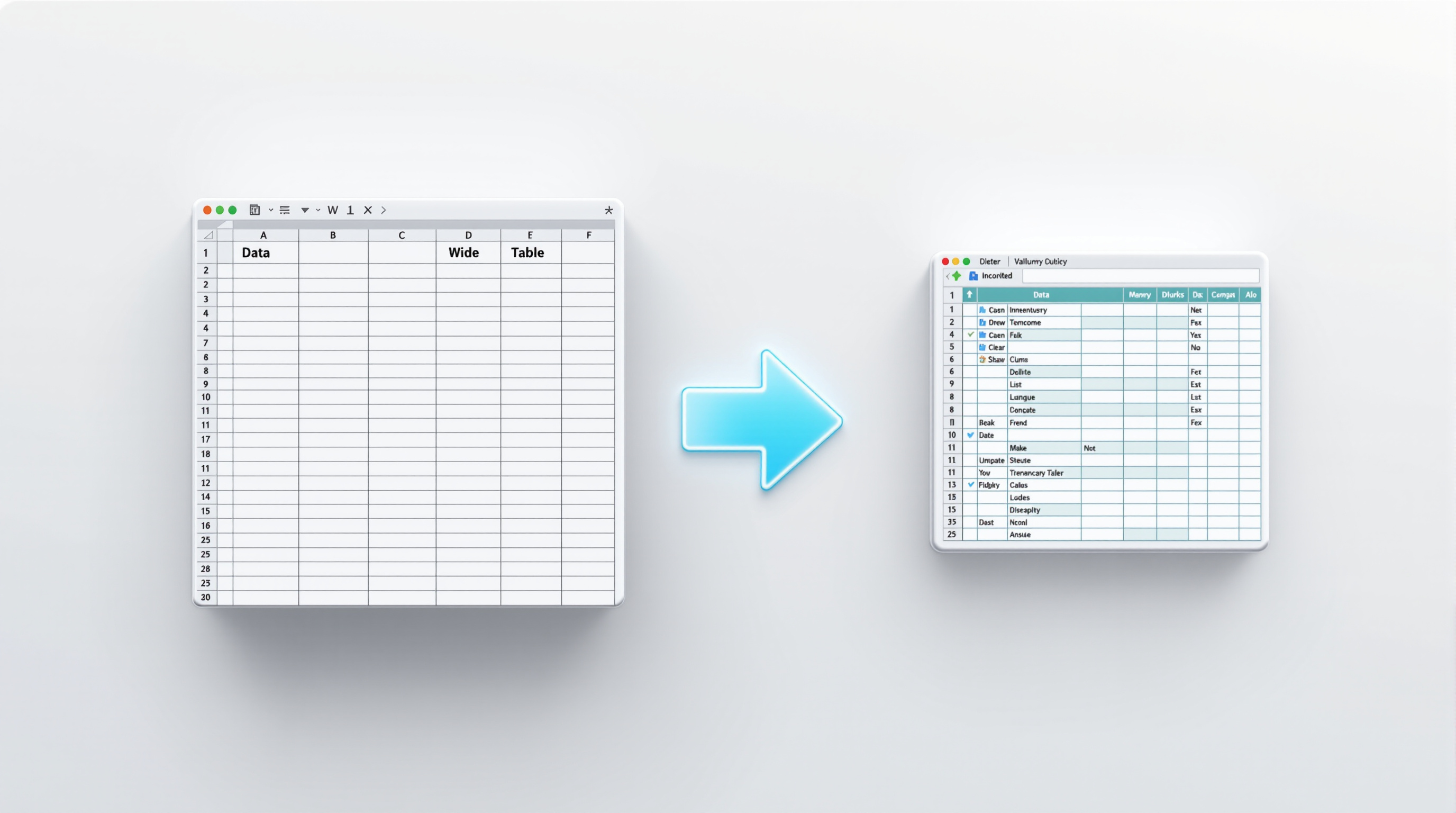
Google Sheets now lets you switch pivot tables to a compact form layout, which stacks all your row fields into a single column with indentation instead of spreading them across multiple columns. The practical result? Less horizontal scrolling when you're working with multi-level data, and your pivot tables stay readable even when you've got three or four row groupings going.
This update also fixes a long-standing annoyance: when you import Excel files that use compact form pivot tables, Sheets now keeps that layout intact rather than converting everything to outline form. Export back to Excel, and the structure stays put.
Why does this matter for your spreadsheets?
If you've ever built a pivot table with multiple row fields—say, Region > Country > City > Product Category—you know how quickly things get unwieldy. Each field adds another column, and suddenly you're scrolling sideways just to see your values.
Compact form nests everything into one column. Each level gets indented, and you get expand/collapse buttons right there in the cells. It's the same data, just easier to scan.
For finance teams running quarterly reports or operations managers tracking inventory across locations, this means less time reformatting and more time actually analysing.
How do I switch to compact form layout?
- Open your spreadsheet and click anywhere in your pivot table
- The pivot table editor panel should appear on the right
- Look for the layout options
- Select Compact form instead of Outline form
That's it. Your existing data stays the same; only the visual arrangement changes.
What about Excel compatibility?
This is where the update really shines for organisations using both platforms. Previously, importing an Excel file with a compact form pivot table would automatically convert it to outline form in Sheets. Not ideal if you're collaborating with colleagues who live in Excel.
Now, Sheets preserves the original layout on import. Make your edits in Sheets, export back to Excel, and the compact form structure remains. No more reformatting on either end.
If your team regularly passes files between Google Workspace and Microsoft 365 users, this removes one more friction point. For more on how Google Workspace handles cross-platform collaboration, see our Google Workspace solutions page.
Frequently asked questions
Is compact form available on all Google Workspace plans?
Yes. This feature is available to all Google Workspace customers—Business Starter through Enterprise—as well as personal Google accounts.
Do I need my admin to enable anything?
No. There's no admin control for this feature. It's available to end users by default once the rollout reaches your domain.
Will my existing pivot tables change automatically?
No. Your current pivot tables stay in whatever layout they're already using. You choose when to switch individual pivot tables to compact form.
Can I still use outline form if I prefer it?
Absolutely. Both layout options remain available. Pick whichever works better for the data you're presenting.
If you'd like help getting your team set up on Google Workspace—or want to make sure you're getting the most out of features like this—Blue Chip Technologies Ltd. is here to help. We support businesses globally with remote setup and ongoing assistance.
Get in touch: