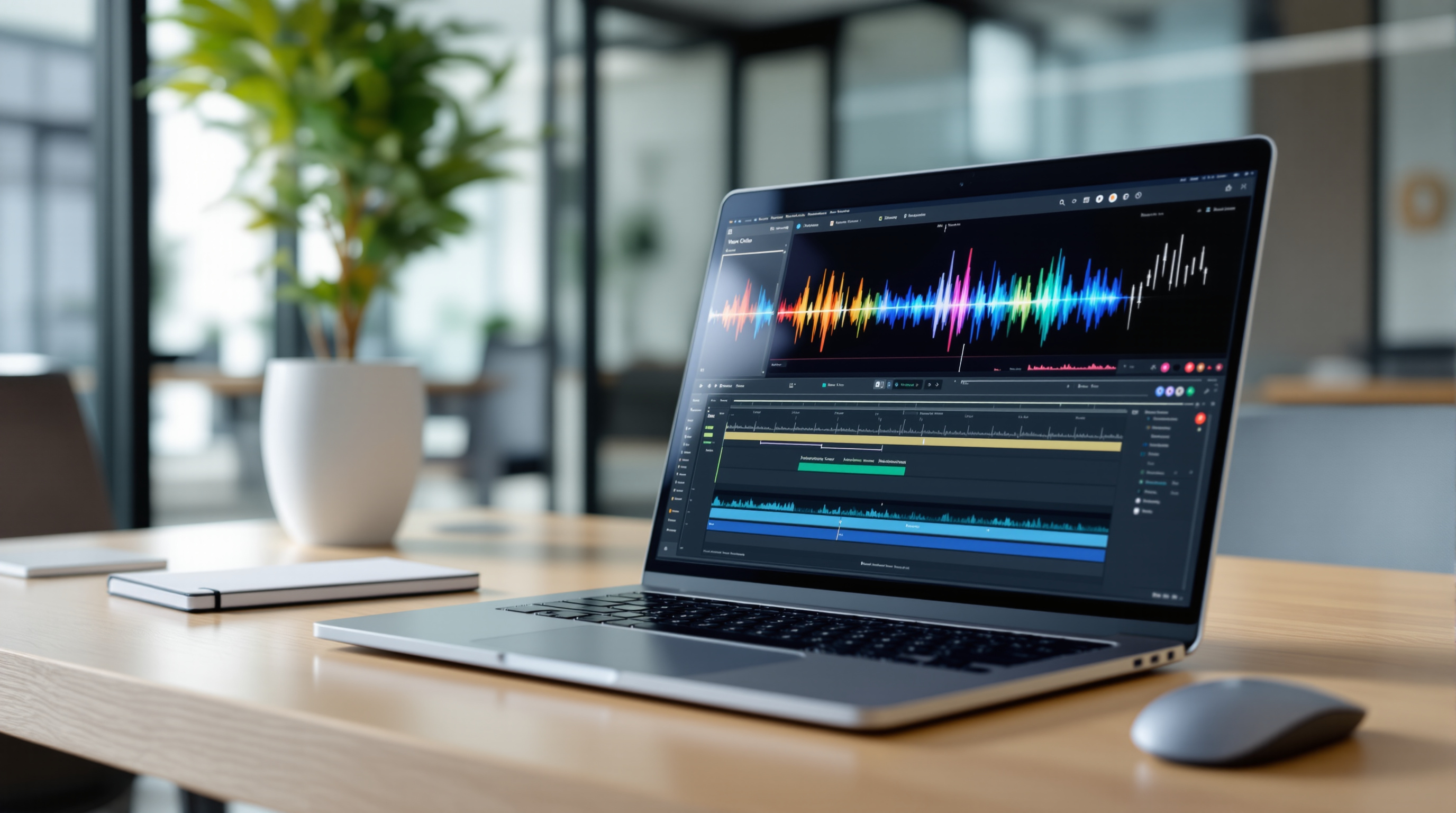
Google Vids now produces AI voiceovers that sound noticeably more human, thanks to an upgrade to the Gemini 3.8 Flash Lite text-to-speech engine. If you've been creating training videos, product demos, or internal comms and found the narration a bit stilted, this update addresses that directly—better pacing, natural emphasis, and fewer of those awkward robotic pauses that make viewers tune out.
What's actually changed with Google Vids voiceovers?
Google has swapped out the previous text-to-speech model for Gemini 3.8 Flash Lite TTS. In practical terms, this means:
- More natural sentence flow – The AI now handles inflection and emphasis based on context, so your script doesn't sound like it's being read by a sat-nav.
- Faster audio generation – You can tweak your script and hear the new voiceover almost immediately, which makes the edit-preview-adjust cycle far less tedious.
- Improved avatar narration – If you're using Google Vids' avatar feature, the voice now matches the on-screen presence more convincingly.
There's no toggle to flip or setting to enable. The upgrade is live across all supported Workspace editions.
Who can use this?
The updated voiceover engine is available to:
- Business Starter, Standard, and Plus
- Enterprise Starter, Standard, and Plus
- Education Plus
- Essentials, Enterprise Essentials, and Enterprise Essentials Plus
- Nonprofits
- Individual subscribers
- Users with Google AI Pro, Ultra, or relevant add-ons
If your organisation already has access to Google Vids, you've got the upgrade.
Why does this matter for business video?
Let's be honest—nobody wants to sit through a five-minute training video where the narrator sounds like they're reading a terms-and-conditions document. Poor audio quality or unnatural delivery kills engagement. People click away.
With this TTS improvement, you can produce polished explainer videos, onboarding content, or sales presentations without hiring a voice actor or spending hours re-recording takes. Your marketing team can turn around a product update video in an afternoon. Your HR department can create consistent training materials across multiple regions without worrying about accent or availability.
It's a small change under the hood, but it removes a real friction point for teams trying to communicate through video.
How do I create a voiceover in Google Vids?
- Open your project in Google Vids.
- Add or edit a scene where you want narration.
- Enter your script text in the voiceover panel.
- Select your preferred voice style.
- Preview the audio—adjustments render quickly now.
- Fine-tune your script until the pacing feels right.
- Export your finished video.
That's it. No plugins, no external tools, no waiting around.
Frequently asked questions
Do I need to enable the new TTS model?
No. The Gemini 3.8 Flash Lite upgrade is automatic. If you have Google Vids access, you're already using it.
Will my existing videos be updated?
Previously generated voiceovers won't change automatically. You'd need to regenerate the audio to hear the difference.
Is this available on all Workspace plans?
It's available on most business, enterprise, education, and nonprofit editions. Check your Workspace admin console if you're unsure about your organisation's access.
Can I still use my own recorded audio?
Absolutely. AI voiceover is an option, not a replacement. You can upload custom audio whenever you prefer a human touch.
If you're looking to get more from Google Workspace—whether that's rolling out Vids for your team, migrating from another platform, or just making sure your setup is optimised—Blue Chip Technologies Ltd. can help. We support businesses worldwide with remote setup and ongoing assistance, plus on-site service for clients in Trinidad and Tobago.
Get in touch:
- Contact us online
- Call: 1 (868) 609-2288
- Email: [email protected]
For more on what's included in Google Workspace, see our Google Workspace solutions page.