Google Workspace Drops: Easier Videos, Meetings, and AI Follow-Through
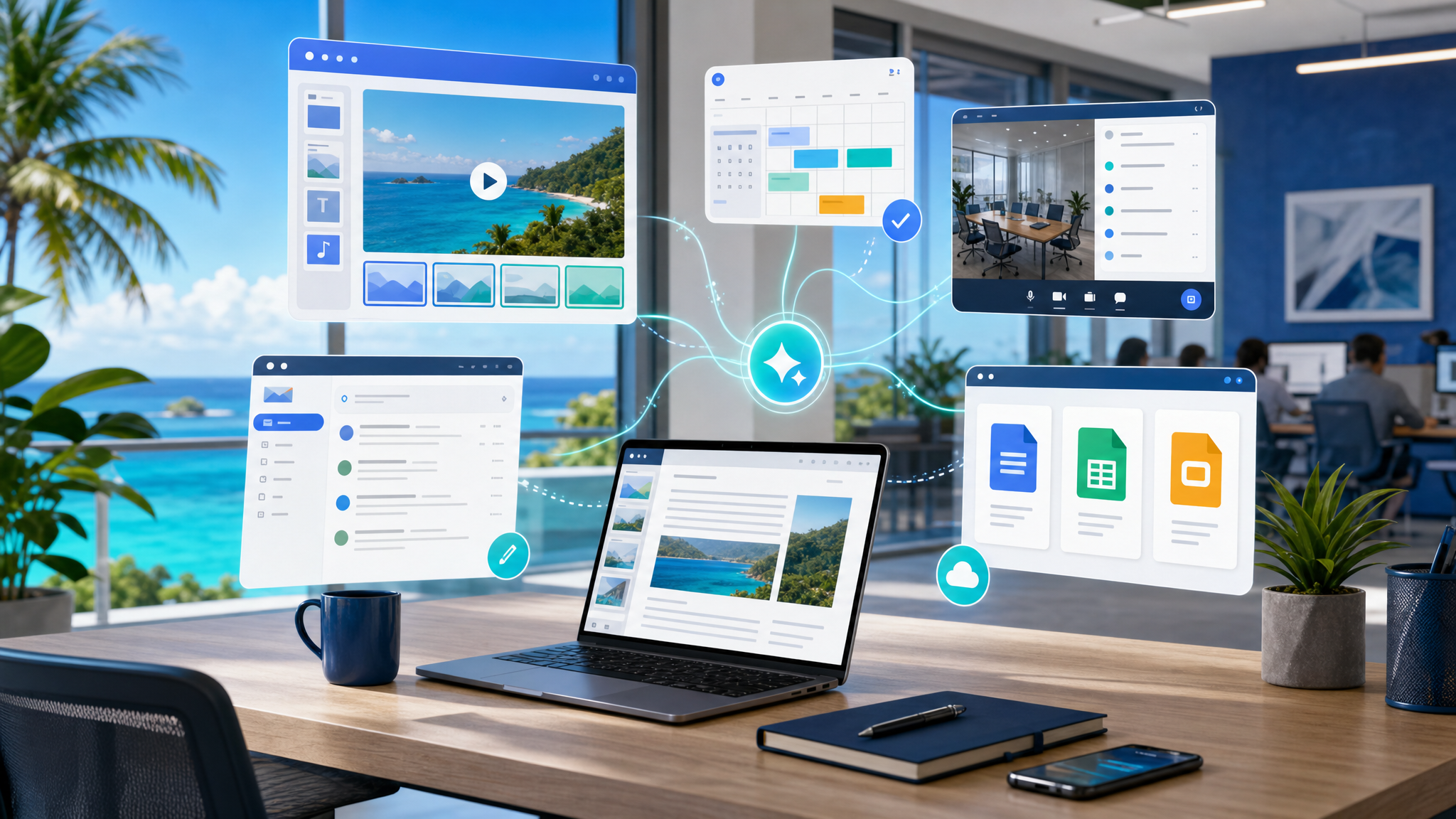
Many small and mid-sized businesses already use Google Workspace for email, documents, meetings, and shared files. The real value comes when those tools stop feeling like separate apps and start helping teams move work forward with less manual coordination.
Google's latest Workspace Drop is useful because it focuses on everyday workflow improvements: creating business videos faster in Google Vids, finding meeting times from Gmail, getting private meeting assistance in Google Meet, and picking up previous Gemini conversations across Workspace apps.
For Blue Chip clients, this is the kind of update that can reduce small daily friction across sales, HR, operations, management, and customer service.
Google Vids makes internal communication easier
Most businesses need more short videos than they realise:
- staff onboarding explainers
- product or service introductions
- customer support walkthroughs
- safety and compliance reminders
- branch updates
- training recaps
- management announcements
- campaign and event previews
The problem is that video production often feels too heavy. Someone needs a script, a presenter, a recording setup, background music, editing time, and approvals.
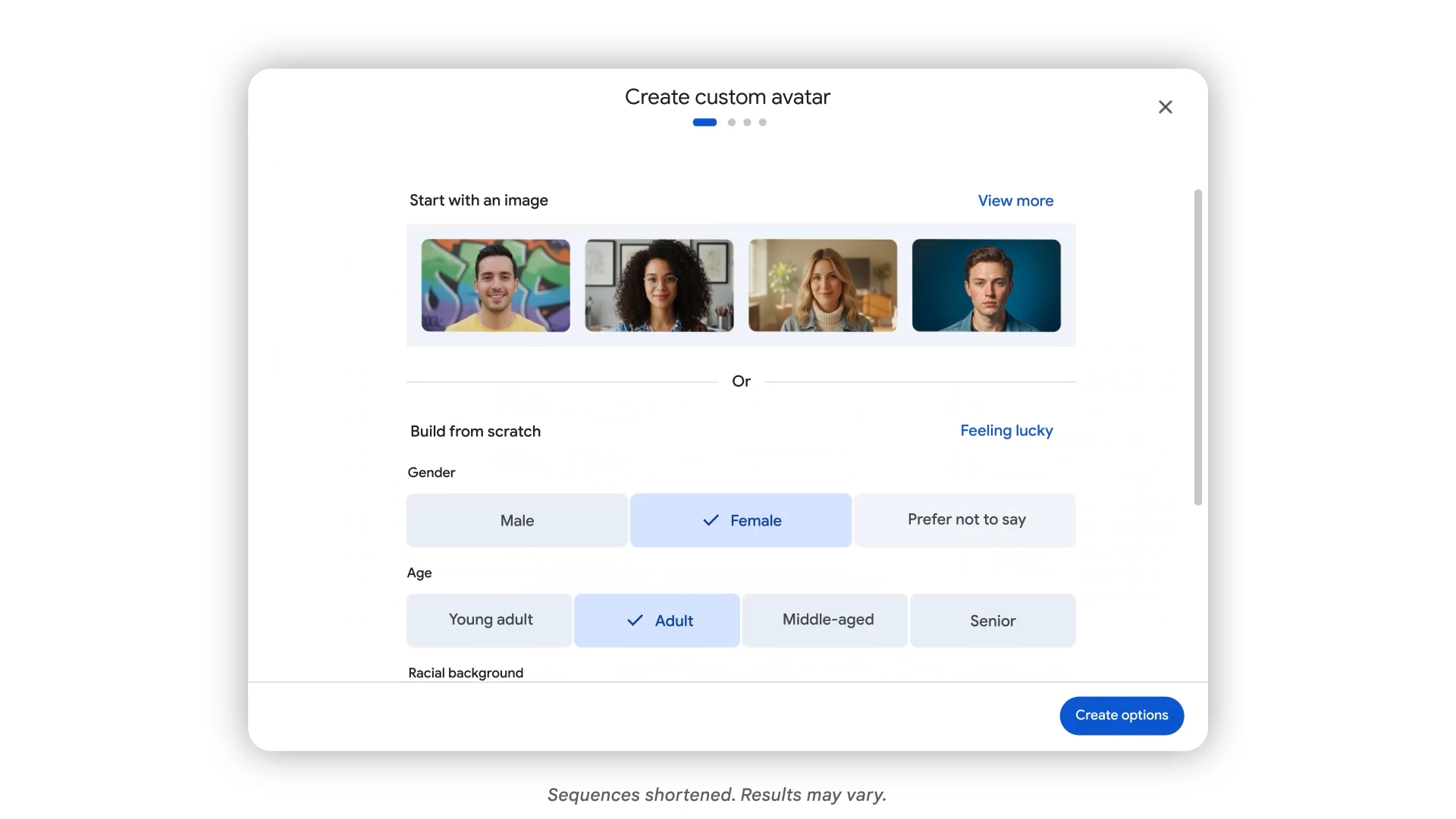
Google Vids is aimed at making that process lighter inside the Workspace environment. The new avatar, screen recording, voiceover, language, and generated music improvements mean teams can create more polished videos without turning every announcement into a studio project.
That matters for Trinidad and Tobago SMBs because many teams are stretched. A manager may need to explain a new procedure, a salesperson may need a quick product walkthrough, or HR may need a repeatable onboarding clip. If the tool is already connected to the same Workspace environment staff use every day, adoption becomes much easier.
Better scheduling directly from Gmail
Meeting coordination is one of those small tasks that quietly consumes a lot of time. A customer asks for a meeting. Three internal people need to attend. Someone replies with possible slots. Another person is unavailable. The thread keeps growing.
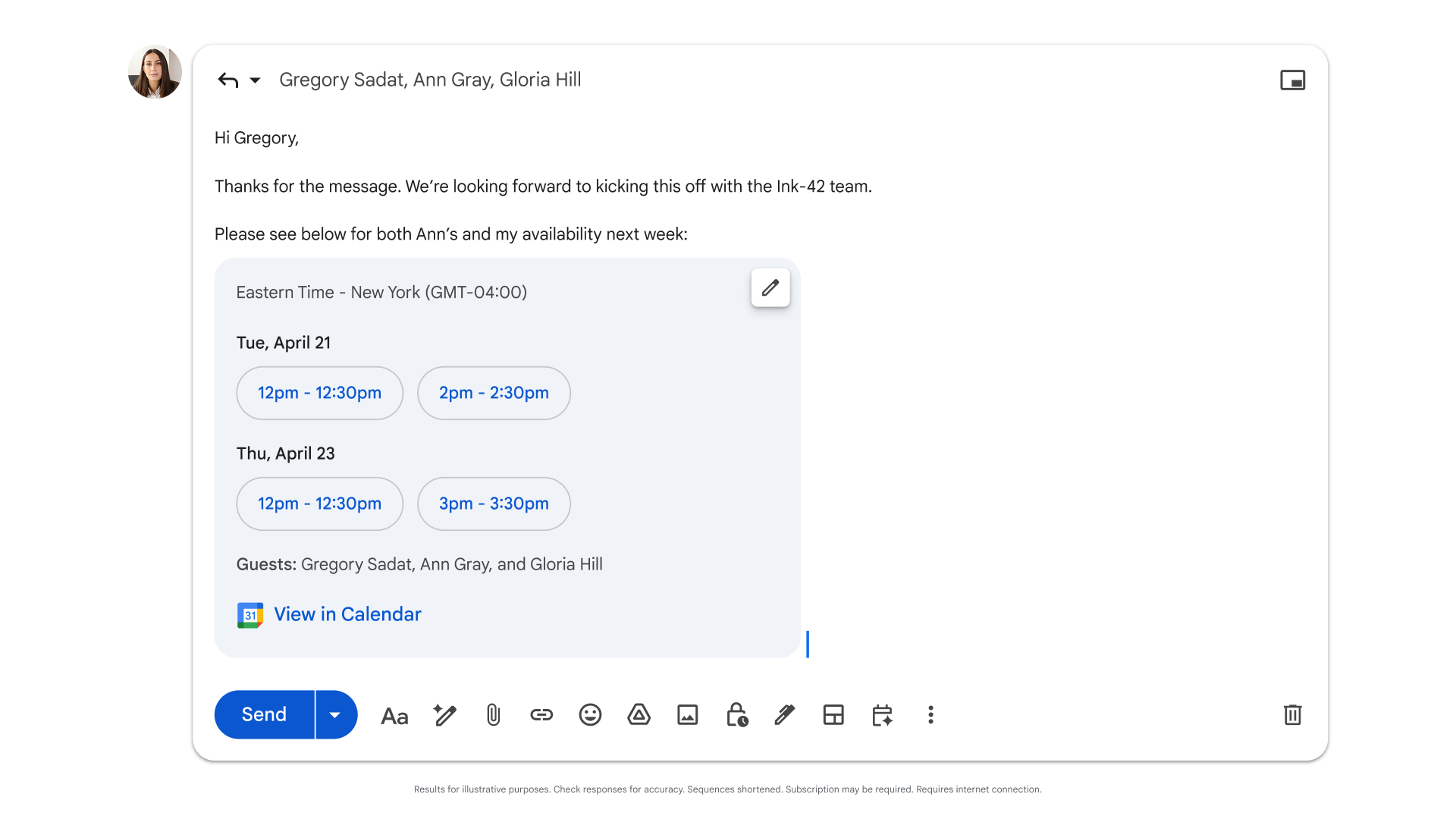
Google's update expands Gemini-assisted scheduling in Gmail for groups. When the system detects that a meeting is being arranged, it can help suggest times that work for the people involved.
For a business, the value is simple: fewer back-and-forth emails and faster movement from discussion to decision.
This is especially useful for:
- sales calls involving account managers and technical staff
- project meetings with multiple departments
- customer onboarding sessions
- vendor discussions
- management reviews
- support escalations that need the right people in the room
The productivity gain is not dramatic in one single meeting. It becomes meaningful when it happens across dozens of scheduling threads every month.
Gemini in Meet helps people stay focused
Meetings are more useful when participants can stay engaged instead of trying to take perfect notes while listening.
Google is expanding language support for Ask Gemini in Google Meet, allowing more users to privately ask questions during a meeting, catch up on missed points, and identify action items without interrupting everyone else.
For businesses with regional customers, suppliers, or overseas partners, broader language support can also help teams work more comfortably across borders.
The practical benefit is better meeting follow-through. If users can clarify what was said, capture action items, and understand decisions while the meeting is still happening, there is less chance of work being lost after the call ends.
Conversation history makes AI assistance more useful
One of the frustrations with AI tools is having to restart context every time. Google's update adds conversation history for Gemini in the side panel across Gmail, Docs, Sheets, Slides, Drive, and Chat.
That can make Gemini more practical for real work. A user might start by summarising a client email thread in Gmail, continue drafting a response, later build a proposal outline in Docs, and then return to the earlier context when preparing a presentation or follow-up.
For managers and teams, this supports more continuous work:
- summarising a long email thread before a client call
- turning meeting notes into a task list
- converting a rough document into a client-ready draft
- reviewing Drive files before preparing a report
- building presentation points from an existing proposal
- returning to earlier AI suggestions without starting from scratch
Administrative controls remain important. Businesses still need sensible policies for data access, retention, sharing, and user training. But the workflow direction is clear: AI is becoming more useful when it stays close to the work users are already doing.
Why this matters for Blue Chip clients
Google Workspace is not just a mailbox and cloud storage subscription. For many SMBs, it can become the operating layer for communication, meetings, documents, approvals, training, and customer follow-up.
These updates help in four practical areas:
- Communication: Google Vids can help teams create short, repeatable messages without needing a full production process.
- Coordination: Gemini-assisted scheduling in Gmail can reduce meeting setup delays.
- Collaboration: Gemini in Meet can help participants capture context and action items while staying engaged.
- Continuity: Gemini conversation history can reduce repeated prompting and help users pick work back up across Workspace apps.
The software is only part of the picture. Businesses also need the right licensing, access controls, file organisation, staff training, and support process.
Blue Chip's managed approach
Blue Chip helps clients get practical value from Google Workspace by looking at the full environment, not just the feature announcement.
That includes reviewing licensing, user roles, shared drives, security settings, device access, admin controls, data retention, and staff workflows. For Gemini and AI features, we also help clients think through governance: who should have access, what data users can work with, how sensitive files are protected, and where training is needed.
A good rollout should answer questions like:
- Which teams would benefit most from Google Vids?
- Are shared drives and permissions structured properly before AI features are expanded?
- Do managers know how to use Gemini for meeting follow-up and document workflows?
- Are users trained on safe handling of customer and company data?
- Does the business have the right Google Workspace edition for the features it wants?
- Who supports users when new workflows are introduced?
For Trinidad and Tobago businesses, the goal is not to chase every new AI feature. The goal is to use the right features to save time, communicate more clearly, and manage work more consistently.
Google's latest Workspace Drop is a good reminder that productivity improvement usually comes from small workflow upgrades repeated across the whole business.
Source: Google Workspace Blog — Workspace Drop: New easy ways to create and share videos with AI in Google Vids.