So you've decided to move your business to 3CX — smart choice. Now comes the question everyone asks us: "Which phones should we actually buy?"
Look, Yealink makes a lot of models. Walking through their catalogue without guidance can feel like choosing a car when all you know is you need four wheels. Let's break down what actually matters for your 3CX setup, so you end up with phones that fit your team — not phones that sit in a box because nobody wants to use them.
Why Yealink and 3CX Work So Well Together
Yealink is one of 3CX's officially supported hardware partners. What does that mean for you? The phones come pre-configured to work with 3CX out of the box. No fiddling with obscure settings or calling tech support because the BLF keys won't light up properly.
When we provision Yealink phones for clients here in Trinidad, the 3CX system pushes the configuration directly to the handset. Your receptionist picks up the phone, and it just works. That's the goal.
Matching Phones to Roles (Not Everyone Needs the Same Thing)
Here's where businesses waste money: buying the same phone for everyone. Your warehouse supervisor doesn't need video calling. Your CEO probably doesn't need a basic two-line phone. Think about what each person actually does.
Entry-Level: For Light Phone Users
If someone takes a few calls a day and mostly uses their computer or mobile, they don't need much. Yealink's T3 series handles the basics — clear audio, a few programmable buttons, easy to use.
Good for:
- Warehouse or workshop staff
- Employees who work mostly on laptops
- Break rooms or common areas
Mid-Range: The Workhorse Phones
This is where most office workers land. The T4 series gives you:
- Colour screens (easier to navigate)
- More programmable keys for speed dial or line monitoring
- Better speakerphone quality for quick hands-free calls
- Bluetooth and USB headset support on higher models
If your accounts team spends half their day on the phone with suppliers, or your sales reps juggle multiple calls, this tier makes sense.
Executive and Reception: When You Need More
Receptionists and executive assistants handle serious call volume. They need to see who's on a call, transfer quickly, and manage multiple lines without fumbling.
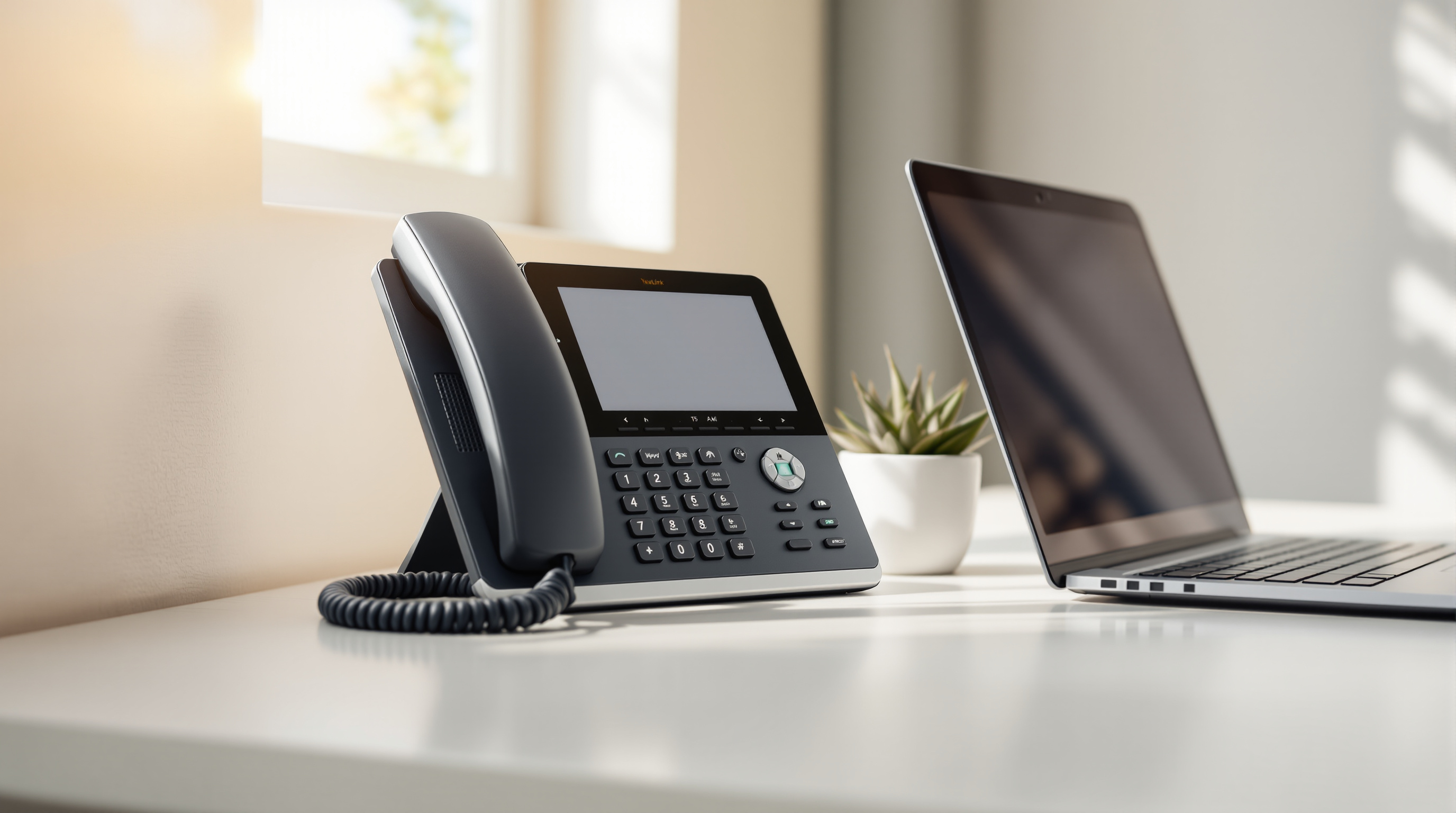
Yealink's T5 series and expansion modules give you:
- Large touchscreens
- Sidecar modules with dozens of programmable buttons
- HD audio and noise cancellation
We've set up front desk stations in Port of Spain offices where the receptionist monitors 30+ extensions at a glance. That's the difference the right hardware makes.
Conference Phones: For Meeting Rooms
Got a boardroom? A conference phone like the Yealink CP series picks up voices clearly across a table — no more "can you repeat that?" from the person sitting furthest from the speakerphone.
These integrate directly with 3CX, so joining a conference call is one button press.
A Few Things to Consider Before You Order
How's your network? IP phones need stable PoE (Power over Ethernet) switches or power adapters. If your cabling is old or your switches are consumer-grade, sort that first.
Headsets matter. If your team uses headsets, make sure they're compatible. Yealink makes their own, or you can use other brands — just check before buying a drawer full of them.
Think about growth. Ordering five phones today? Great. But if you're hiring next quarter, plan ahead. Mixing and matching models is fine, but consistency helps with training and support.
Let Blue Chip Handle the Details
We've been setting up Yealink phones on 3CX systems across Trinidad and Tobago for years. We know which models work best for different setups, and we handle provisioning so your team isn't stuck reading manuals.
Whether you're outfitting a new office or upgrading from an old PBX system, we'll help you pick the right phones and get them running properly.
Ready to talk phones?
- Call us: 1 (868) 609-2288
- WhatsApp: Send a message
- Email: [email protected]
- Contact form: bluechiptt.com/contact